
ASUS Zenbook Laptops
ASUS Zenbook laptops in Bangalore at YourShoppy cover the whole thin-and-light range: Zenbook 14, Zenbook A14, Zenbook S 14, Zenbook S 16 and the dual-screen Zenbook Duo. Every Zenbook we stock has an OLED screen, and many are Copilot+ PCs with a built-in AI chip. Each one is a sealed India unit with ASUS warranty and Windows 11 with Office.
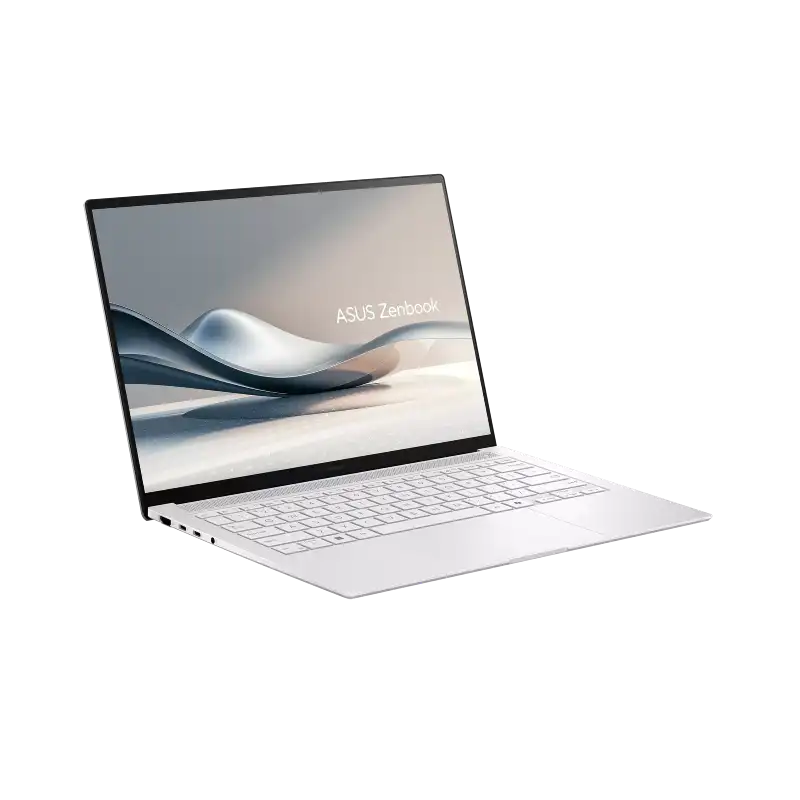
We’re an authorised ASUS dealer in 1st Block Koramangala with about 20 Zenbook configurations in stock. Filter by processor, RAM and price below, or WhatsApp 97392 21133 or 98869 19198 and tell us what you’ll use it for.
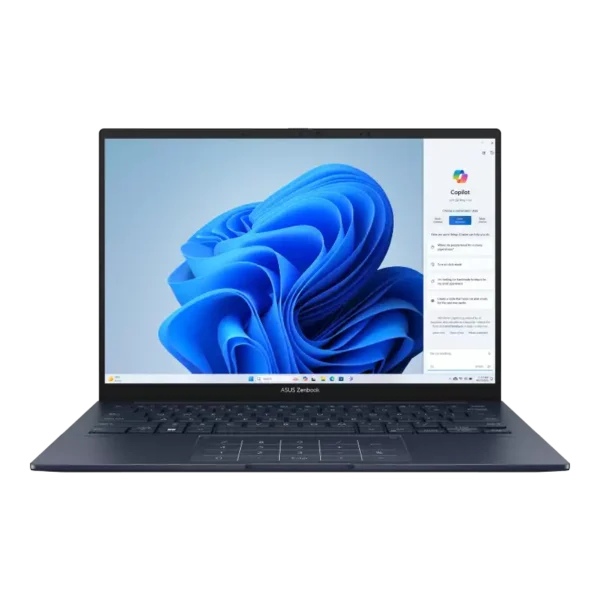
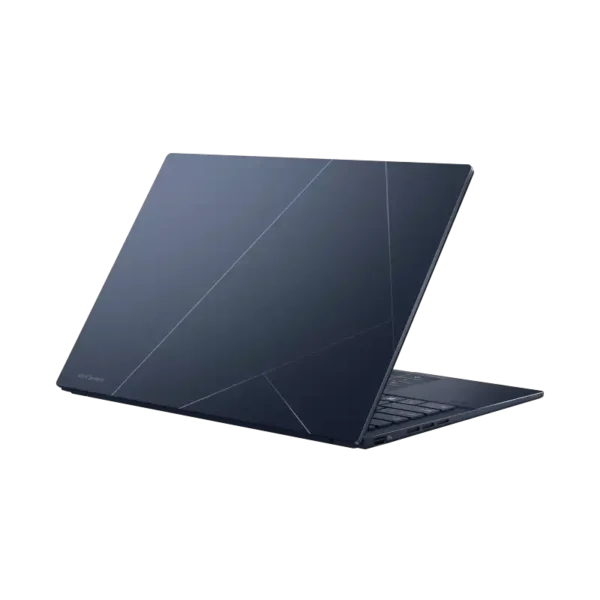
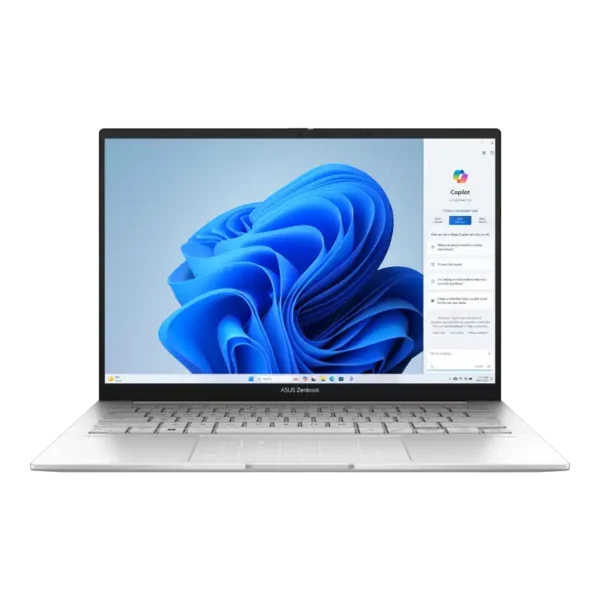
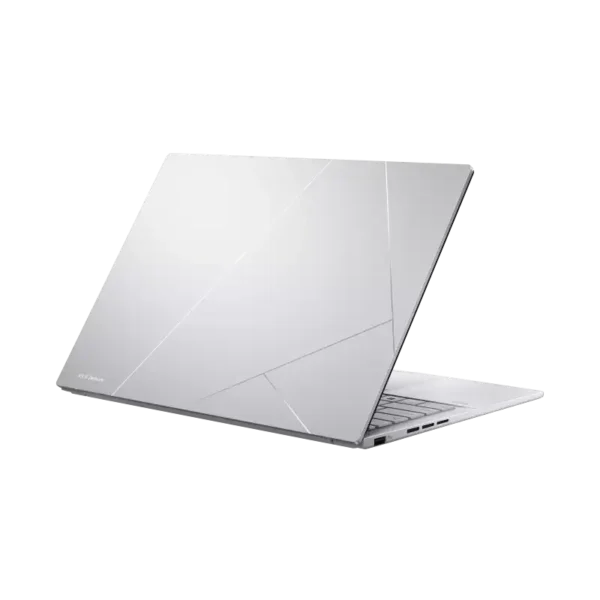
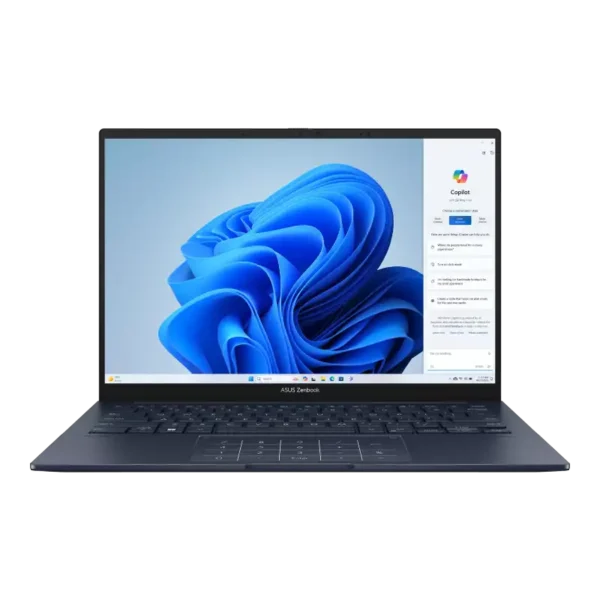
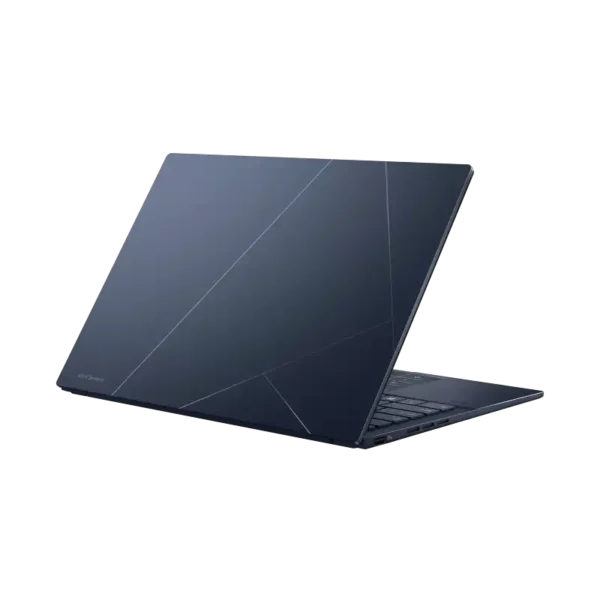
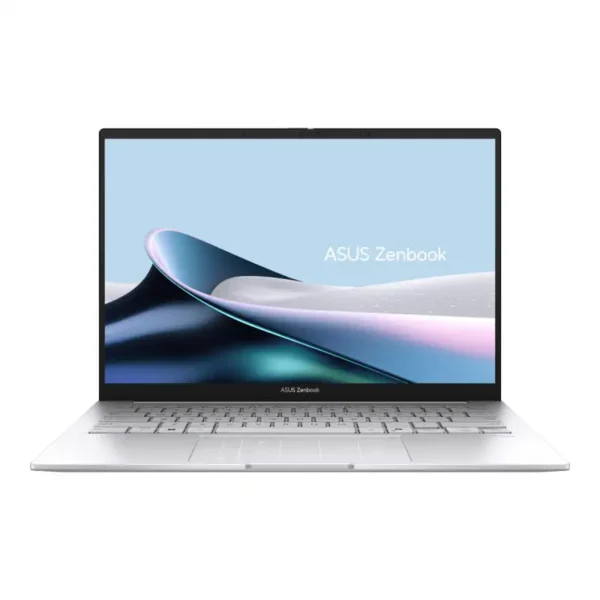


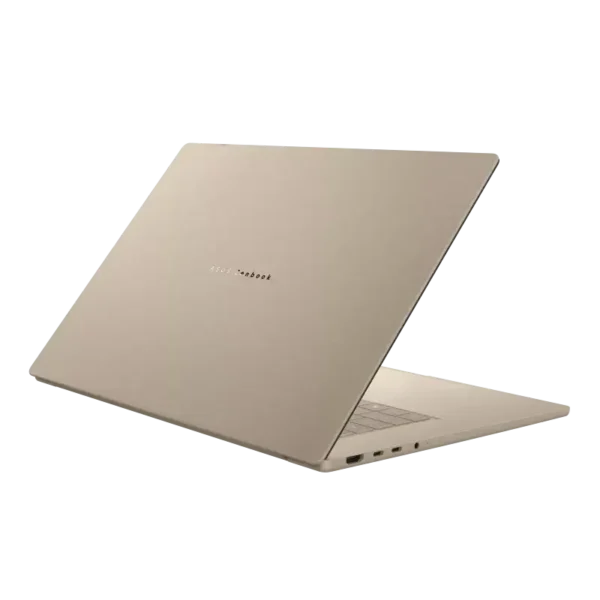
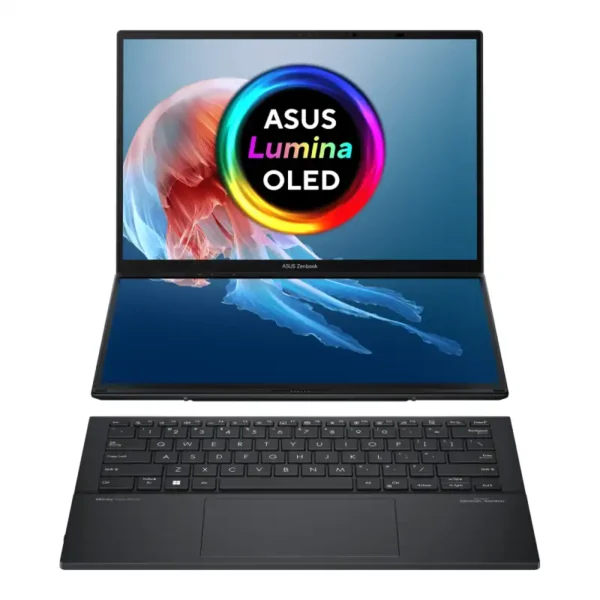
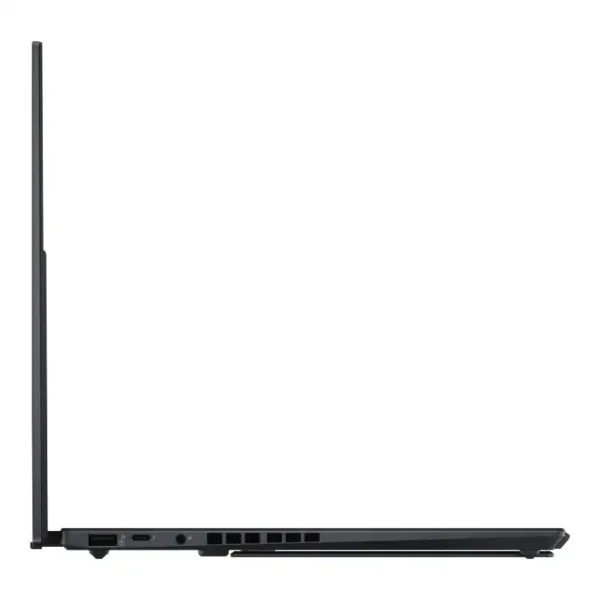
Asus Zenbook Duo UX8406CA-QL297WS 14″ Dual 3K OLED Core Ultra 7 255H Laptop
- Intel Core™ Ultra 7 255H (16C / 16T, up to 5.1GHz)
- Intel® AI Boost NPU — up to 13 TOPS
- Dual 14" 3K (2880 × 1800) OLED Touch 120Hz Displays
- Intel® Arc™ Graphics
- 32 GB LPDDR5X RAM (onboard)
- 1 TB PCIe® 4.0 NVMe™ M.2 SSD
- Detachable Backlit Keyboard + ASUS Pen Stylus
- Windows 11 Home + Office Home 2024
- Inkwell Grey
- 1-Year Warranty
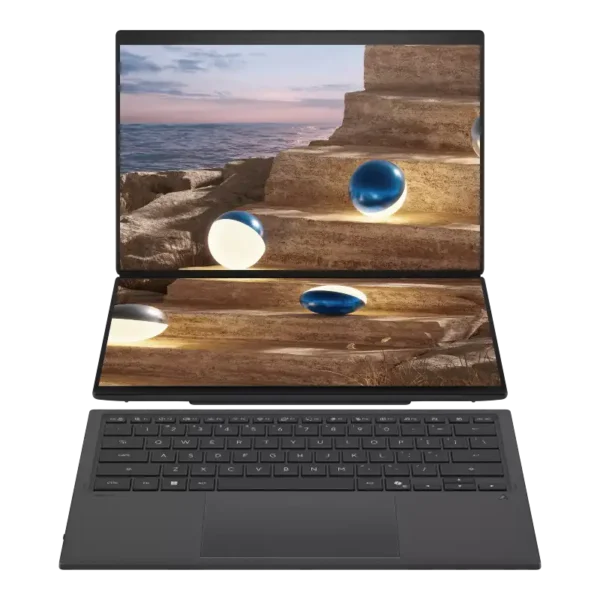
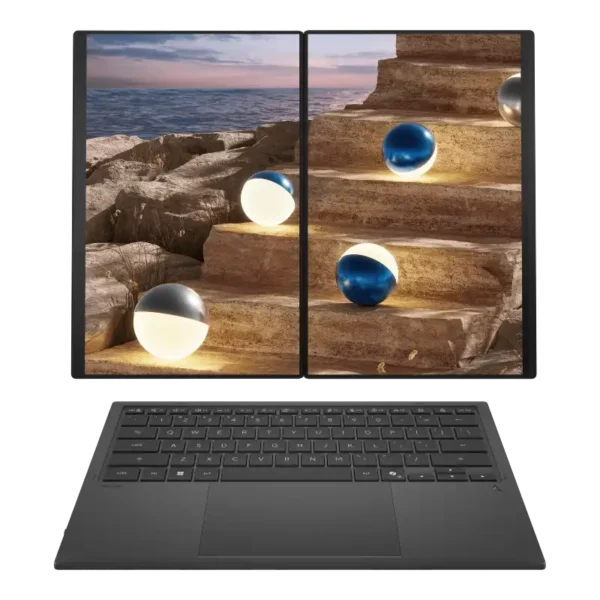
Asus Zenbook Duo UX8407AA-SN183WS 14″ Dual 3K OLED Core Ultra 7 355 Laptop
- Intel Core™ Ultra 7 355 (8 Cores, up to 4.7GHz)
- Intel® AI Boost NPU — up to 50 TOPS (Copilot+ PC)
- Dual 14" 3K (2880 × 1800) OLED Touch 144Hz Displays
- Intel® Graphics (Integrated)
- 32 GB LPDDR5X RAM (onboard)
- 1 TB PCIe® 4.0 NVMe™ M.2 SSD
- Detachable Backlit Keyboard + ASUS Pen Stylus
- Windows 11 Home + Office Home 2024
- Moher Gray
- 1-Year Warranty
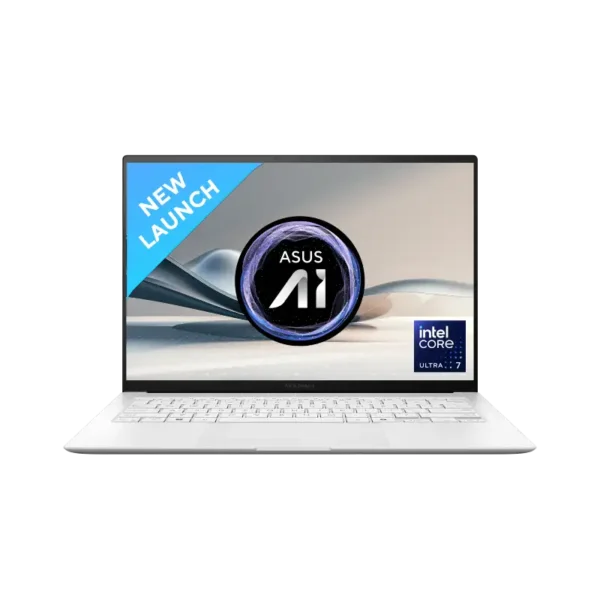
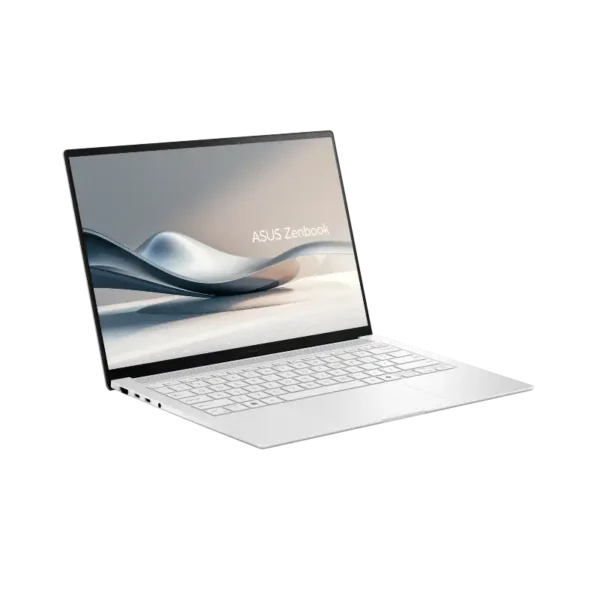
ASUS Zenbook S 14 OLED UX5406SA-PV356WS
- Intel® Core™ Ultra 7 Processor 256V, 8 Cores / 8 Threads, 2.2GHz Base / Up to 4.8GHz, 12MB Cache
- Intel® Arc™ Graphics (Integrated) — No Discrete GPU
- 16GB LPDDR5X On-Board (Non-Expandable)
- 512GB M.2 NVMe™ PCIe® 4.0 SSD
- 14.0" 3K 2880×1800 OLED 120Hz, 400 nits (500nits peak), 100% DCI-P3, Non-touch
- Windows 11 Home + Microsoft Office Home & Student 2021
- Scandinavian White
- 1-Year Warranty
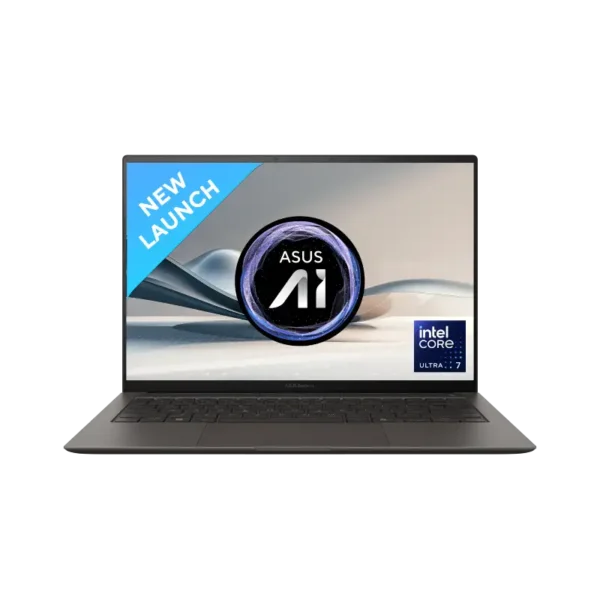
ASUS Zenbook S 14 OLED UX5406SA-PZ357WS
- Intel® Core™ Ultra 7 Processor 258V, 8 Cores / 8 Threads, 2.2GHz Base / Up to 4.8GHz, 12MB Cache
- Intel® Arc™ Graphics (Integrated)
- 32GB LPDDR5X On-Board (Non-Expandable)
- 1TB M.2 NVMe™ PCIe® 4.0 SSD
- 14.0" 3K 2880×1800 OLED 120Hz, 400 nits (500nits peak), 100% DCI-P3, Touch
- Windows 11 Home + Microsoft Office Home & Student 2021
- Zumaia Gray
- 1-Year Warranty
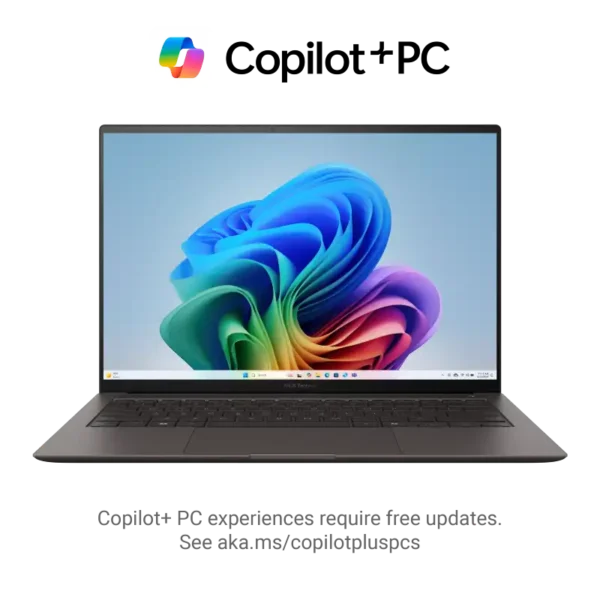
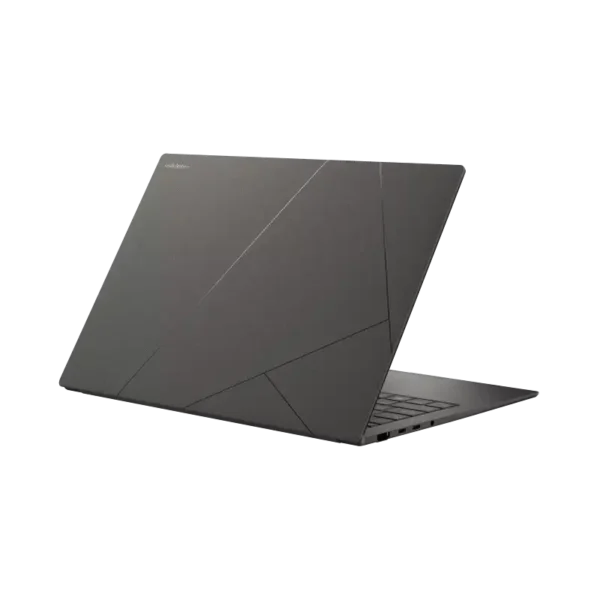
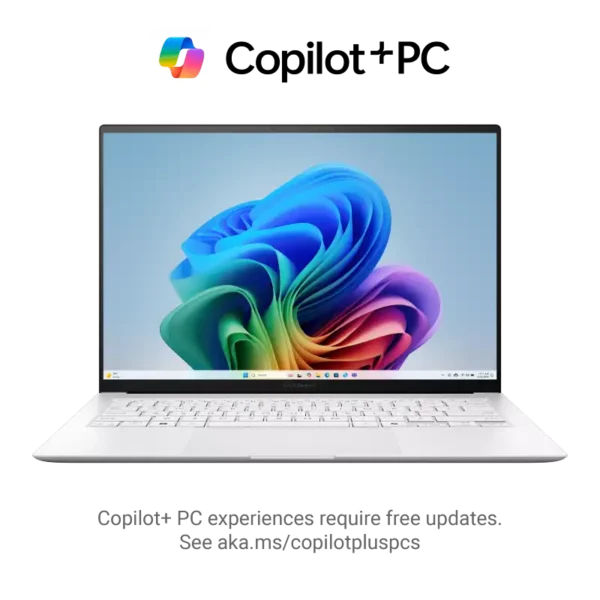
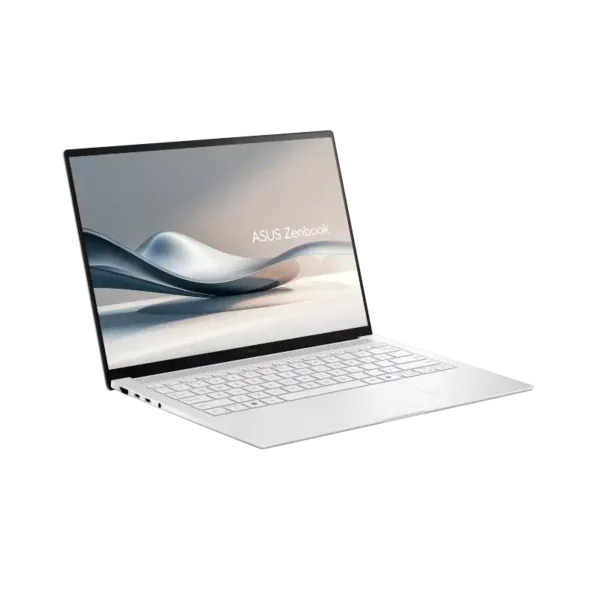
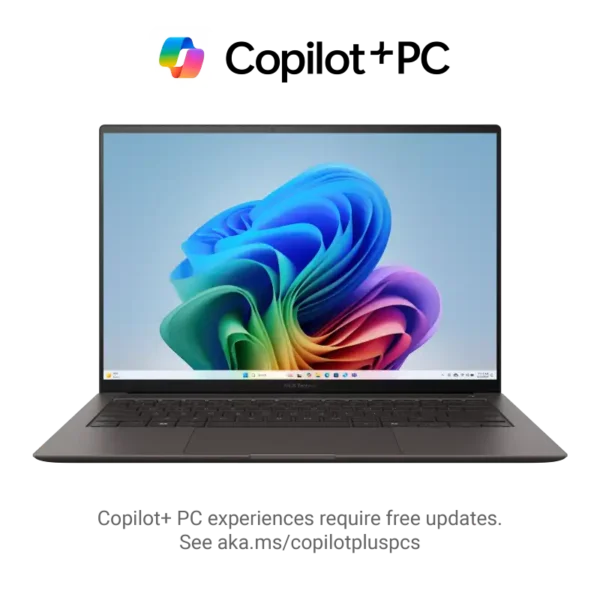
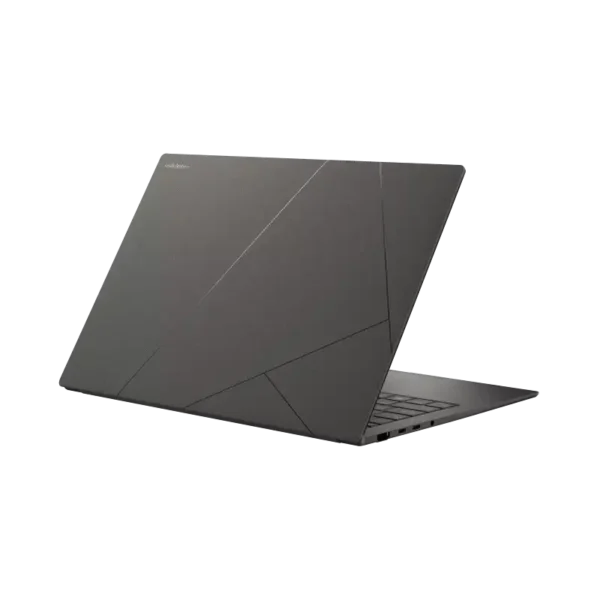
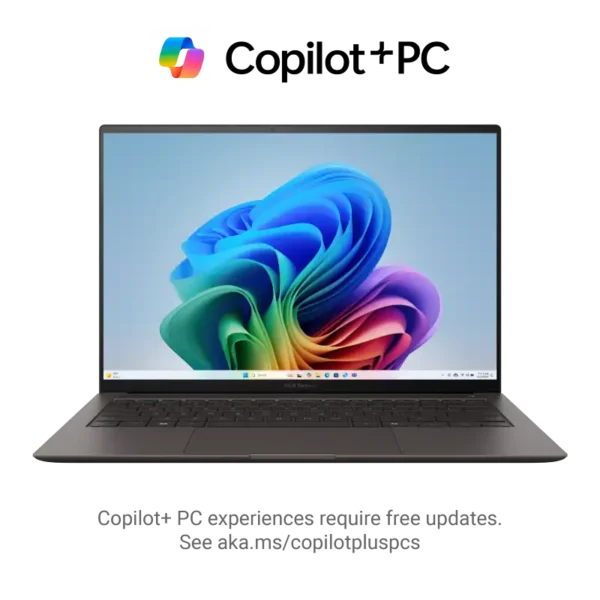
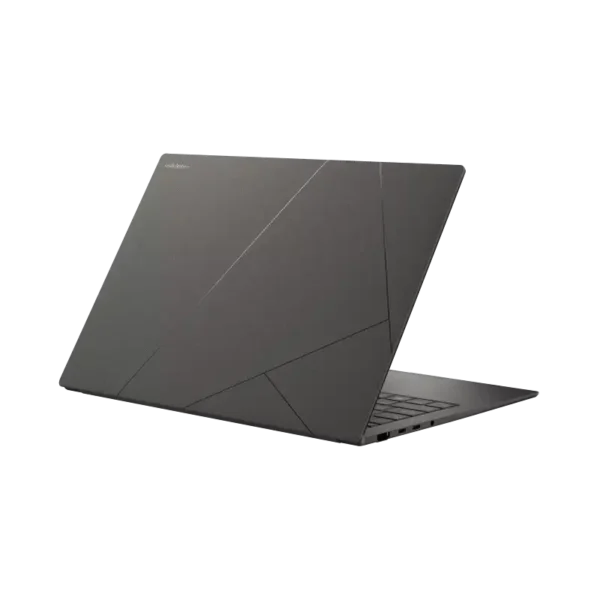
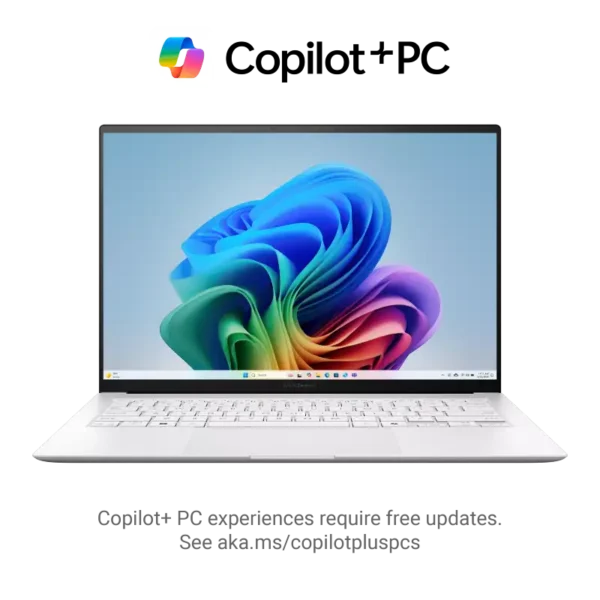
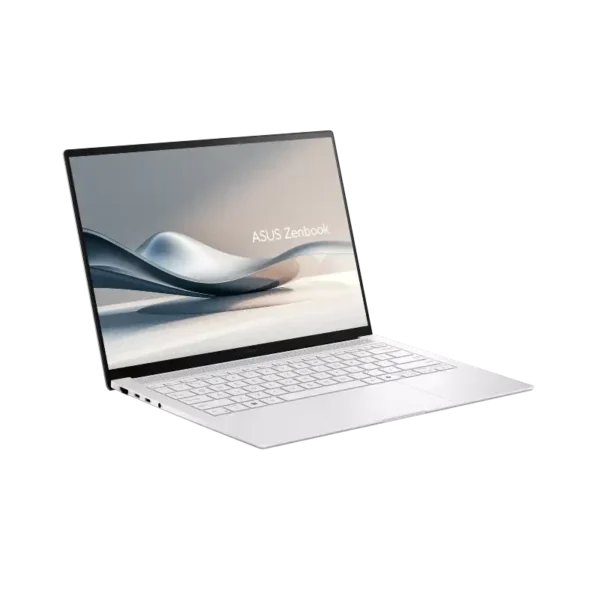
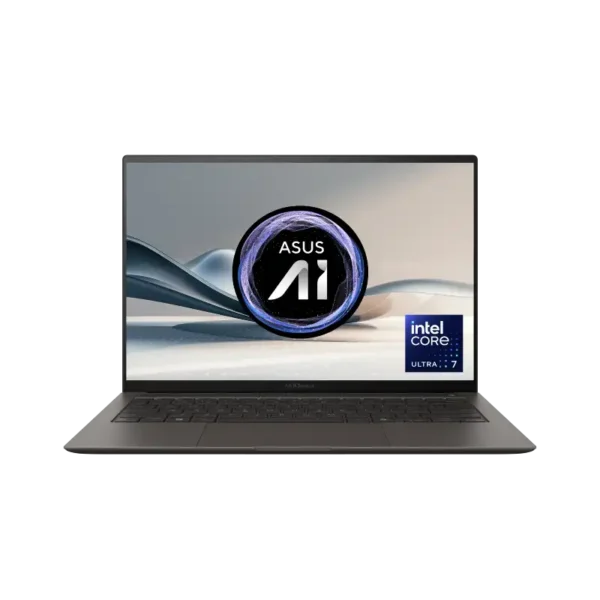
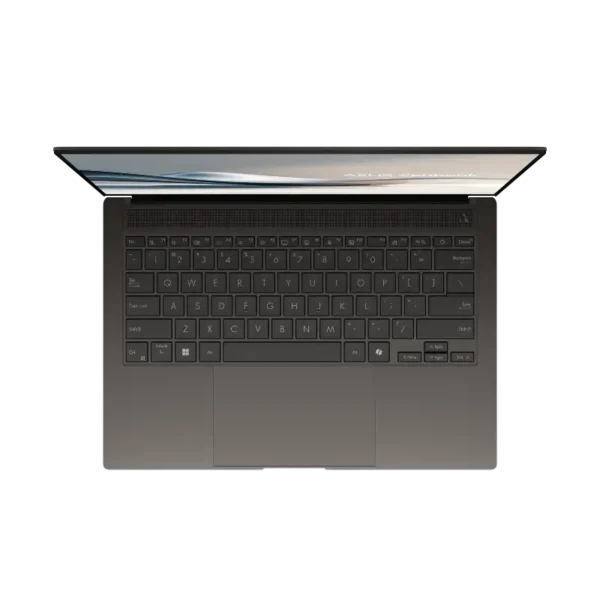
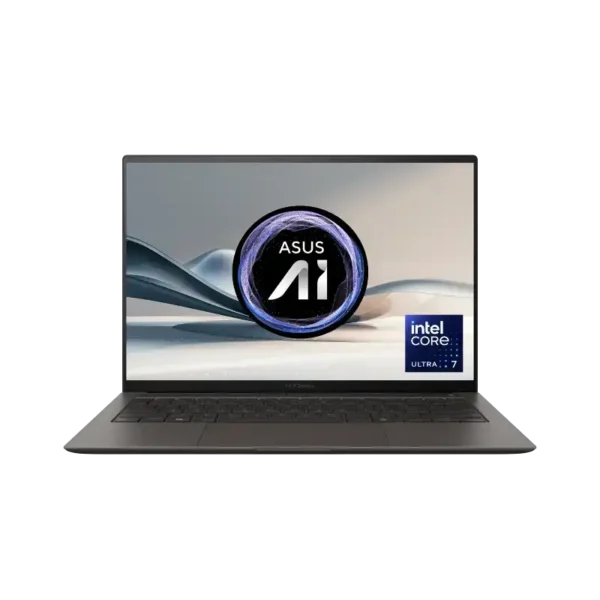
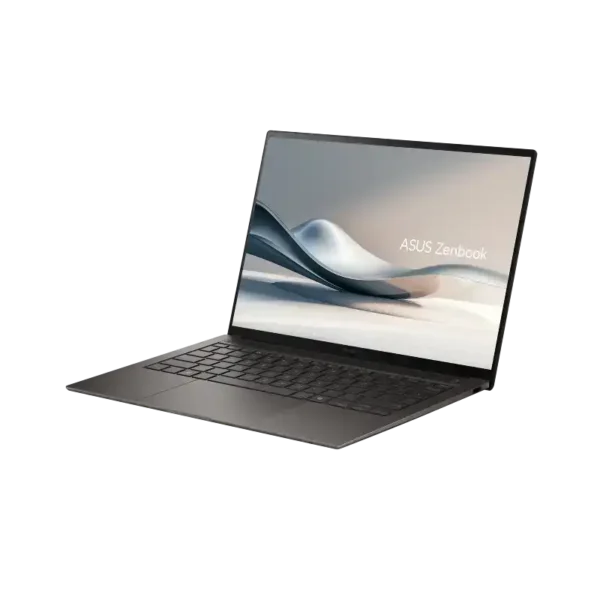

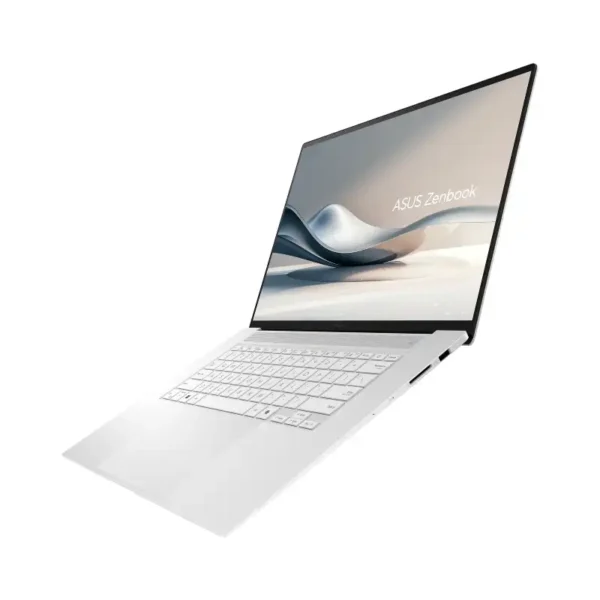
ASUS Zenbook S 16 OLED UM5606KA-RJ108WS
- AMD Ryzen™ AI 7 350 Processor, 8 Cores / 16 Threads, 2.0GHz Base / Up to 5.0GHz, 24MB Cache
- AMD Radeon™ Graphics (Integrated) — No Discrete GPU
- 24GB LPDDR5X On-Board (Non-Expandable)
- 1TB M.2 NVMe™ PCIe® 4.0 SSD
- 16.0" 3K 2880×1800 OLED 120Hz, 400 nits (500nits peak), 100% DCI-P3, Touch
- Windows 11 Home + Microsoft Office Home 2024 + Microsoft 365 Basic
- Scandinavian White
- 1-Year Warranty
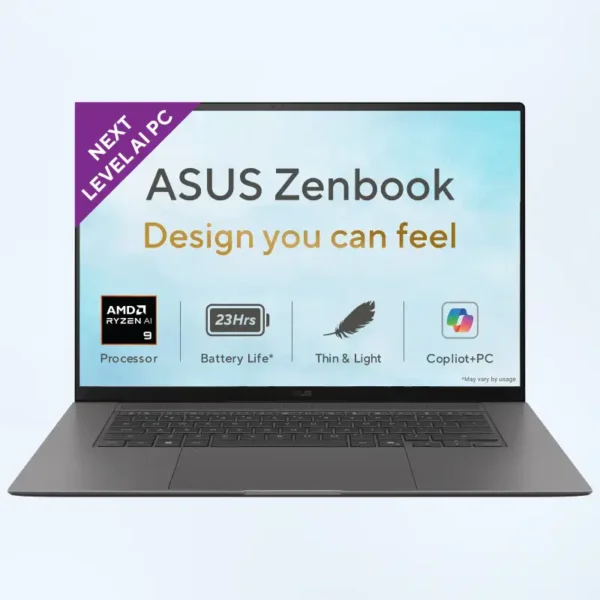
Which Zenbook should you buy?
The Zenbook to buy depends on the screen, chip and budget you need. The Zenbook 14 OLED is the best value, with Core Ultra H or Ryzen AI 5 chips. The Zenbook A14 is the lowest-priced Copilot+ PC in the range, running Snapdragon X. For a 3K 120Hz OLED, go for the Zenbook S 14 on Intel or the Zenbook S 16 on AMD Ryzen AI. The Zenbook Duo has two 14-inch 3K OLED touch screens and a detachable keyboard.
All Zenbooks are thin, light and built for work on the move. They differ in screen, chip and price.
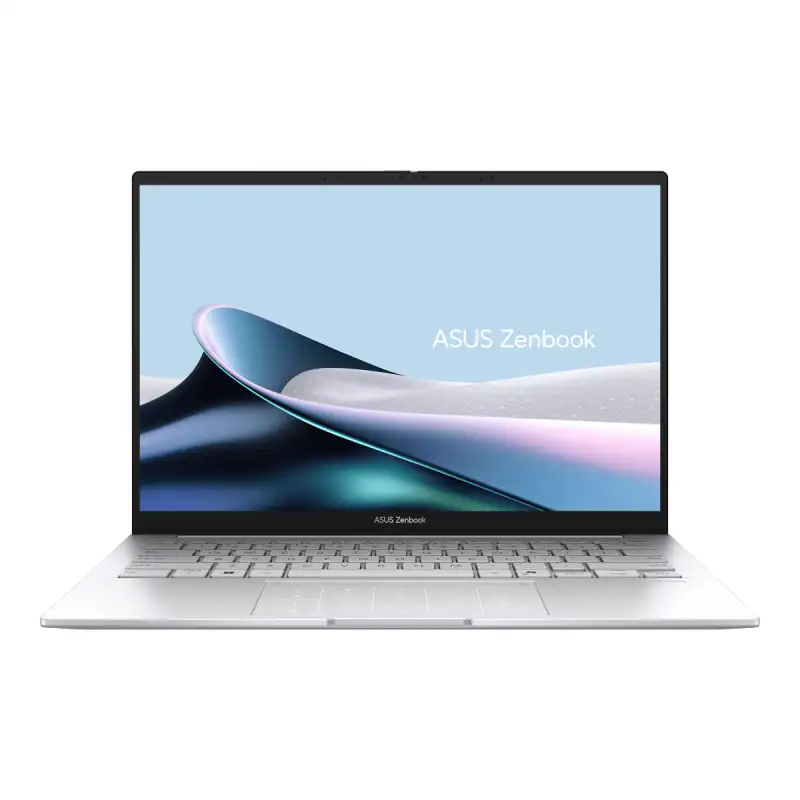
Zenbook 14 OLED
- Intel Core Ultra 5, 7 or 9 (H series), or AMD Ryzen AI 5
- 14″ WUXGA OLED touch screen
- 16GB or 32GB RAM

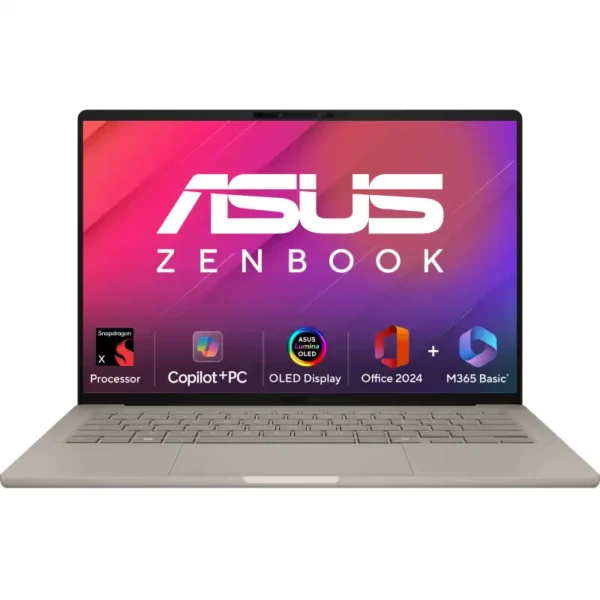
Zenbook A14
- Snapdragon X, 45 TOPS NPU
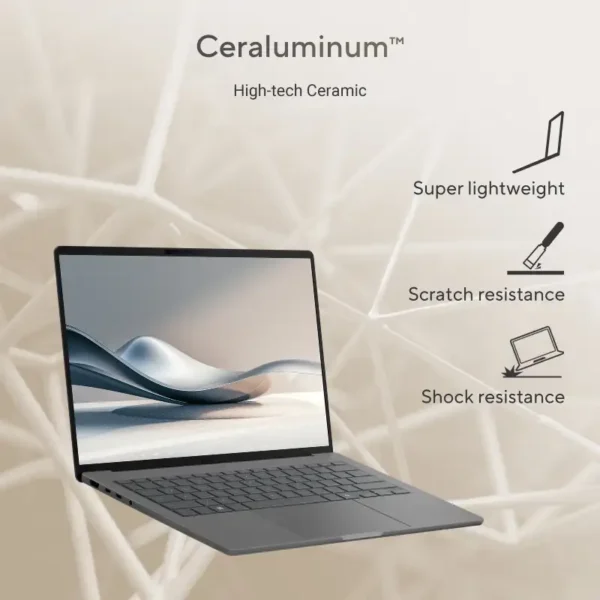
- 14″ WUXGA OLED, Ceraluminum lid
- Copilot+ PC at the lowest Zenbook price
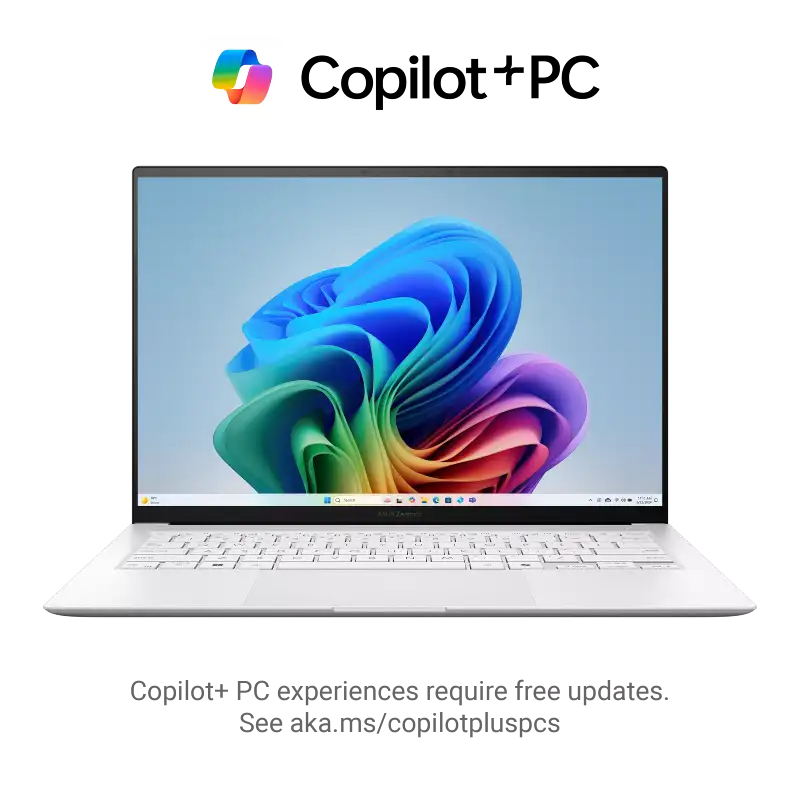
Zenbook S 14
- Intel Core Ultra 5, 7 or 9, up to 50 TOPS NPU
- 14″ 3K OLED touch, 120Hz
- Up to 32GB RAM and 1TB SSD
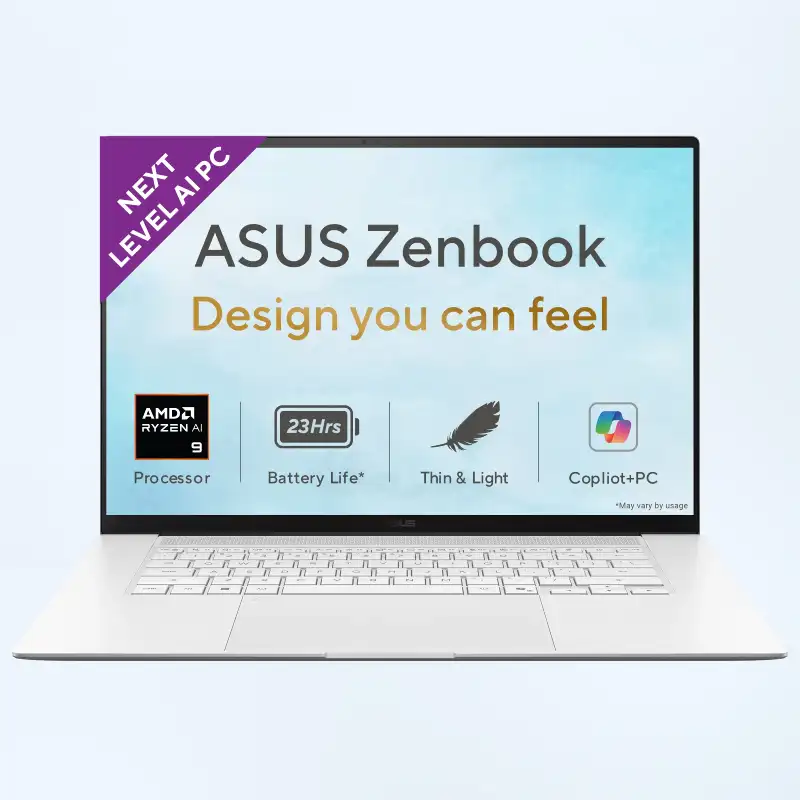
Zenbook S 16
- AMD Ryzen AI 9 465 or Ryzen AI 7 350
- 16″ 3K OLED touch, 120Hz
- 24GB or 32GB RAM
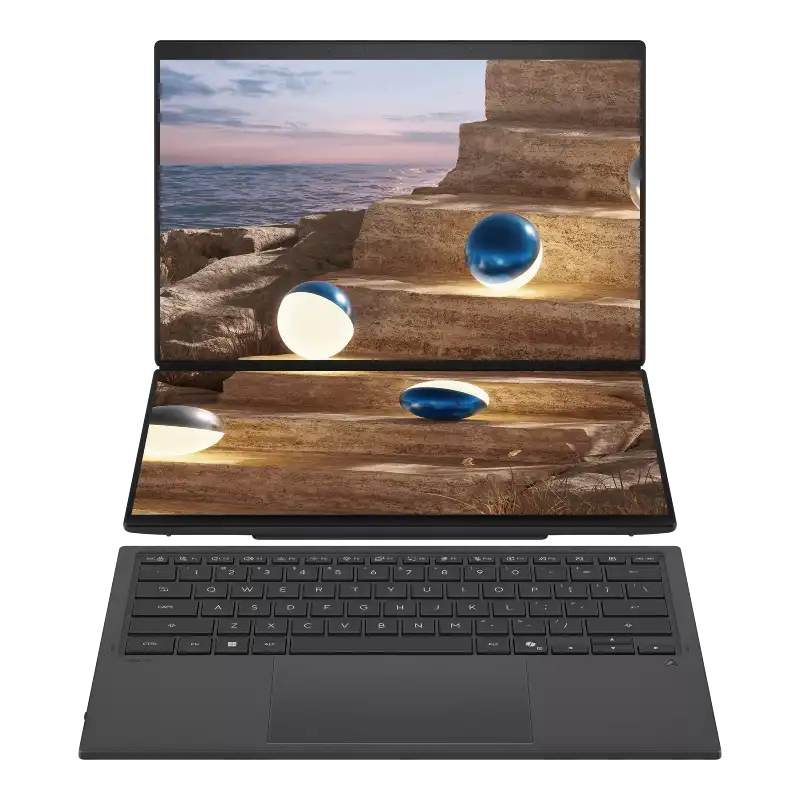
Zenbook Duo
- Two 14″ 3K OLED touch screens
- Intel Core Ultra 7, 32GB RAM, 1TB SSD
- Detachable keyboard
Quick guide
Pick by how you’ll use it
Choose your Zenbook by the work you do most. College and office users get an OLED screen and 16GB RAM on the Zenbook 14 with Core Ultra 5. Frequent travellers should look at the Snapdragon Zenbook A14 for long days unplugged. Designers and photo editors are better served by the S 14 or S 16, and the Zenbook Duo suits coding, trading and research because its second screen replaces an extra monitor. For heavy multitasking, the Zenbook 14 with Core Ultra 9 gives you 16 cores and 32GB.
| You need | Go for | Why |
|---|---|---|
| College, office work, video calls | Zenbook 14 with Core Ultra 5 | OLED screen and 16GB RAM at the lowest Intel Zenbook price |
| Travel, long days unplugged | Zenbook A14 (Snapdragon X) | Snapdragon chips are built to sip power |
| Photo editing, design, colour work | Zenbook S 14 or S 16 | 3K OLED at 120Hz, and up to 32GB RAM |
| Coding, trading, research with many windows | Zenbook Duo | Two full screens, so you don’t need an extra monitor |
| Heavy multitasking on a 14-inch | Zenbook 14 with Core Ultra 9 and 32GB | 16 cores and plenty of memory |
Snapdragon models run Windows on Arm. Office, browsers and most popular apps work fine, but some older software, games or device drivers may not. Tell us the apps you rely on and we’ll check before you buy.
Zenbook or Vivobook?
Buy a Zenbook if you want an OLED screen, a slimmer build and the newest AI chips, and a Vivobook if budget matters more than finish. Every Zenbook we stock has OLED, many are Copilot+ PCs, and each one is a sealed India unit with ASUS warranty. We’re an authorised ASUS dealer in 1st Block Koramangala with about 20 Zenbook configurations in stock. If you’d rather spend less, the Vivobook S 14 and S 16 are the models to compare.
Zenbook is ASUS’s premium thin-and-light line. Compared with a Vivobook you get OLED screens on every model, slimmer builds and the newest AI chips. If budget matters more than finish, see our Vivobook S 14 and S 16 page. Need graphics for gaming? Look at ROG Strix laptops instead.
Good to know before you buy
Before you buy a Zenbook, settle on your RAM size, because every model here has LPDDR5X soldered to the board and you can’t add more later. Pick 16GB, 24GB or 32GB at the start. Check the NPU too. Copilot+ features like Recall need 40 TOPS or more, and Zenbook 14 models with Core Ultra H chips have 13 TOPS. If the part number ends in WS, Office Home 2024 is included. All Zenbooks charge over USB-C.
- RAM can’t be upgraded. Every Zenbook here uses LPDDR5X memory soldered to the board, so pick 16GB, 24GB or 32GB at purchase.
- Copilot+ PC means an NPU of 40 TOPS or more, which runs Windows AI features like Recall and live captions on the laptop itself. Zenbook 14 models with Core Ultra H chips have a 13 TOPS NPU, so they aren’t Copilot+ PCs.
- Office Home 2024 comes with models whose part number ends in WS.
- Charger: Zenbooks charge over USB-C. Need a spare? See ASUS adapters.
Not sure which Zenbook fits?
Tell us your work and budget. We’ll reply with two or three Zenbooks that suit you, with today’s prices and stock.
Why buy ASUS Zenbook laptops in Bangalore from YourShoppy
- Authorised ASUS dealer in 1st Block Koramangala since 2010, with GST invoice.
- Same-day delivery in Bangalore if you order by 2 PM, or pick up from the store.
- Chip-level laptop repair at the same store if you ever need it after warranty.
- No-cost EMI on select cards and Bajaj Finserv. See our EMI page.
Looking at other ASUS laptops too? Everything we sell is on our ASUS store page.
Address: YourShoppy, 339, 1st Floor, 1st Main Cross, next to Essar Petrol Bunk, 1st Block Koramangala, Bengaluru 560034
Hours: Monday to Sunday, 10:30 AM to 9 PM
Phone: 97392 21133 · 98869 19198 · 080 4141 0072
WhatsApp: 97392 21133 or 98869 19198
Common questions
Where can I buy ASUS Zenbook laptops in Bangalore?
At YourShoppy, an authorised ASUS dealer at 339, 1st Floor, 1st Main Cross, 1st Block Koramangala. Same-day delivery in Bangalore if you order by 2 PM. WhatsApp 97392 21133 or 98869 19198.
Which ASUS Zenbook is best for students?
The Zenbook 14 OLED with Core Ultra 5 and 16GB RAM, or the Snapdragon Zenbook A14 if long time away from a charger matters most.
What is the difference between Zenbook 14 and Zenbook S 14?
The S 14 has a sharper 3K 120Hz OLED screen and a Copilot+ NPU of up to 50 TOPS. The Zenbook 14 has a WUXGA 60Hz OLED and costs less.
Can I upgrade the RAM in an ASUS Zenbook?
No. Zenbooks use LPDDR5X memory soldered to the board, so choose the RAM you need when you buy.
Do all apps work on the Snapdragon Zenbook A14?
Office, browsers and most popular apps run fine on Windows on Arm. Some older software, games and device drivers may not. Send us your app list and we’ll check.
What is special about the ASUS Zenbook Duo?
It has two 14-inch 3K OLED touch screens, one above the other, and a keyboard you can detach. Good for anyone who works with lots of windows open.