
Lenovo commercial desktops
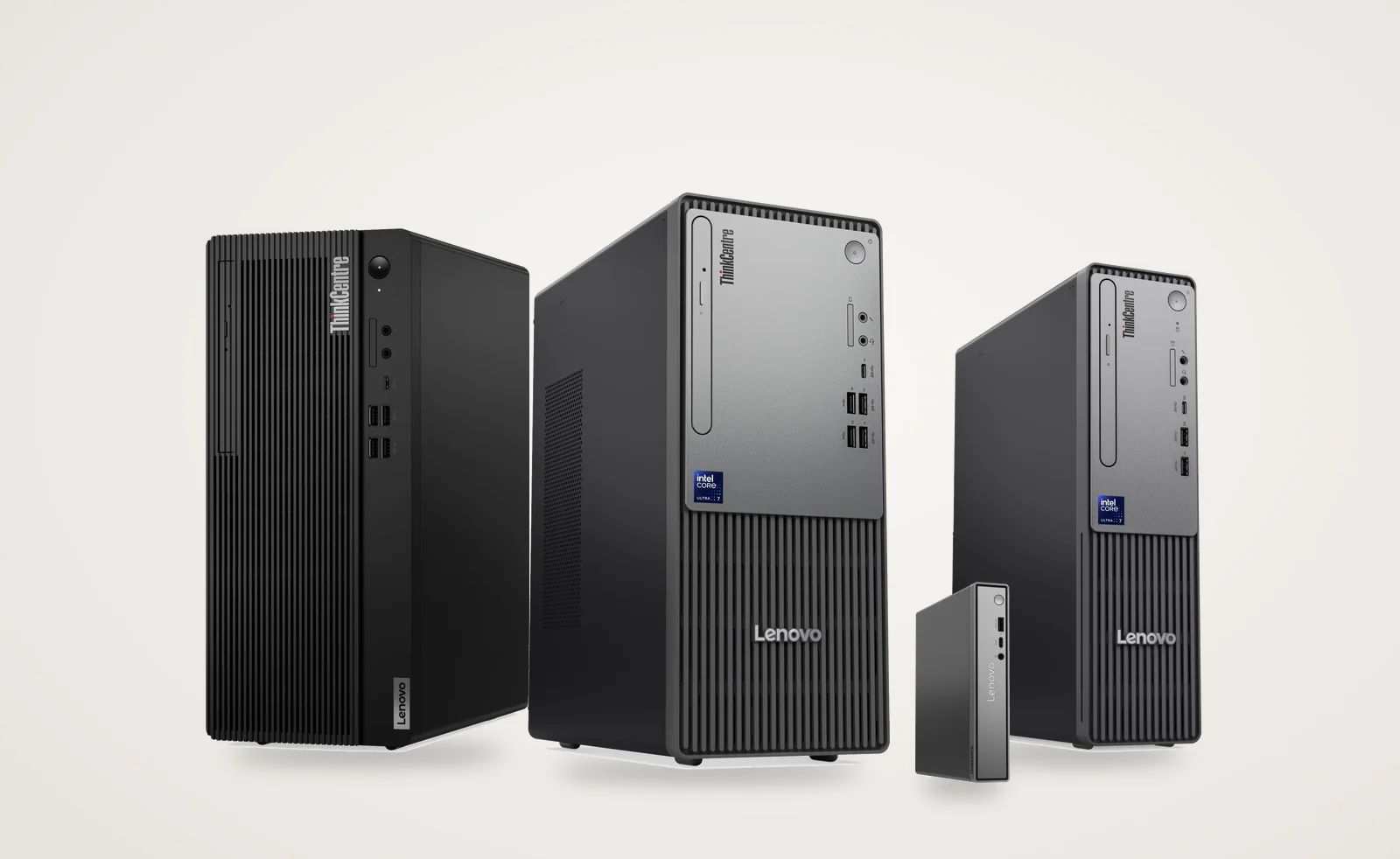
Lenovo commercial desktops are Lenovo’s ThinkCentre business PCs, and at YourShoppy we stock them in three sizes: towers, slim small form factor (SFF) boxes and the palm-sized neo 50q Tiny. We stock the neo 30, neo 50 and M70t and M75t families, from Core i3 up to Core i7-14700 and Ryzen 5 PRO.
Most come with 8GB or 16GB DDR5 and a 512GB SSD, with Windows 11 Pro or without an operating system. WhatsApp 97392 21133 or 98869 19198 with how many desks you’re setting up and what software they run. We’ll send a quote with GST invoice.
ThinkCentre desktops in stock in Bangalore
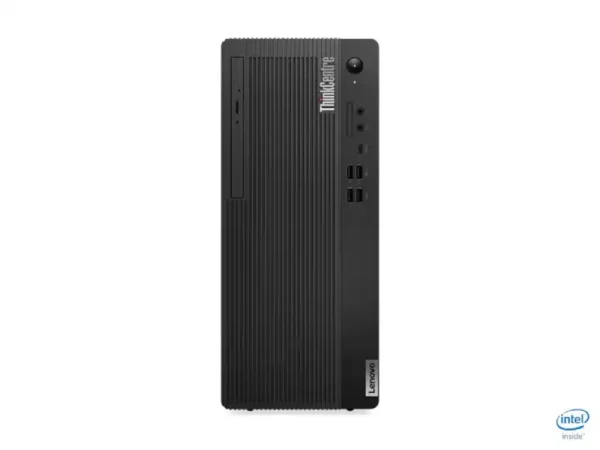
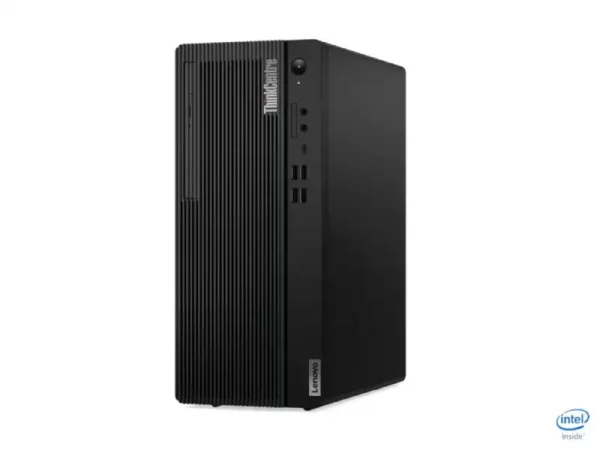
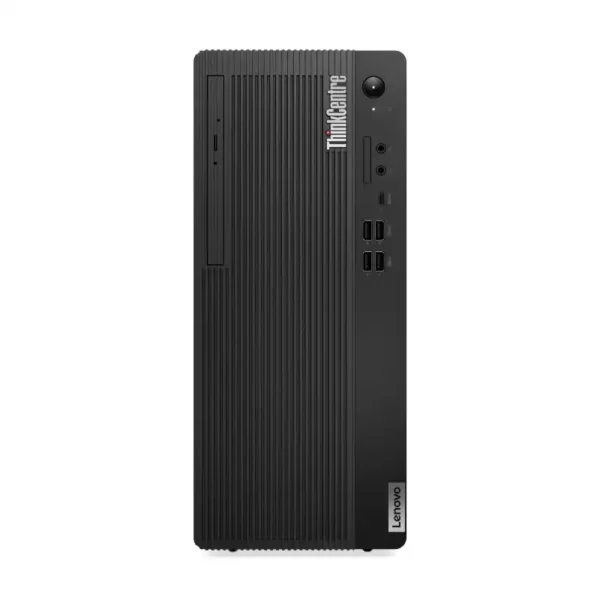
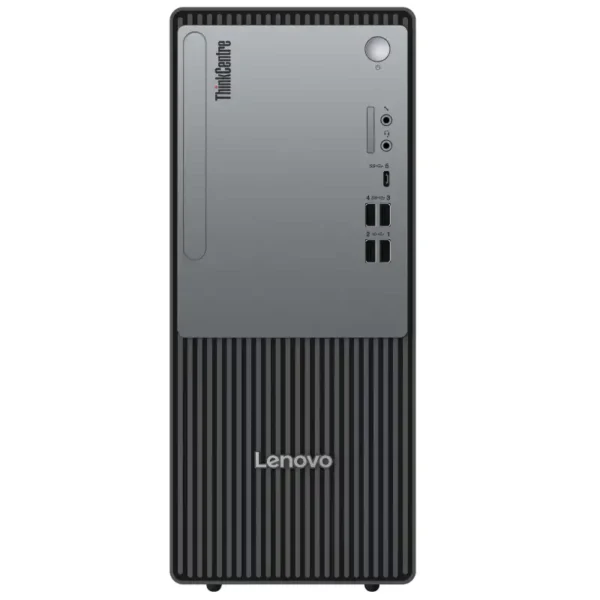
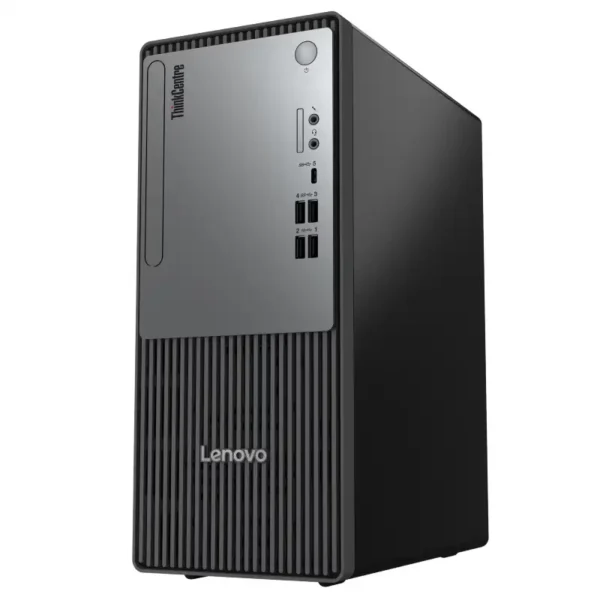
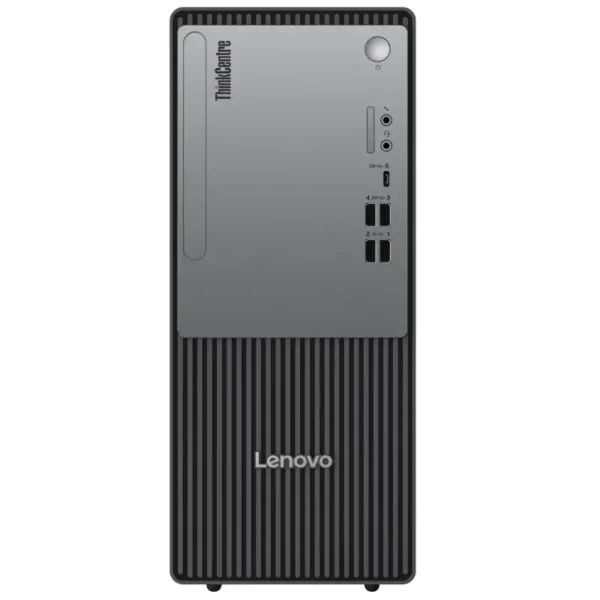
Every ThinkCentre listed below is a Lenovo commercial desktop we can deliver in Bangalore, the same day if you order by 2 PM. Each listing shows the exact part number, processor, memory, storage and operating system, so you can match the model to your office software before you call or WhatsApp us for a quote with GST invoice.
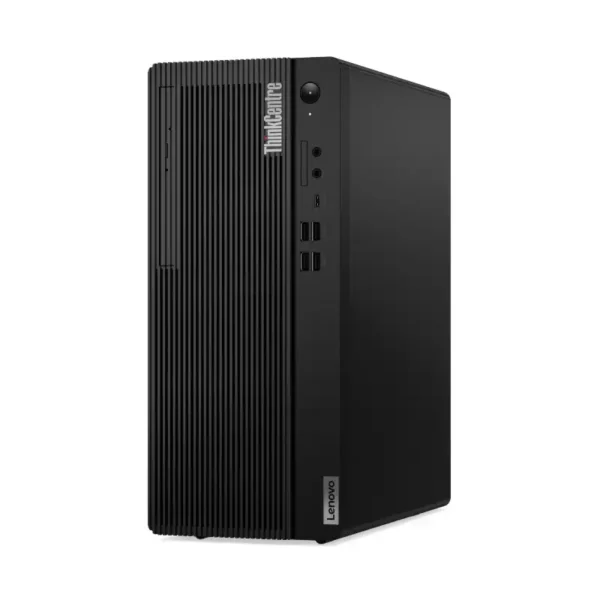


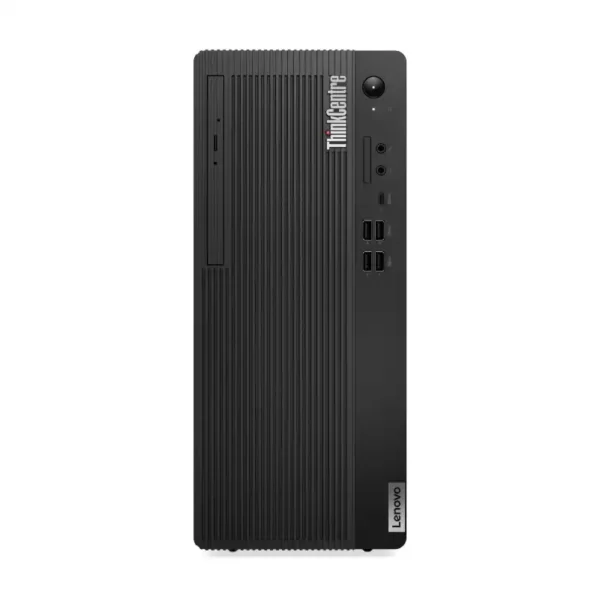
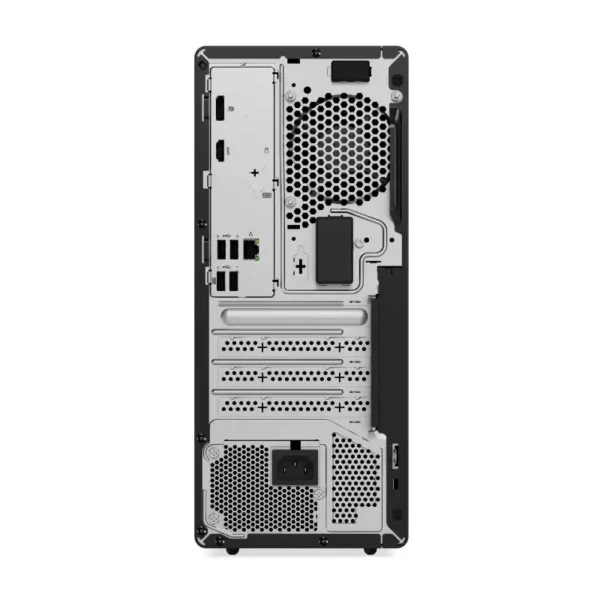


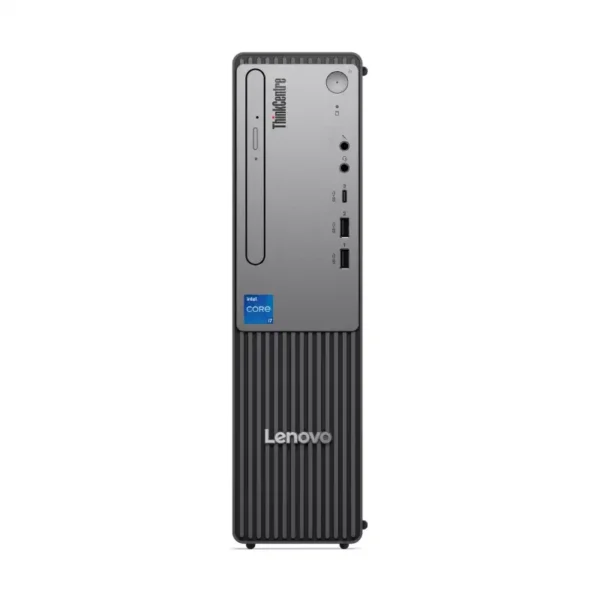
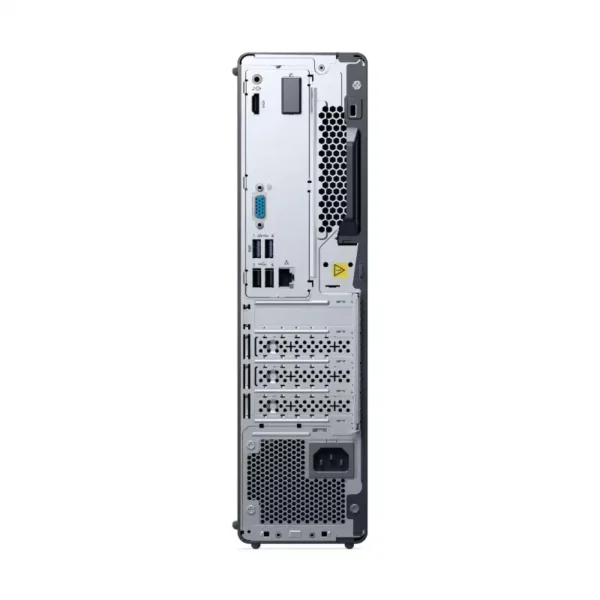
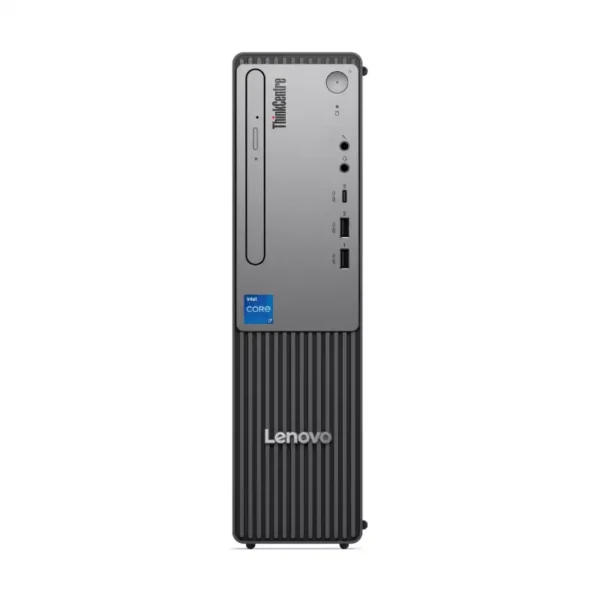
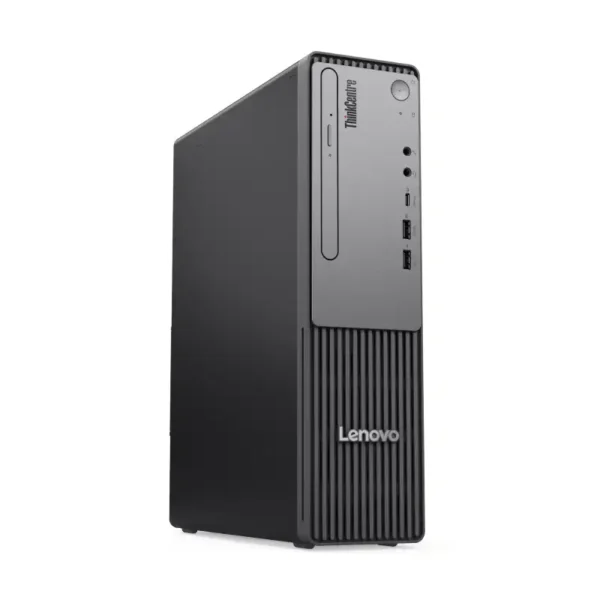
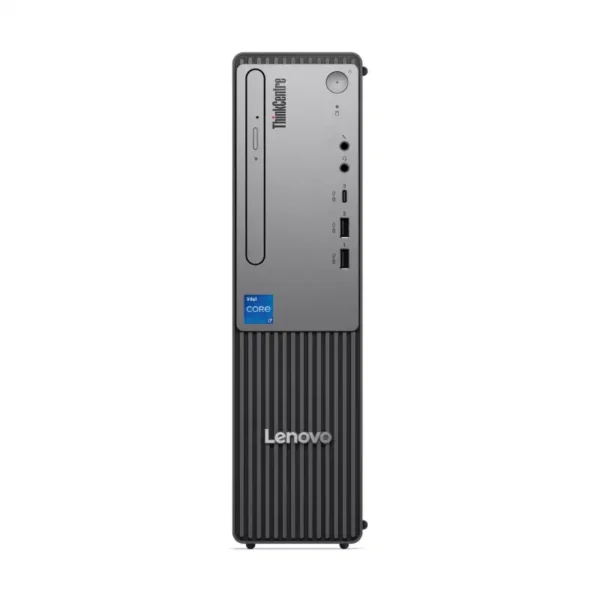


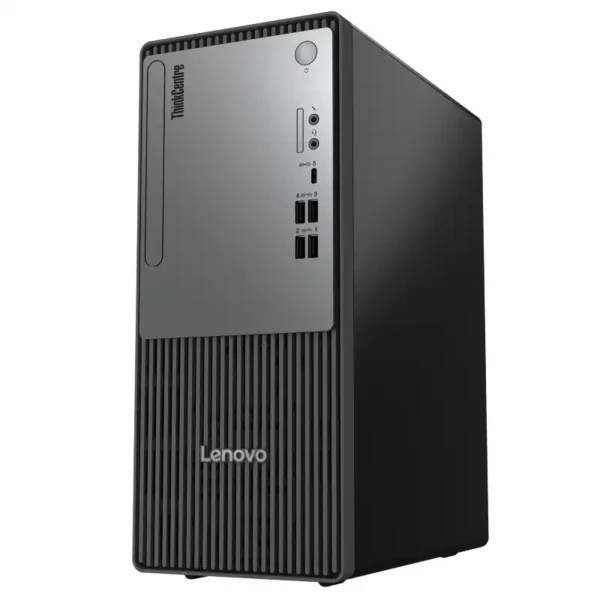
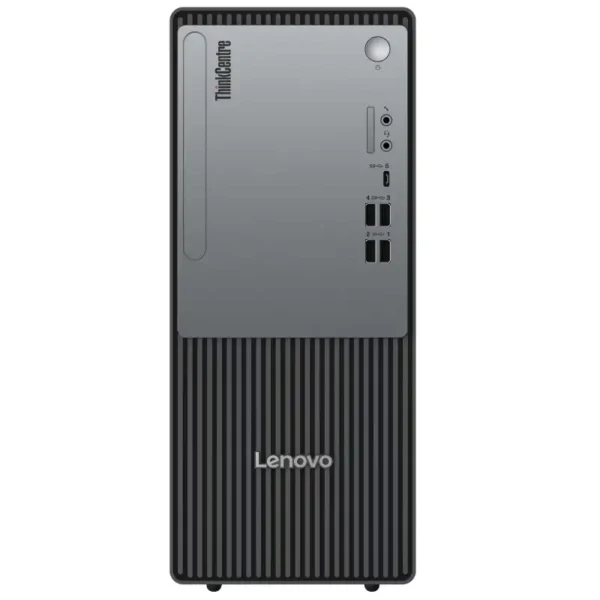

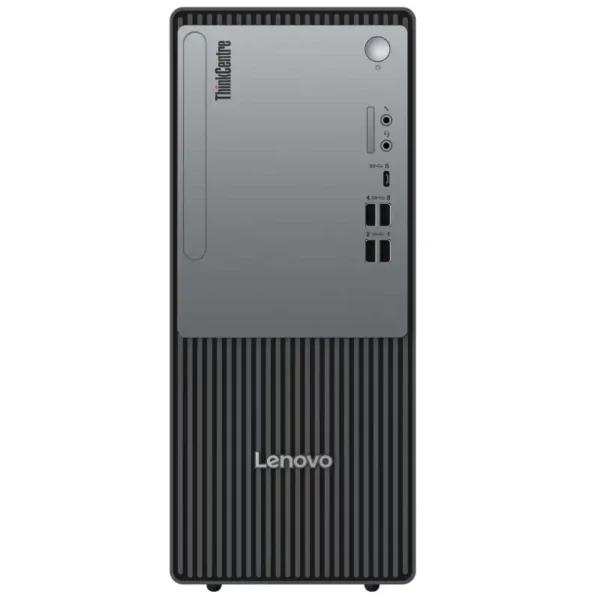
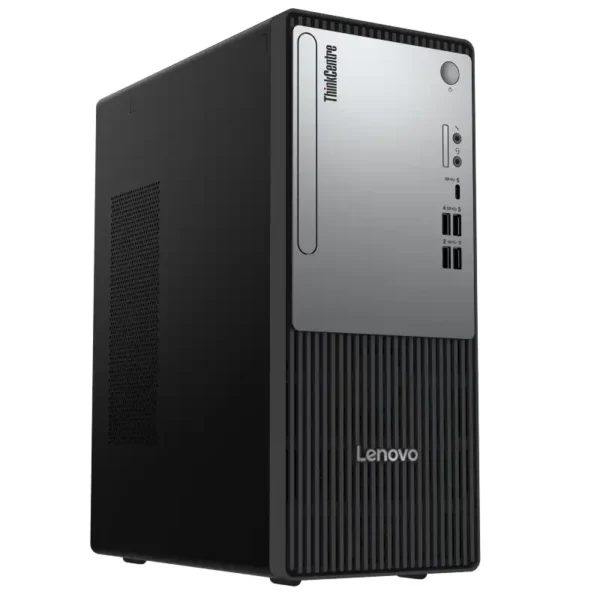
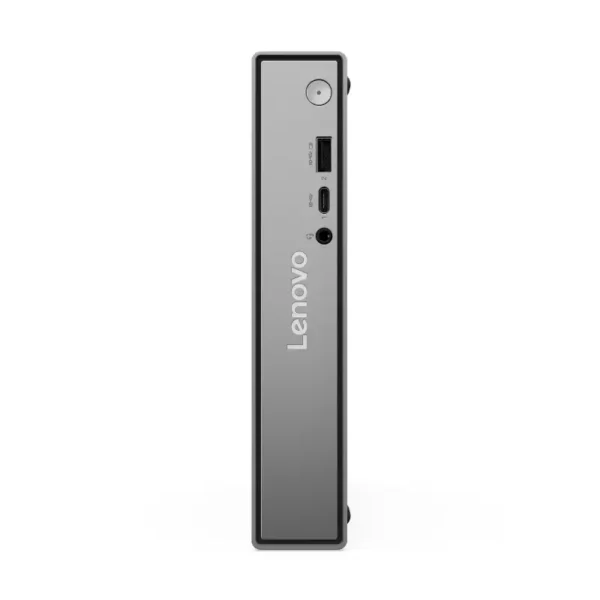
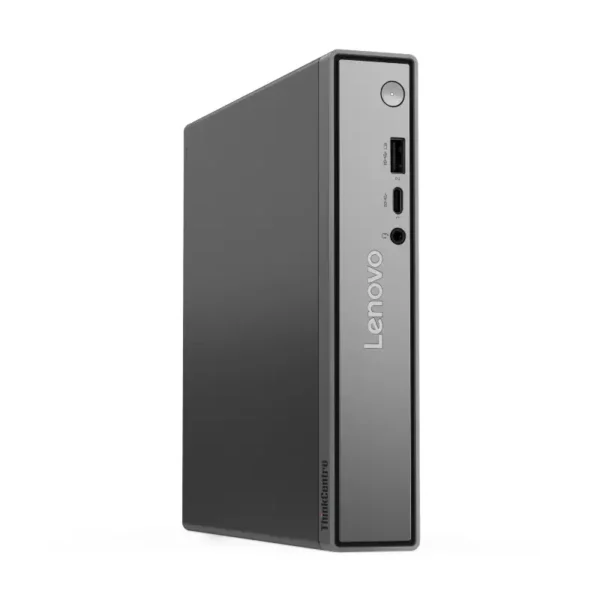
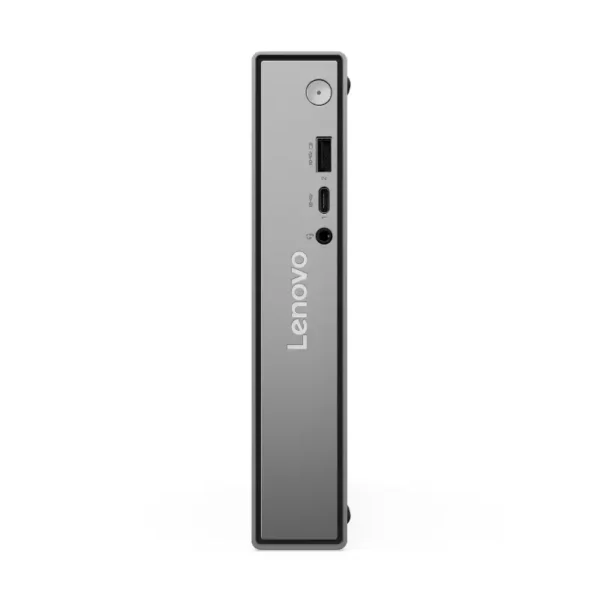
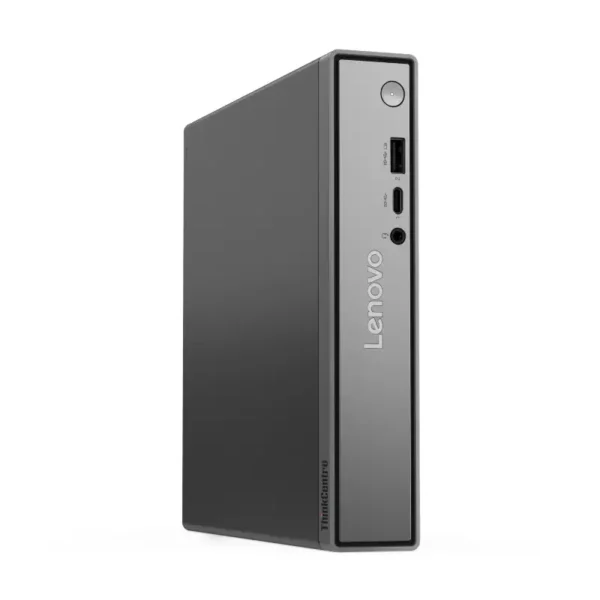
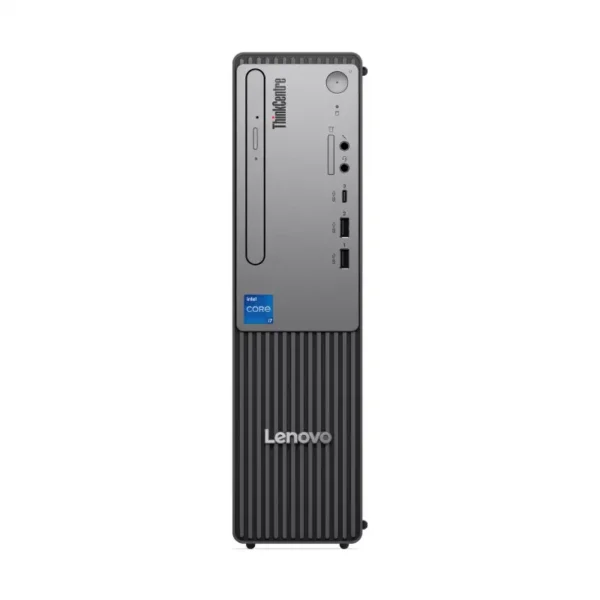
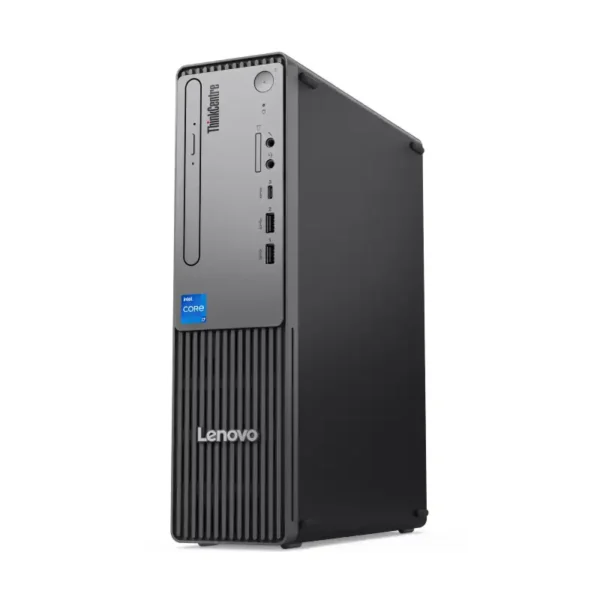
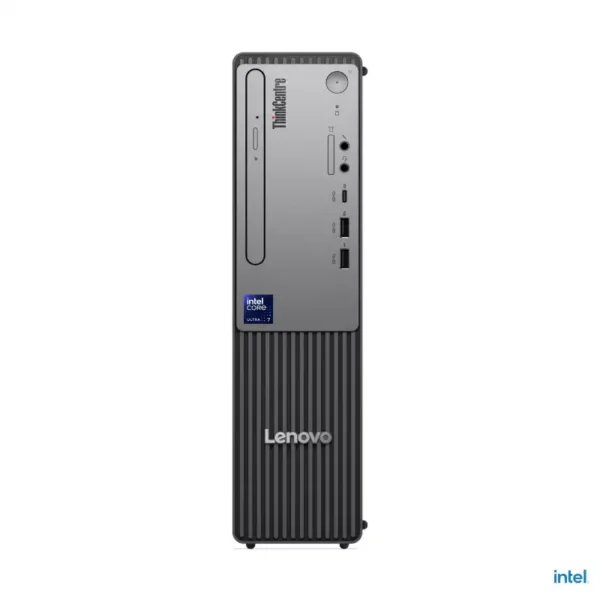
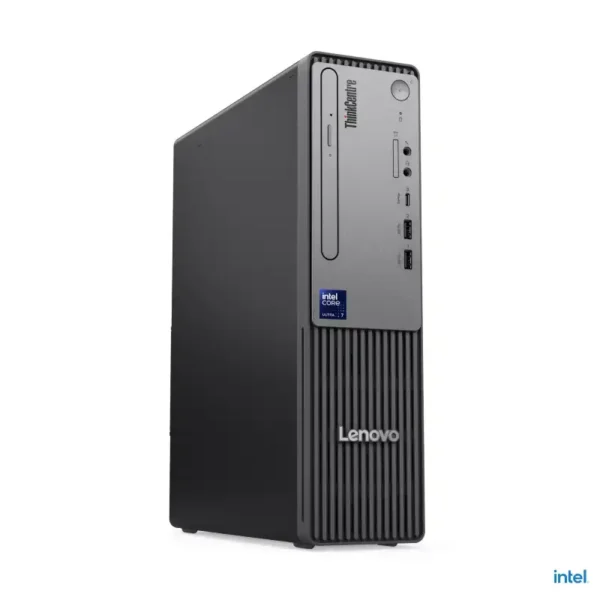
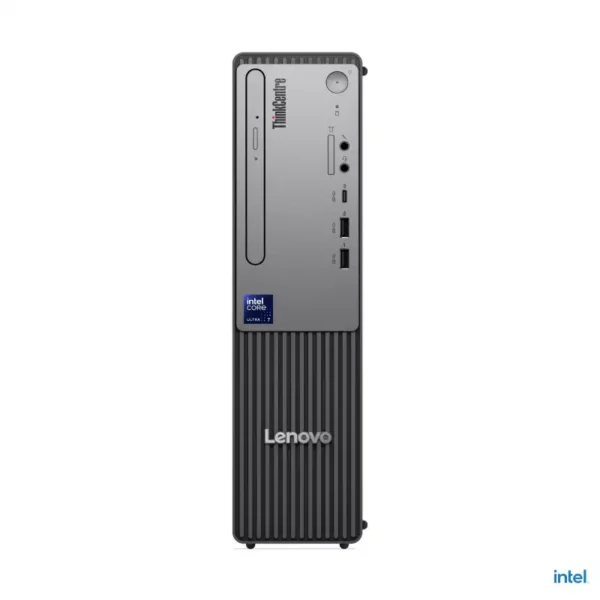
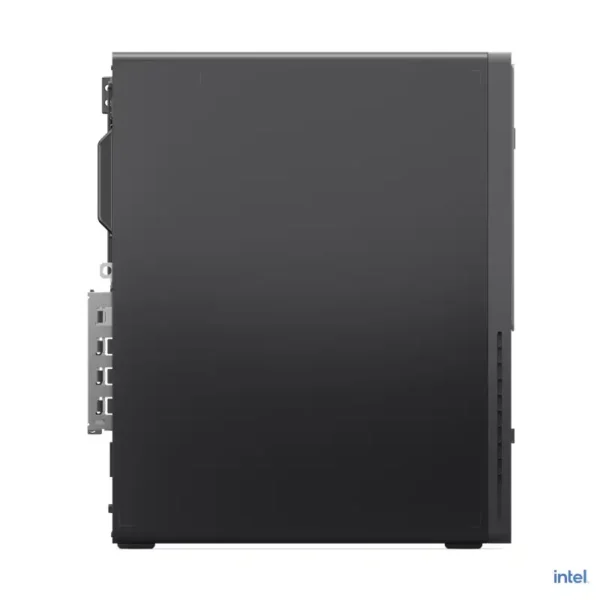
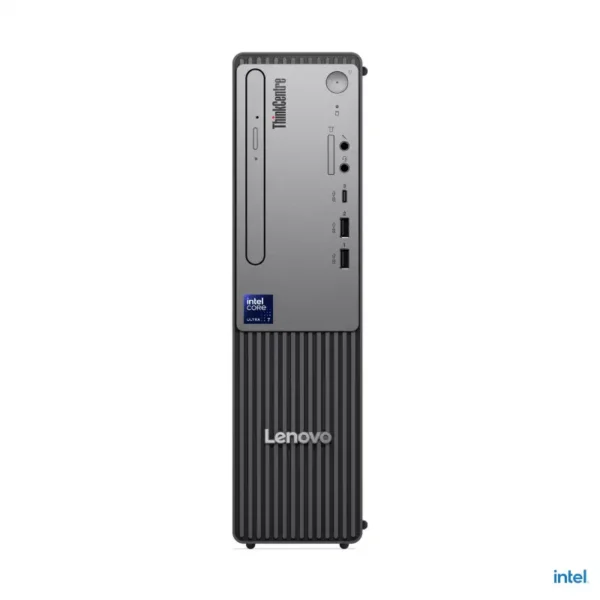
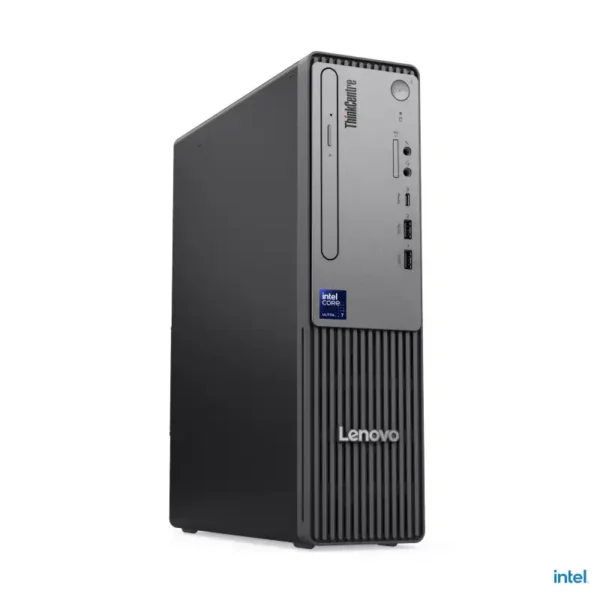




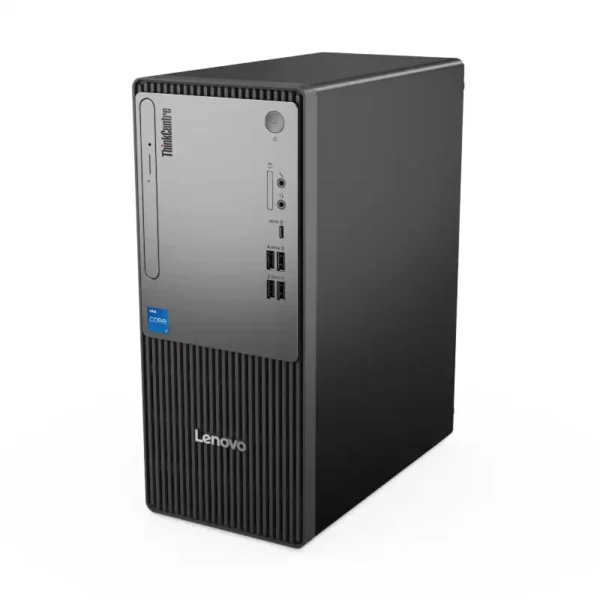
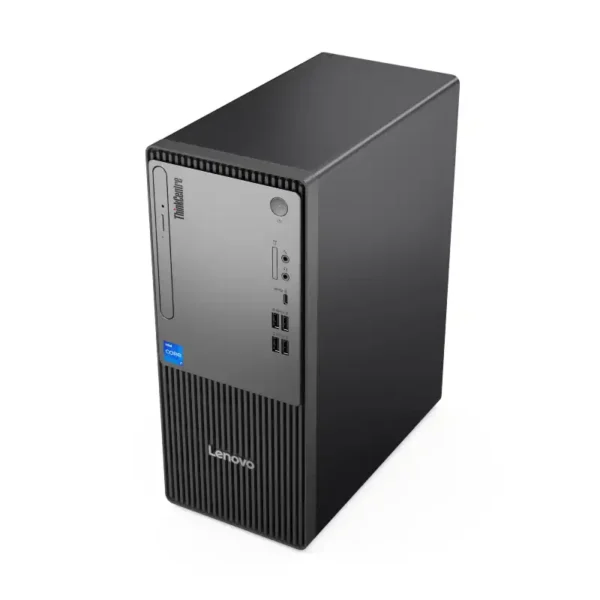
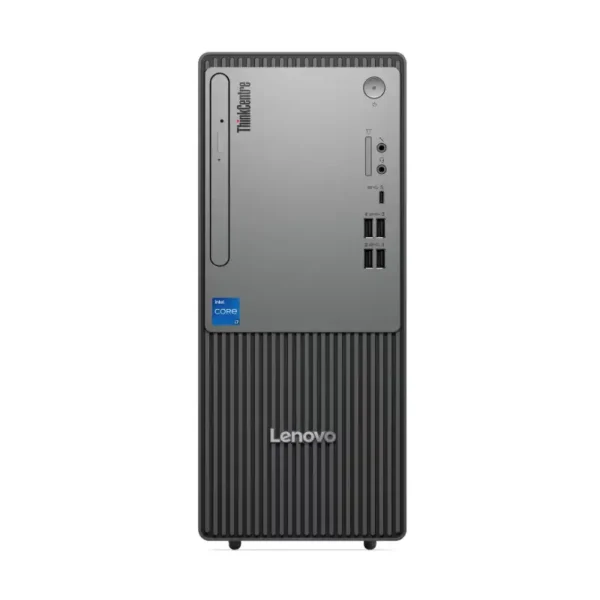
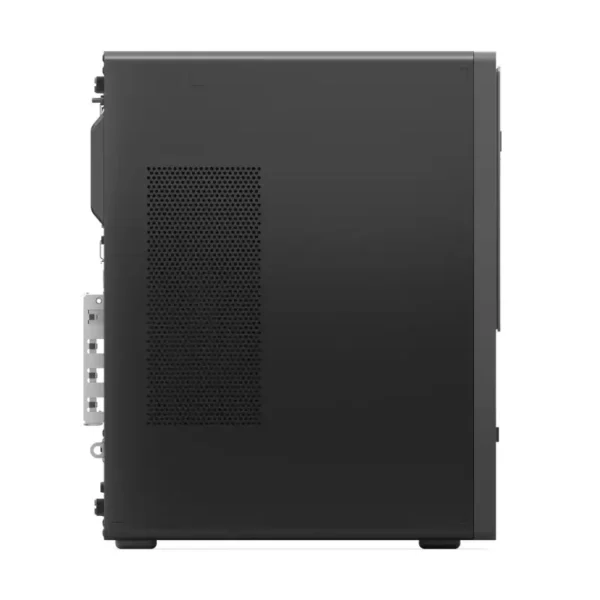
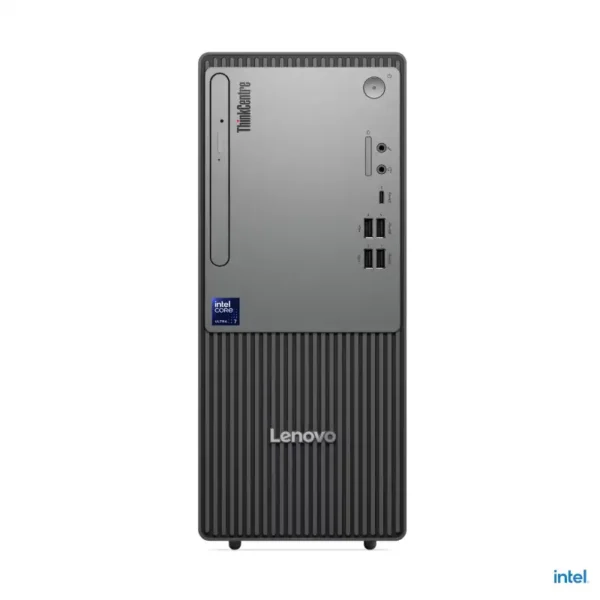
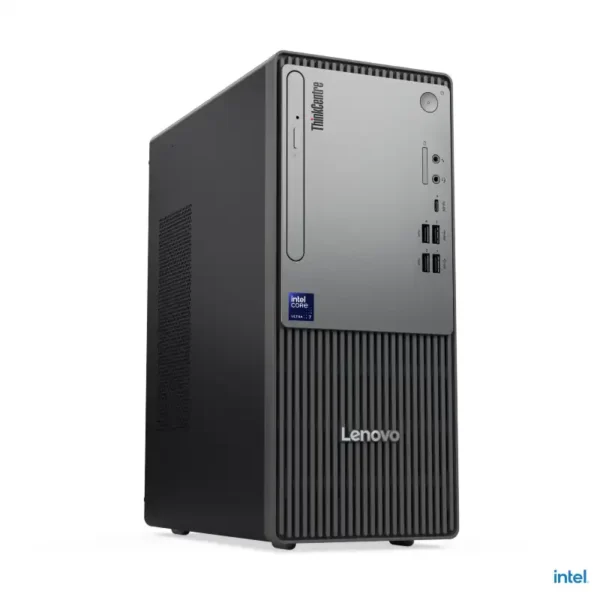
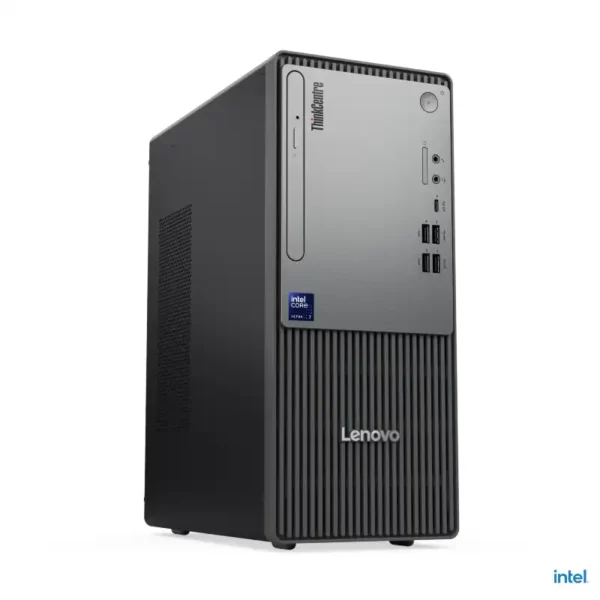
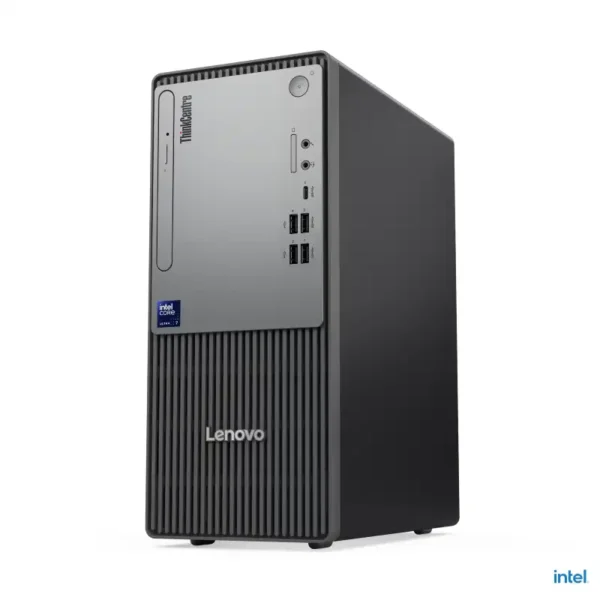
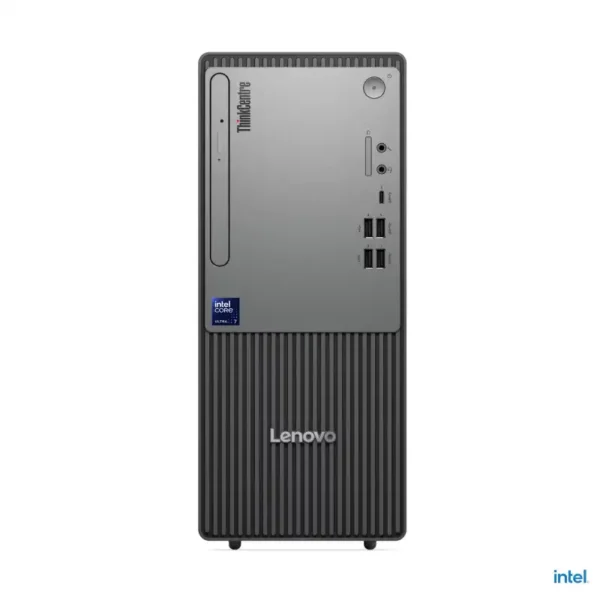
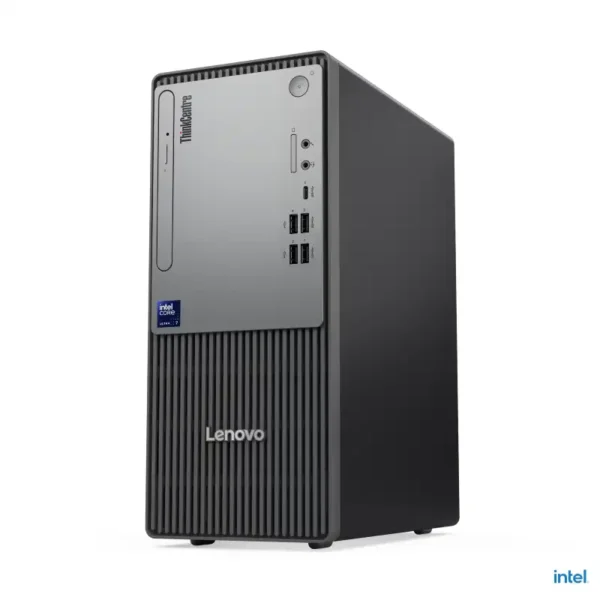
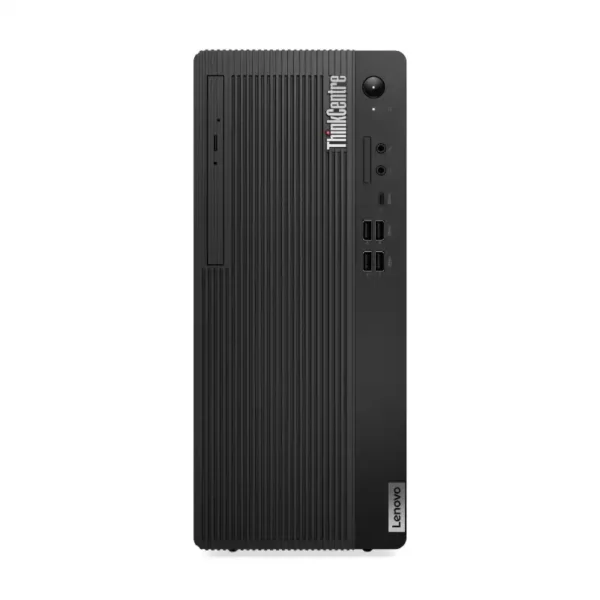


ThinkCentre families we stock
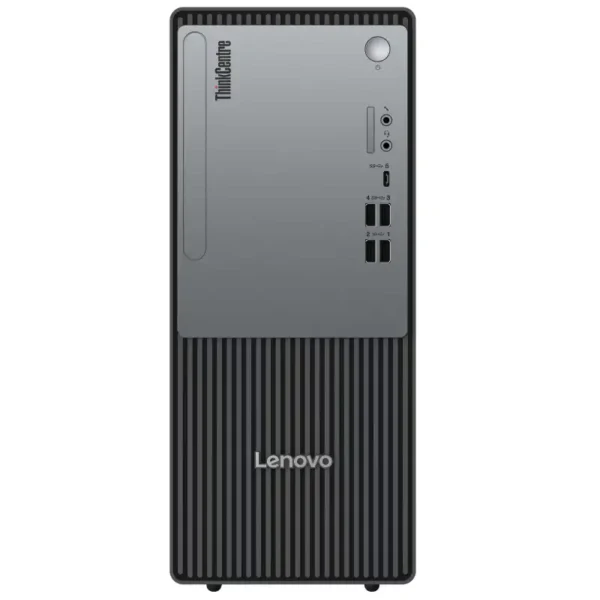
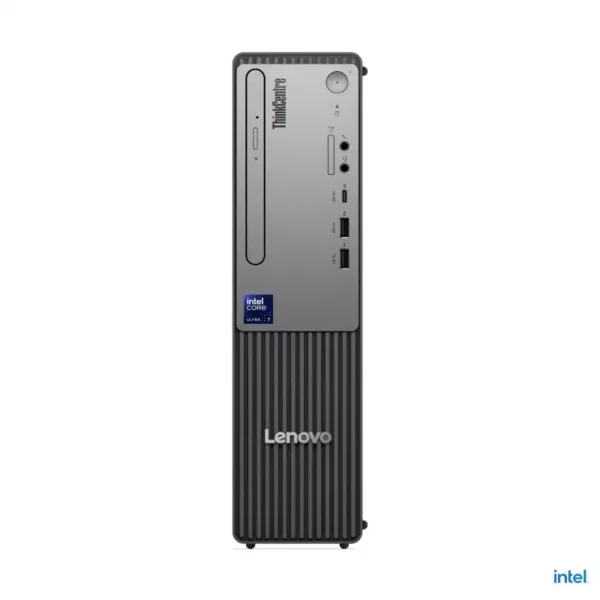
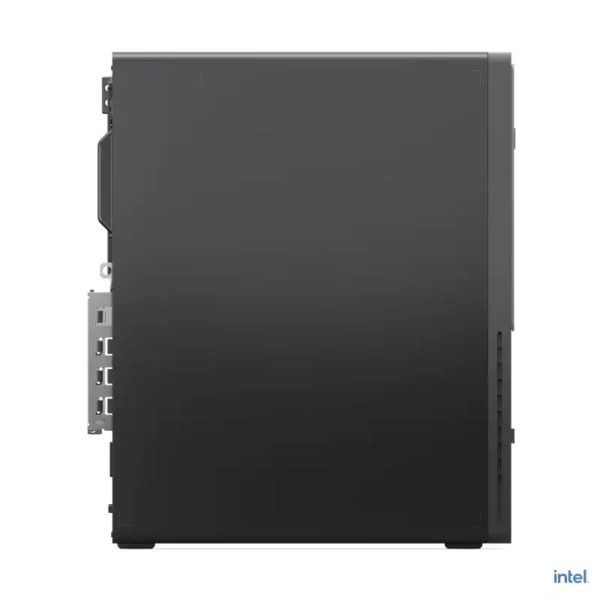
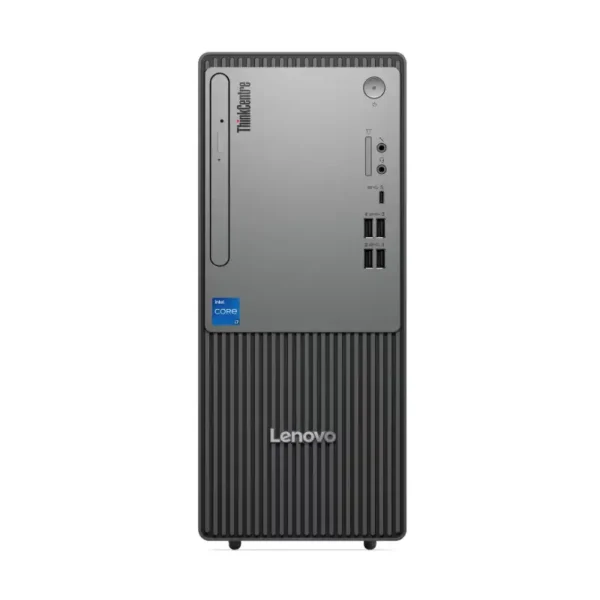
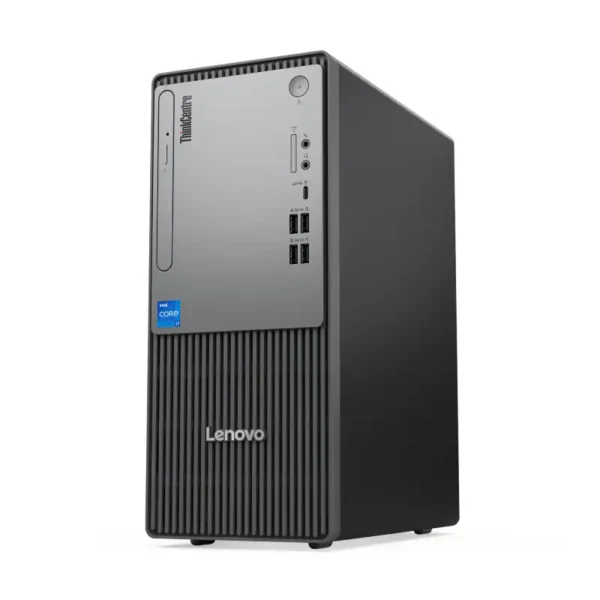
We stock six ThinkCentre families in three sizes. The neo series is Lenovo’s value business line, built for offices that want a dependable PC at a sensible price. The M series adds MIL-STD-810H testing and a longer base warranty listed by Lenovo. Pick the size that fits your desk first, then choose the processor that matches the software your team runs every day.
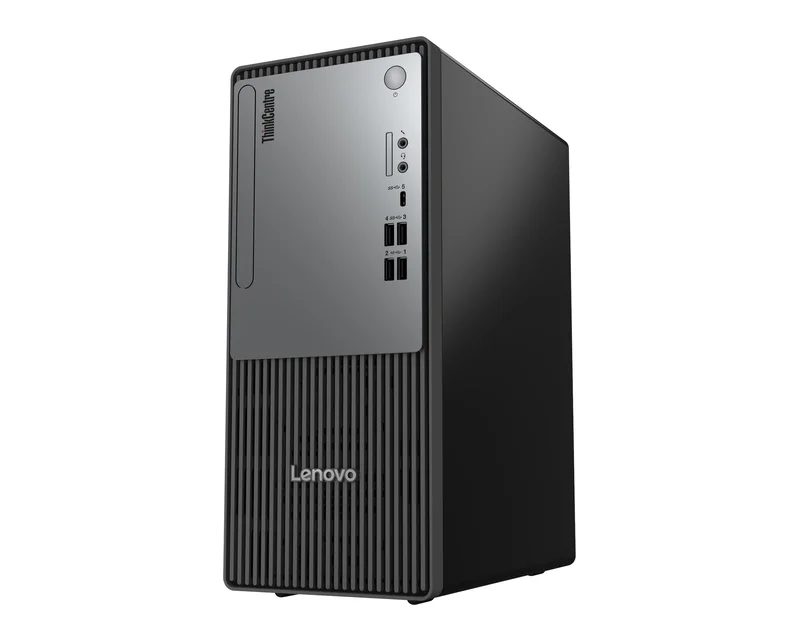
ThinkCentre neo 30t Gen 5
Budget tower for billing and data entry.
- Intel Core i3-1315U or i5-13420H
- Two DDR5 SO-DIMM slots, up to 32GB
- Two M.2 SSD slots, full-height PCIe 4.0 x16
- HDMI and VGA, Wi-Fi 6 on some models
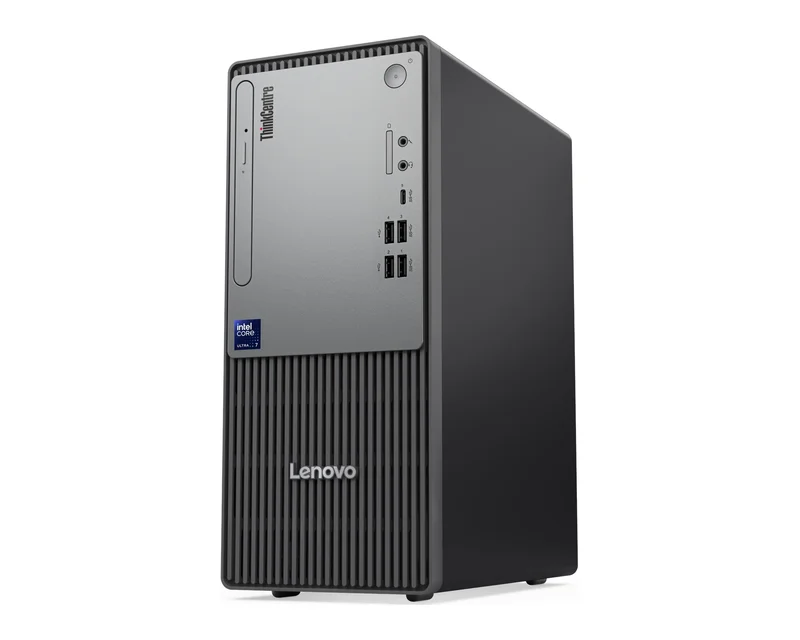
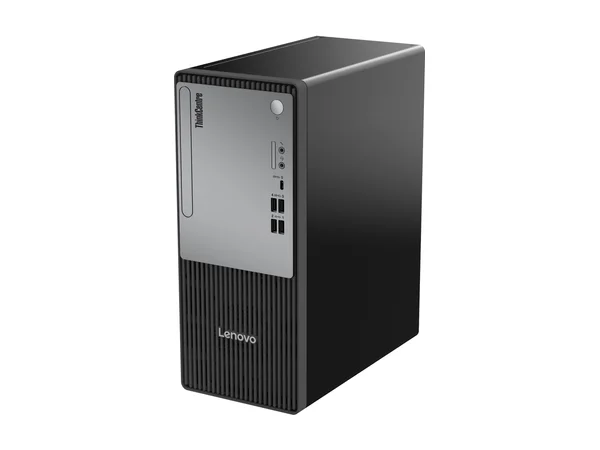
ThinkCentre neo 50t Gen 6 and Gen 5
Everyday office tower with desktop CPUs.
- Gen 6: Core Ultra 3 205 or Ultra 5 225
- Gen 5: Core i3-14100, i5-13400 or i5-14400
- Two DDR5 slots, up to 64GB
- HDMI, DisplayPort and VGA on the back
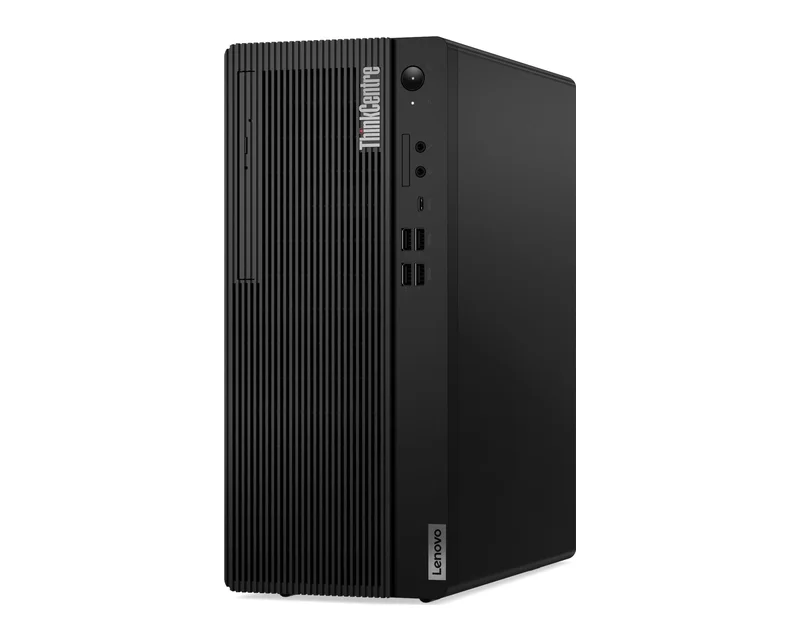
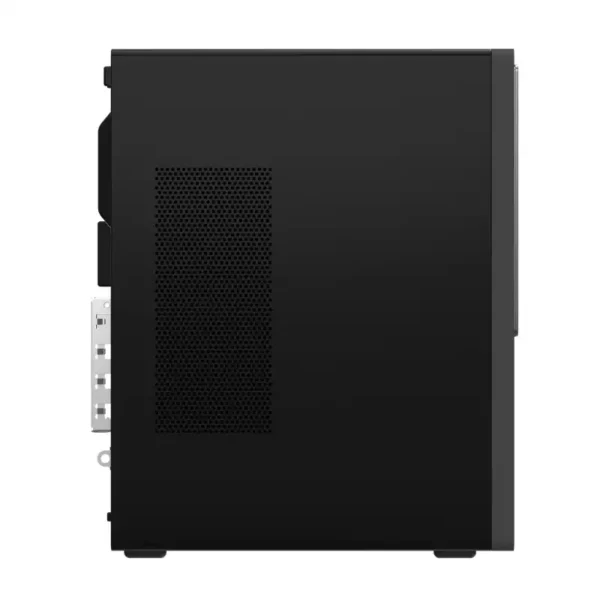
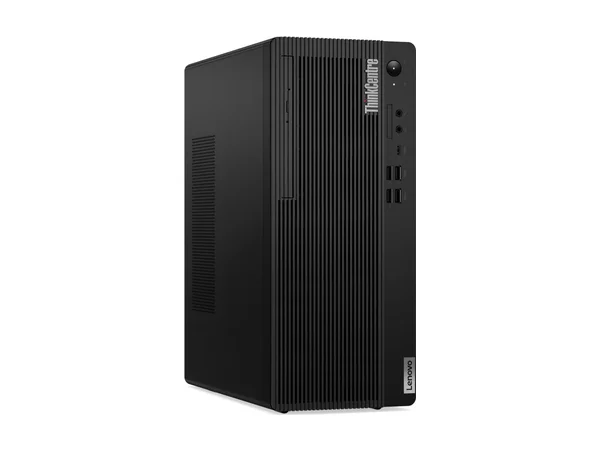
ThinkCentre M70t Gen 5
Business tower for heavier work.
- Intel Core i5-14400, i5-14500 or i7-14700
- Two DDR5 slots, up to 64GB, 260W supply
- Passed MIL-STD-810H tests
- 3-year onsite base warranty listed by Lenovo
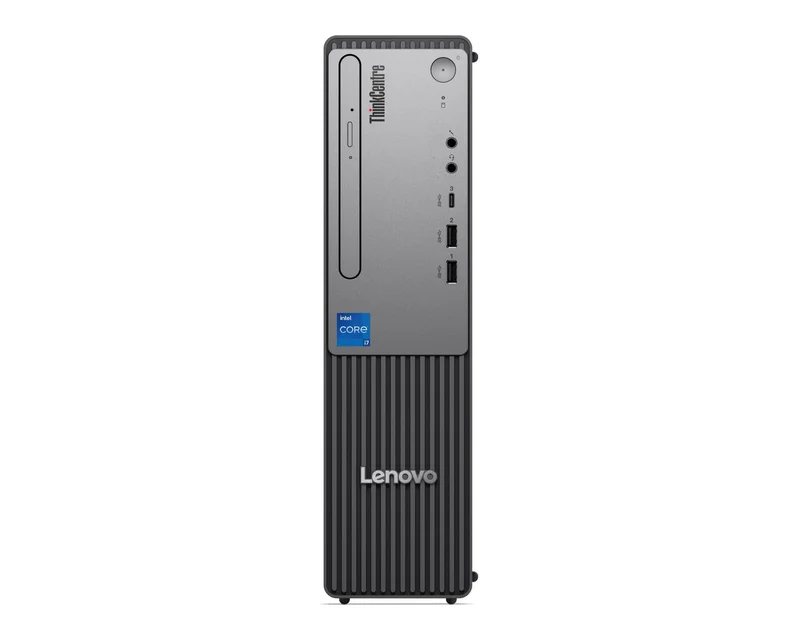
ThinkCentre neo 30s Gen 5
Slim box for tight counters.
- Intel Core i5-13420H
- Up to 64GB DDR5 SO-DIMM
- Two M.2 SSD slots, low-profile PCIe
- 92.5 mm wide, about 4.6 kg
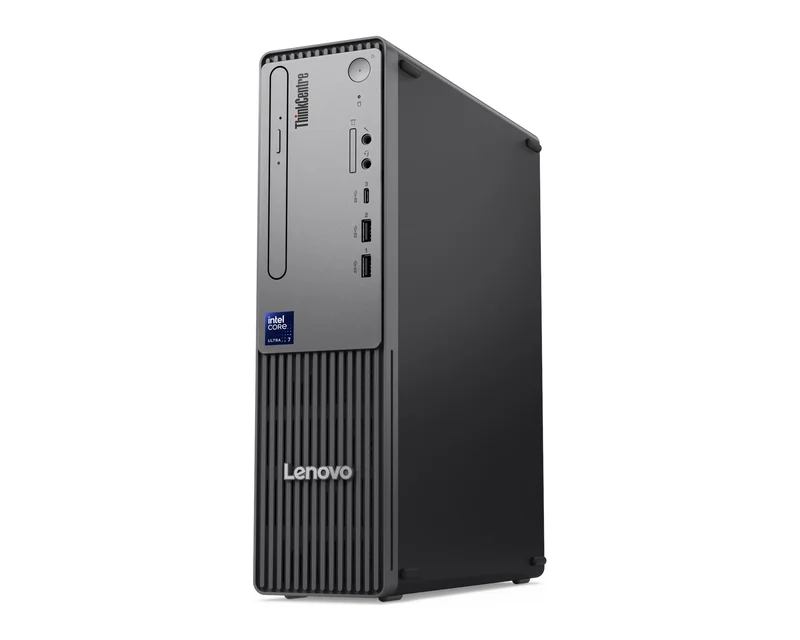
ThinkCentre neo 50s Gen 6 and Gen 5
Small and quick for most offices.
- Gen 6: Core Ultra 3 205 or Ultra 5 225
- Gen 5: Core i5-14400
- Two DDR5 slots, up to 64GB
- HDMI and DisplayPort, Wi-Fi 6 on some Gen 6 models
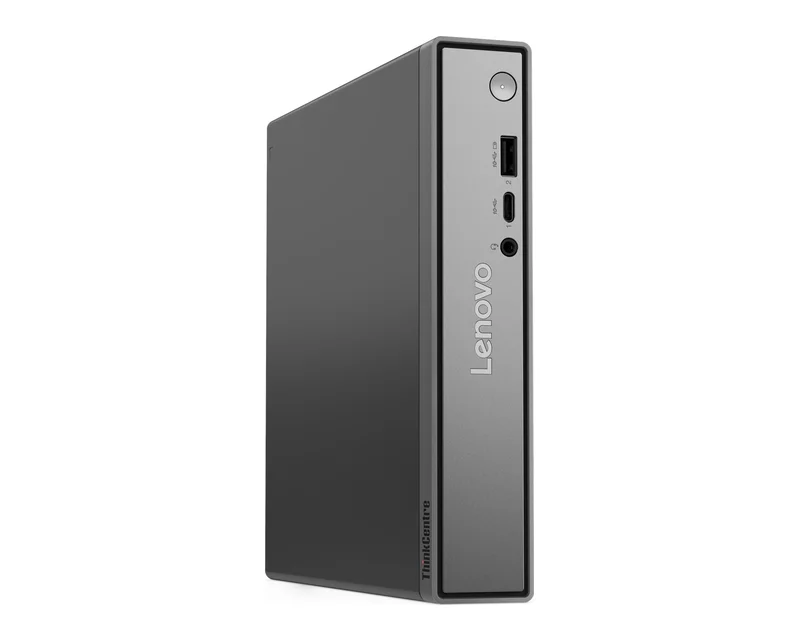
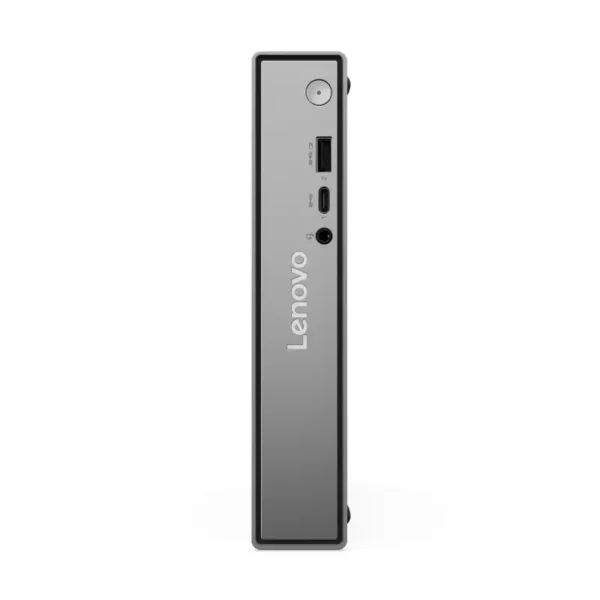
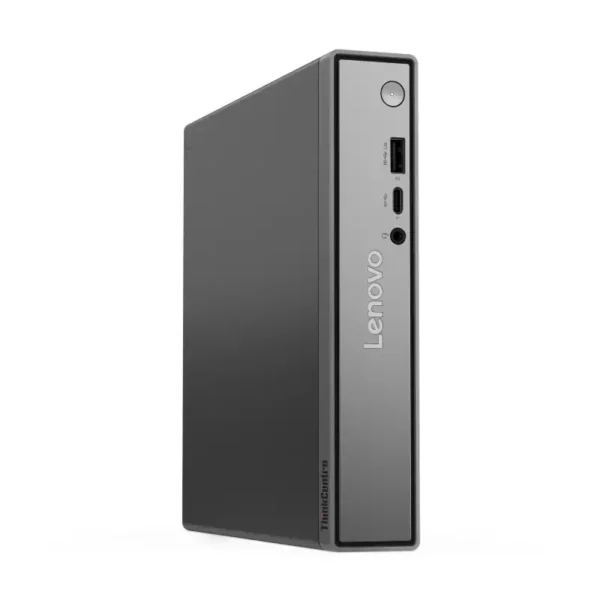
ThinkCentre neo 50q Gen 5
Hides behind a monitor or under a desk.
- Intel Core i3-1315U or i5-13420H
- 179 x 183 x 34.5 mm, about 1.13 kg
- 65W adapter, Wi-Fi 6 and Bluetooth 5.2
- HDMI 2.1 and DisplayPort for two screens
Also in stock: the ThinkCentre M75t Gen 5 tower with AMD Ryzen 5 8500G or Ryzen 5 PRO 8500G, and the older ThinkCentre M70t with Core i3-10100 and a 1TB hard disk.
What makes a ThinkCentre a business PC
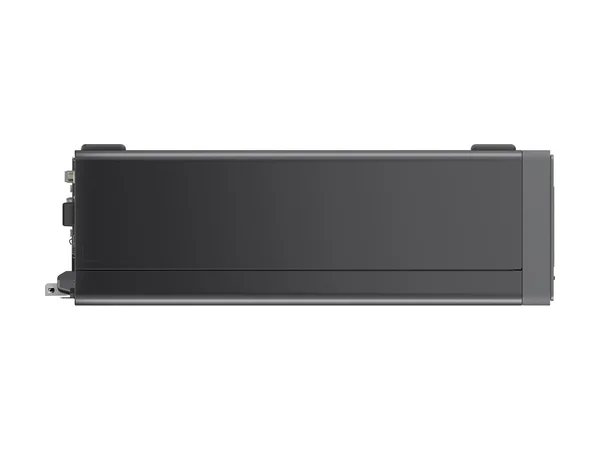
A ThinkCentre is built for years of office use rather than home gaming. Lenovo adds room for a graphics card, VGA on several models for older office screens, lock slots against theft and compact SFF and Tiny cases for crowded counters. These are the details that keep an office running with fewer support calls.
Ports compared
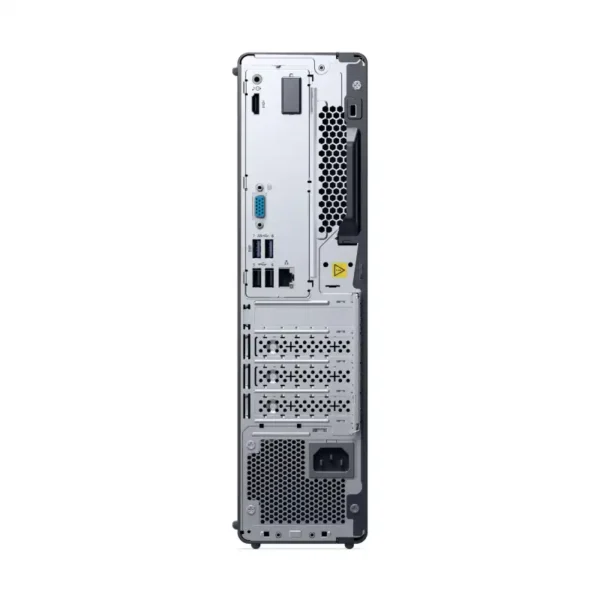
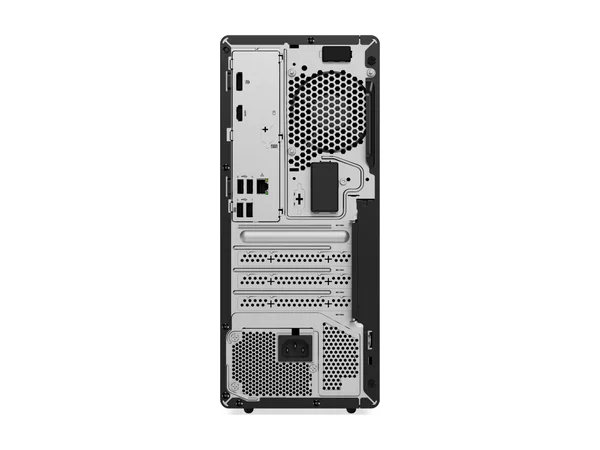
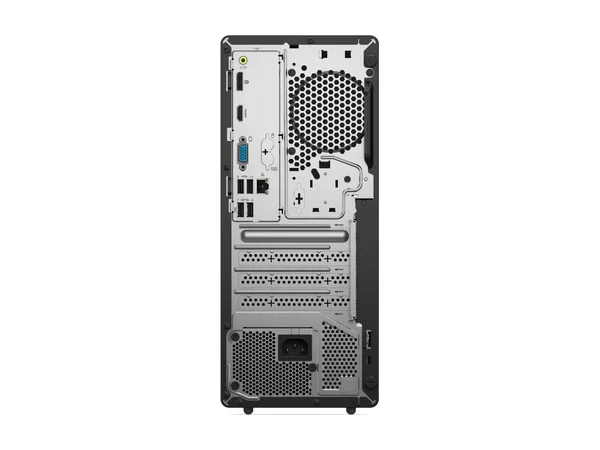
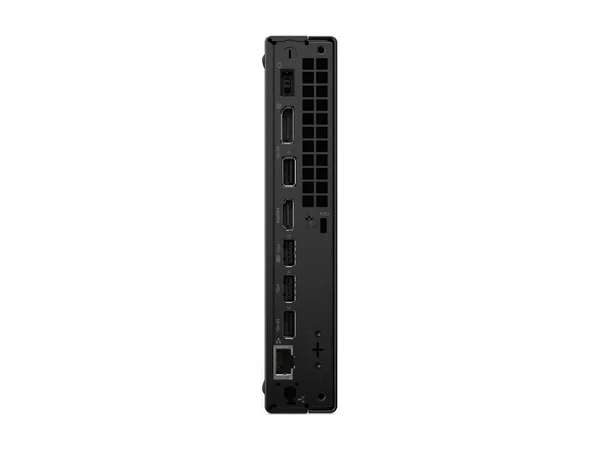
The ThinkCentre neo 50t Gen 6 tower has more ports, including VGA, while the neo 50q Gen 5 Tiny gives you faster 10Gbps USB in a much smaller box. Both drive two monitors through HDMI and DisplayPort, which suits accounts teams and front desks that work across two screens.

ThinkCentre neo 50t Gen 6
Nine USB ports in total, with HDMI, DisplayPort and VGA on the back.
- Front: 1x USB-C 5Gbps with 15W charging, 2x USB-A 5Gbps, 2x USB-A 2.0, combo jack, mic
- Rear: 2x USB-A 5Gbps, 2x USB-A 2.0, HDMI 2.1, DisplayPort 1.4, VGA, Ethernet, line-out

ThinkCentre neo 50q Gen 5 Tiny
Six USB ports, most at 10Gbps, plus HDMI 2.1 and DisplayPort.
- Front: 1x USB-C 10Gbps, 1x USB-A 10Gbps (always on), combo jack
- Rear: 2x USB-A 10Gbps, 2x USB-A 2.0, HDMI 2.1, DisplayPort 1.4b, Gigabit Ethernet
Which ThinkCentre for which desk?
Match the ThinkCentre to the work, not the other way round. Billing and data entry run fine on a Core i3 neo 30t, accounts and HR teams are happier on a Core i5 or Core Ultra 5 neo 50 with 16GB, and design or heavy Excel users should pick the M70t Gen 5 with a Core i7-14700. The table below sums it up.
| Use | Go for | Why |
|---|---|---|
| Billing, reception, data entry | neo 30t Gen 5 Core i3 | Low cost, VGA for old monitors |
| Accounts, HR, Tally, many tabs | neo 50t or neo 50s, Core i5 or Ultra 5 | Desktop CPUs, up to 64GB |
| Design, heavy Excel, light CAD | M70t Gen 5 Core i7-14700 | 20 cores, room for a graphics card |
| Shop counters, clinics | neo 30s or neo 50s SFF | 92.5 mm wide, sits beside the monitor |
| Meeting rooms, digital signage, hot desks | neo 50q Gen 5 Tiny | 1.13 kg, two display outputs |
| Offices that run on AMD | M75t Gen 5 | Ryzen 5 8500G or Ryzen 5 PRO |
ThinkCentre specs side by side
This table compares the five ThinkCentre families we stock most, using Lenovo’s spec sheets for the part numbers on this page. It covers processors, memory slots, SSD slots, power supply, video outputs, weight and the base warranty Lenovo lists for each family.
| neo 30t Gen 5 | neo 50t Gen 6 | M70t Gen 5 | neo 50s Gen 6 | neo 50q Gen 5 | |
|---|---|---|---|---|---|
| Size | Tower | Tower | Tower | SFF | Tiny |
| Processors | Core i3-1315U, i5-13420H | Core Ultra 3 205, Ultra 5 225 | Core i5-14400 to i7-14700 | Core Ultra 3 205, Ultra 5 225 | Core i3-1315U, i5-13420H |
| Memory | 2 SO-DIMM, up to 32GB | 2 DIMM, up to 64GB | 2 DIMM, up to 64GB | 2 DIMM, up to 64GB | 2 SO-DIMM, up to 64GB |
| SSD slots | 2 x M.2 | 2 x M.2 | 1 x M.2 | 2 x M.2 | 2 x M.2 |
| Power | 200W | 200W | 260W | 200W | 65W adapter |
| Video out | HDMI, VGA | HDMI, DP, VGA | HDMI, DP | HDMI, DP | HDMI, DP |
| Weight | About 4.4 kg | About 5.8 kg | About 5.9 kg | About 4.6 kg | About 1.13 kg |
| Base warranty | 1 year onsite | 1 year onsite | 3 years onsite | 1 year onsite | 1 year onsite |
Good to know before you buy
Five things catch buyers out with ThinkCentre desktops: the operating system differs by part number, the neo 30 range uses laptop-class chips, memory can usually be added later, warranty terms differ between neo and M series, and no monitor comes in the box. Each point is explained below.
- Check the OS on each listing. Some models ship with Windows 11 Pro, others with FreeDOS or no operating system. We sell Windows 11 Pro licences if you need one.
- neo 30 models use laptop-class chips. The neo 30t, neo 30s and neo 50q run Core i3-1315U or i5-13420H with SO-DIMM memory. They use less power, but the neo 50 and M70t desktop chips are faster for heavy work.
- Add RAM later. Most models ship with one memory stick and a free slot. Adding a second stick turns on dual-channel memory.
- Warranty differs by series. Lenovo lists 1 year onsite on the neo models and 3 years onsite on the M70t Gen 5. Ask us to confirm cover for the exact part number.
- No monitor in the box. These are desktops only. See Lenovo monitors and we’ll quote both together.
Setting up an office, shop or school lab?
Tell us how many desks, what software they run and your delivery date. We’ll send a quote with GST invoice.
Why buy Lenovo commercial desktops from YourShoppy in Bangalore
YourShoppy has sold and serviced business PCs from 1st Block Koramangala since 2010. Offices buy Lenovo commercial desktops from us for a GST invoice with input tax credit, same-day delivery across Bangalore, bulk quotes for whole teams and chip-level repair in house once the warranty ends.
- Lenovo dealer in 1st Block Koramangala since 2010, with GST invoice for input tax credit.
- Same-day delivery in Bangalore if you order by 2 PM, or pick up from the store.
- Bulk orders for offices, shops and schools. See our bulk purchase page.
- Chip-level repair in house after warranty, from our motherboard repair team.
For tight desks, see Lenovo commercial all-in-one PCs. For 3D and rendering work, see Lenovo ThinkStation workstations. For home use, see Lenovo desktops.
Address: YourShoppy, 339, 1st Floor, 1st Main Cross, next to Essar Petrol Bunk, 1st Block Koramangala, Bengaluru 560034
Hours: Monday to Sunday, 10:30 AM to 9 PM
Phone: 97392 21133 · 98869 19198 · 080 4141 0072
WhatsApp: 97392 21133 or 98869 19198
Common questions
These are the questions offices ask us most often about Lenovo ThinkCentre desktops, from the difference between neo and M series to monitor support, upgrades and bulk orders with a GST invoice.
Where can I buy Lenovo commercial desktops in Bangalore?
At YourShoppy, 339, 1st Floor, 1st Main Cross, 1st Block Koramangala. Same-day delivery in Bangalore if you order by 2 PM. WhatsApp 97392 21133 or 98869 19198.
What is the difference between ThinkCentre neo and M series?
Both are business desktops. The neo series is the value line with a 1-year onsite base warranty. The M70t Gen 5 adds MIL-STD-810H testing and Lenovo lists a 3-year onsite base warranty.
What do the t, s and q mean in ThinkCentre names?
t is a tower, s is a small form factor (SFF) desktop and q is a Tiny PC. For example, the neo 50t is a tower, the neo 50s is SFF and the neo 50q is Tiny.
Which ThinkCentre is best for a small office?
For billing and data entry, the neo 30t Core i3 is enough. For accounts and multitasking, pick a neo 50t or neo 50s with Core i5 or Core Ultra 5 and 16GB. For tight desks, the neo 50q Tiny.
Can I upgrade RAM and storage on a ThinkCentre?
Yes. Most have two memory slots and support up to 64GB, with the neo 30t at 32GB. Many have two M.2 SSD slots, so you can add a second SSD.
Do ThinkCentre desktops support two monitors?
Yes. Models with HDMI and DisplayPort, like the neo 50t, neo 50s, neo 50q and M70t, drive two screens. The neo 30t has HDMI and VGA.
Do you supply ThinkCentre desktops in bulk with GST invoice?
Yes. We supply offices, shops and schools across Bangalore with a GST invoice. Send the quantity and configuration on WhatsApp for a quote.