
ASUS Vivobook Laptops
ASUS Vivobook laptops in Bangalore are the everyday ASUS range for home, study and office work, and YourShoppy stocks every line: Vivobook Go, Vivobook 14, Vivobook 15, Vivobook 16 and the slimmer OLED Vivobook S. Every model we sell comes with Windows 11 Home and Office Home 2024, and most have a 512GB SSD.
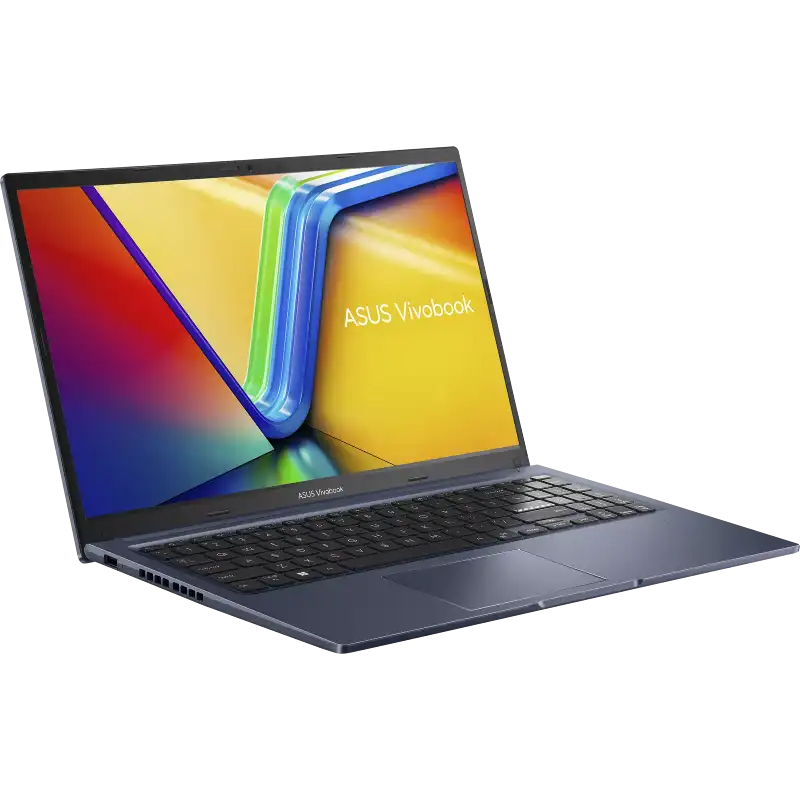
This page lists the Vivobook 14 and 15. The other lines have their own pages, linked below. Not sure which one fits? WhatsApp 97392 21133 or 98869 19198 from our 1st Block Koramangala store.
The Vivobook family
Three main lines, from the lowest price up. Tap one to see its models.
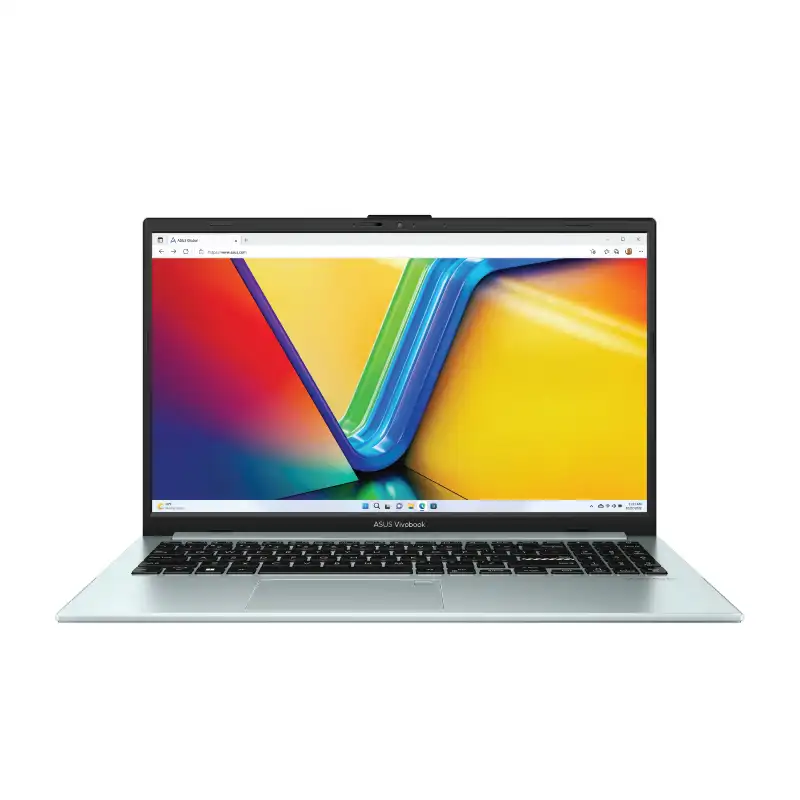
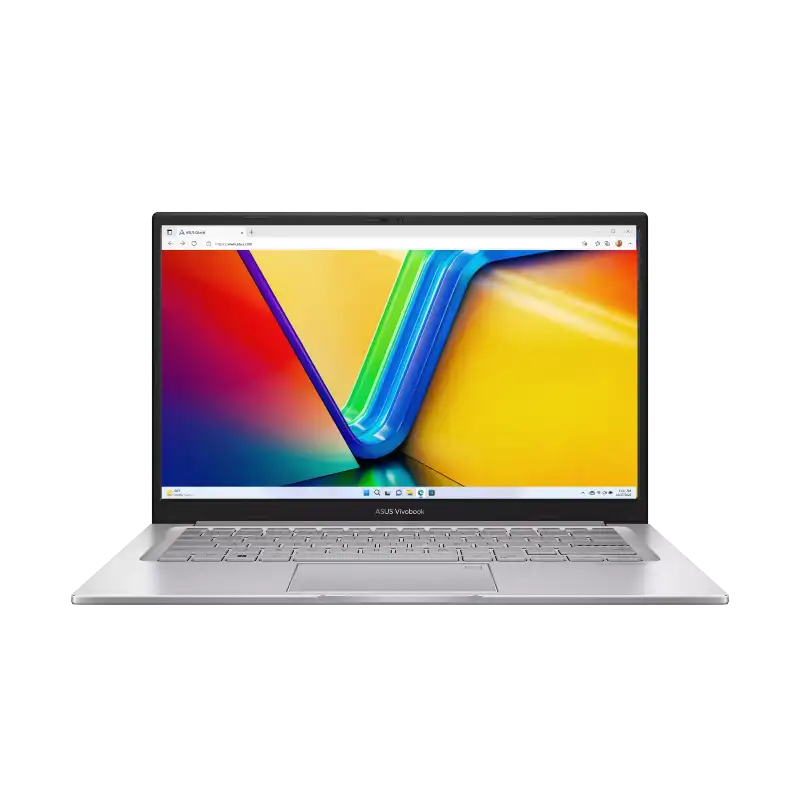
Vivobook 14 / 15
- Intel Core 3 / Core 5, or AMD Ryzen 5 / Ryzen 7
- Fingerprint sensor on many models
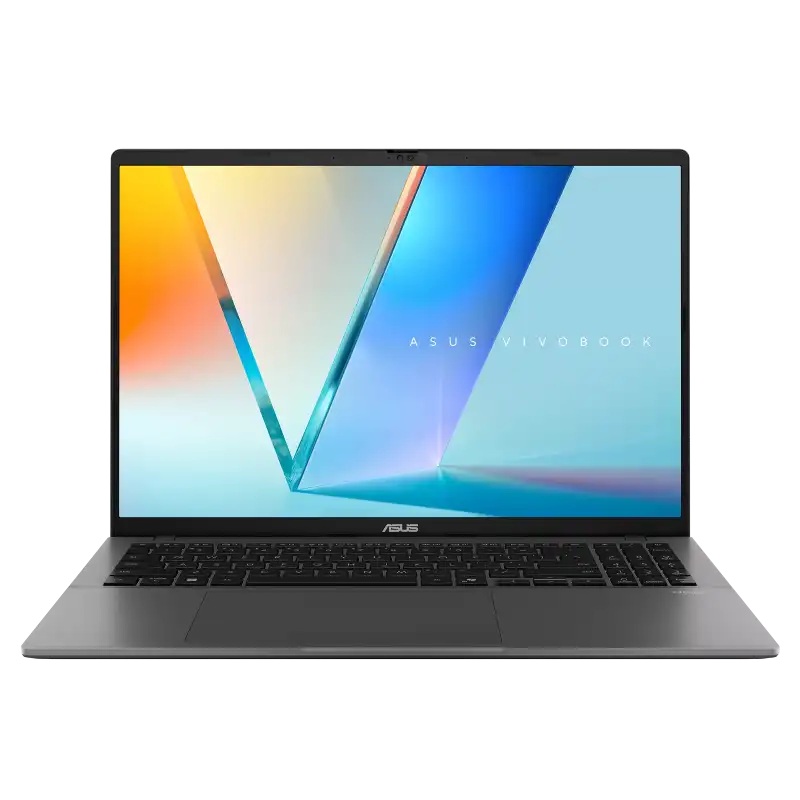
Vivobook S14 / S16
- Intel Core Ultra, Ryzen AI or Snapdragon X
- OLED screen on most models
Want a 16-inch screen? See the Vivobook 16.
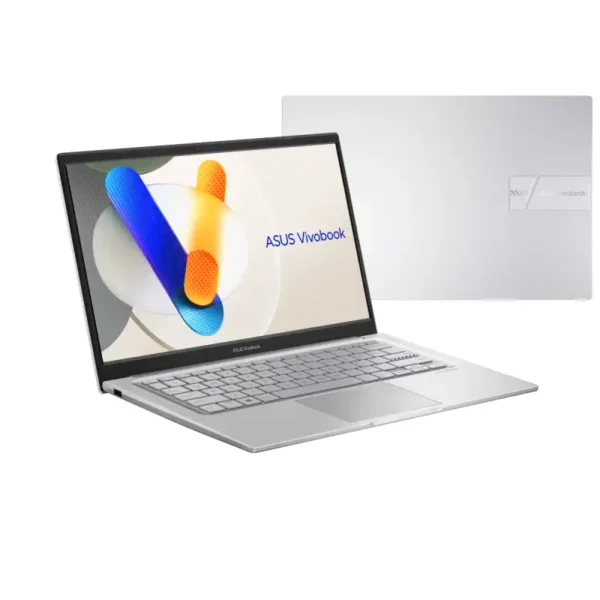
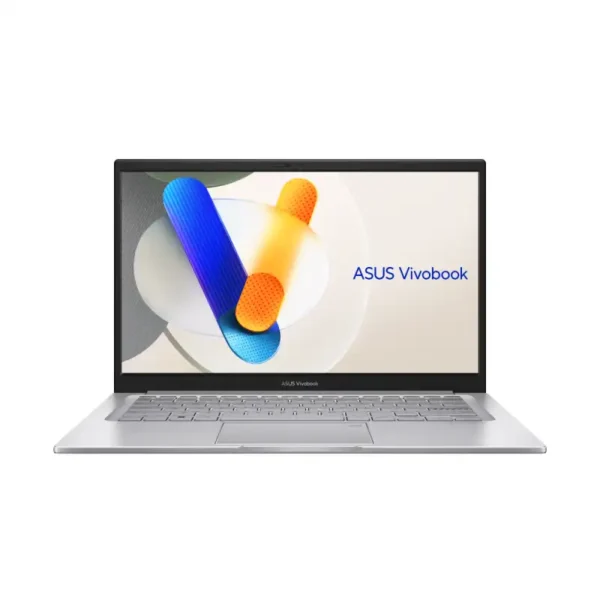
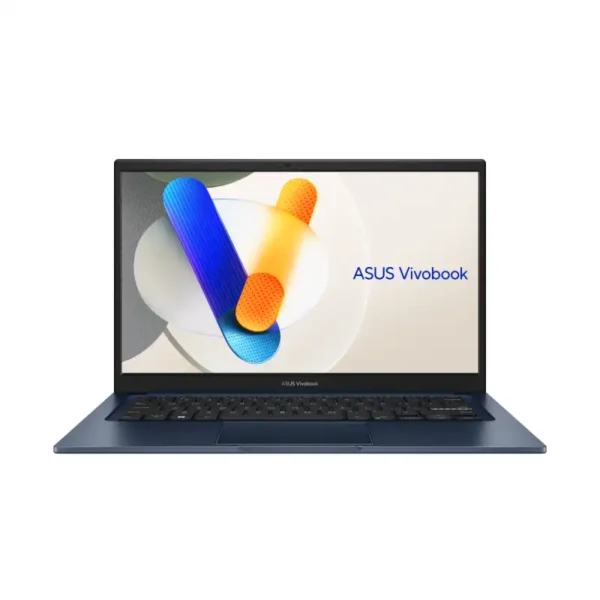
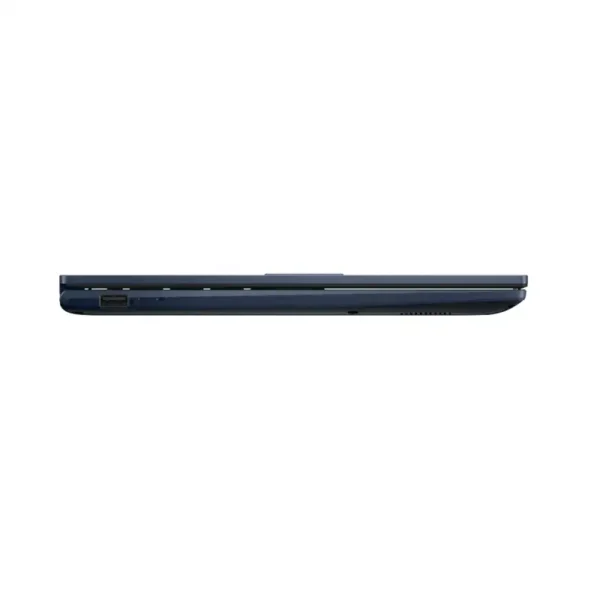
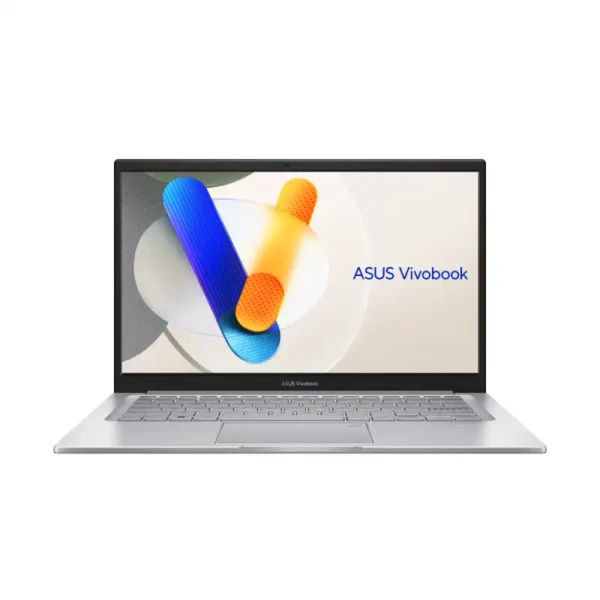
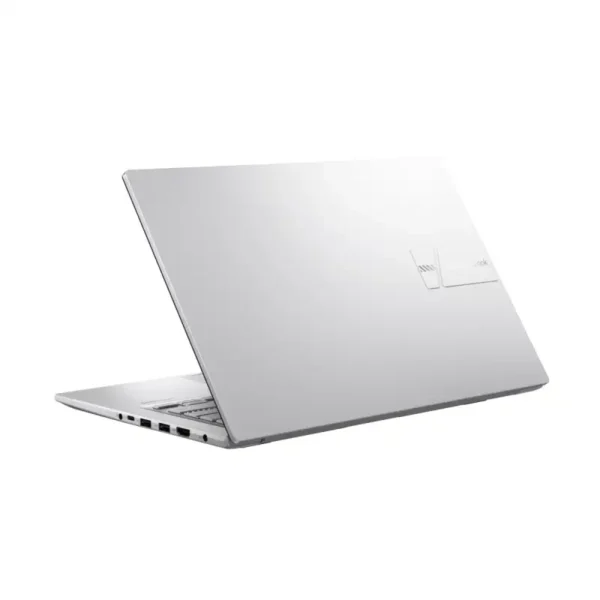
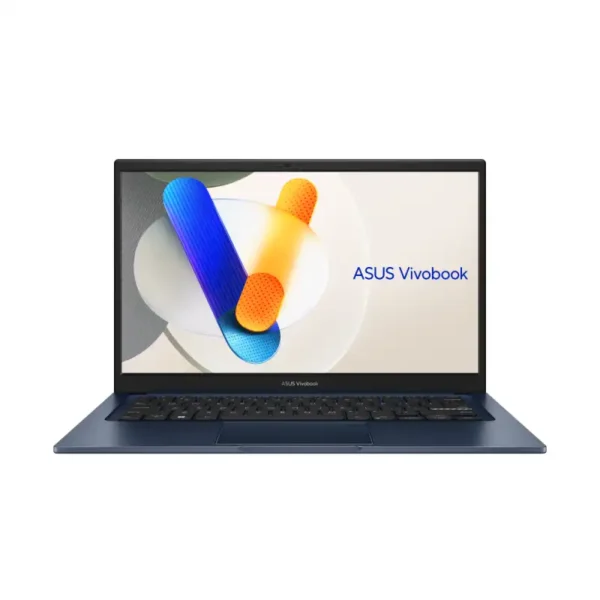
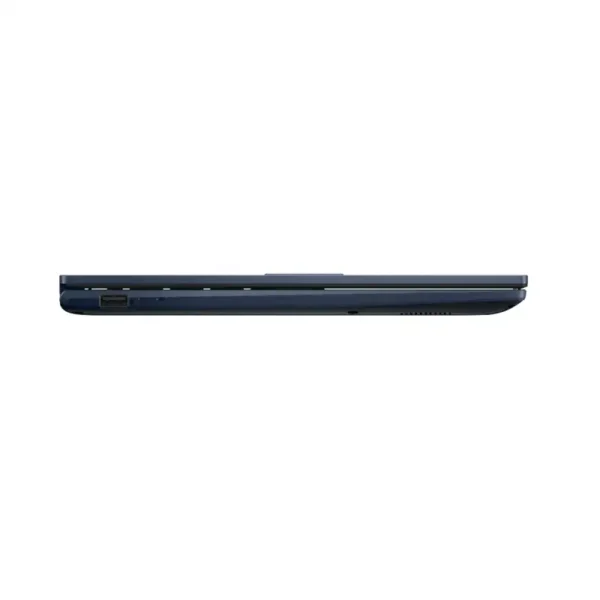
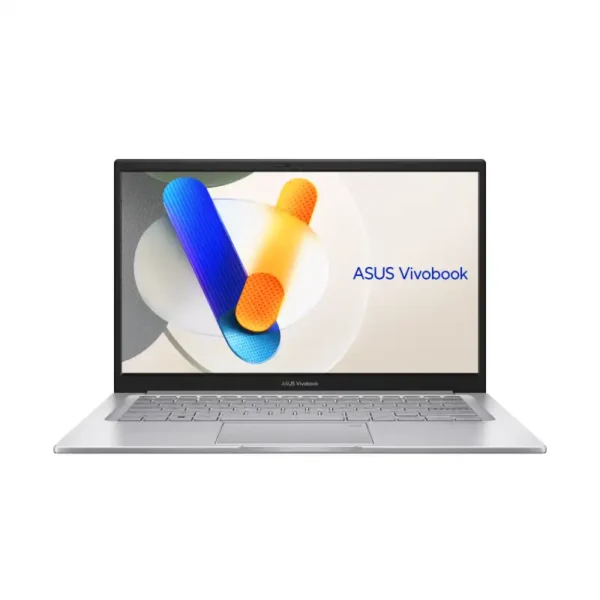
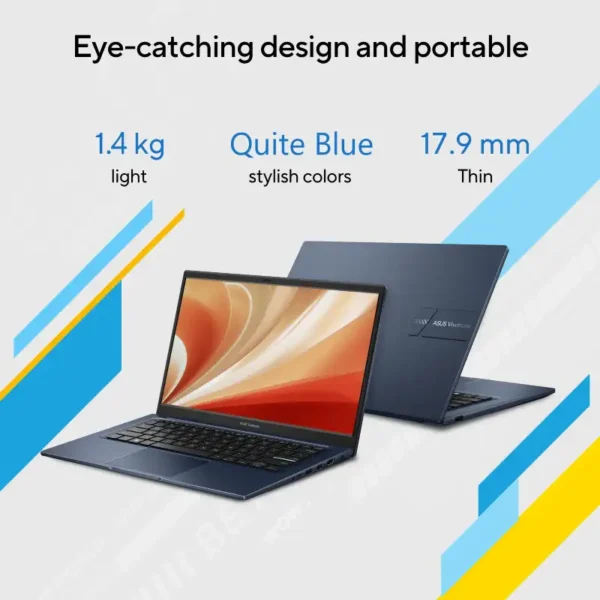

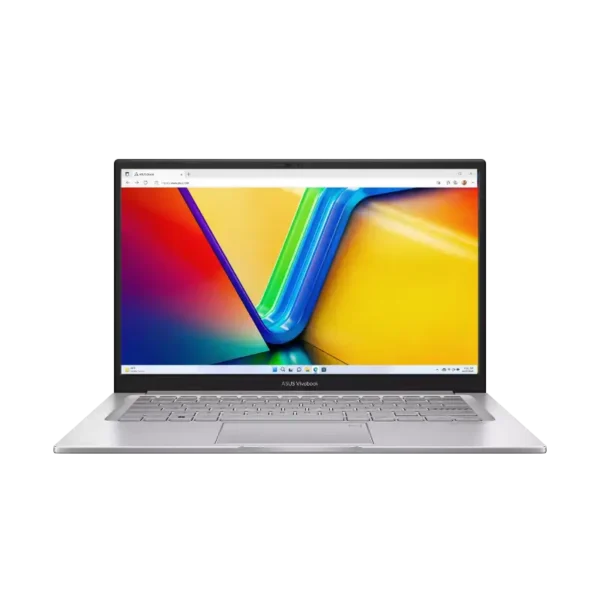
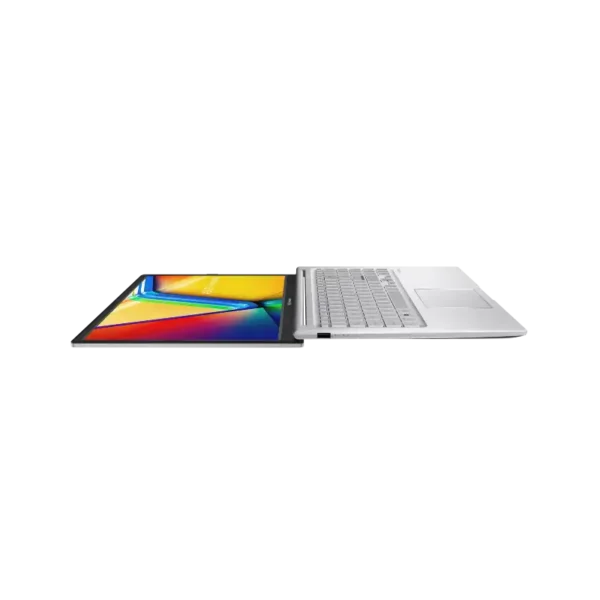
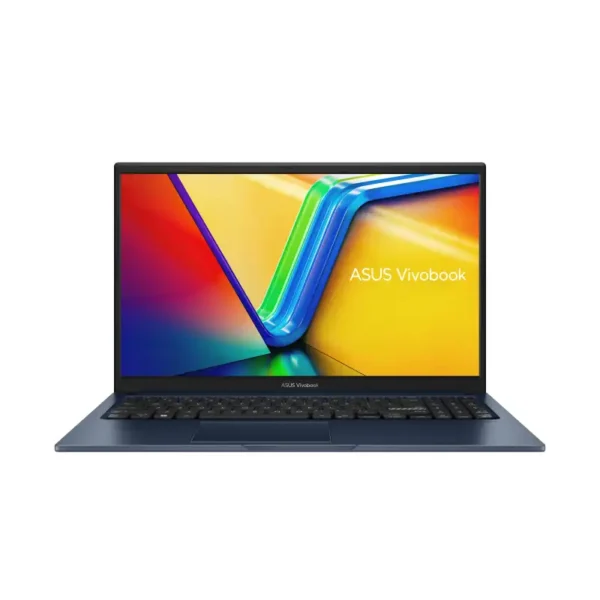
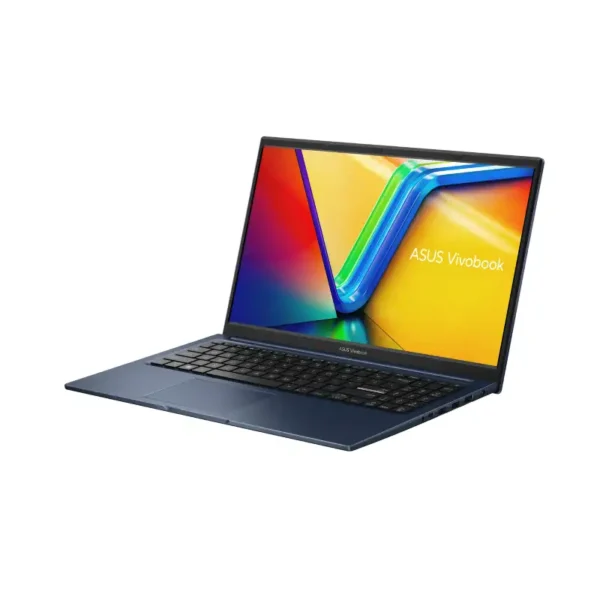
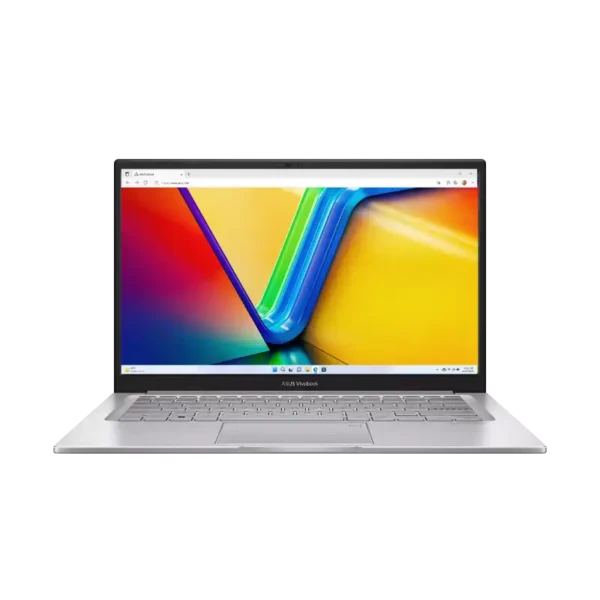
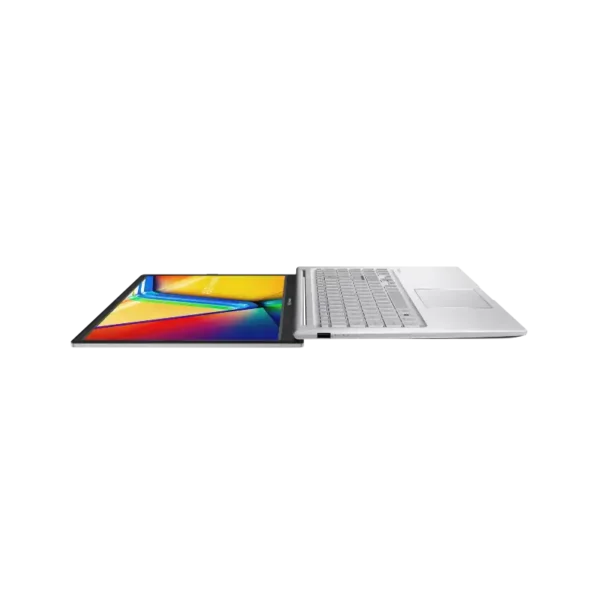
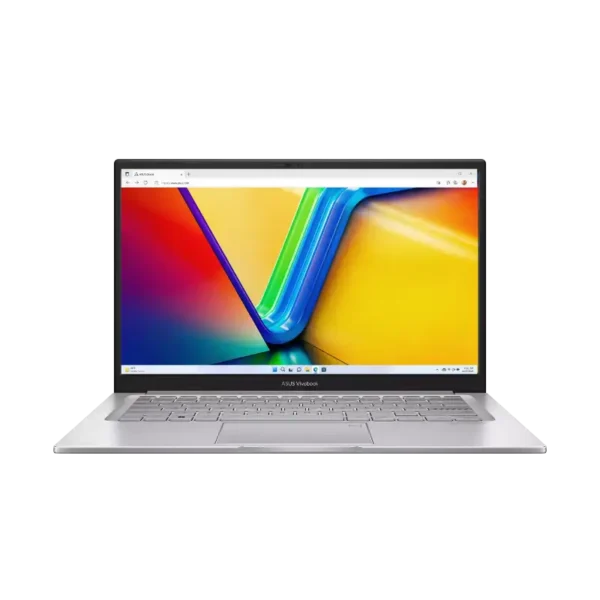
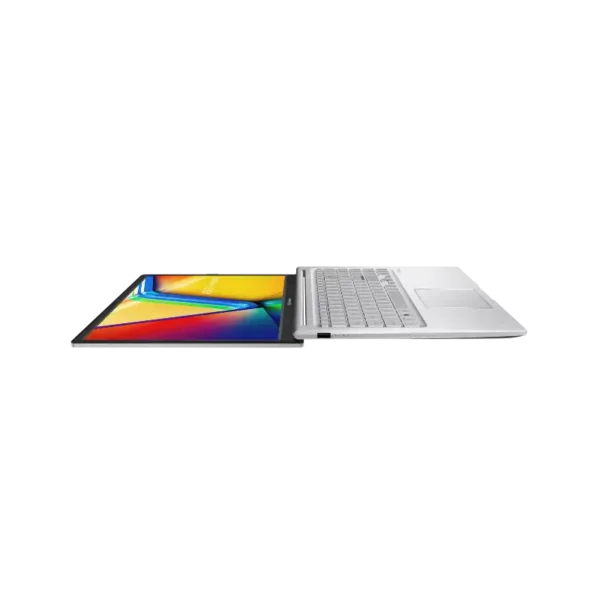
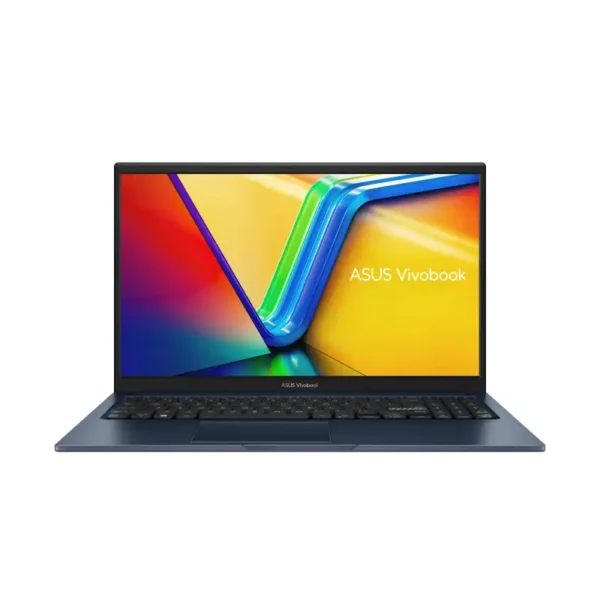
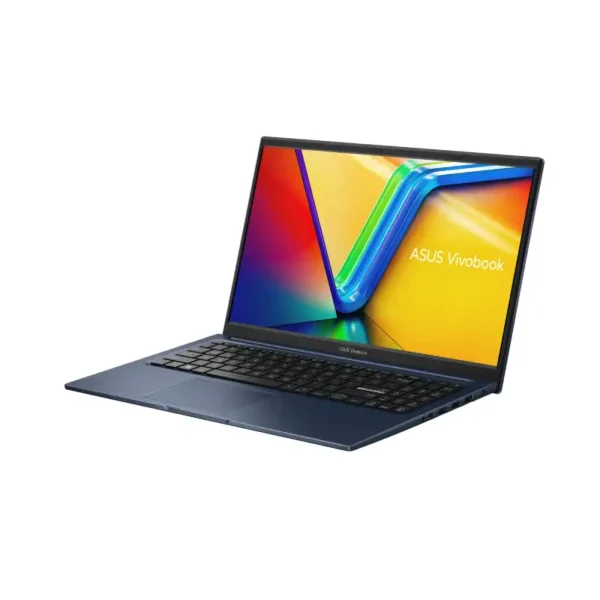
Asus Vivobook 14 X1404VAP-EB542WS
- Intel® Core™ 5 Processor 120U, 10 Cores / 12 Threads, 1.4GHz Base / Up to 5.0GHz, 12MB Cache
- Intel® Graphics (Integrated)
- 16GB DDR4 (8GB On-Board + 8GB SO-DIMM, Upgradable)
- 512GB M.2 NVMe™ PCIe® 4.0 SSD
- 14.0" FHD (1920×1080), IPS-level Panel, 60Hz, 250 nits, 45% NTSC, Non-touch
- Windows 11 Home + Microsoft Office Home 2024 + Microsoft 365 Basic
- Quiet Blue
- 1-Year Warranty
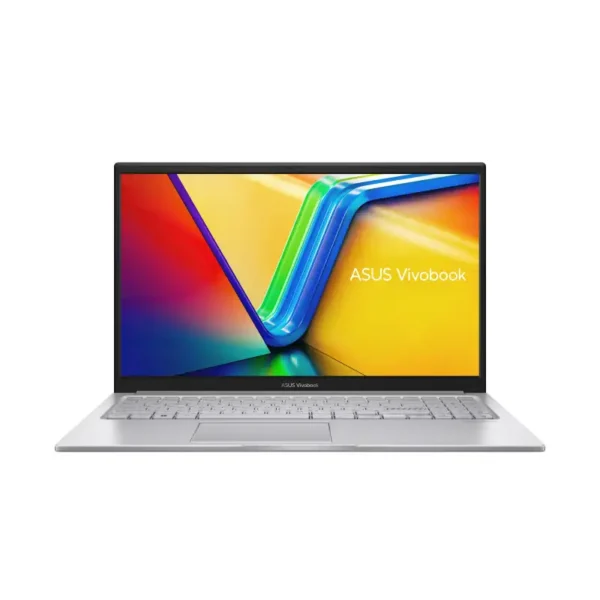
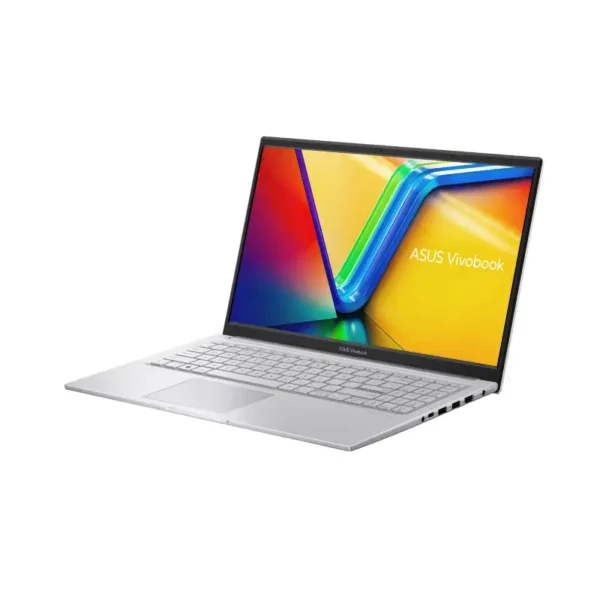
Vivobook 14 or Vivobook 15?
Pick the Vivobook 14 if you carry your laptop a lot, and the Vivobook 15 if you want a bigger 15.6-inch screen. The Vivobook 14 (X1404VAP) runs an Intel Core 5 120U with 10 cores, 8GB or 16GB of RAM and a fingerprint sensor. The Intel Vivobook 15 (X1504VAP) comes with Core 3 100U or Core 5 120U and a backlit keyboard. The AMD Vivobook 15 (M1502NAQ) has Ryzen 5 150 or Ryzen 7 170 with 16GB DDR5 that goes up to 24GB.
Both have a Full HD anti-glare screen, a 512GB SSD and Office 2024. Here’s how the models we stock differ.
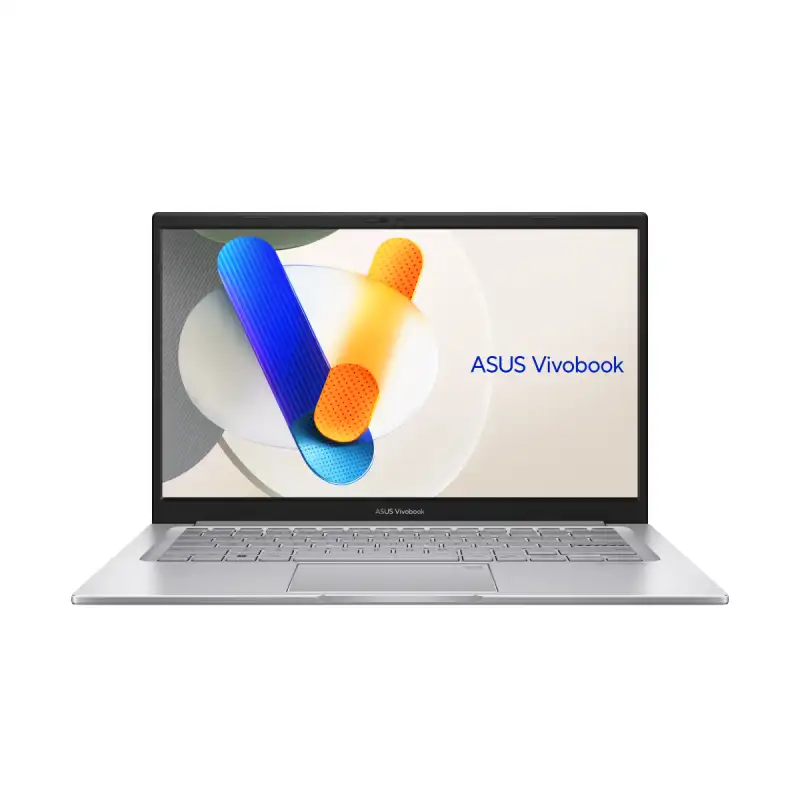
Vivobook 14 (X1404VAP)
- Intel Core 5 120U, 10 cores
- 14″ FHD IPS, fingerprint sensor
- 8GB or 16GB RAM
Vivobook 15 (X1504VAP)
- Intel Core 3 100U or Core 5 120U
- 15.6″ FHD IPS, backlit keyboard
- Fingerprint sensor on Core 5 models
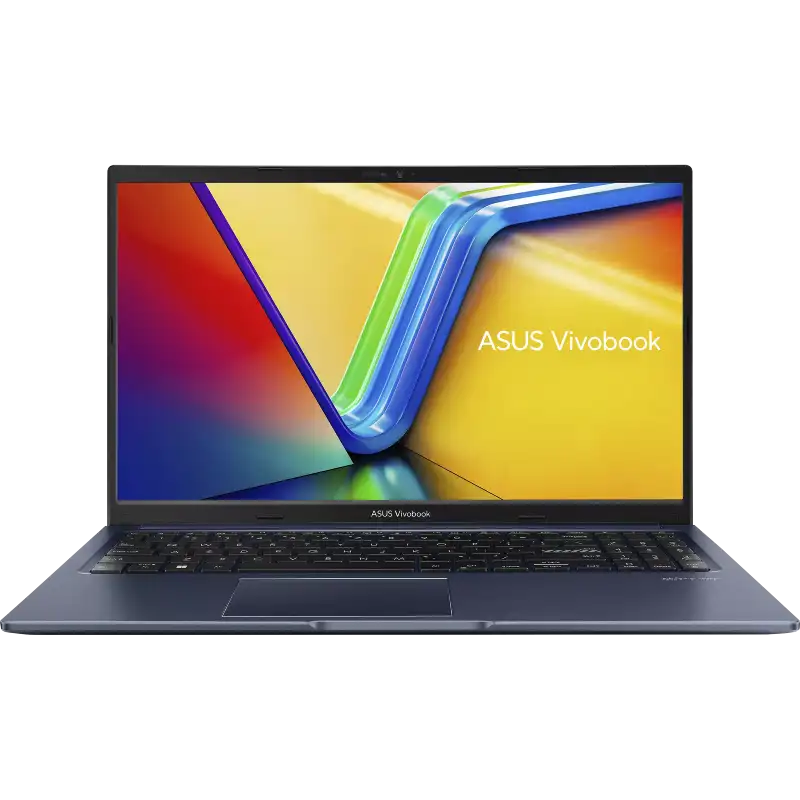
Vivobook 15 (M1502NAQ)
- AMD Ryzen 5 150 or Ryzen 7 170
- 16GB DDR5, expandable to 24GB
- Fingerprint sensor
Quick guide
Which Vivobook for you?
For home use and online classes, the Vivobook 15 with Core 3 100U and 8GB is the lowest-priced option in this range and still has a backlit keyboard. College students who carry a laptop every day should look at the Vivobook 14 with Core 5 120U and 16GB. For office work in Excel and Tally, the Vivobook 15 with Core 5 gives you a number pad and more screen. Light coding and heavier multitasking suit the Ryzen 7 170 model.
| Use | Go for | Why |
|---|---|---|
| Home use, online classes | Vivobook 15 with Core 3 100U, 8GB | The lowest price in the Vivobook 14/15 range, with a backlit keyboard |
| College, carrying it daily | Vivobook 14 with Core 5 120U, 16GB | Smaller and lighter to carry, with enough RAM for years |
| Office, Excel, Tally | Vivobook 15 with Core 5 120U, 16GB | Number pad and a bigger screen for spreadsheets |
| Heavier multitasking, light coding | Vivobook 15 with Ryzen 7 170 | 8 cores and RAM you can take to 24GB |
What comes with every Vivobook here
Every Vivobook 14 and 15 we list comes with Windows 11 Home, Office Home 2024 and a 512GB PCIe 4.0 SSD. Office Home 2024 is a one-time licence, so you don’t pay a yearly fee to keep using it. ASUS covers each laptop with a 1-year warranty, and after that we do chip-level repair in the same Koramangala store. Colours are Cool Silver and Quiet Blue, depending on which model you choose.
- Windows 11 Home and Office Home 2024, a one-time Office licence with no yearly fee.
- 512GB PCIe 4.0 SSD on every Vivobook 14 and 15 we list.
- 1-year ASUS warranty.
- Colours: Cool Silver and Quiet Blue, depending on the model.
Vivobook or Zenbook?
Vivobook is the everyday range and costs less. Zenbook is ASUS’s premium thin-and-light line with OLED on every model. If the screen and build matter more than price, see ASUS Zenbook laptops. For gaming, look at TUF Gaming A15 instead.
Tell us how you’ll use it
Send us your budget and what the laptop is for. We’ll reply with the right Vivobook, today’s price and stock.
Why buy ASUS Vivobook laptops in Bangalore from YourShoppy
YourShoppy is an authorised ASUS dealer in 1st Block Koramangala, here since 2010, and your Vivobook comes with a GST invoice. We offer same-day delivery in Bangalore if you order by 2 PM, or you can collect it from the store. No-cost EMI is available on select cards and Bajaj Finserv. Send your budget on WhatsApp to 97392 21133 or 98869 19198 and we’ll reply with today’s price and stock.
- Authorised ASUS dealer in 1st Block Koramangala since 2010, with GST invoice.
- Same-day delivery in Bangalore if you order by 2 PM, or pick up from the store.
- Chip-level laptop repair at the same store after warranty.
- No-cost EMI on select cards and Bajaj Finserv. See our EMI page.
All ASUS laptops are on our ASUS store page.
Address: YourShoppy, 339, 1st Floor, 1st Main Cross, next to Essar Petrol Bunk, 1st Block Koramangala, Bengaluru 560034
Hours: Monday to Sunday, 10:30 AM to 9 PM
Phone: 97392 21133 · 98869 19198 · 080 4141 0072
WhatsApp: 97392 21133 or 98869 19198
Common questions
Where can I buy ASUS Vivobook laptops in Bangalore?
At YourShoppy, an authorised ASUS dealer at 339, 1st Floor, 1st Main Cross, 1st Block Koramangala. Same-day delivery in Bangalore if you order by 2 PM. WhatsApp 97392 21133 or 98869 19198.
What is the difference between Vivobook Go, Vivobook 15 and Vivobook S?
Vivobook Go is the entry level with AMD Ryzen 3 or 5. Vivobook 14 and 15 are the everyday range with Intel Core or AMD Ryzen and a backlit keyboard. Vivobook S14 and S16 are slimmer, with OLED screens and Copilot+ AI chips.
Does the ASUS Vivobook come with MS Office?
Yes. Every Vivobook we sell comes with Windows 11 Home and Office Home 2024.
Which Vivobook is best for students?
The Vivobook 14 with Core 5 120U and 16GB RAM if they carry it daily, or a Vivobook Go 15 if the budget is tight.
Can I upgrade the RAM on the Vivobook 15?
The AMD Vivobook 15 (M1502NAQ) ships with 16GB DDR5 and can go to 24GB. Ask us about the Intel models before you buy.
Is the Vivobook good for gaming?
Only for light, older games. It has integrated graphics. For gaming, look at ASUS TUF or ROG laptops.