
Lenovo ThinkBook laptops
Lenovo ThinkBook laptops are Lenovo’s business laptops for small offices, startups and professionals, priced below the ThinkPad range. YourShoppy is an authorised Lenovo dealer in Koramangala and stocks six ThinkBook 14 G8 IRL models, all with a 14-inch WUXGA screen, a 512GB SSD and an Intel Core 3, Core 5 or Core 7 processor.
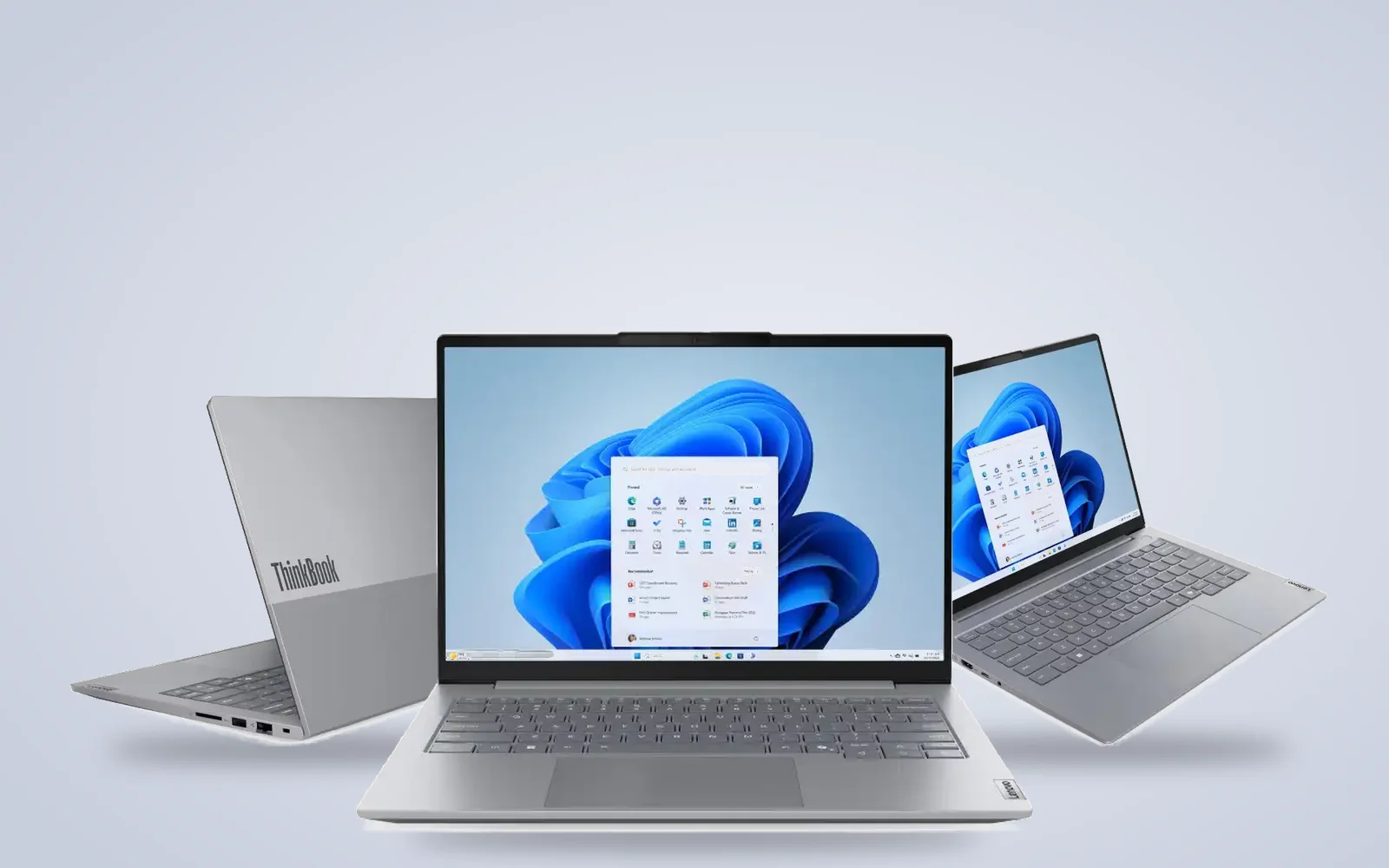
Each processor comes in two builds: one with Windows 11 Pro and one with no operating system, which suits companies that install their own licensed Windows. WhatsApp 97392 21133 or 98869 19198 with the processor and quantity you need, and we’ll confirm stock and same-day delivery in Bangalore if you order by 2 PM.
Lenovo ThinkBook laptops in stock in Bangalore
Every Lenovo ThinkBook below is an India-model ThinkBook 14 G8 IRL with its Lenovo part number on the product page. Pick the processor and operating system you need, and order by 2 PM for same-day delivery anywhere in Bangalore.
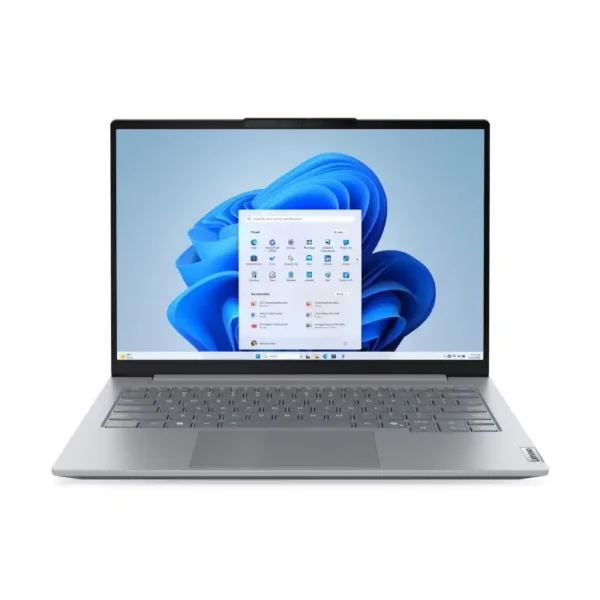
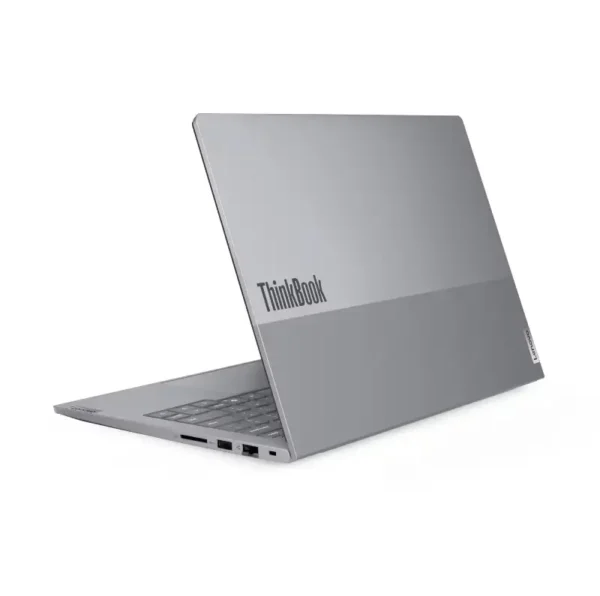
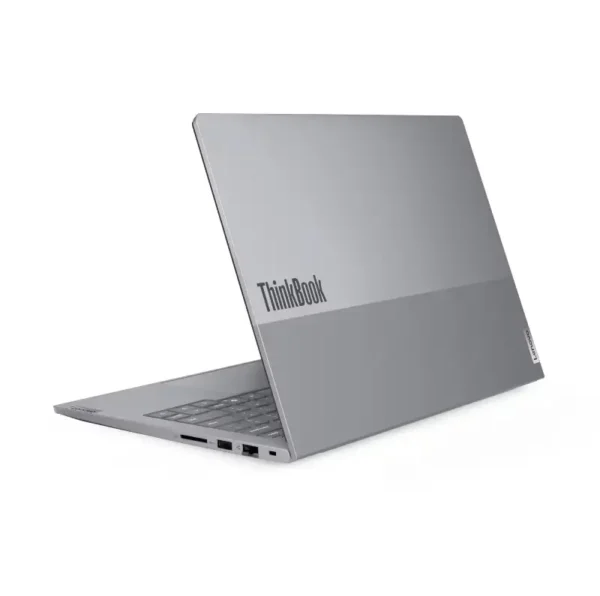


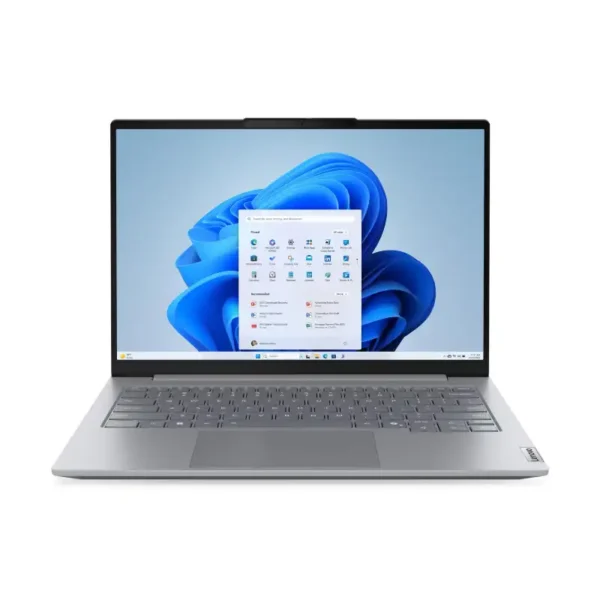
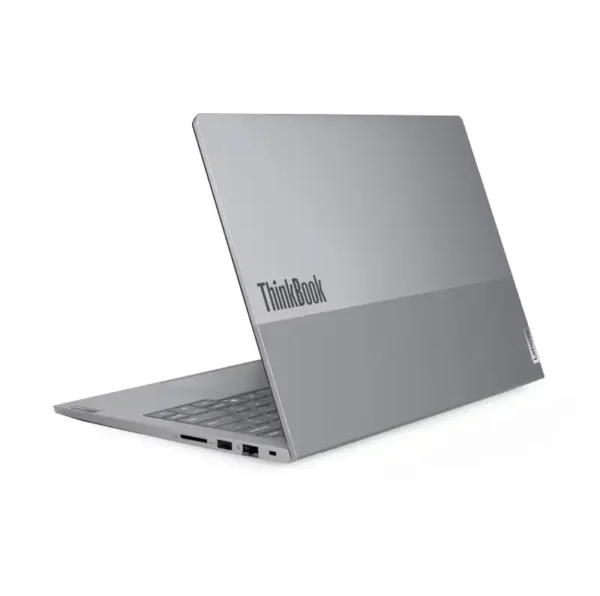
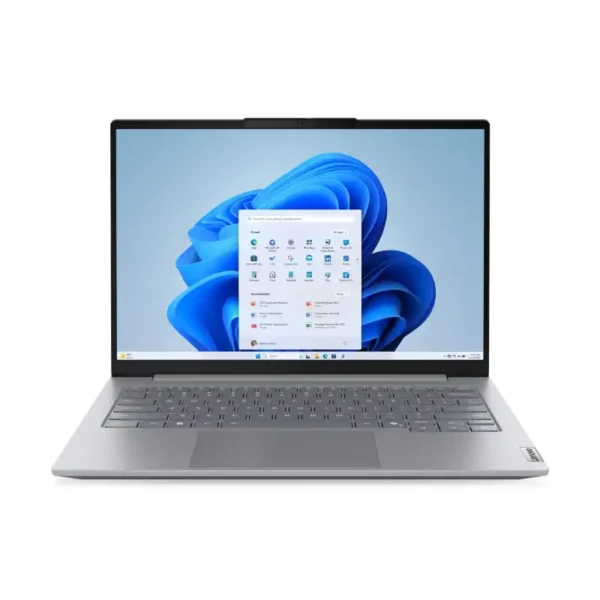
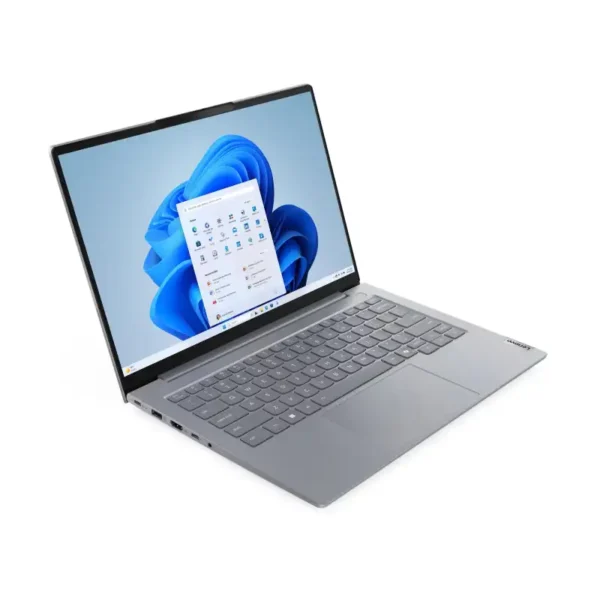


ThinkBook 14 G8 by processor
All six ThinkBook 14 G8 laptops share the same body, screen and ports, so the processor is the main choice. Lenovo’s spec sheet lists the Core 3 100U as a low-power U-series chip, while the Core 5 210H and Core 7 240H are faster H-series chips with more cores.
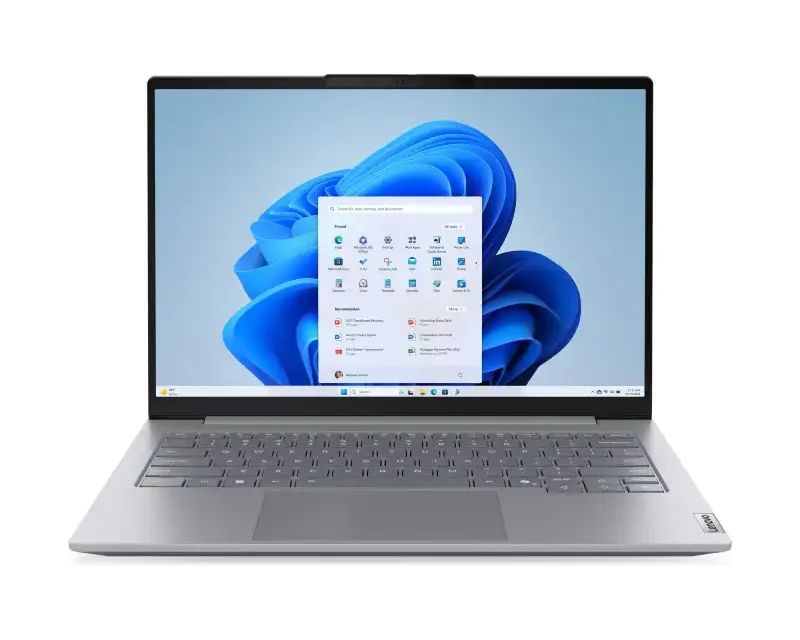
Core 3 100U, 8GB
The Core 3 100U ThinkBook is the entry model for email, browsing, Office and video calls.
- 6 cores, 8 threads, up to 4.7GHz
- 8GB DDR5 at 5200MHz, upgradable to 64GB
- 512GB SSD, Intel Graphics
With us: 2 models, Windows 11 Pro or no OS.
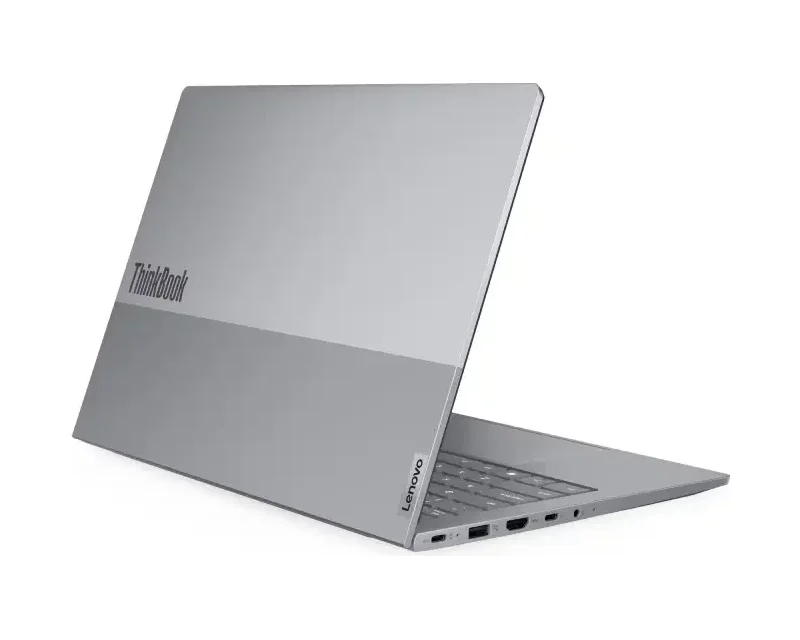
Core 5 210H, 16GB
The Core 5 210H ThinkBook suits most office staff, with 16GB for heavier multitasking.
- 8 cores, 12 threads, up to 4.8GHz
- 16GB DDR5-5600 memory
- 512GB SSD, Intel Graphics
With us: 2 models, Windows 11 Pro or no OS.
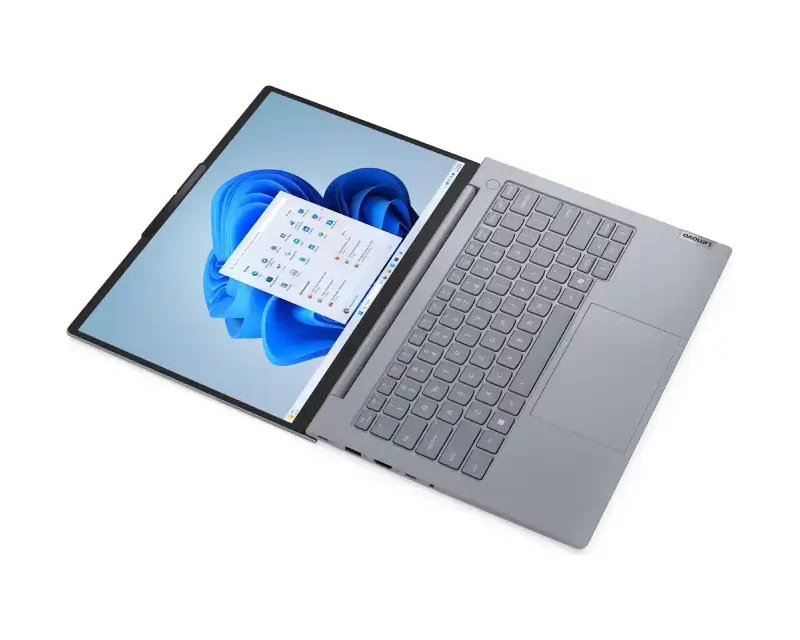
Core 7 240H, 16GB
The Core 7 240H ThinkBook is the fastest we stock, for large spreadsheets, coding and many open apps.
- 10 cores, 16 threads, up to 5.2GHz
- 24MB cache, 16GB DDR5-5600
- 512GB SSD, Intel Graphics
With us: 2 models, Windows 11 Pro or no OS.
Which Lenovo ThinkBook should you buy?
Choose a Lenovo ThinkBook by the heaviest work you do each day. The Core 3 suits front-desk, billing and basic office use. The Core 5 210H is the right pick for most staff laptops, and the Core 7 240H suits managers, developers and finance teams who keep many large files open.
| You use it for | Go for | Why |
|---|---|---|
| Billing, email, browsing | Core 3 100U, 8GB | Entry ThinkBook, RAM can be upgraded later |
| Office, Teams, CRM all day | Core 5 210H, 16GB | H-series chip with 16GB as standard |
| Coding, large Excel files | Core 7 240H, 16GB | 10 cores, 16 threads, up to 5.2GHz |
| Ready to use out of the box | Windows 11 Pro models | BitLocker, domain join and remote desktop host |
| Company volume licence | No-OS models | Install your own Windows or Linux image |
ThinkBook 14 G8 ports and displays
The ThinkBook 14 G8 IRL has a full set of ports, so most people won’t need a dongle. Lenovo’s PSREF spec sheet lists Thunderbolt 4, a 10Gbps USB-C port, two USB-A ports, HDMI 2.1, an SD card reader and a Gigabit Ethernet port, and the laptop can drive up to four displays including its own screen.
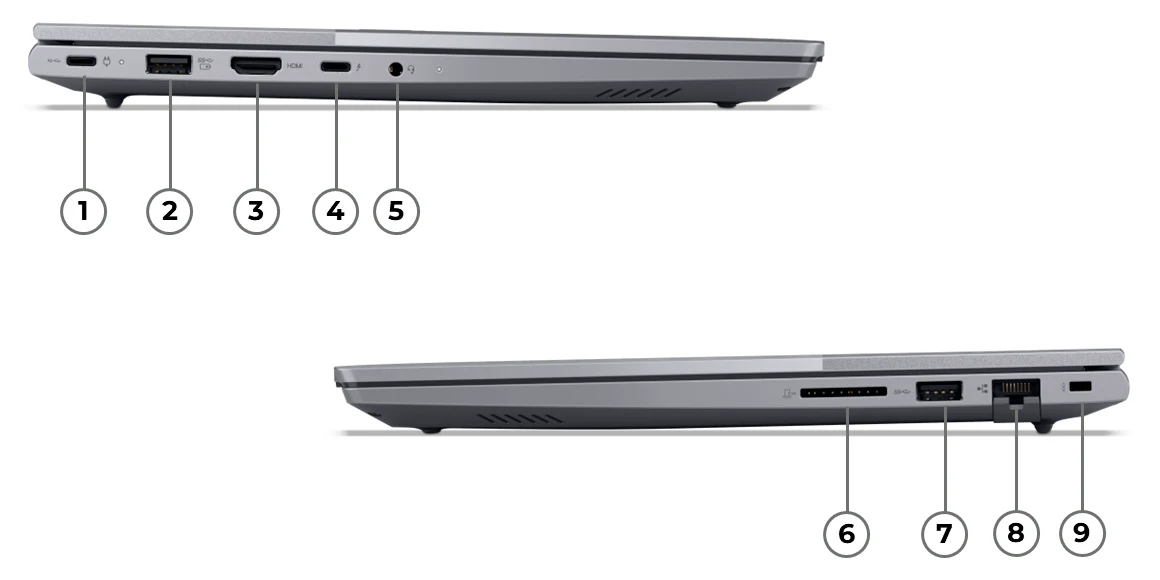
- Left side: USB-C 10Gbps with charging and DisplayPort 1.4, USB-A 5Gbps (Always On), HDMI 2.1 up to 4K at 60Hz, Thunderbolt 4 / USB4 40Gbps with charging and DisplayPort 2.1, headphone and mic combo jack.
- Right side: SD card reader, USB-A 5Gbps, Gigabit RJ-45 Ethernet with Wake-on-LAN, Kensington Nano security slot.
- Charging: a 65W USB-C adapter, and either USB-C port accepts power.
Upgrade room inside the ThinkBook 14 G8
Unlike many thin laptops, the ThinkBook 14 G8 can be upgraded after you buy it. Lenovo fits two DDR5 SODIMM memory slots that take up to 64GB, and two M.2 2280 PCIe 4.0 SSD slots, with only one SSD fitted from the factory. That means you can add a second SSD without removing the first.
Spill-resistant keyboard
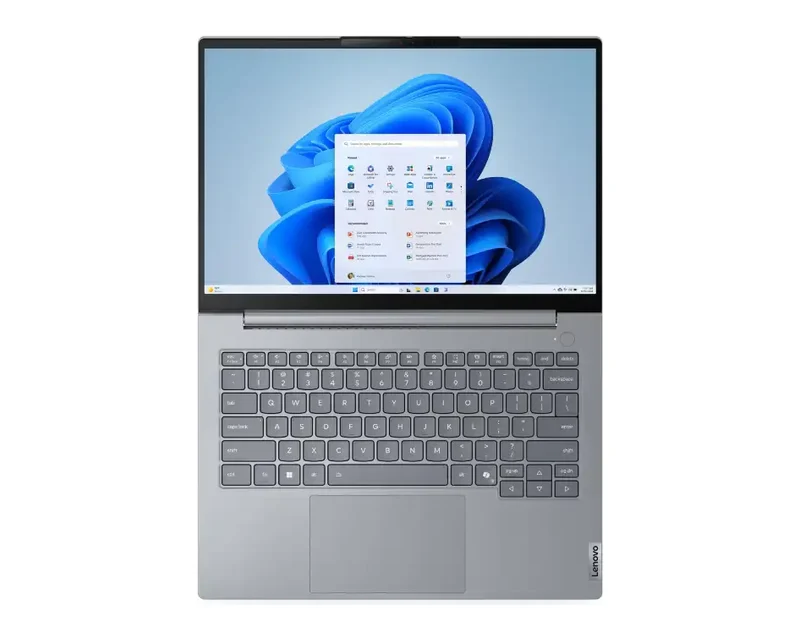
The ThinkBook 14 G8 keyboard is spill-resistant, with 1.5mm key travel, a Copilot key and a 75 x 120 mm touchpad. A backlight is fitted on some models.
Camera, screen and audio
The ThinkBook 14 G8 has a 1080p camera with a privacy shutter, dual mics and 2W stereo speakers with Dolby Audio. The 14-inch IPS screen is anti-glare, 300 nits and 16:10.
Good to know before you buy
A few ThinkBook 14 G8 details vary by model or are easy to miss, so check these points against the product page before you order.
- Battery size varies. Lenovo builds the ThinkBook 14 G8 with a 45Wh or a 60Wh battery. Lenovo rates video playback at up to 12.6 hours and 16.6 hours, and the 45Wh version charges to 50% in 30 minutes.
- No-OS means no Windows. The no-OS models need your own Windows licence or a Linux install before first use.
- Core 3 memory runs slower. Core 3 100U models run DDR5 at 5200MHz instead of 5600MHz, which you won’t notice in office work.
- Built for daily carry. It weighs from 1.36 kg, measures 313.5 x 224 x 17.5 mm, and Lenovo lists MIL-STD-810H test results for it.
Need a Lenovo ThinkBook today?
Tell us the processor, operating system and how many units you need. We’ll confirm stock and deliver in Bangalore the same day if you order by 2 PM.
Why buy a Lenovo ThinkBook from YourShoppy in Bangalore
YourShoppy is an authorised Lenovo dealer in 1st Block Koramangala, selling laptops in Bangalore since 2010. You get an India-model Lenovo ThinkBook with Lenovo’s warranty, a GST invoice that businesses can use for input tax credit, and same-day delivery across the city if you order by 2 PM.
- Authorised Lenovo dealer with India-model ThinkBook units.
- Same-day delivery in Bangalore if you order by 2 PM, or pick up from the store.
- No-cost EMI on select cards and Bajaj Finserv. See our EMI page.
- Bulk orders for offices and schools. See our bulk purchase page.
Comparing other Lenovo lines? See Lenovo ThinkPad, Lenovo IdeaPad and Lenovo Yoga laptops, or Lenovo commercial desktops for the office.
Address: YourShoppy, 339, 1st Floor, 1st Main Cross, next to Essar Petrol Bunk, 1st Block Koramangala, Bengaluru 560034
Hours: Monday to Sunday, 10:30 AM to 9 PM
Phone: 97392 21133 · 98869 19198 · 080 4141 0072
WhatsApp: 97392 21133 or 98869 19198
Common questions
These are the questions Bangalore buyers ask us most about Lenovo ThinkBook laptops, from choosing a processor to upgrades, ports and operating systems.
Where can I buy Lenovo ThinkBook laptops in Bangalore?
At YourShoppy, an authorised Lenovo dealer at 339, 1st Floor, 1st Main Cross, 1st Block Koramangala. Same-day delivery in Bangalore if you order by 2 PM. WhatsApp 97392 21133 or 98869 19198.
What is the difference between ThinkBook and ThinkPad?
ThinkBook is Lenovo’s business line for small and mid-size companies, priced below ThinkPad. ThinkPad is Lenovo’s corporate line with more management and security options. The ThinkBook 14 G8 still has Thunderbolt 4, Ethernet and a fingerprint reader option.
Which ThinkBook 14 G8 processor should I choose?
Pick the Core 3 100U for billing and basic office work, the Core 5 210H for most staff laptops, and the Core 7 240H for coding, large spreadsheets and heavy multitasking.
Can I upgrade the RAM and SSD on the ThinkBook 14 G8?
Yes. It has two DDR5 SODIMM slots that take up to 64GB, and two M.2 2280 PCIe 4.0 SSD slots with one left free, so you can add memory and a second SSD.
Does the ThinkBook 14 G8 support external monitors?
Yes. Lenovo lists support for up to four independent displays, the built-in screen plus three external monitors, over HDMI 2.1, USB-C and Thunderbolt 4.
What does no OS mean on a ThinkBook?
A no-OS ThinkBook ships without Windows installed. Companies with volume licences use these models and install their own Windows or Linux image.
How much does the ThinkBook 14 G8 weigh?
The ThinkBook 14 G8 IRL starts at 1.36 kg and measures 313.5 x 224 x 17.5 mm, according to Lenovo’s PSREF spec sheet.