
Lenovo Commercial All-in-One PCs
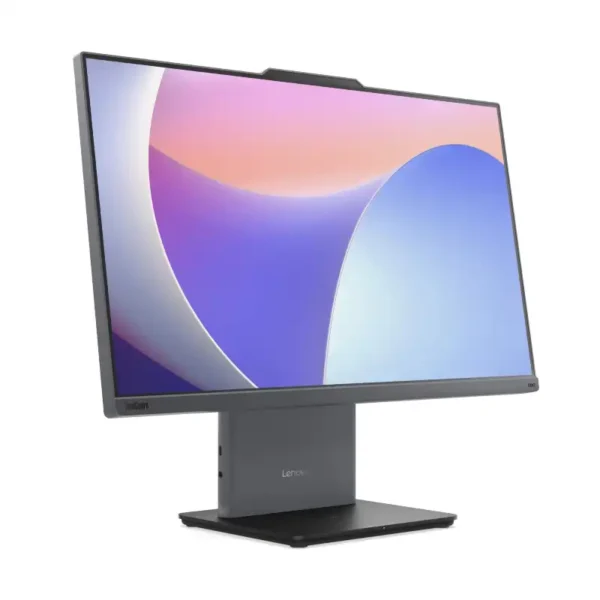
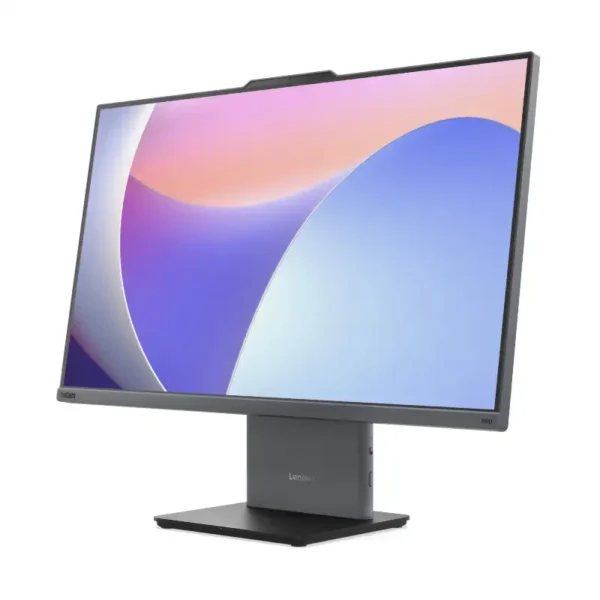
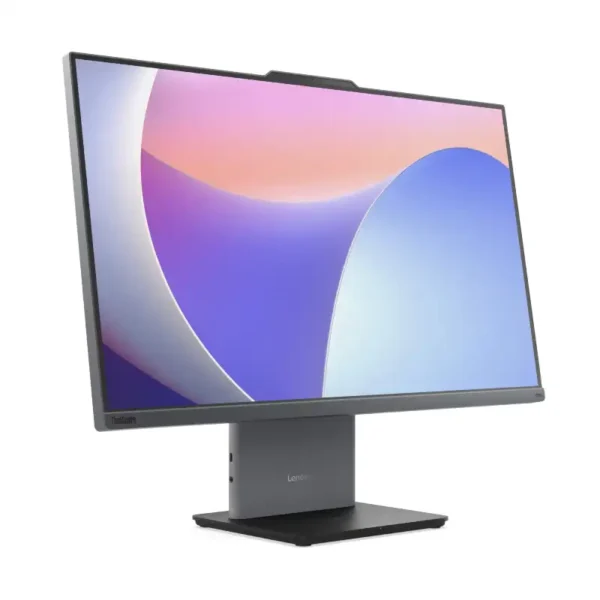
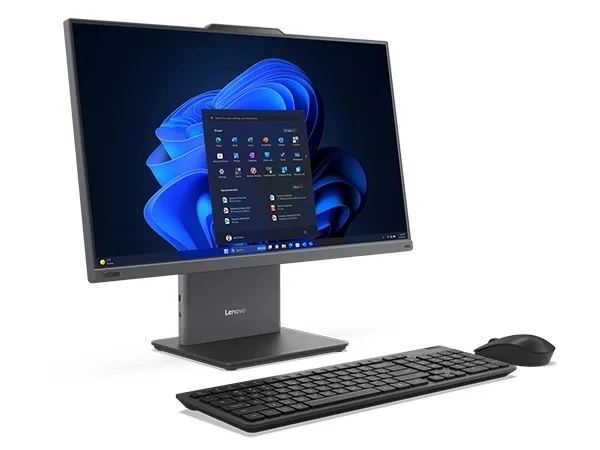
Lenovo commercial all-in-one PCs at YourShoppy are ThinkCentre neo 50a Gen 5 models, with the PC built into a 23.8-inch or 27-inch Full HD screen. One power cable, a 5MP camera and dual mics for video calls, and a USB keyboard and mouse in the box. They suit offices, reception desks, clinics and billing counters where space is tight.
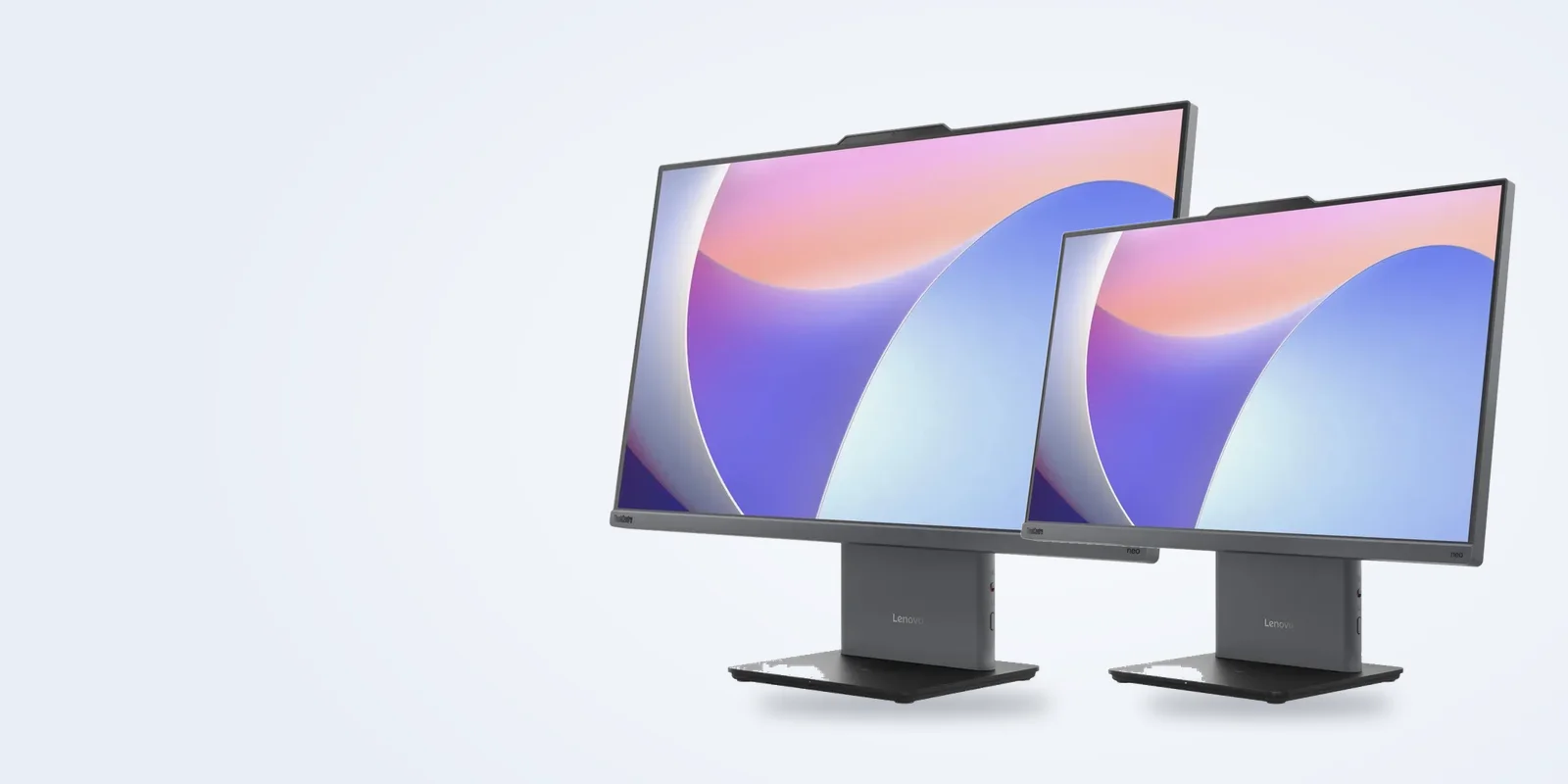
We stock Core i3, i5 and i7 versions with 8GB or 16GB DDR5 and a 512GB SSD, with Windows 11 Pro or without an OS. WhatsApp 97392 21133 or 98869 19198 with how many desks you’re setting up and we’ll quote with GST invoice.
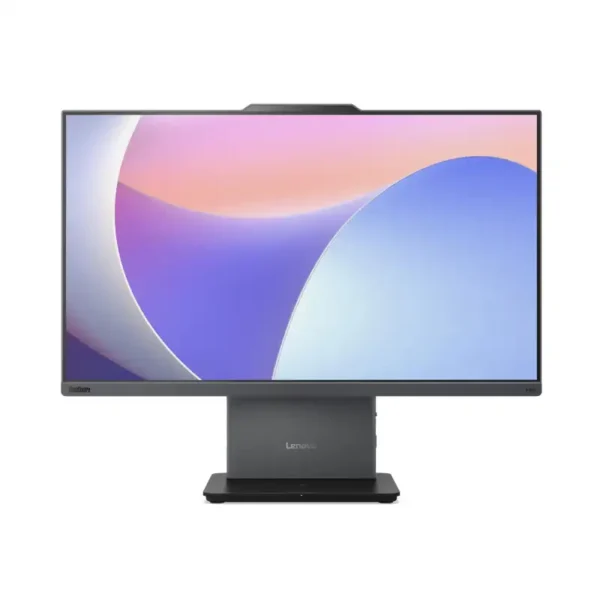
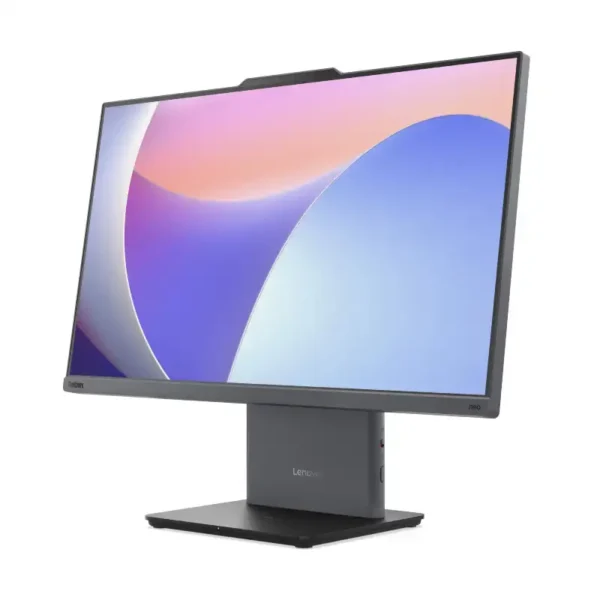
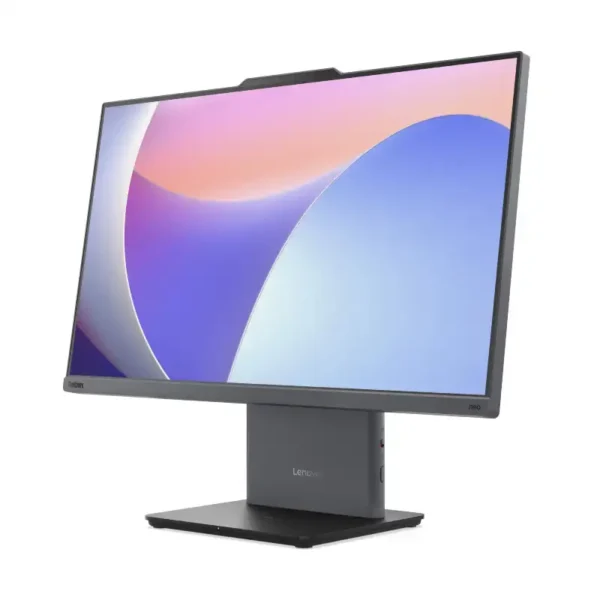
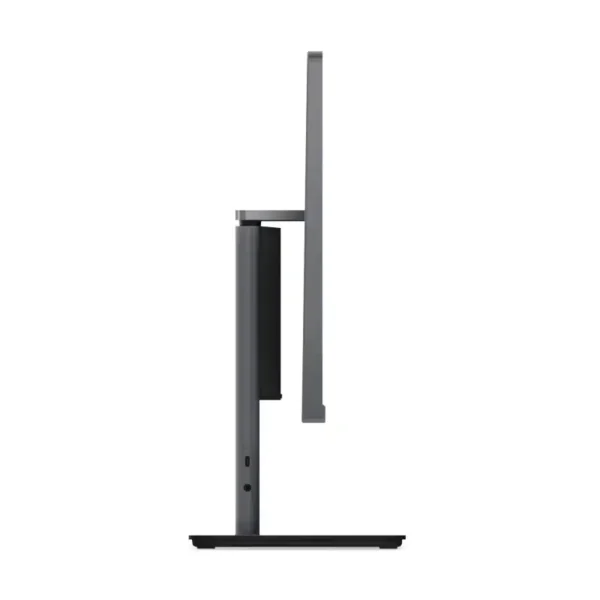
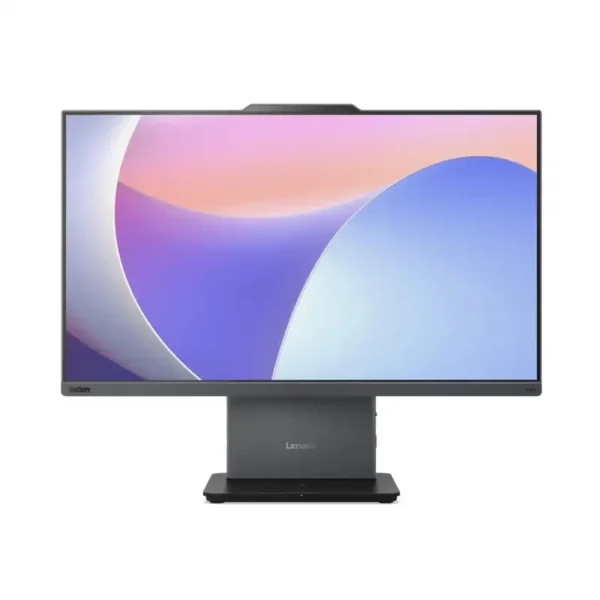
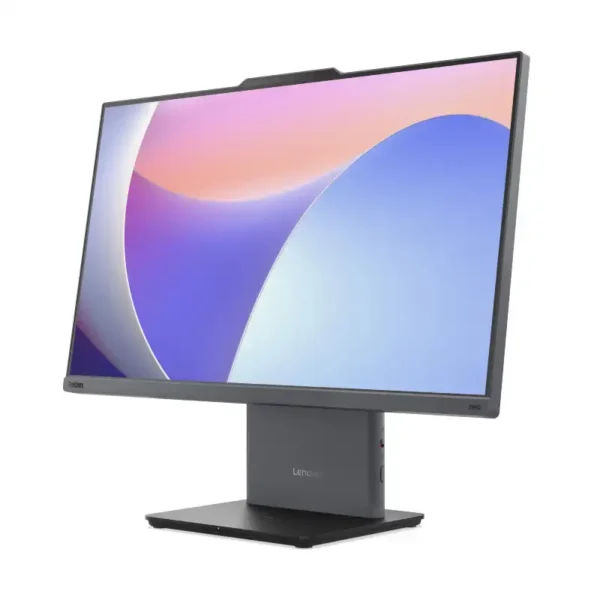
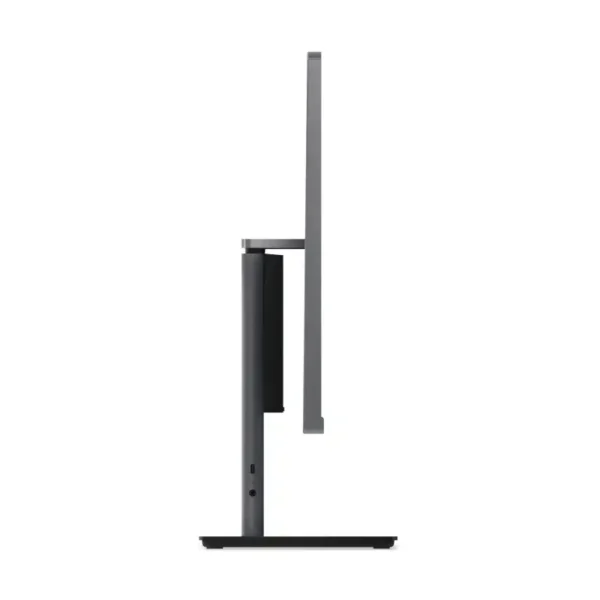
neo 50a 24 Gen 5 or neo 50a 27 Gen 5?
Both share the same insides, ports and camera. The difference is the screen size and how much desk they take.
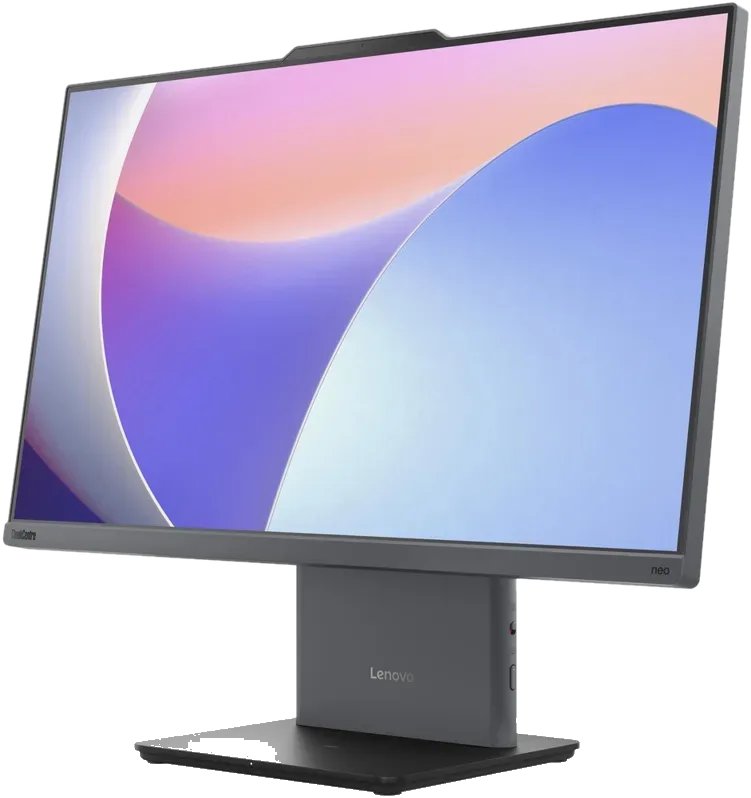
ThinkCentre neo 50a 24 Gen 5
- 23.8″ Full HD IPS, anti-glare, 250 nits, 99% sRGB
- Core i3-1315U, i5-13420H or i7-13620H
- 540 x 192 x 431 mm, about 6 kg
- With us: Core i3 8GB, Core i5 16GB, Core i7 16GB, all with 512GB SSD
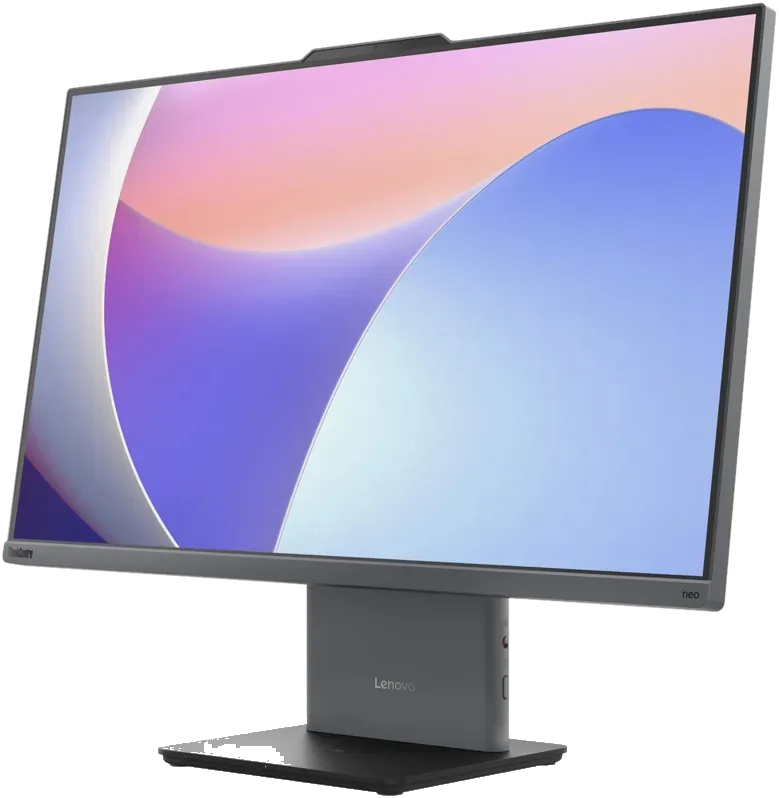
ThinkCentre neo 50a 27 Gen 5
- 27″ Full HD IPS, anti-glare, 300 nits, 99% sRGB
- Core i5-13420H or i7-13620H
- 612 x 192 x 473 mm, about 7.1 kg
- With us: Core i5 16GB with Windows 11 Pro, Core i7 16GB
Built for the way offices work
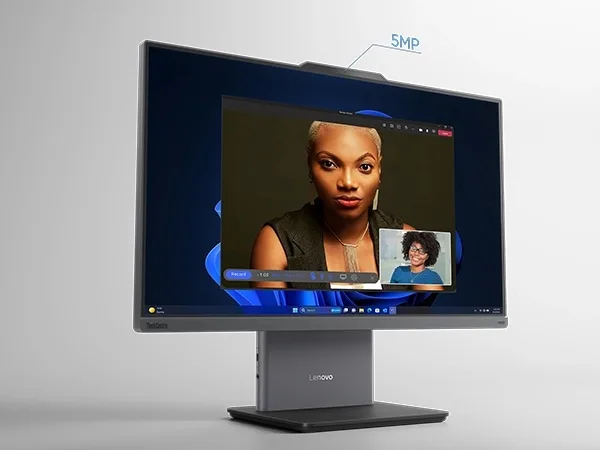
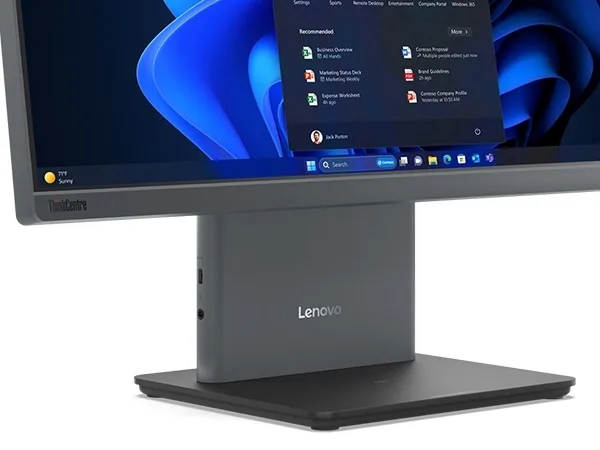
The ThinkCentre neo 50a Gen 5 is set up for office use, with a 5MP camera, two array mics and two 3W speakers, so you can join Teams and Zoom calls without a separate webcam or headset. The PC sits inside the stand, which leaves just the power cable on your desk. The IPS anti-glare panel is TÜV Rheinland certified for low blue light and flicker-free use, and the machine carries a TÜV Rheinland Ultra Low Noise rating.

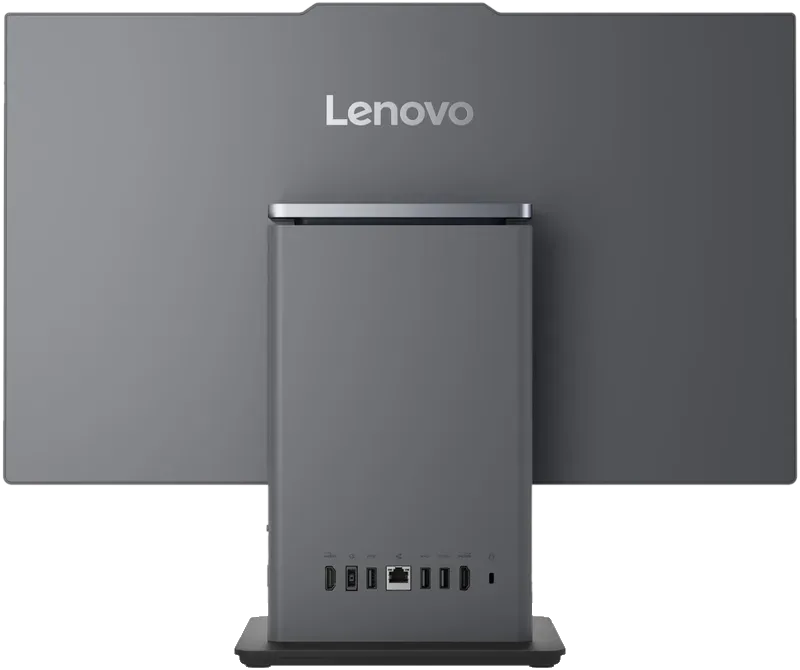
Ports on the neo 50a Gen 5
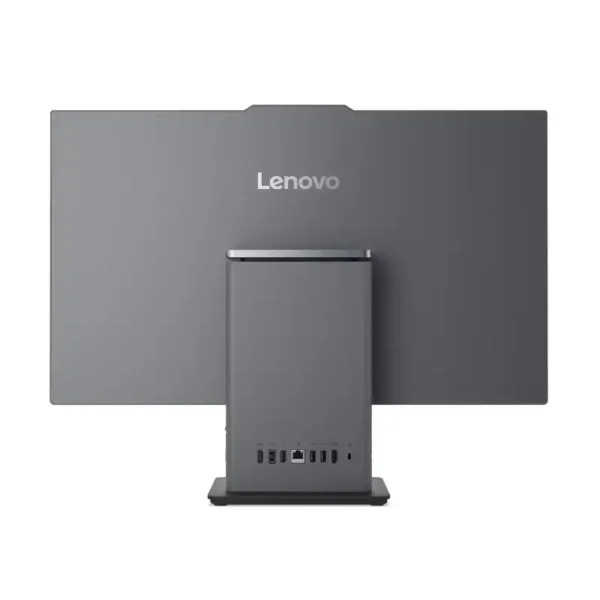
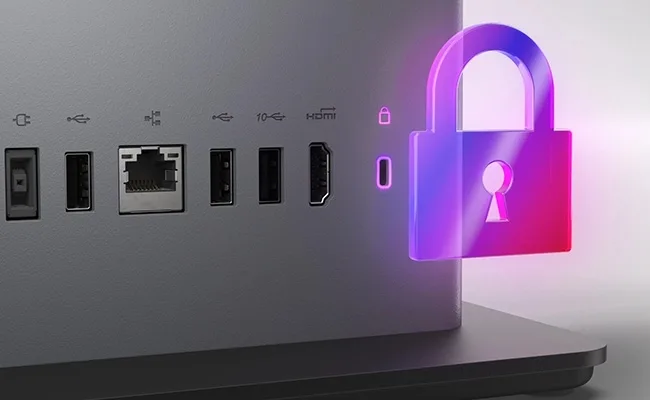
The neo 50a Gen 5 has a 10Gbps USB-C port with 15W charging and a headphone and mic combo jack on the left side, with the rest of its ports on the stand at the back. Those are one 10Gbps USB-A port, two USB-A 2.0 ports, HDMI-in 1.4, HDMI-out 2.1 and Gigabit Ethernet. Wireless is Intel Wi-Fi 6 AX201 with Bluetooth 5.2. You won’t find a card reader or an optical drive on either size.
- 1x USB-C 10Gbps with 15W charging
- Headphone and mic combo jack
- 1x USB-A 10Gbps, 2x USB-A 2.0
- HDMI-in 1.4 and HDMI-out 2.1
- Gigabit Ethernet
Which model for which desk?
For reception, billing and data entry, the neo 50a 24 with Core i3 and 8GB is enough to run browsers, Tally and Office. Accounts and HR desks that keep many tabs and calls open do better on the Core i5 with 16GB. If your team works in spreadsheets and dashboards all day, take the 27-inch model for its bigger 300-nit screen. Pick the Core i7-13620H with 16GB for heavier software and CAD viewing.
| Use | Go for | Why |
|---|---|---|
| Reception, billing, data entry | neo 50a 24, Core i3, 8GB | Enough for browsers, Tally and Office |
| Accounts, HR, many tabs and calls | neo 50a 24, Core i5, 16GB | 8 cores and 16GB for smooth multitasking |
| Spreadsheets and dashboards all day | neo 50a 27, Core i5 or i7 | Bigger 27″ screen at 300 nits |
| Heavier software, CAD viewing | Core i7-13620H, 16GB | 10 cores, 16 threads |
| Clinics and counters with little space | neo 50a 24 | One-cable setup, small footprint |
neo 50a Gen 5 specs
| neo 50a 24 Gen 5 | neo 50a 27 Gen 5 | |
|---|---|---|
| Display | 23.8″ FHD IPS, 250 nits | 27″ FHD IPS, 300 nits |
| Processor | Intel Core i3-1315U, i5-13420H or i7-13620H | |
| Memory | 8GB or 16GB DDR5-5200, two SO-DIMM slots, up to 32GB | |
| Storage | 512GB M.2 PCIe 4.0 NVMe SSD, one drive up to 1TB | |
| Camera and audio | 5MP camera, 2 array mics, 2 x 3W speakers | |
| Wireless | Wi-Fi 6 AX201, Bluetooth 5.2, Gigabit Ethernet | |
| Power | 90W adapter | |
| Size and weight | 540 x 192 x 431 mm, ~6 kg | 612 x 192 x 473 mm, ~7.1 kg |
| In the box | USB keyboard and mouse | |
Good to know before you buy
Before you order, check whether the model you want comes with Windows 11 Pro or without an OS, because we stock both, and we can add a Windows 11 Pro licence if you ask. Each unit ships with one memory stick and one free slot, so you can add a second stick later for dual-channel memory, up to 32GB. Storage is a single M.2 SSD of up to 1TB. The screens are non-touch, and there’s no VESA wall mount option.
- Windows or no OS. Some models come with Windows 11 Pro, others without an operating system. Check the product listing, or ask us for a Windows 11 Pro licence with the order.
- Add RAM later. Each model ships with one memory stick and a free slot. Adding a second stick turns on dual-channel memory.
- One SSD only. There’s a single M.2 slot for storage, up to 1TB, and no space for a hard disk.
- No touch screen. These are non-touch displays.
- Wall mounting. These models ship with the standard stand and no VESA mount option.
Setting up an office, clinic or school lab?
Tell us how many desks and what software they run. We’ll quote with GST invoice and a delivery date.
Why buy Lenovo commercial all-in-one PCs from YourShoppy
- Lenovo dealer in 1st Block Koramangala since 2010, with GST invoice for input tax credit.
- Same-day delivery in Bangalore if you order by 2 PM, or pick up from the store.
- Bulk orders for offices, clinics and schools. See our bulk purchase page.
- No-cost EMI on select cards and Bajaj Finserv. See our EMI page.
Need a tower instead? See Lenovo IdeaCentre desktops. Need a separate screen? See Lenovo monitors.
Address: YourShoppy, 339, 1st Floor, 1st Main Cross, next to Essar Petrol Bunk, 1st Block Koramangala, Bengaluru 560034
Hours: Monday to Sunday, 10:30 AM to 9 PM
Phone: 97392 21133 · 98869 19198 · 080 4141 0072
WhatsApp: 97392 21133 or 98869 19198
Common questions
Where can I buy Lenovo commercial all-in-one PCs in Bangalore?
At YourShoppy, 339, 1st Floor, 1st Main Cross, 1st Block Koramangala. Same-day delivery in Bangalore if you order by 2 PM. WhatsApp 97392 21133 or 98869 19198.
What is the difference between the ThinkCentre neo 50a 24 and 27 Gen 5?
They share the same processors, ports, camera and memory options. The 24 has a 23.8-inch 250-nit screen, and the 27 has a 27-inch 300-nit screen and takes a bit more desk space.
Does the ThinkCentre neo 50a come with a keyboard and mouse?
Yes. Lenovo includes a USB keyboard and USB mouse with these models.
Can I upgrade the RAM on the neo 50a Gen 5?
Yes. It has two DDR5 SO-DIMM slots and supports up to 32GB. The models we stock ship with one stick, so a slot is free.
Can I use the ThinkCentre neo 50a as a monitor for my laptop?
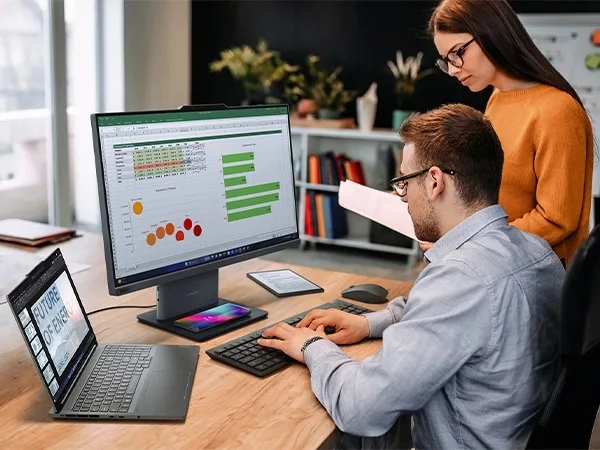
Yes. It has an HDMI-in port, so you can plug in a laptop and use the screen as a display.
What warranty comes with the ThinkCentre neo 50a Gen 5?
Lenovo’s spec sheet lists a 3-year warranty upgrade on the part numbers we stock. Ask us to confirm the warranty for your exact model before you buy.
Do you supply Lenovo all-in-one PCs in bulk?
Yes. We supply offices, clinics and schools across Bangalore with GST invoice. Send the quantity and configuration on WhatsApp for a quote.