
Dell Pro All-in-One PCs
Dell Pro All-in-One is Dell’s business all-in-one range: a full office PC built into a 23.8-inch Full HD IPS screen with a retractable camera. YourShoppy in 1st Block Koramangala lists two models, the Dell Pro 24 All-in-One (QC24251) and the Dell Pro 24 All-in-One Plus (QB24250), both with Intel Core Ultra 5 vPro and Windows 11 Pro.
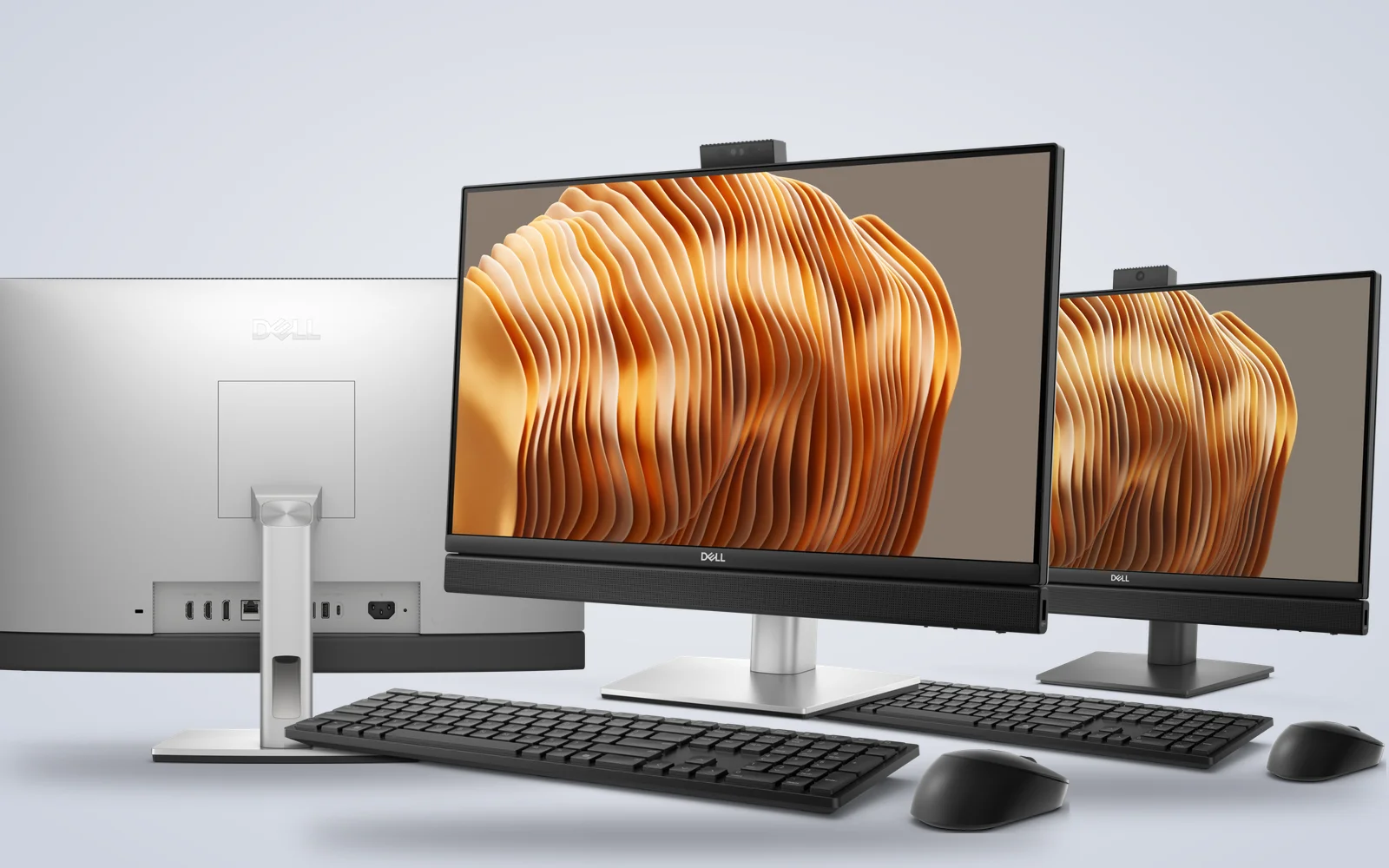
Pick the Dell Pro 24 All-in-One for standard office desks, reception and billing, where one DisplayPort for a second screen is enough. Pick the Pro 24 All-in-One Plus if you want a 100Hz screen, louder speakers, HDMI in and out, 20Gbps USB-C and a second SSD slot. WhatsApp 97392 21133 or 98869 19198 with the number of desks, and we’ll confirm stock, a GST invoice and same-day delivery in Bangalore if you order by 2 PM.
Dell Pro All-in-One PCs in stock in Bangalore
Both Dell Pro All-in-One models below run Windows 11 Pro with an Intel Core Ultra 5 vPro processor, 16GB of DDR5 and a 512GB SSD. Each product page shows the full configuration and ports. Tell us how many units you need, and order by 2 PM for same-day delivery anywhere in Bangalore.

Dell Pro 24 All-in-One vs Pro 24 All-in-One Plus
Both Dell Pro All-in-One models share the 23.8-inch Full HD IPS screen with ComfortView Plus, a retractable Full HD camera with two microphones, Wi-Fi 6E and Gigabit Ethernet. The Plus adds a 100Hz screen, 2 x 5W speakers instead of 2 x 2W, HDMI in and HDMI out, 20Gbps USB-C ports and a second M.2 SSD slot.
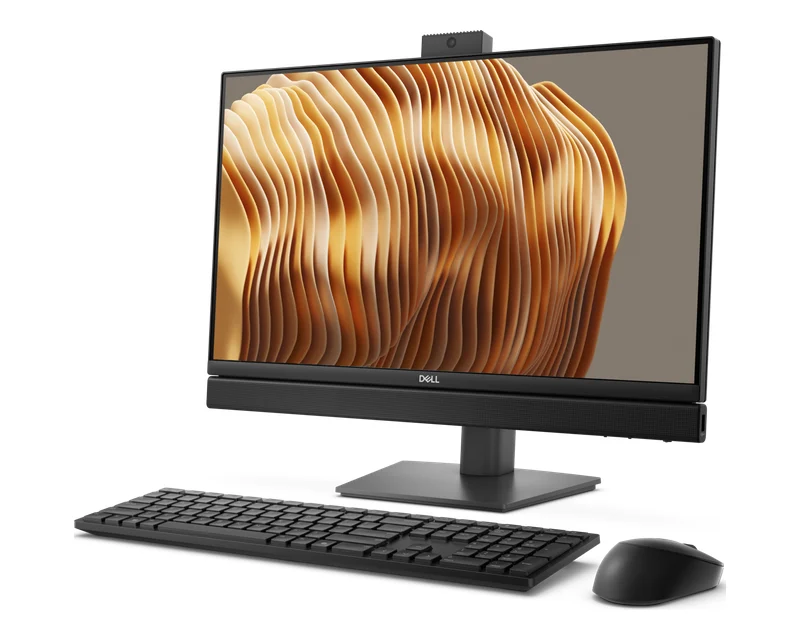
Dell Pro 24 All-in-One (QC24251)
The standard Dell Pro all-in-one, with a 35W processor for quiet office desks.
- Intel Core Ultra 5 235T vPro, 14 cores
- 23.8″ FHD IPS at 60Hz, 250 nits, 99% sRGB
- DisplayPort 1.4a out, six USB ports, Ethernet
With us: 16GB DDR5, 512GB SSD, Windows 11 Pro.
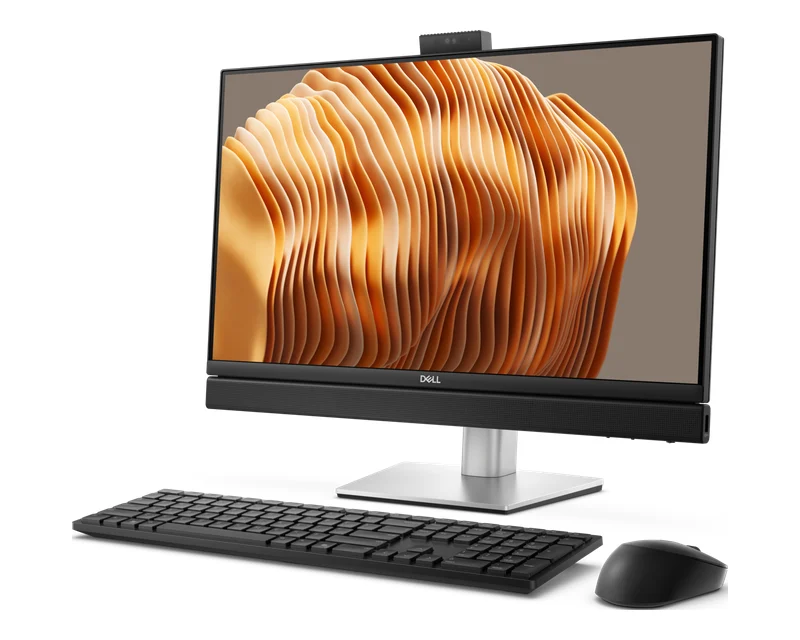
Dell Pro 24 All-in-One Plus (QB24250)
The fuller Dell Pro all-in-one, with more ports and a faster screen.
- Intel Core Ultra 5 245 vPro, 14 cores
- 23.8″ FHD IPS at 100Hz, 2 x 5W speakers
- HDMI in, HDMI out 2.1, DisplayPort, 20Gbps USB-C
With us: 16GB DDR5, 512GB SSD, Windows 11 Pro.
Which Dell Pro All-in-One should you buy?
Choose by how you’ll connect it. A reception, billing or call-centre desk with one screen does fine on the Pro 24 All-in-One. Meeting rooms and desks that plug in a laptop, a second monitor or a camera need the Plus, with HDMI in, HDMI out and 20Gbps USB-C. Both run Windows 11 Pro with Intel vPro for IT teams that manage PCs remotely.
| You use it for | Go for | Why |
|---|---|---|
| Reception, billing, call centre | Pro 24 All-in-One | Full HD IPS, retractable camera, fixed stand |
| Two screens at one desk | Either model | DisplayPort on both, HDMI out on the Plus |
| Plugging in a laptop or camera | Pro 24 All-in-One Plus | HDMI in turns the screen into a monitor |
| Video calls all day | Pro 24 All-in-One Plus | 2 x 5W speakers, FHD HDR camera |
| More storage later | Pro 24 All-in-One Plus | Two M.2 SSD slots |
Dell Pro All-in-One ports and expansion
The Dell Pro 24 All-in-One Plus has the fuller port set. Dell lists three 10Gbps USB-A and two 5Gbps USB-A at the back, a 20Gbps USB-C at the back and another under the screen, HDMI in, HDMI out 2.1, DisplayPort 1.4a, Gigabit Ethernet and an SD card slot. The Pro 24 All-in-One keeps DisplayPort, USB-C 10Gbps, five USB-A ports, Ethernet and SD, with no HDMI.
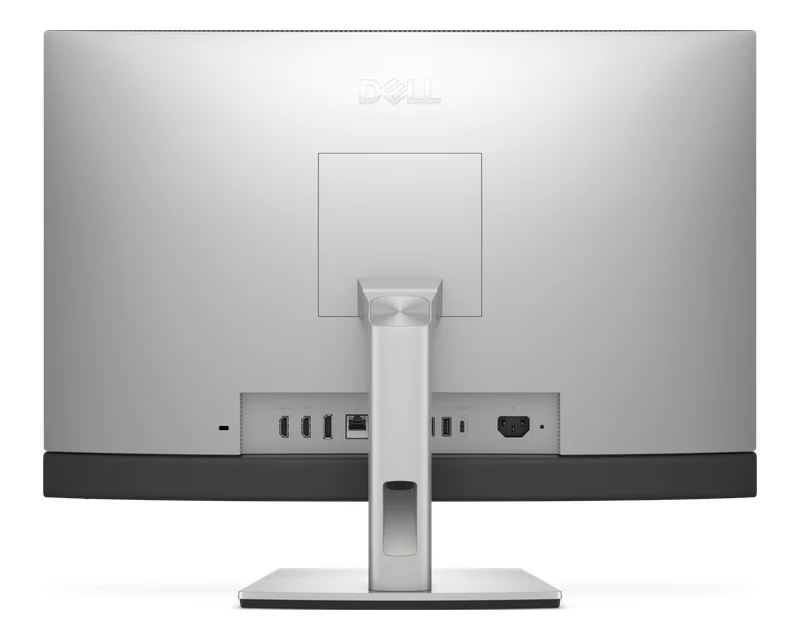

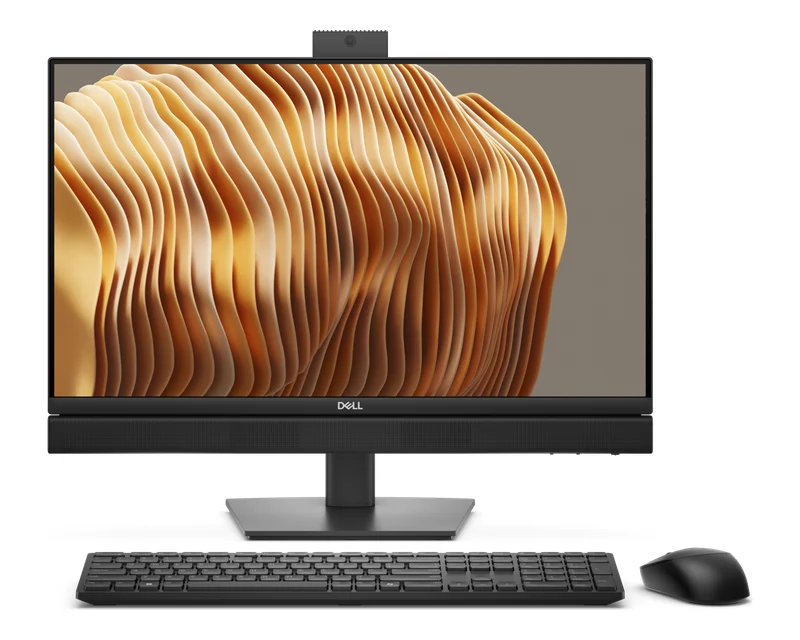
Dell Pro All-in-One specs side by side
This table compares the two Dell Pro All-in-One models as we list them, checked against Dell’s and reseller spec sheets. Dell sells other configurations abroad, so check the product page for the exact processor, memory and stand on each unit, or WhatsApp us and we’ll confirm the unit in stock.
| Spec | Pro 24 All-in-One (QC24251) | Pro 24 All-in-One Plus (QB24250) |
|---|---|---|
| Processor | Core Ultra 5 235T vPro (35W) | Core Ultra 5 245 vPro |
| Memory | 16GB DDR5, 2 slots, up to 64GB | 16GB DDR5, up to 64GB |
| Storage | 512GB SSD, 1 M.2 slot | 512GB SSD, 2 M.2 slots |
| Screen | 23.8″ FHD IPS, 60Hz, 250 nits | 23.8″ FHD IPS, 100Hz, 250 nits |
| Camera | Retractable FHD, 2 mics | Retractable FHD HDR, 2 mics |
| Speakers | 2 x 2W | 2 x 5W |
| Video ports | DisplayPort 1.4a | HDMI in, HDMI out 2.1, DisplayPort 1.4a |
| USB-C | 1 x 10Gbps | 2 x 20Gbps |
| Wireless | Wi-Fi 6E, Bluetooth | Wi-Fi 6E, Bluetooth |
| OS | Windows 11 Pro | Windows 11 Pro |
Good to know before you buy
A few Dell Pro All-in-One details are easy to miss on a spec sheet. Check these four points before you order so the PCs suit your desks and your IT setup.
- No HDMI on the Pro 24. The QC24251 has DisplayPort only for a second screen. Use a DisplayPort cable or adapter, or pick the Plus.
- Stand on our listing. Our Pro 24 Plus listing has a fixed stand. Dell also offers a height-adjustable stand, which the photos show, so ask us if you need one.
- Memory upgrades. Both ship with one 16GB module and take up to 64GB, so you can add memory later.
- Integrated graphics. Both use Intel graphics, which suit office work and video calls, not 3D design or games.
Fitting out an office or front desk?
Tell us the model, how many units and your delivery date. We’ll confirm stock, send a GST quote and deliver in Bangalore the same day if you order by 2 PM.
Why buy Dell Pro All-in-One PCs from YourShoppy in Bangalore
YourShoppy is a laptop and desktop store in 1st Block Koramangala, selling in Bangalore since 2010. You get India-model Dell Pro All-in-One PCs with Dell’s warranty, a GST invoice that businesses can use for input tax credit, and same-day delivery across the city if you order by 2 PM.
- India-model Dell Pro all-in-ones with Dell’s warranty.
- Same-day delivery in Bangalore if you order by 2 PM, or pick up from the store.
- No-cost EMI on select cards and Bajaj Finserv. See our EMI page.
- Bulk orders for offices and schools. See our bulk purchase page.
Need something else? See the home Dell 24 All-in-One, Dell Pro desktops, Dell monitors, HP business all-in-ones and Lenovo business all-in-ones.
Address: YourShoppy, 339, 1st Floor, 1st Main Cross, next to Essar Petrol Bunk, 1st Block Koramangala, Bengaluru 560034
Hours: Monday to Sunday, 10:30 AM to 9 PM
Phone: 97392 21133 · 98869 19198 · 080 4141 0072
WhatsApp: 97392 21133 or 98869 19198
Common questions
These are the questions Bangalore offices ask us most about Dell Pro All-in-One PCs, from the two models and their ports to memory, cameras and delivery.
Where can I buy Dell Pro All-in-One PCs in Bangalore?
At YourShoppy, 339, 1st Floor, 1st Main Cross, 1st Block Koramangala. Same-day delivery in Bangalore if you order by 2 PM, with a GST invoice. WhatsApp 97392 21133 or 98869 19198.
What is the difference between the Dell Pro 24 All-in-One and the Pro 24 All-in-One Plus?
Both have a 23.8-inch Full HD IPS screen and a retractable camera. The Plus adds a 100Hz screen, 2 x 5W speakers, HDMI in and HDMI out 2.1, 20Gbps USB-C ports and a second M.2 SSD slot. The Pro 24 has DisplayPort and no HDMI.
Does the Dell Pro 24 All-in-One have HDMI?
No. The Dell Pro 24 All-in-One (QC24251) has a DisplayPort 1.4a output and no HDMI port. The Pro 24 All-in-One Plus has HDMI in and HDMI out.
Can I connect a second monitor to a Dell Pro All-in-One?
Yes. Both models have DisplayPort 1.4a out, and the Plus also has HDMI out 2.1.
How much RAM can a Dell Pro All-in-One take?
Both models take up to 64GB of DDR5. We list them with 16GB in one module, so a second module can be added.
Do Dell Pro All-in-One PCs come with Windows 11 Pro?
Yes. Both models we list run Windows 11 Pro with Intel vPro processors.