
Dell XPS laptops
Dell XPS laptops are Dell’s premium thin and light laptops, and the 2026 range comes in two sizes: the 14-inch XPS 14 and the 16-inch XPS 16. YourShoppy in Koramangala lists three XPS configurations, all in Graphite with Intel Core Ultra Series 3 processors, onboard LPDDR5X memory and Windows 11 Home with Office Home 2024.
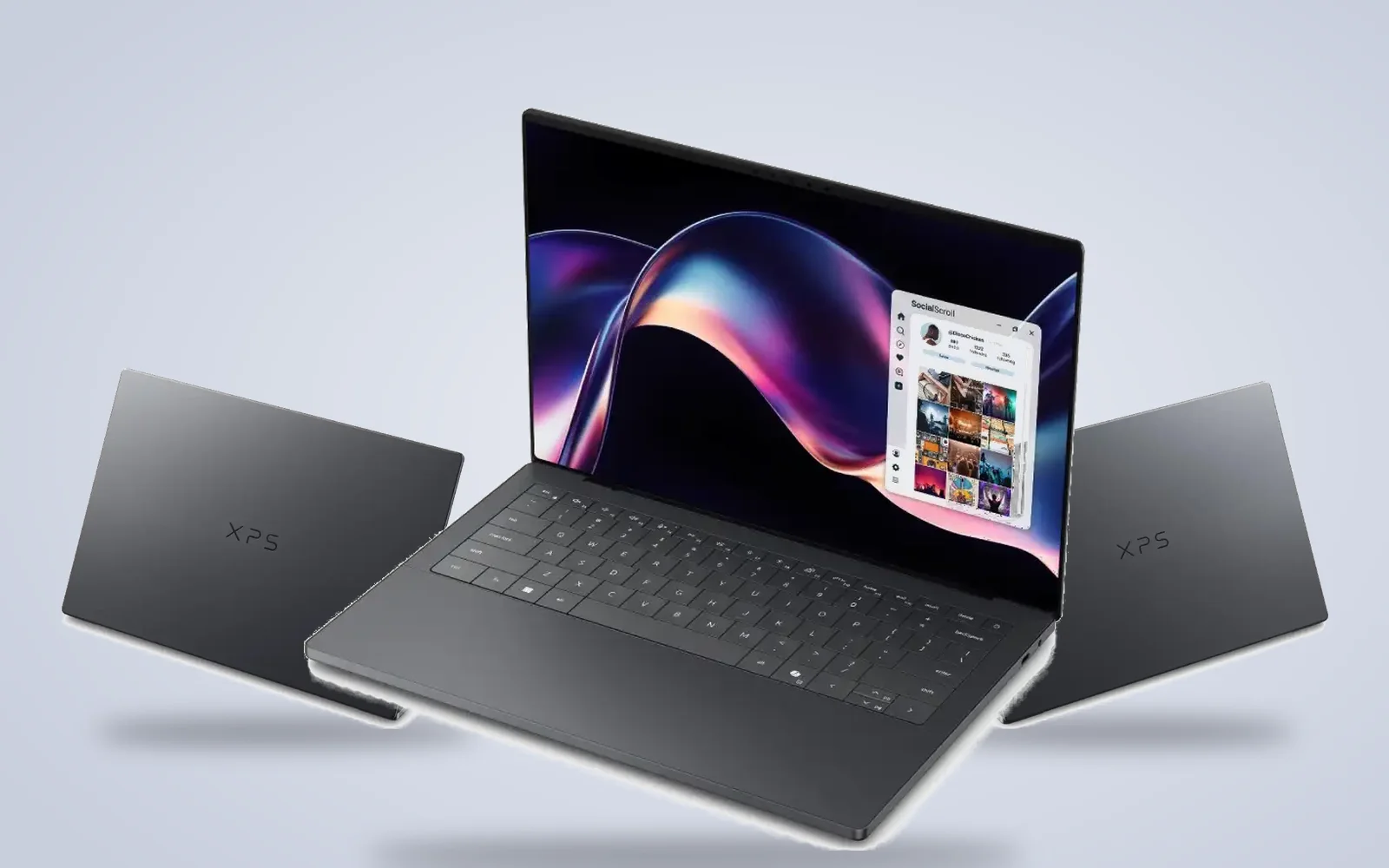
You can pick a 2K non-touch screen or an OLED touch screen, and 16GB or 32GB of memory. WhatsApp 97392 21133 or 98869 19198 with the size and screen you want, and we’ll confirm stock and same-day delivery in Bangalore if you order by 2 PM.
Dell XPS laptops in stock in Bangalore
Every Dell XPS below is an India-model unit with its Dell order code shown on the product page. Choose the size, screen, memory and storage you need, and order by 2 PM for same-day delivery anywhere in Bangalore.
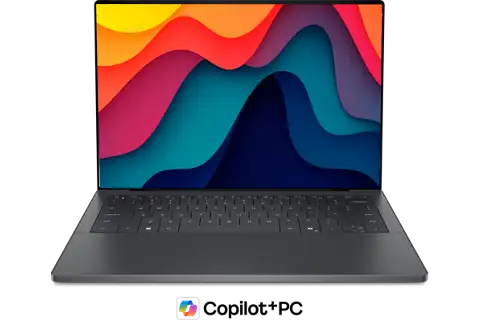
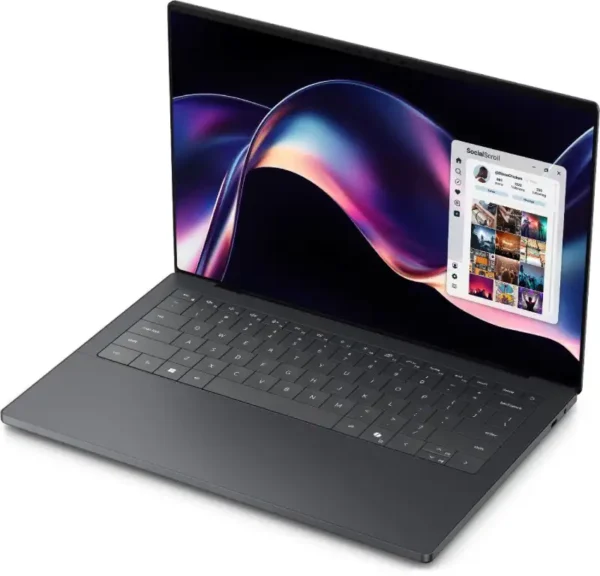
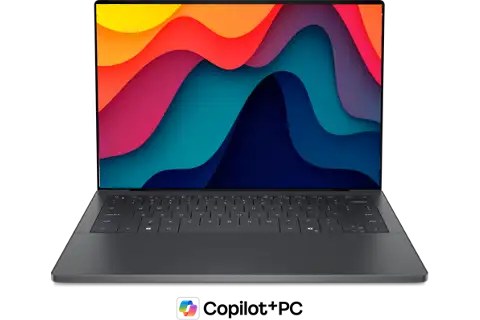
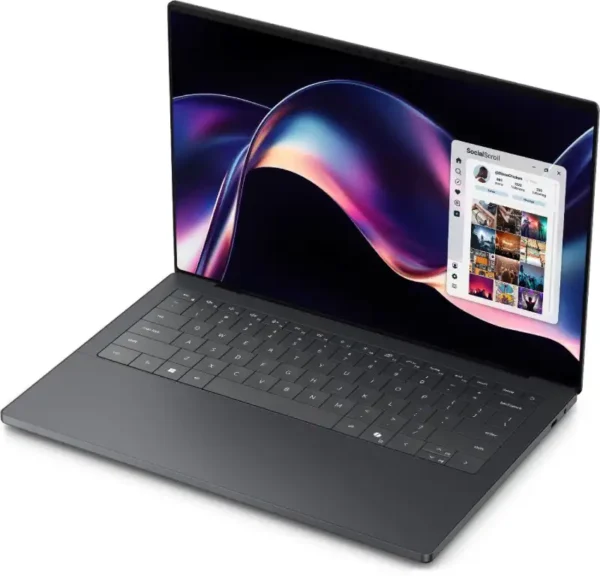
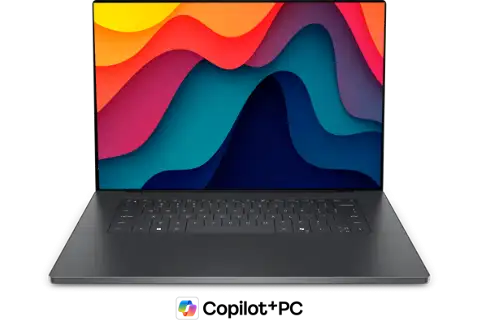
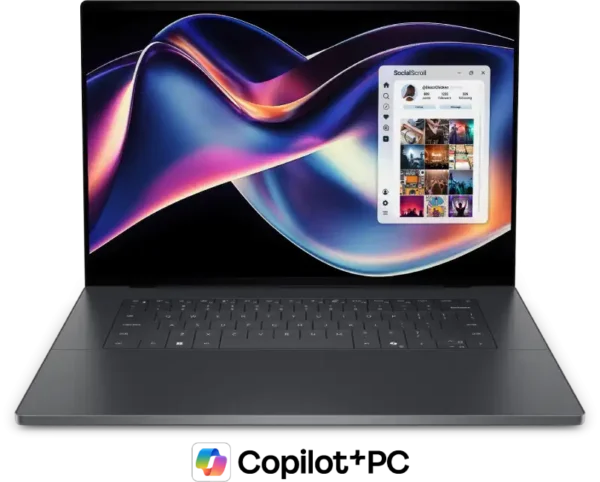
The three Dell XPS models we stock
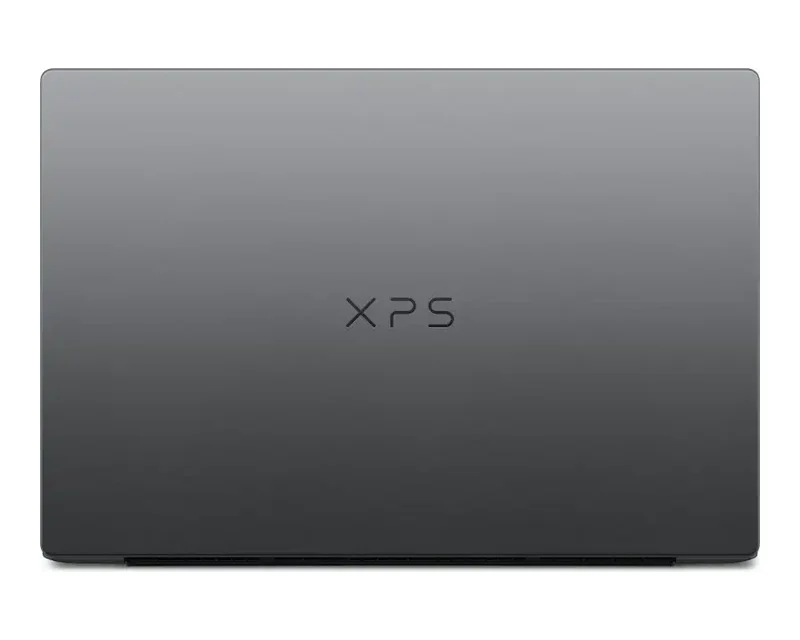
All three Dell XPS laptops share the same Graphite design, three Thunderbolt 4 ports and a 70Wh battery. The difference is screen size, panel type and chip: the 2K XPS 14 uses a Core Ultra 7 355, while both OLED models use the 16-core Core Ultra X7 358H with Intel Arc B390 graphics.
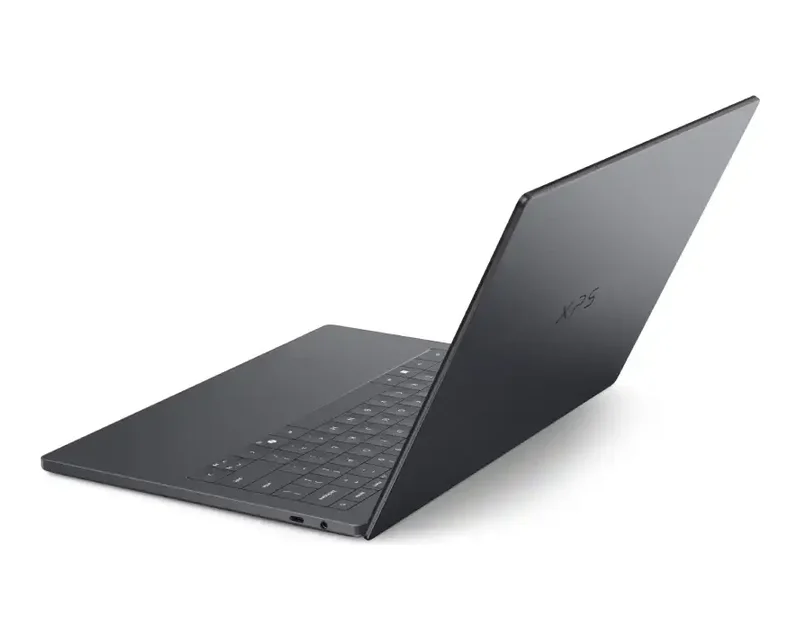
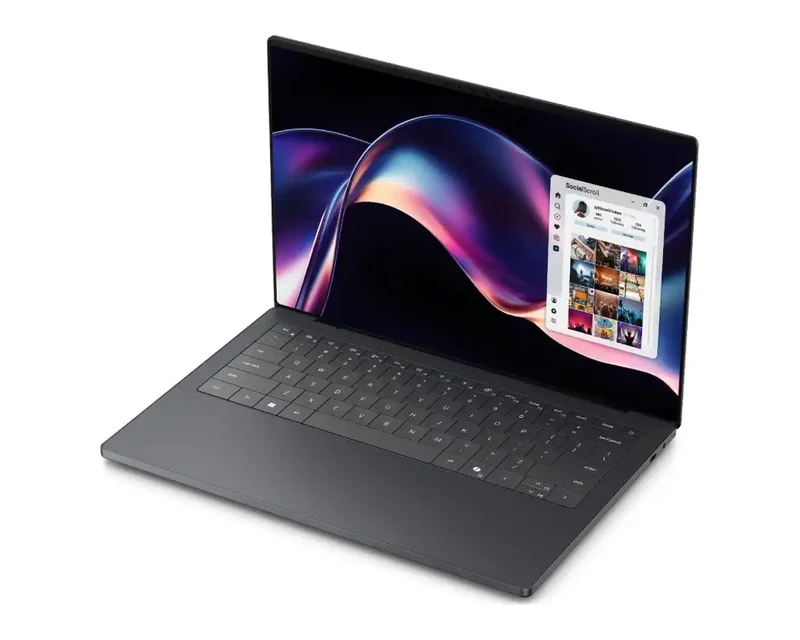
XPS 14, 2K screen
The 2K XPS 14 is the entry Dell XPS, with the brightest screen in the range at 500 nits.
- Core Ultra 7 355, 8 cores, up to 4.7GHz
- 14-inch 2K non-touch, 1 to 120Hz
- 16GB LPDDR5X, 512GB SSD
Dell lists it from 1.38 kg, 15.2 mm thin.
XPS 14, OLED touch
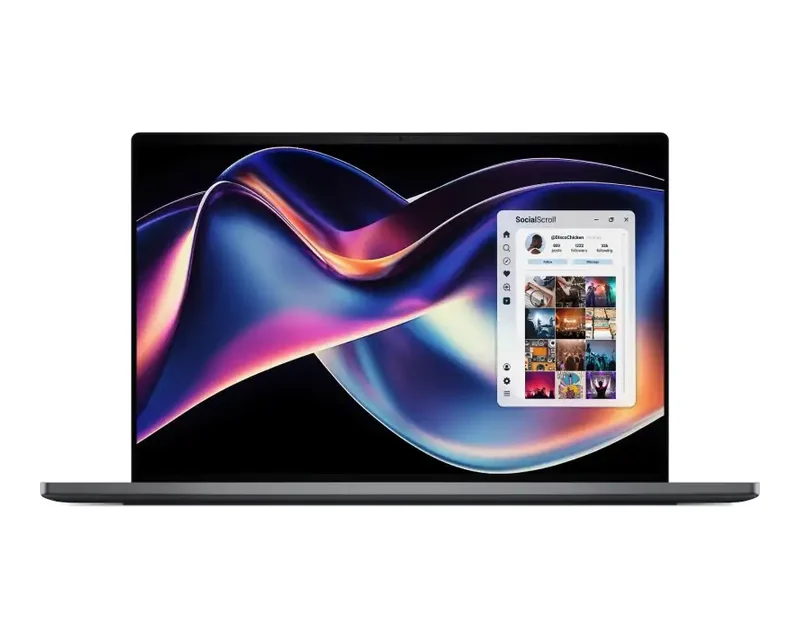
The OLED XPS 14 adds a 2.8K touch screen and the faster X7 chip in the same small body.
- Core Ultra X7 358H, 16 cores, up to 4.8GHz
- 14-inch 2.8K OLED touch, 20 to 120Hz
- 32GB LPDDR5X, 1TB SSD, Arc B390
Dell lists it from 1.36 kg, 14.62 mm thin.
XPS 16, OLED touch
The XPS 16 gives you the most screen, a 16-inch 3.2K OLED touch panel, for editing and multitasking.
- Core Ultra X7 358H, 16 cores, up to 4.8GHz
- 16-inch 3.2K OLED touch, 20 to 120Hz
- 32GB LPDDR5X, 1TB SSD, Arc B390
Dell lists it from 1.65 kg, 14.62 mm thin.
Which Dell XPS should you buy?
Choose a Dell XPS by screen size and how hard you push it. The 2K XPS 14 suits office work, browsing and travel. Photo editors and anyone who wants deep blacks and touch should pick an OLED model, and the XPS 16 is the right choice if you work with two windows side by side all day.
| You use it for | Go for | Why |
|---|---|---|
| Office work, travel | XPS 14, 2K | 500-nit screen, 16GB, 512GB |
| Working outdoors or by a window | XPS 14, 2K | Brightest XPS screen at 500 nits |
| Photo editing, touch | XPS 14 OLED | 2.8K OLED touch, 32GB, 1TB |
| Lightest XPS to carry | XPS 14 OLED | From 1.36 kg |
| Large screen, video editing | XPS 16 OLED | 16-inch 3.2K OLED, X7 358H |
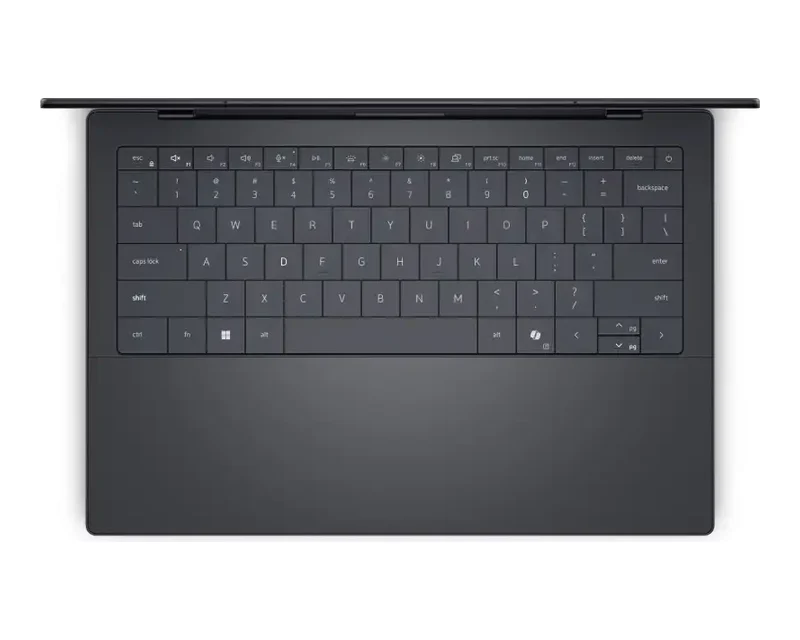
Dell XPS design and ports
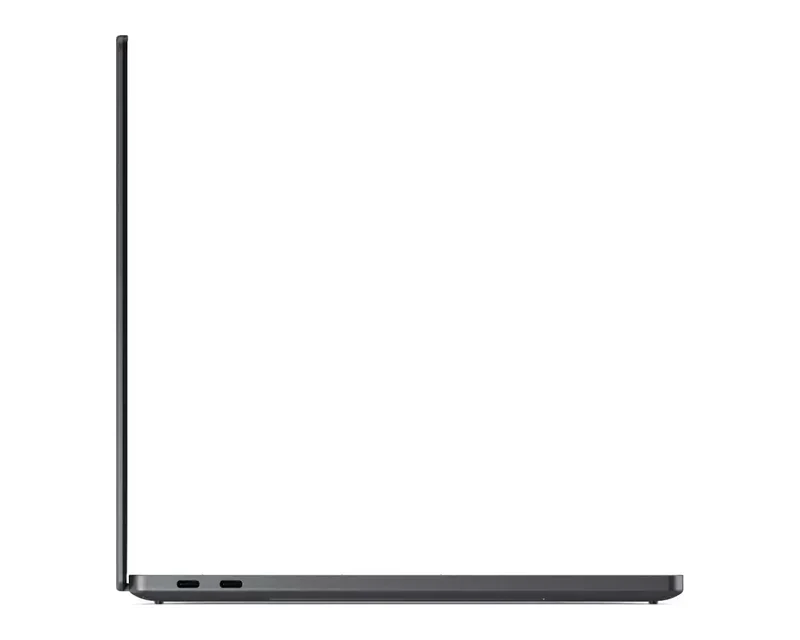
The 2026 Dell XPS is built around USB-C. Dell’s spec pages list three Thunderbolt 4 USB-C ports with DisplayPort 2.1 and Power Delivery, a universal audio jack, and Intel Wi-Fi 7 BE211 with Bluetooth 6.0 on both the XPS 14 and XPS 16.
Good to know before you buy
A few Dell XPS details are easy to miss on a spec sheet, and they matter once you start using the laptop every day. Check these points before you order.
- USB-C only. The XPS 14 and XPS 16 have three Thunderbolt 4 ports and an audio jack, with no USB-A, HDMI or card reader. Plan for a USB-C hub or dock if you use older accessories.
- Memory is onboard. The LPDDR5X memory can’t be upgraded later, so pick 32GB if you edit photos or video.
- OLED or 2K. OLED models have touch and deeper blacks at 400 nits. The 2K model is non-touch but brighter, at 500 nits.
- Office included. All three listings come with Windows 11 Home and Office Home 2024, and the listings show a 1-year Dell Care Plus onsite warranty.
Want a Dell XPS today?
Tell us the size and screen you want. We’ll confirm stock and deliver in Bangalore the same day if you order by 2 PM.
Why buy a Dell XPS from YourShoppy in Bangalore
YourShoppy is a laptop store in 1st Block Koramangala, selling laptops in Bangalore since 2010. You get an India-model Dell XPS with Dell’s warranty, a GST invoice that businesses can use for input tax credit, and same-day delivery across the city if you order by 2 PM.
- India-model Dell XPS units with Dell’s warranty.
- Same-day delivery in Bangalore if you order by 2 PM, or pick up from the store.
- No-cost EMI on select cards and Bajaj Finserv. See our EMI page.
- Bulk orders for offices. See our bulk purchase page.
Comparing premium laptops? See Dell Pro laptops, MacBook Air, HP OmniBook and ASUS Zenbook.
Address: YourShoppy, 339, 1st Floor, 1st Main Cross, next to Essar Petrol Bunk, 1st Block Koramangala, Bengaluru 560034
Hours: Monday to Sunday, 10:30 AM to 9 PM
Phone: 97392 21133 · 98869 19198 · 080 4141 0072
WhatsApp: 97392 21133 or 98869 19198
Common questions
These are the questions Bangalore buyers ask us most about Dell XPS laptops, from choosing a size to screens, ports and memory.
Where can I buy Dell XPS laptops in Bangalore?
At YourShoppy, 339, 1st Floor, 1st Main Cross, 1st Block Koramangala. Same-day delivery in Bangalore if you order by 2 PM. WhatsApp 97392 21133 or 98869 19198.
What is the difference between Dell XPS 14 and XPS 16?
The XPS 14 has a 14-inch screen and starts at 1.36 kg. The XPS 16 has a 16-inch 3.2K OLED screen and starts at 1.65 kg. Both use a 70Wh battery and three Thunderbolt 4 ports.
Which processor is in the 2026 Dell XPS?
The XPS models we stock use Intel Core Ultra Series 3. The 2K XPS 14 has a Core Ultra 7 355, and the OLED XPS 14 and XPS 16 have a 16-core Core Ultra X7 358H with Intel Arc B390 graphics.
Does the Dell XPS have HDMI or USB-A ports?
No. The 2026 XPS 14 and XPS 16 have three Thunderbolt 4 USB-C ports and a universal audio jack. Use a USB-C hub or dock for HDMI and USB-A.
Can I upgrade the RAM on a Dell XPS?
No. The Dell XPS uses onboard LPDDR5X memory, so choose 16GB or 32GB when you buy.
Is the Dell XPS screen touch?
The OLED models are touch screens: 2.8K on the XPS 14 and 3.2K on the XPS 16. The 2K XPS 14 is non-touch and brighter, at 500 nits.
How heavy is the Dell XPS 14?
Dell lists the XPS 14 from 1.36 kg with the OLED screen and 1.38 kg with the 2K screen, at 14.62 mm to 15.2 mm thick.