
ASUS Vivobook 14 laptops in Bangalore
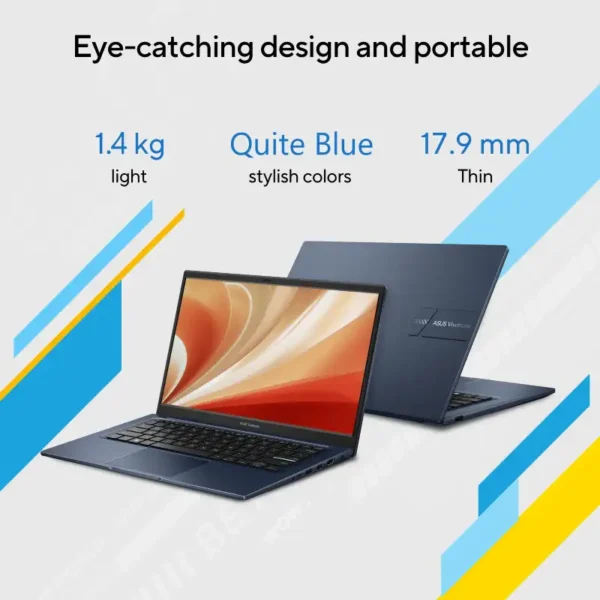
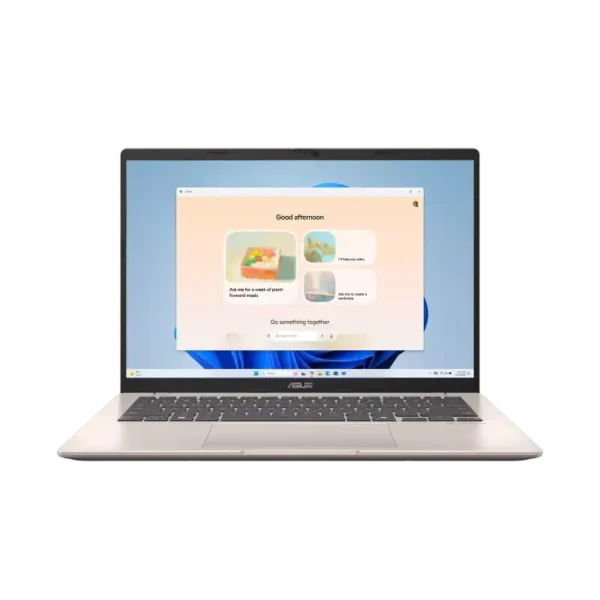
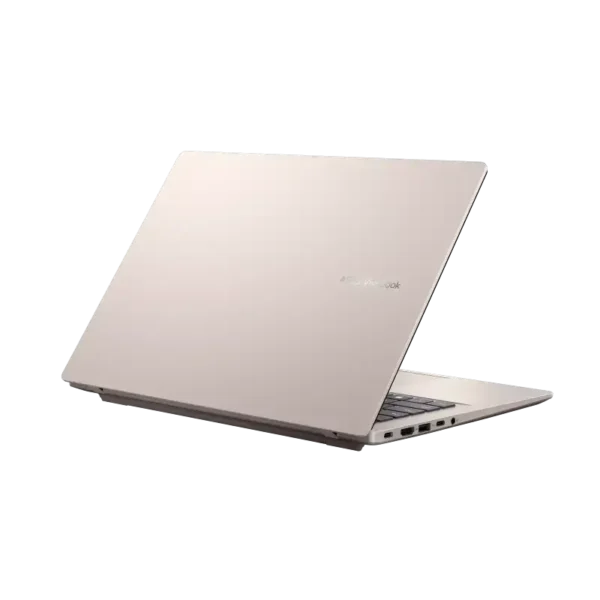
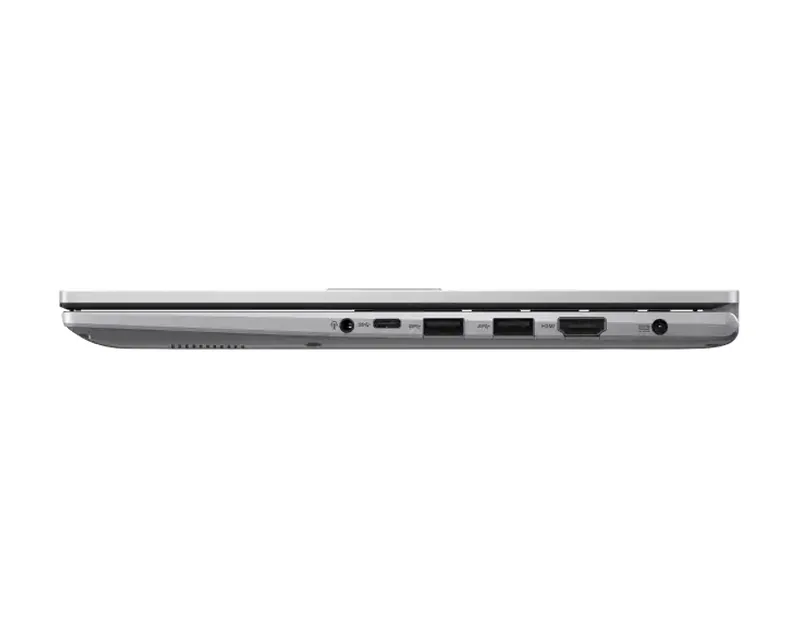
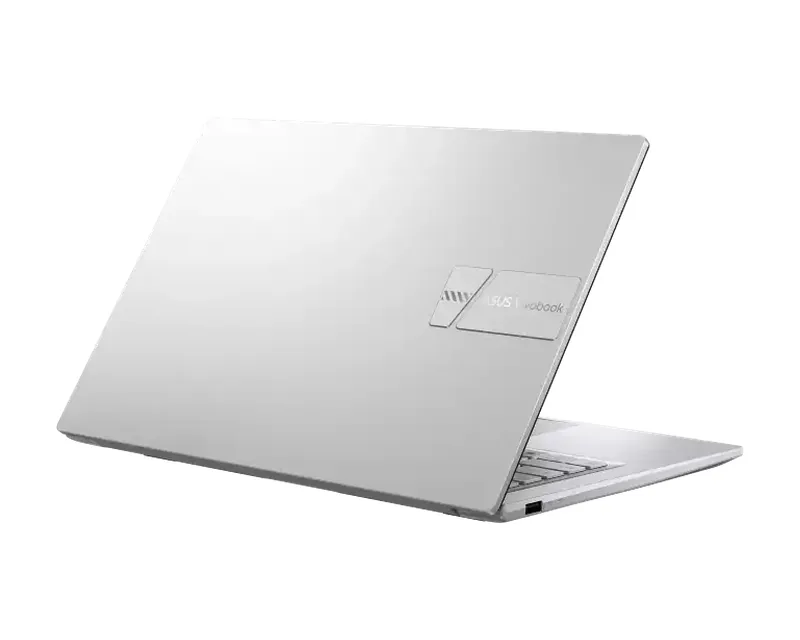
ASUS Vivobook 14 is ASUS’s everyday 14-inch laptop for study, office work and home use. ASUS India lists it at 1.40kg with a 42Wh battery, a full set of USB-A, USB-C and HDMI ports, and Office Home 2024 on every model we stock.
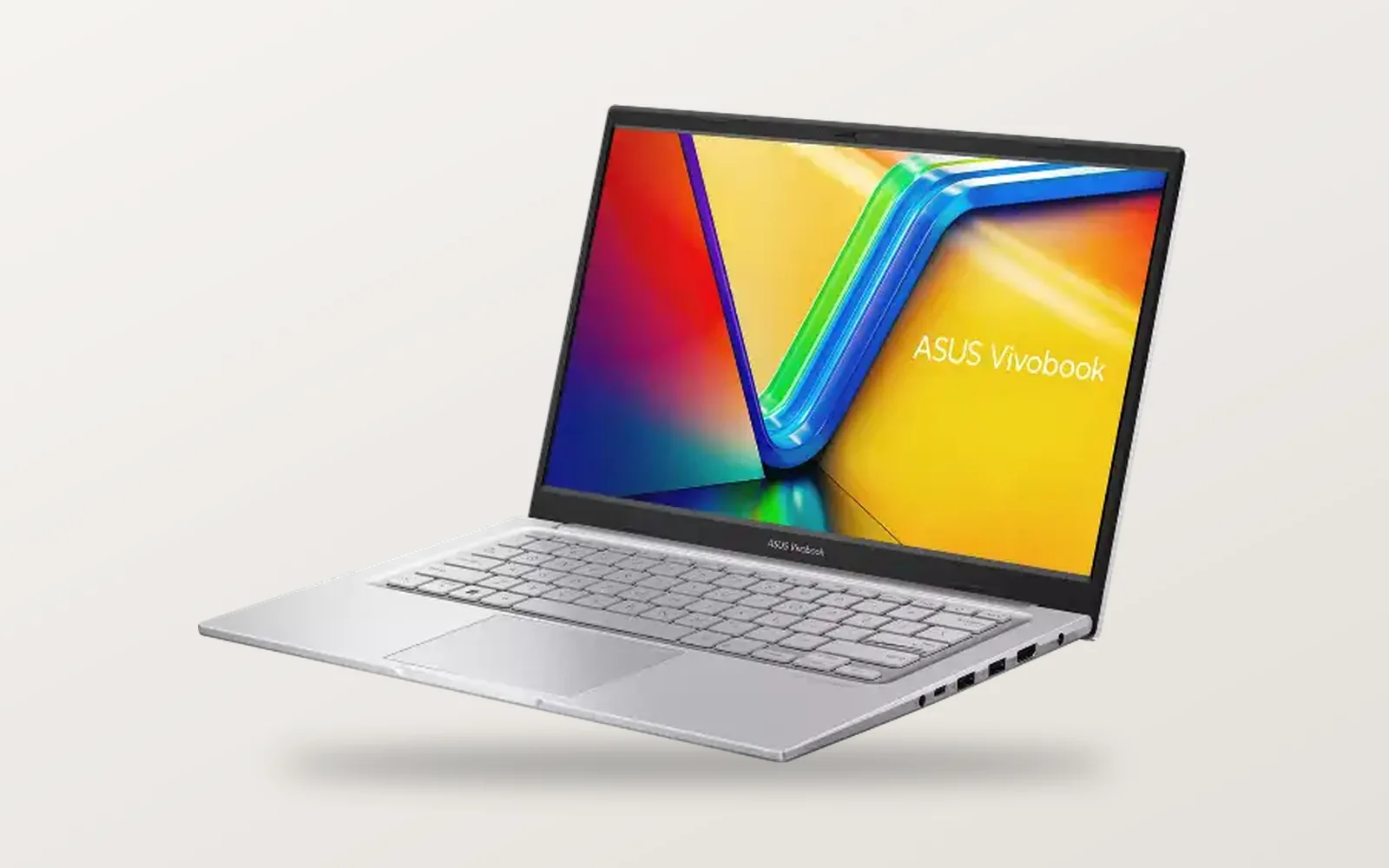
The Vivobook 14 suits students, home users and small offices that need a light Windows laptop for documents, browsing, video calls and Excel. Every model below has a 14-inch anti-glare screen, an NVMe SSD and Windows 11 Home with Office Home 2024, so you mostly choose the processor and the memory.
ASUS Vivobook 14 laptops in stock in Bangalore
Six models are the X1404VAP with the Intel Core 5 120U, three are the newer X1404MA with the Core 5 320 or Core 3 304, and one is the X1407CA with a Core Ultra 5 225H. Nine are in stock. The X1407CA is out of stock right now, so WhatsApp us for the next batch.
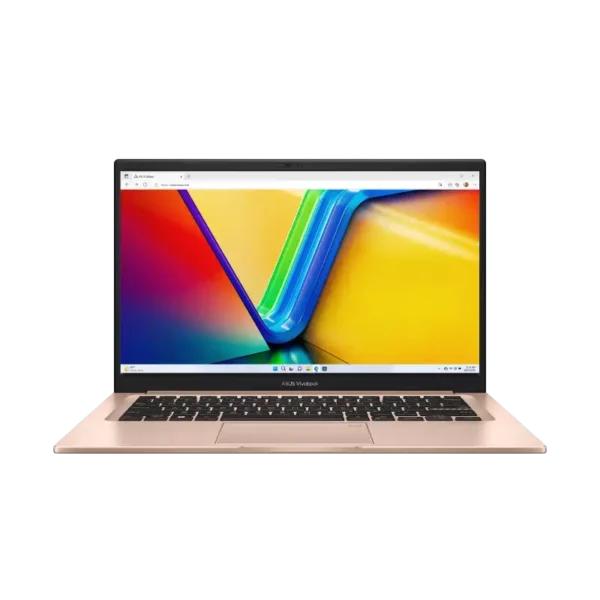
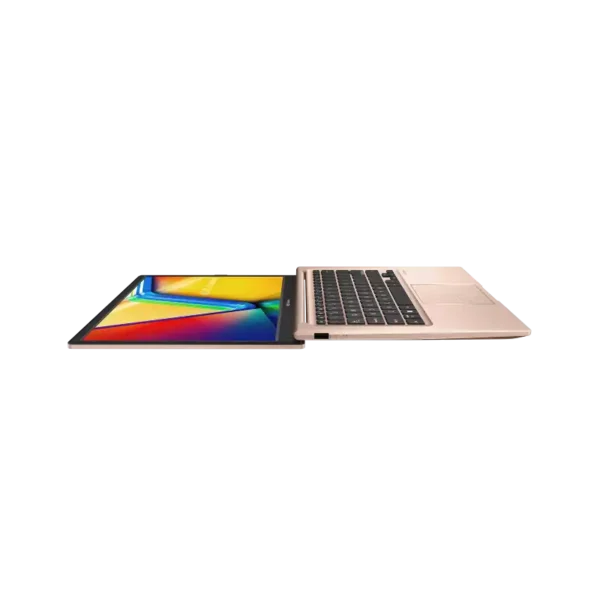
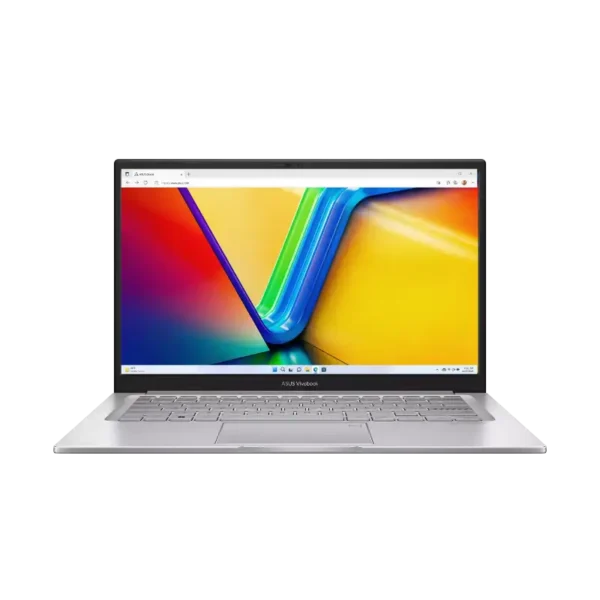
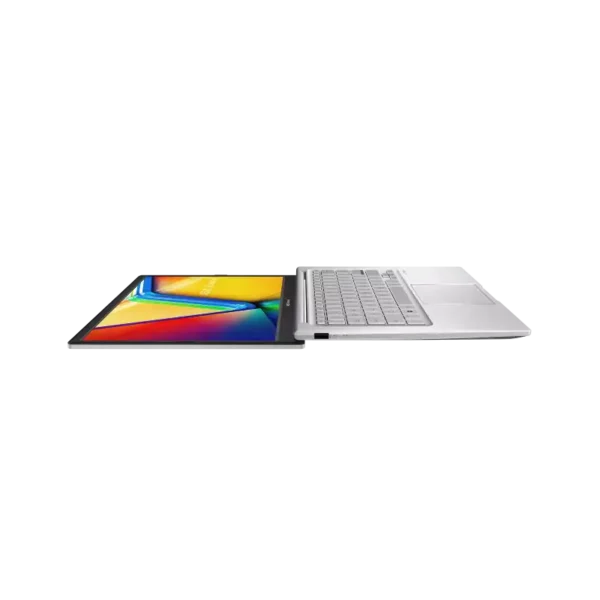

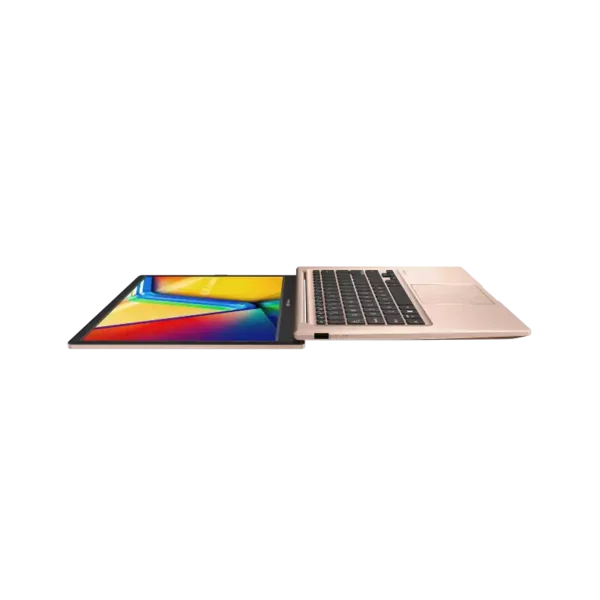
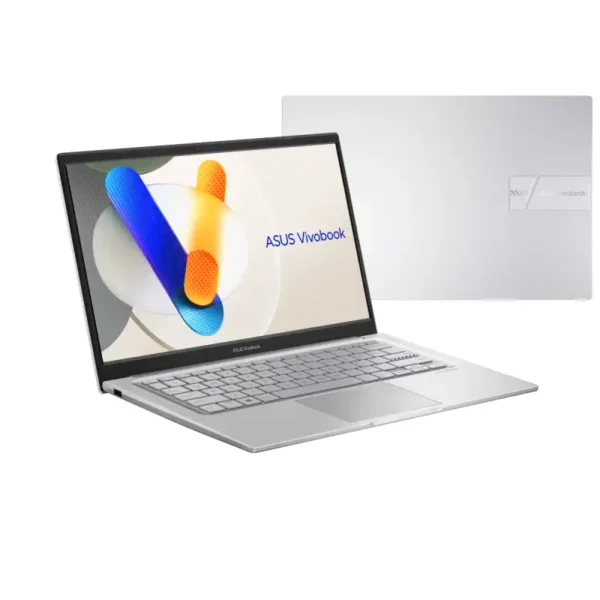
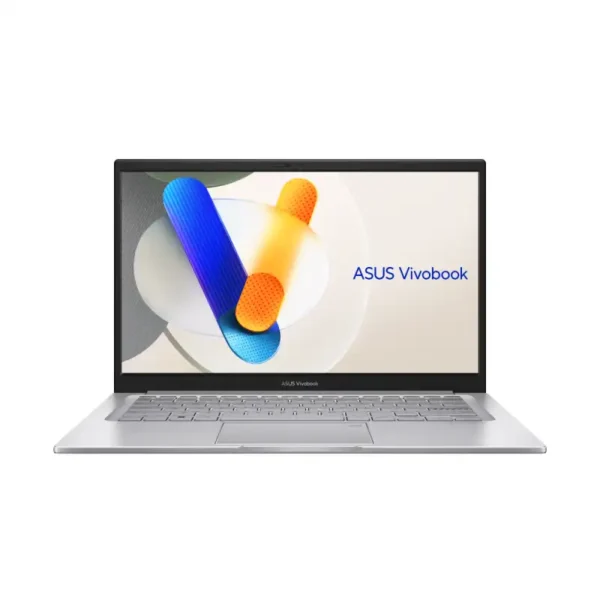
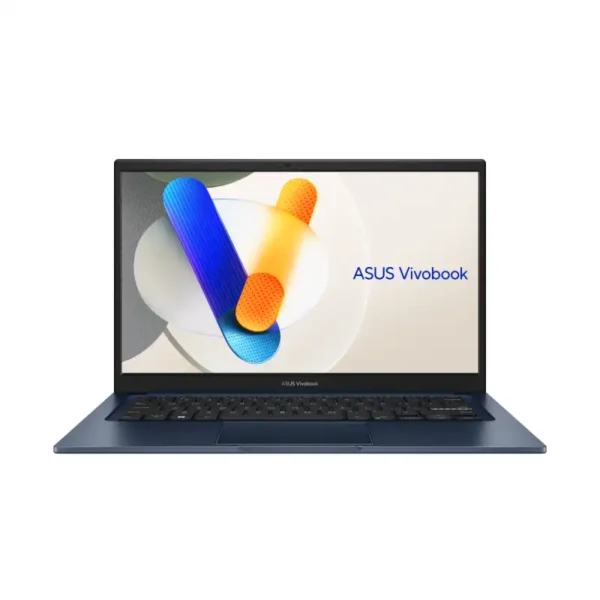
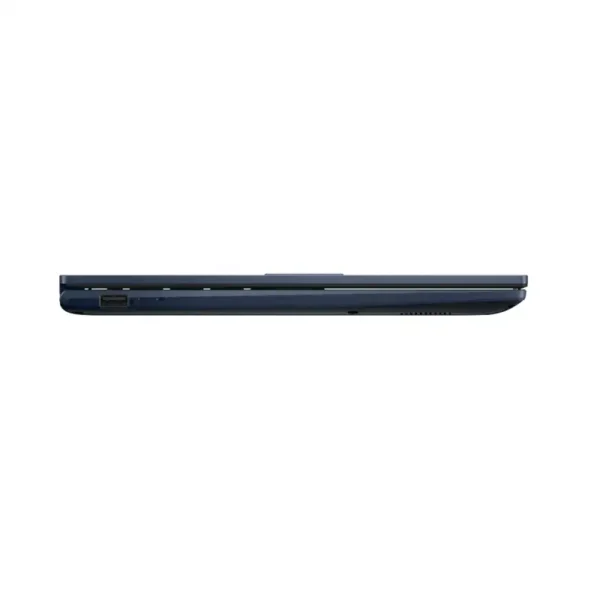
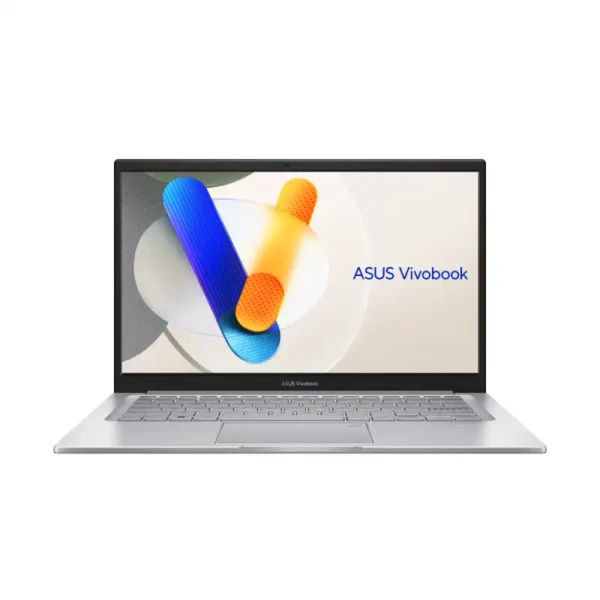
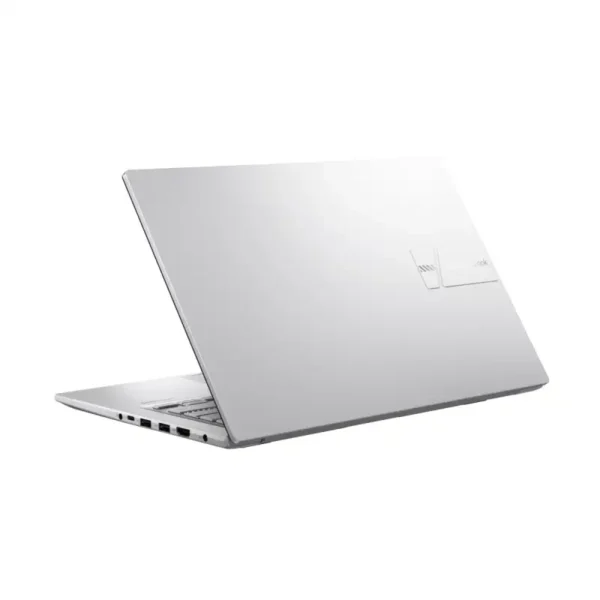
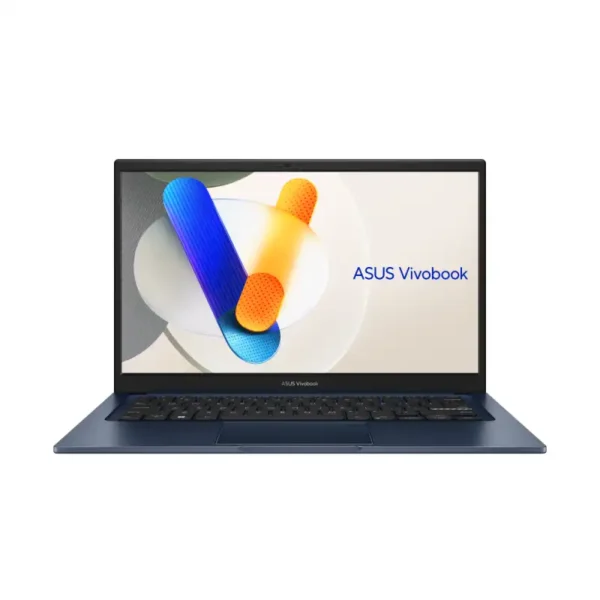
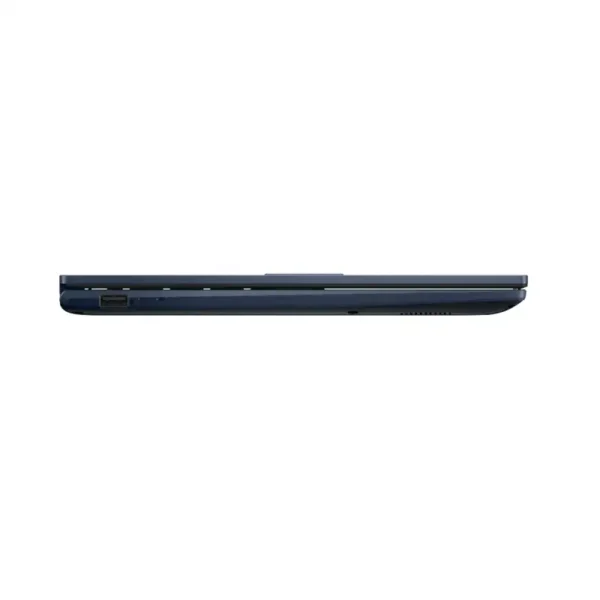
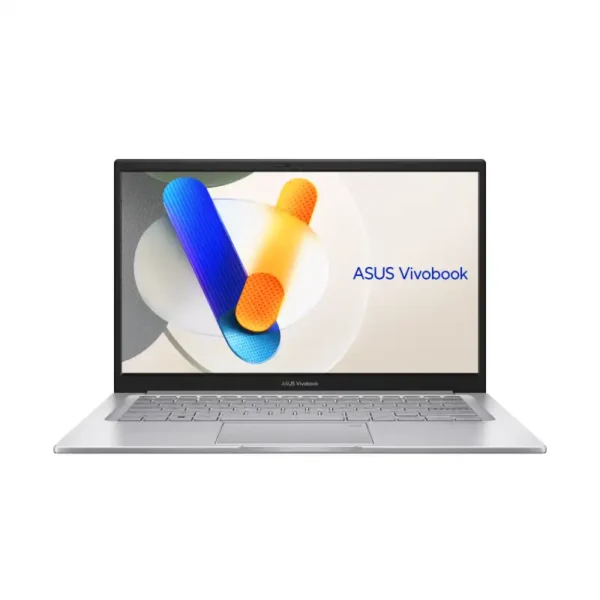

Asus Vivobook 14 X1404VAP-EB542WS
- Intel® Core™ 5 Processor 120U, 10 Cores / 12 Threads, 1.4GHz Base / Up to 5.0GHz, 12MB Cache
- Intel® Graphics (Integrated)
- 16GB DDR4 (8GB On-Board + 8GB SO-DIMM, Upgradable)
- 512GB M.2 NVMe™ PCIe® 4.0 SSD
- 14.0" FHD (1920×1080), IPS-level Panel, 60Hz, 250 nits, 45% NTSC, Non-touch
- Windows 11 Home + Microsoft Office Home 2024 + Microsoft 365 Basic
- Quiet Blue
- 1-Year Warranty
What you get with the ASUS Vivobook 14
ASUS India lists the X1404 at 32.49 x 21.39 x 1.79cm with a 14-inch FHD anti-glare screen and a 720p camera with a privacy shutter. It’s tested to the US MIL-STD 810H standard.
Which ASUS Vivobook 14 should you buy?
Start with the processor, then memory. The Core 5 120U has the most cores of the three Core chips, the Core 5 320 adds an NPU and a Copilot key, and the X1407CA has the faster Core Ultra 5 and a taller 16:10 screen.
| You need | Go for | Why |
|---|---|---|
| College notes, browsing, online classes | X1404MA, Core 3 304, 8GB, 512GB | Lowest-priced Vivobook 14 we stock |
| Office work with many tabs open | X1404VAP, Core 5 120U, 16GB, 512GB | 10 cores, up to 5.0GHz |
| A newer chip with an NPU | X1404MA, Core 5 320, 16GB, 512GB | NPU up to 16 TOPS, Copilot key |
| Face login and USB-C charging | X1407CA, Core Ultra 5 225H, 16GB, 1TB | FHD IR camera, 65W USB-C adapter |
| A bigger screen or OLED | ASUS Vivobook 16 or Vivobook S 14 | Separate Vivobook lines |
ASUS Vivobook 14 specs
These ASUS Vivobook 14 specs come from ASUS India’s spec pages for the X1404 and X1407. Check the exact part number on each product page before you order, as processor and memory change by model.
| Spec | X1404VAP / X1404MA / X1407CA |
|---|---|
| Processor | Core 5 120U (10 cores, up to 5.0GHz) / Core 5 320 (6 cores, up to 4.6GHz) or Core 3 304 (5 cores, up to 4.3GHz) / Core Ultra 5 225H (14 cores, up to 4.9GHz) |
| NPU | None listed / up to 16 TOPS (Core 5 320), 15 TOPS (Core 3 304) / up to 13 TOPS |
| Graphics | Intel Graphics, integrated |
| Memory | DDR4 on board plus one DDR4 SO-DIMM slot / DDR5 SO-DIMM, single channel / 16GB DDR5 on board plus one SO-DIMM slot |
| Storage | 512GB or 1TB PCIe 4.0 NVMe SSD, one M.2 2280 slot |
| Screen | 14″ FHD 1920 x 1080 anti-glare, 60Hz / 14″ FHD+ 1920 x 1200, 300 nits on the X1407CA |
| Ports | X1404: 2x USB-A 5Gbps, USB-A 2.0, USB-C 5Gbps, HDMI 1.4, audio. X1407CA: 2x USB-C with display and charging, 2x USB-A, HDMI 1.4, audio |
| Camera | 720p with privacy shutter / FHD IR camera with Windows Hello on the X1407CA |
| Battery | 42Wh, 45W barrel adapter / 42Wh, 65W USB-C adapter on the X1407CA |
| Weight and size | 1.40kg, 32.49 x 21.39 x 1.79cm / 1.46kg on the X1407CA |
| Software | Windows 11 Home, Office Home 2024, Microsoft 365 Basic 100GB for 1 year |
| Durability | US MIL-STD 810H, per ASUS India |
Sources: ASUS India Vivobook 14 X1404 and X1407 tech specs, and our own product listings for the part numbers we stock.
Good to know before you buy
- No touch screen.None of the Vivobook 14 models we stock has a touch screen.
- 8GB is the minimum.For Office plus a browser with many tabs, pick 16GB. The X1404 has a slot to add memory later.
- Not a gaming laptop.Integrated Intel graphics handle video and light games, not heavy 3D titles.
- Barrel charger on the X1404.The X1404 charges from a 45W round-pin adapter. Its USB-C port is for data only per our listings.
Buying Vivobooks for your office or college?
Tell us the model and the number of units. We’ll confirm stock, send a GST quote and deliver in Bangalore the same day if you order by 2 PM.
Why buy an ASUS Vivobook 14 from YourShoppy in Bangalore
YourShoppy is an authorised ASUS dealer in 1st Block Koramangala, selling laptops in Bangalore since 2010. You get an India-model Vivobook 14 with ASUS India warranty and a GST invoice.
- Authorised ASUS dealer with India-model stock.
- Same-day delivery in Bangalore if you order by 2 PM, or pick up from the store.
- No-cost EMI on select cards. See our EMI page.
- Repairs later at our own bench. See ASUS laptop motherboard repair.
Compare with other ASUS laptops
Address: YourShoppy, 339, 1st Floor, 1st Main Cross, next to Essar Petrol Bunk, 1st Block Koramangala, Bengaluru 560034
Hours: Monday to Sunday, 10:30 AM to 9 PM
Phone: 97392 21133 · 98869 19198 · 080 4141 0072
WhatsApp: 97392 21133 or 98869 19198
Common questions
These are the questions Bangalore buyers ask us most about the ASUS Vivobook 14.
Is the ASUS Vivobook 14 good for students?
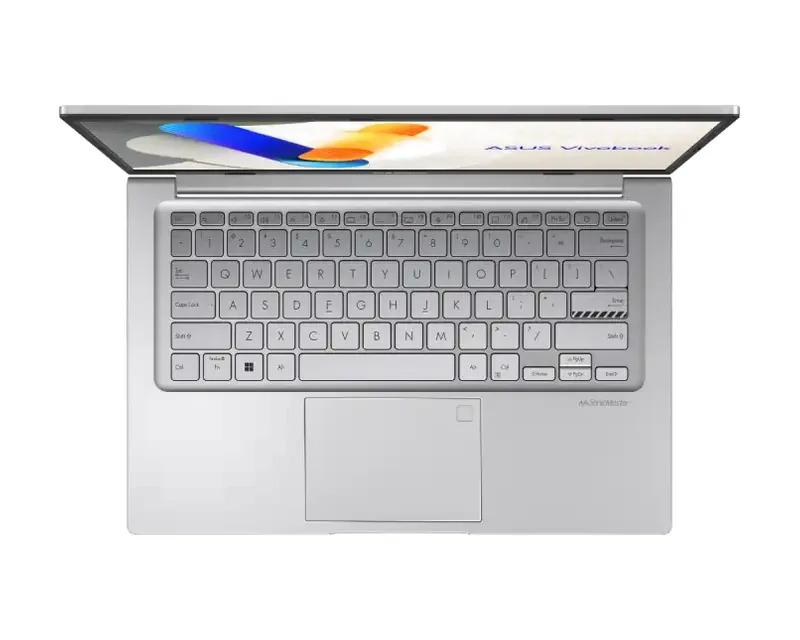
Yes, for coursework, browsing, online classes and Office. It weighs 1.40kg per ASUS India, has a backlit keyboard and comes with Office Home 2024. Engineering students who run heavy software should pick 16GB of memory.
What is the difference between the X1404VAP and the X1404MA?
The X1404VAP uses the Intel Core 5 120U with 10 cores and DDR4 memory. The X1404MA uses the newer Core 5 320 or Core 3 304 with DDR5, an NPU rated up to 16 TOPS and a Copilot key, per ASUS India.
Can I upgrade the RAM on the Vivobook 14?
ASUS India lists one SO-DIMM memory slot on the X1404 and on the X1407CA, so memory can be upgraded. The X1404MA supports single-channel memory only. Ask us before you buy and we’ll check the exact model.
Does the Vivobook 14 have a touch screen?
No. Every Vivobook 14 we stock has a non-touch 14-inch anti-glare screen. The X1404 is FHD 1920 x 1080 and the X1407CA is FHD+ 1920 x 1200 at 300 nits.
How long does the Vivobook 14 battery last?
All models have a 42Wh battery. ASUS India doesn’t give a battery-hours figure on the X1404 spec page, so plan on charging during a long workday, depending on brightness and apps.
What warranty comes with the Vivobook 14 in India?
Our listings show a 1-year ASUS warranty. Extended warranty and accidental damage packs are sold separately by ASUS, and we can help you register them at the store.