
ASUS Vivobook Go 14 laptops in Bangalore
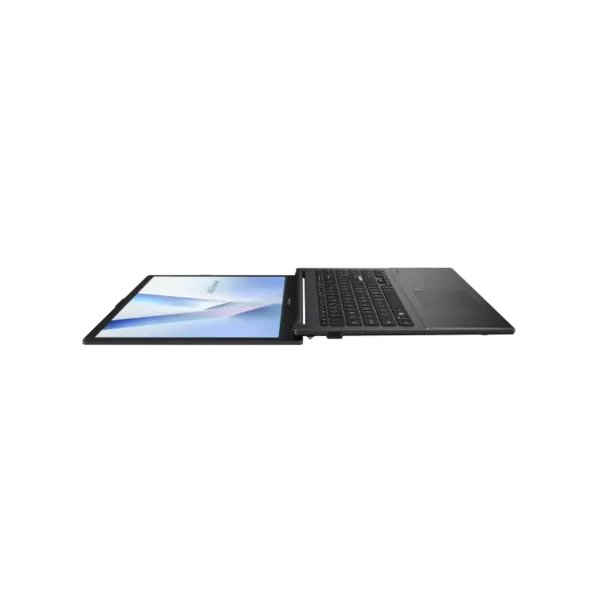
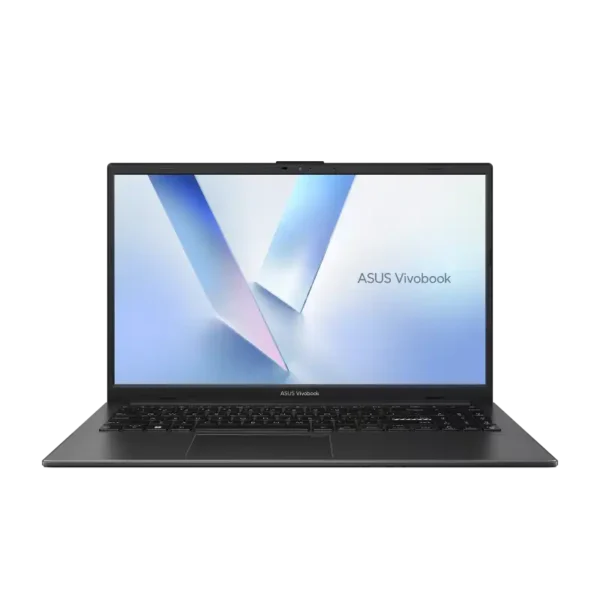
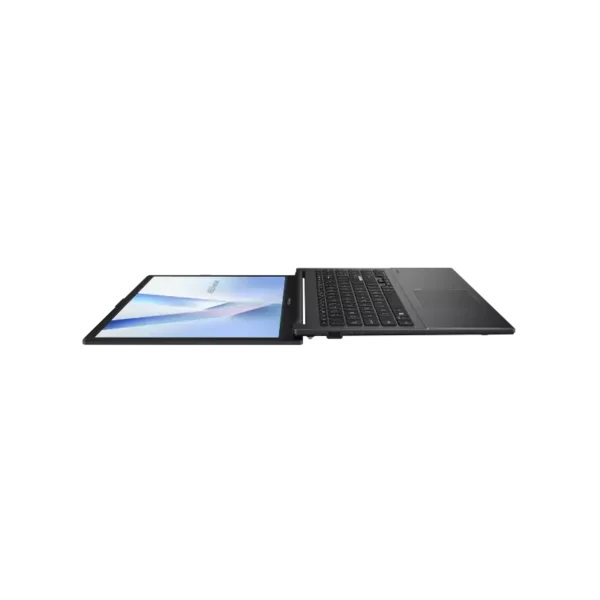
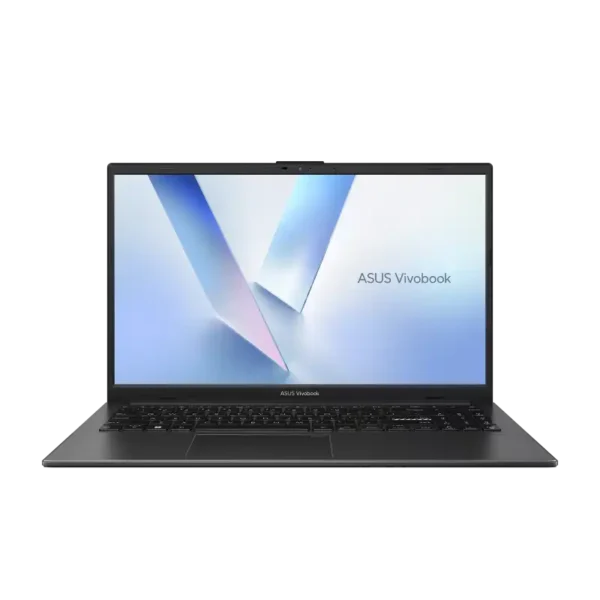
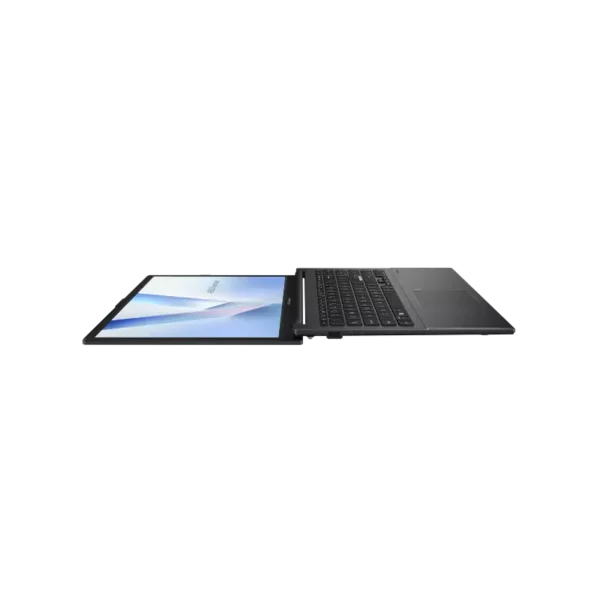
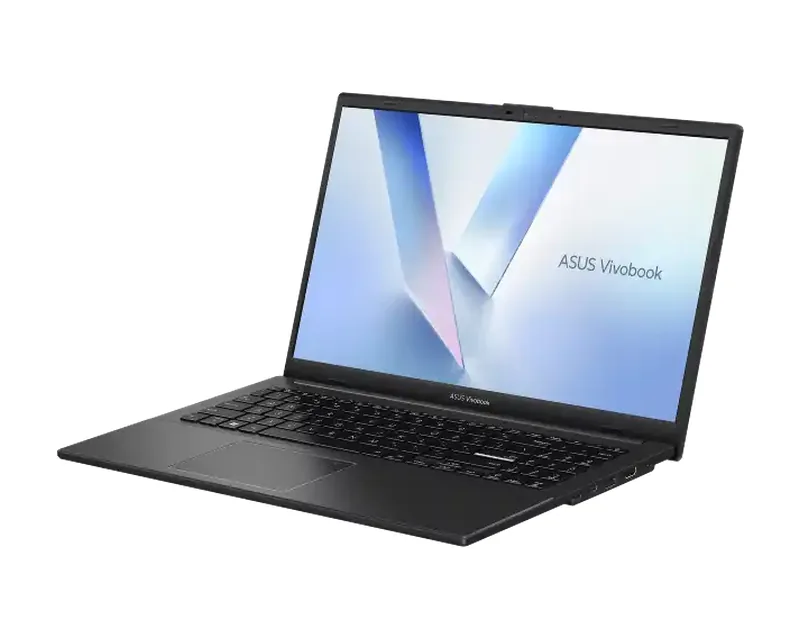
ASUS Vivobook Go 14 is ASUS’s entry-level 14-inch laptop with an AMD Ryzen processor, at 1.38kg and 1.79cm thin per ASUS India. Every model we stock has a 14-inch FHD anti-glare screen, a 512GB SSD and Office Home 2024.
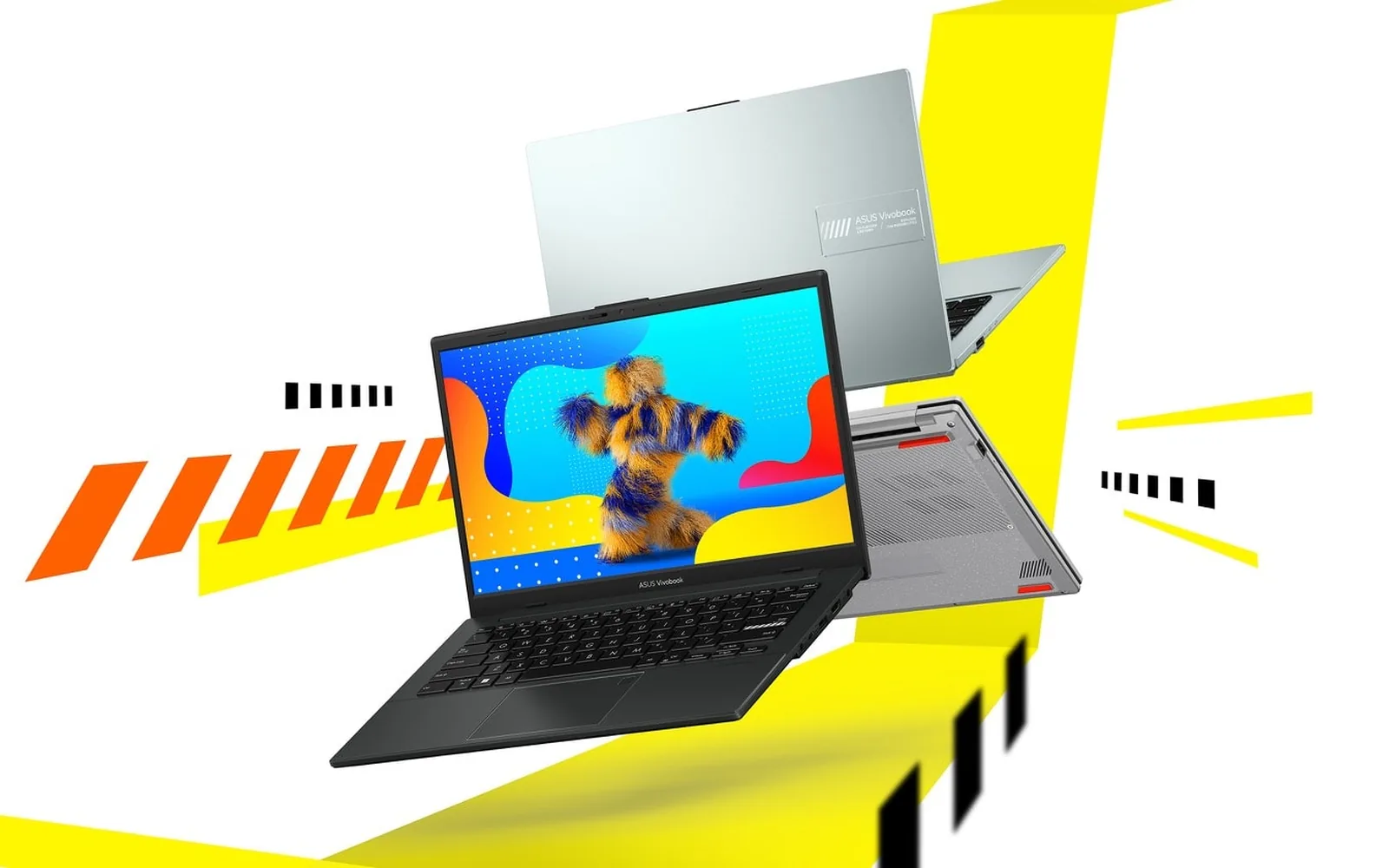
The Vivobook Go 14 suits school and college students, first-time buyers and home users who mainly browse, stream, attend online classes and write documents. You choose between the AMD Ryzen 5 40 and Ryzen 3 30, then 8GB or 16GB of memory, and then the colour.
ASUS Vivobook Go 14 laptops in stock in Bangalore
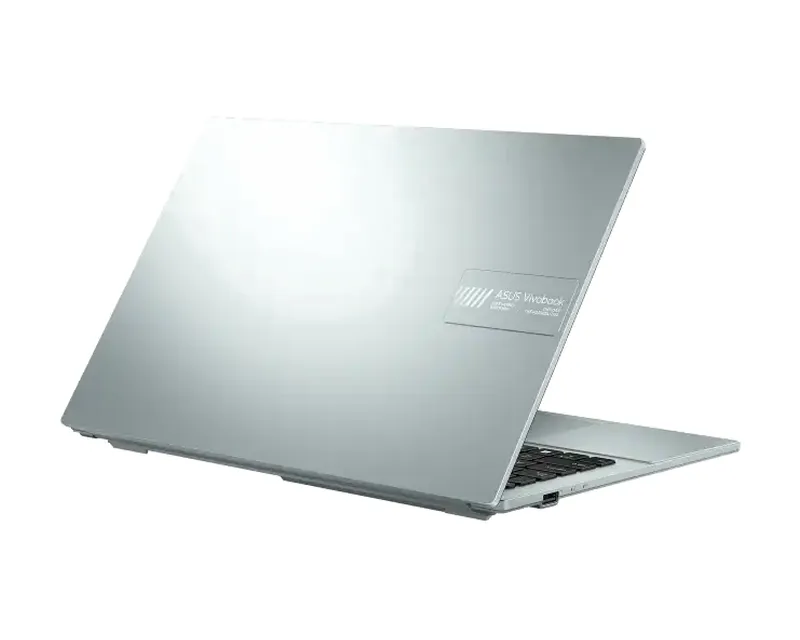
All nine are the E1404FA in Mixed Black, Grey Green or Cool Silver. The six Ryzen 5 40 models with 8GB or 16GB are in stock. The three Ryzen 3 30 models are out of stock right now, so WhatsApp us for the next batch.
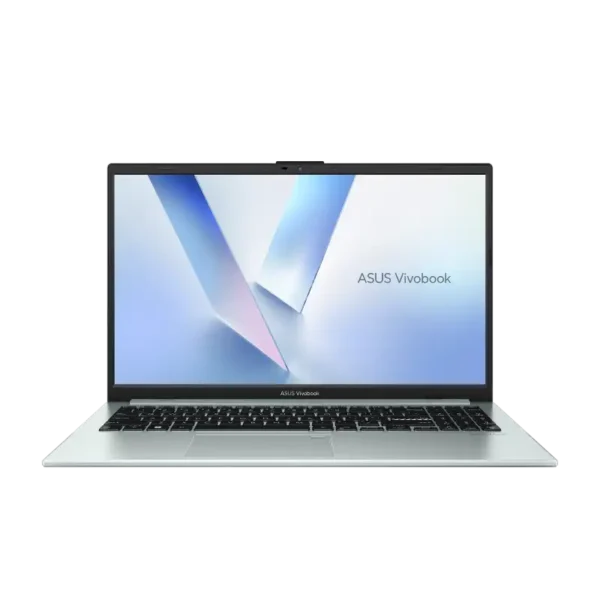
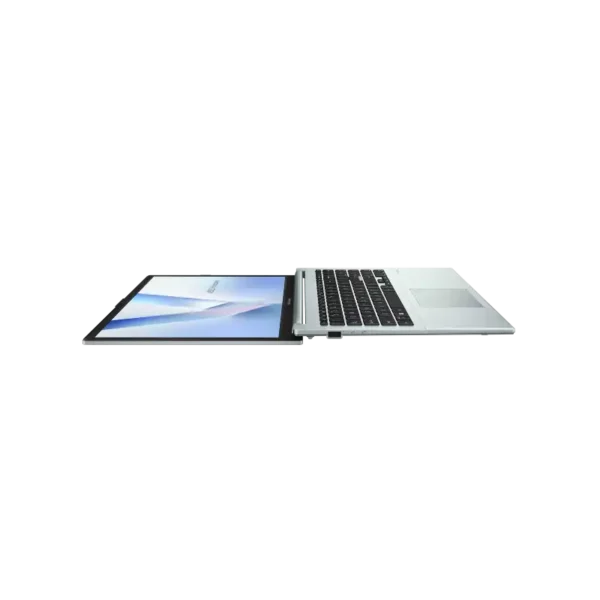
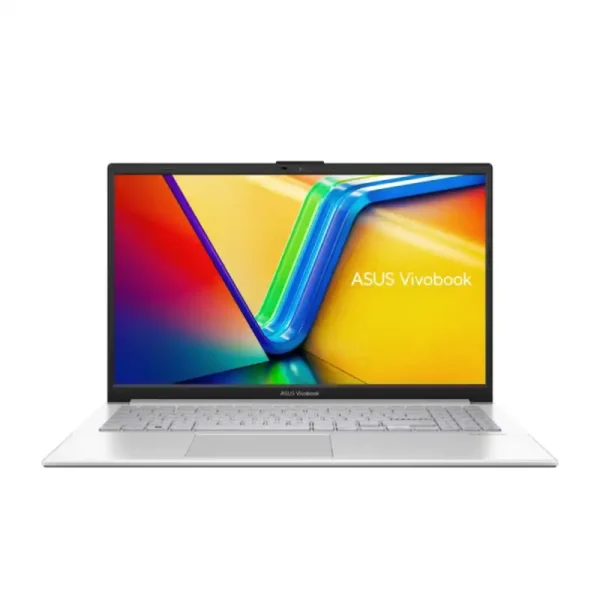
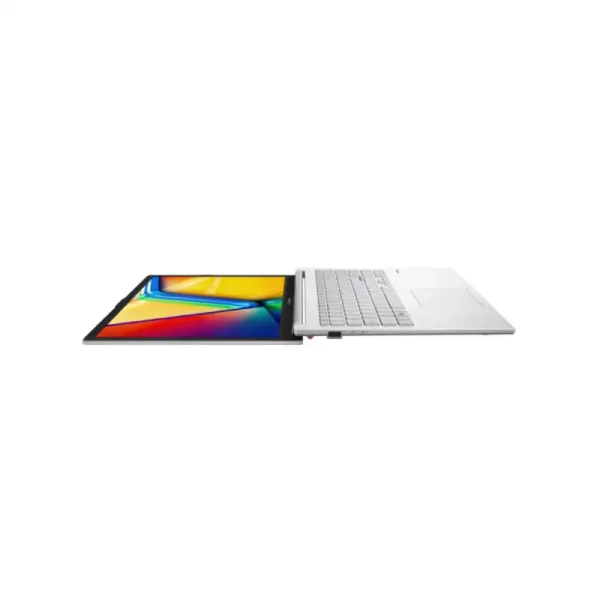
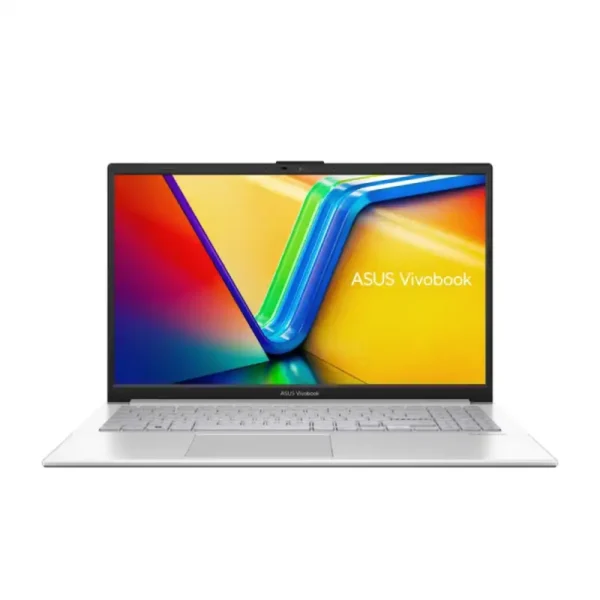
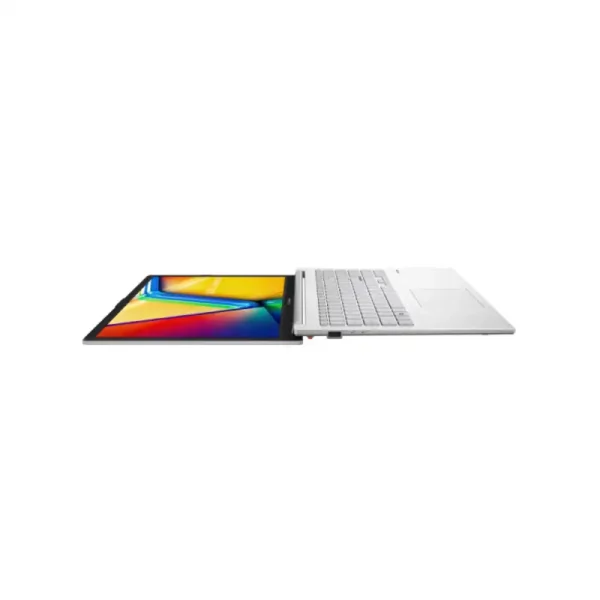
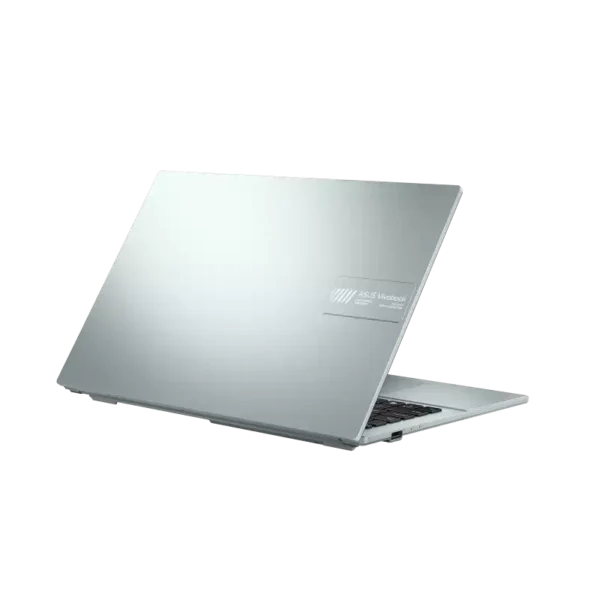

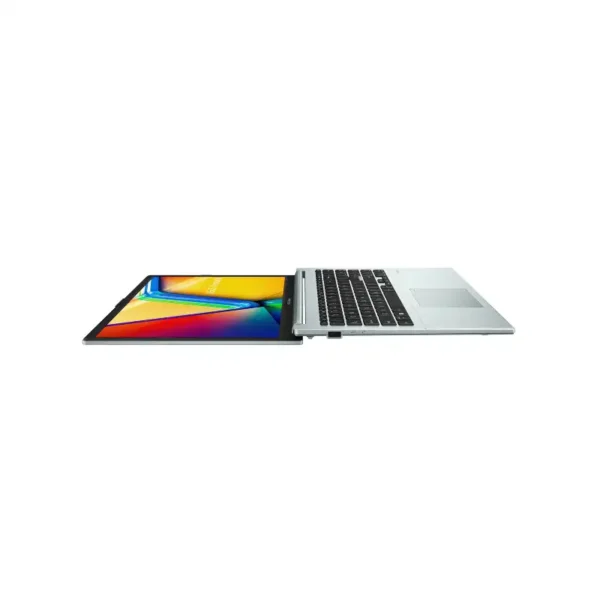
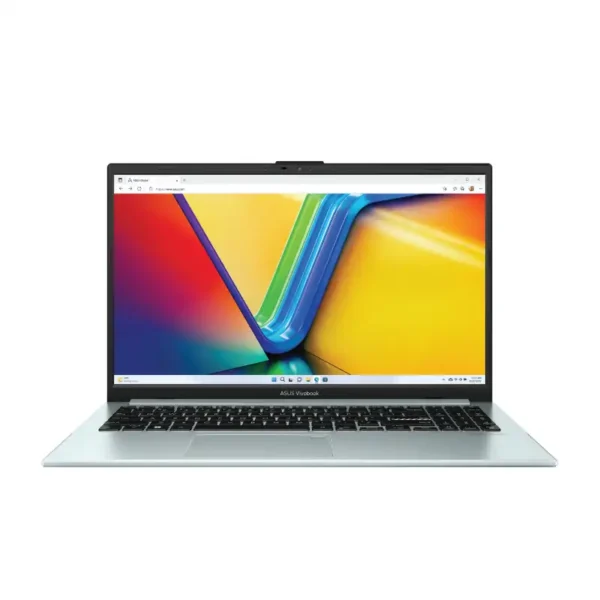
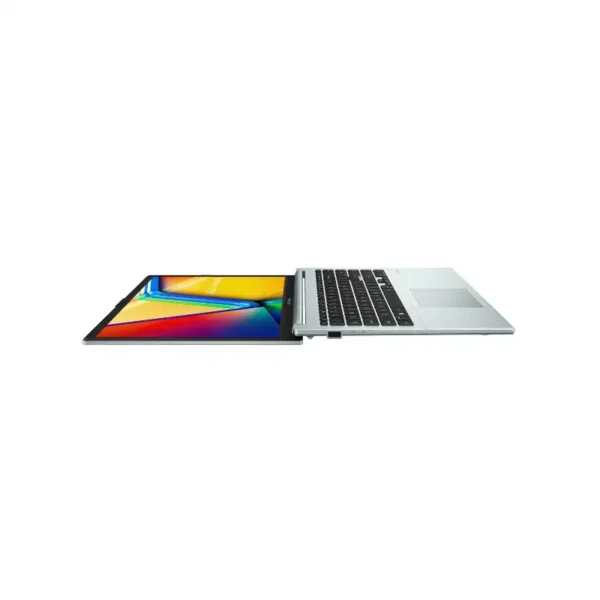
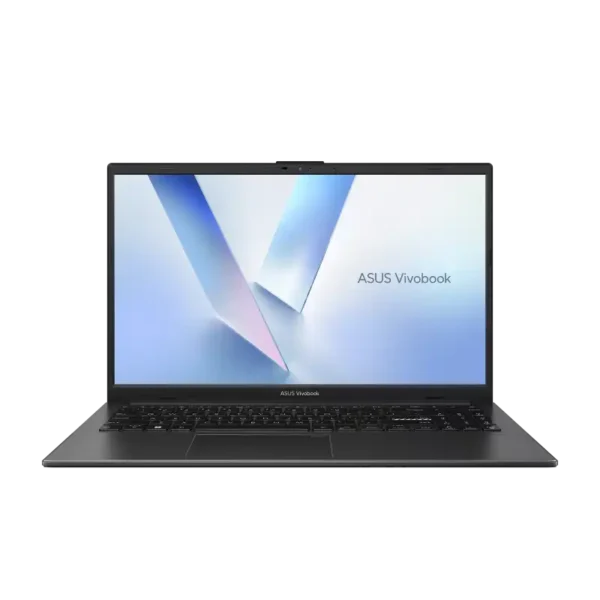
What you get with the ASUS Vivobook Go 14
ASUS India lists the E1404FA at 32.55 x 21.39 x 1.79cm and 1.38kg, tested to US MIL-STD 810H. It has a 720p camera with a privacy shutter and charges from a 45W adapter.
Which ASUS Vivobook Go 14 should you buy?
Memory matters most here, because ASUS solders it to the board and you can’t add more later. Pick 16GB if you keep Office and many browser tabs open together.
| You need | Go for | Why |
|---|---|---|
| Online classes, notes, YouTube | E1404FA, Ryzen 5 40, 8GB, 512GB | In stock in all three colours |
| Office work and many browser tabs | E1404FA, Ryzen 5 40, 16GB, 512GB | 16GB can’t be added later, so buy it now |
| Lowest-priced Go 14 | E1404FA, Ryzen 3 30, 8GB, 512GB | Out of stock now, WhatsApp us |
| A bigger 15.6-inch screen | ASUS Vivobook Go 15 | Same family with a number pad |
| Intel and an upgrade slot | ASUS Vivobook 14 | Backlit keyboard, SO-DIMM slot |
ASUS Vivobook Go 14 specs
These ASUS Vivobook Go 14 specs come from ASUS India’s E1404F spec page and our own listings. Check the exact part number on each product page before you order, as memory and colour change by model.
| Spec | E1404FA |
|---|---|
| Processor | AMD Ryzen 5 40 or Ryzen 3 30, 4 cores, per our listings |
| Graphics | AMD Radeon Graphics, integrated |
| Memory | 8GB or 16GB LPDDR5 on board, not upgradable |
| Storage | 512GB PCIe 3.0 NVMe SSD, one M.2 2280 slot |
| Screen | 14″ FHD 1920 x 1080, 16:9, 60Hz, anti-glare |
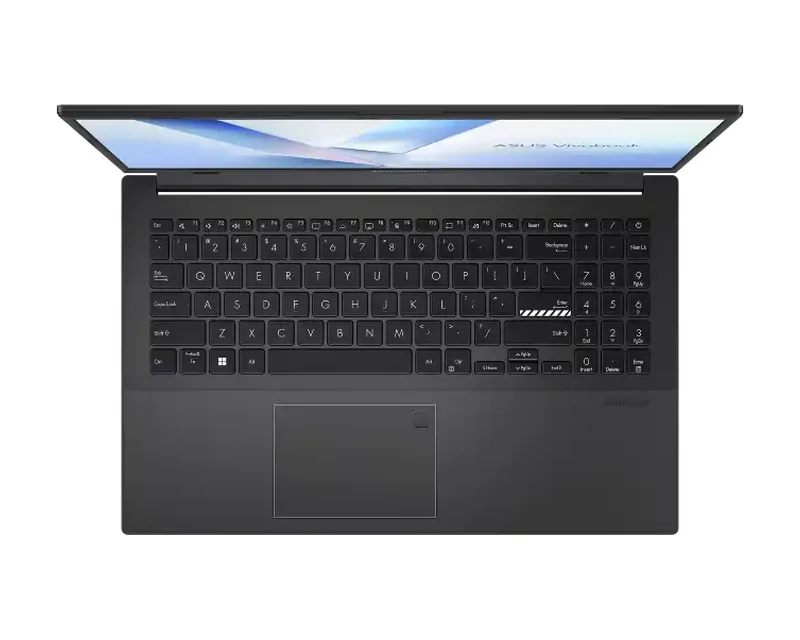
| Ports | USB-C 5Gbps, USB-A 5Gbps, USB-A 2.0, HDMI 1.4, audio jack |
| Camera | 720p HD with privacy shutter |
| Battery | 42Wh, 3-cell, 45W barrel adapter |
| Weight and size | 1.38kg, 32.55 x 21.39 x 1.79cm |
| Software | Windows 11 Home, Office Home 2024, Microsoft 365 Basic 100GB for 1 year |
| Security | Firmware TPM, BIOS password |
| Durability | US MIL-STD 810H, per ASUS India |
Sources: ASUS India Vivobook Go 14 E1404F tech specs, and our own product listings for the processor names and part numbers we stock.
Good to know before you buy
- Memory is soldered.You can’t add RAM later, so choose 8GB or 16GB at purchase.
- One SSD slot.The 512GB SSD sits in the only M.2 slot. Upgrading means swapping the drive.
- Made for light work.It handles Office, browsing and video well. Photo editing and games need a faster laptop.
- Barrel charger.It charges from a 45W round-pin adapter, not from the USB-C port.
Buying laptops for students or staff?
Tell us the model and the number of units. We’ll confirm stock, send a GST quote and deliver in Bangalore the same day if you order by 2 PM.
Why buy an ASUS Vivobook Go 14 from YourShoppy in Bangalore
YourShoppy is an authorised ASUS dealer in 1st Block Koramangala, selling laptops in Bangalore since 2010. You get an India-model Vivobook Go 14 with ASUS India warranty and a GST invoice.
- Authorised ASUS dealer with India-model stock.
- Same-day delivery in Bangalore if you order by 2 PM, or pick up from the store.
- No-cost EMI on select cards. See our EMI page.
- Repairs later at our own bench. See ASUS laptop motherboard repair.
Compare with other ASUS laptops
Address: YourShoppy, 339, 1st Floor, 1st Main Cross, next to Essar Petrol Bunk, 1st Block Koramangala, Bengaluru 560034
Hours: Monday to Sunday, 10:30 AM to 9 PM
Phone: 97392 21133 · 98869 19198 · 080 4141 0072
WhatsApp: 97392 21133 or 98869 19198
Common questions
These are the questions Bangalore buyers ask us most about the ASUS Vivobook Go 14.
Is the ASUS Vivobook Go 14 good for students?
Yes, for online classes, notes, browsing and Office. It weighs 1.38kg per ASUS India and comes with Office Home 2024. Students who run heavy coding or design software should look at a Vivobook 14 or Vivobook S 14 instead.
Ryzen 5 40 or Ryzen 3 30?
Both are 4-core AMD chips per our listings. The Ryzen 5 40 runs up to 4.3GHz and is the one we have in stock in 8GB and 16GB. The Ryzen 3 30 models are out of stock right now.
Can I upgrade the RAM on the Vivobook Go 14?
No. ASUS India lists the LPDDR5 memory as on board, so choose 8GB or 16GB at purchase. The SSD sits in a single M.2 slot and can be swapped for a larger drive.
Does the Vivobook Go 14 charge over USB-C?
No. ASUS India lists a 45W round-pin adapter. The USB-C port is for data at up to 5Gbps.
How heavy is the Vivobook Go 14?
ASUS India lists 1.38kg and 1.79cm thick, with a 32.55 x 21.39cm footprint.
What warranty comes with the Vivobook Go 14 in India?
Our listings show a 1-year ASUS warranty. Extended warranty and accidental damage packs are sold separately by ASUS, and we can help you add one.