













Apple MacBook Air 13-inch, 8GB RAM, 256GB SSD, MHFH4HN/A
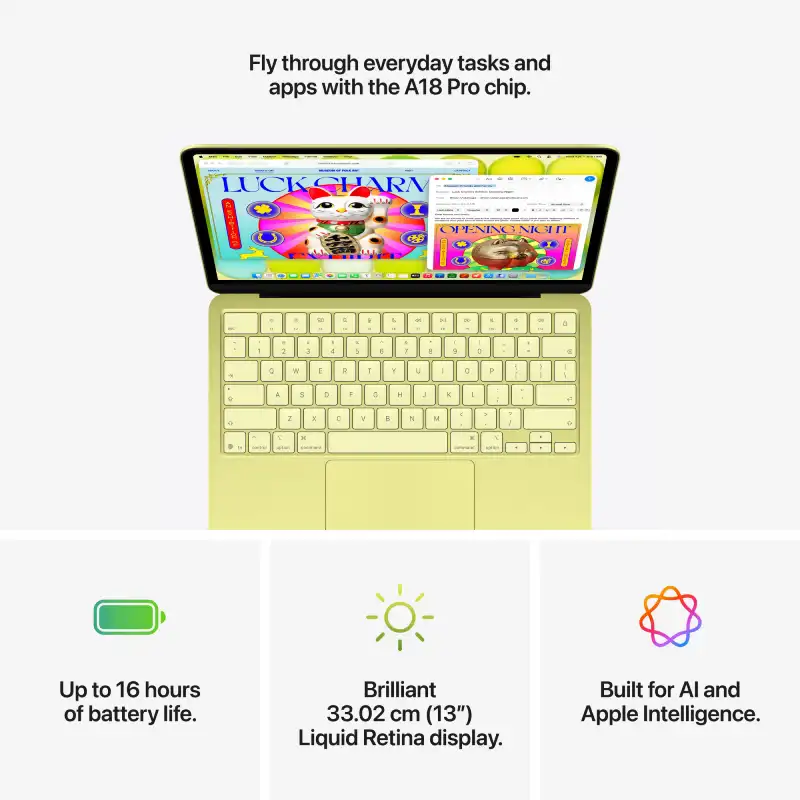
- Apple A18 Pro Chip — 6-Core CPU + 5-Core GPU with Ray Tracing
- 16-Core Neural Engine (NPU)
- 8GB Unified Memory (60GB/s Bandwidth)
- 256GB SSD
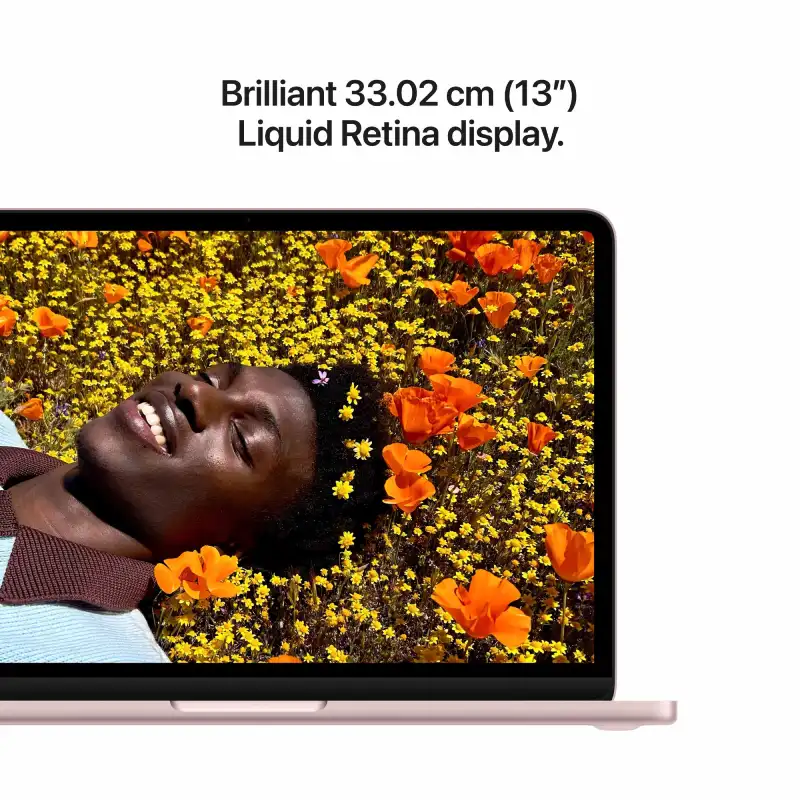
- 13.0″ Liquid Retina (2408×1506) IPS, 219 PPI, 500 nits, 1 Billion Colours
- Up to 16 Hrs Battery (USB-C Charging, 20W Adapter Included)
- 2× USB-C Ports + 3.5mm Jack + 1080p FaceTime HD Camera
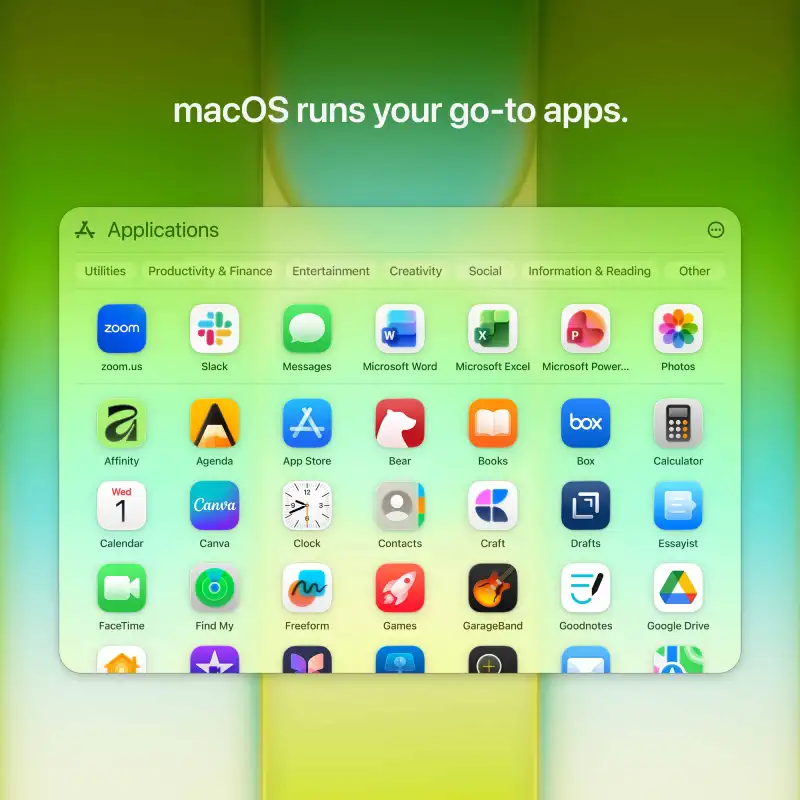
- macOS + Free iWork Suite (Pages, Numbers, Keynote)
- Blush
- 1-Year Apple India Warranty
We build the right tech for you
Bangalore's trusted tech store since 2010
- Lifetime in-store technical supportWalk in any time — no AMC, no fees. In-store service only.
- Free same-day delivery across Bangalore
- Price matchFind it cheaper at any authorised seller and we'll match it
- No-Cost EMI & Cash on Delivery
- Free laptop bagWith every laptop — no minimum spend
Apple MacBook Neo 13-inch A18 Pro (6-core CPU, 5-core GPU) – 8GB/256GB SSD – Blush (MHFH4HN/A)
The Apple MacBook Neo 13-inch (MHFH4HN/A) in Blush is the most affordable MacBook in the Apple lineup, designed for students and everyday tasks. Powered by the Apple A18 Pro chip with 8GB unified memory and a 256GB SSD, it delivers up to 16 hours of battery life at just 1.23 kg. Part of the MacBook Neo line.
Technical Specifications
| Processor | |
| Chip | Apple A18 Pro chip (6-core CPU with 2 performance and 4 efficiency cores) |
| Neural Engine (NPU) | 16-core Neural Engine |
| Display | |
| Display | 33.02 cm (13.0″) diagonal Liquid Retina, LED-backlit IPS, 2408 x 1506 at 219 PPI, 500 nits |
| Colour Support | 1 billion colours, sRGB colour |
| Graphics | |
| Graphics | Apple A18 Pro 5-core GPU with hardware-accelerated ray tracing (integrated) |
| Memory & Storage | |
| RAM | 8GB unified memory |
| Memory Bandwidth | 60GB/s (determined by chip) |
| Upgradeability | Unified memory — not user-upgradeable |
| Storage | 256GB SSD |
| Connectivity & Ports | |
| Wireless | Wi-Fi 6E (802.11ax), Bluetooth 6 |
| Ports | 1 USB-C (USB 3, up to 10Gbps; charging, DisplayPort); 1 USB-C (USB 2, up to 480Mbps; charging); 3.5 mm headphone jack |
| External Display | One external display, up to 4K at 60Hz |
| Audio | |
| Speakers/Audio | Dual-speaker sound system, Spatial Audio with Dolby Atmos, dual-mic array with beamforming |
| Keyboard, Pointing & Webcam | |
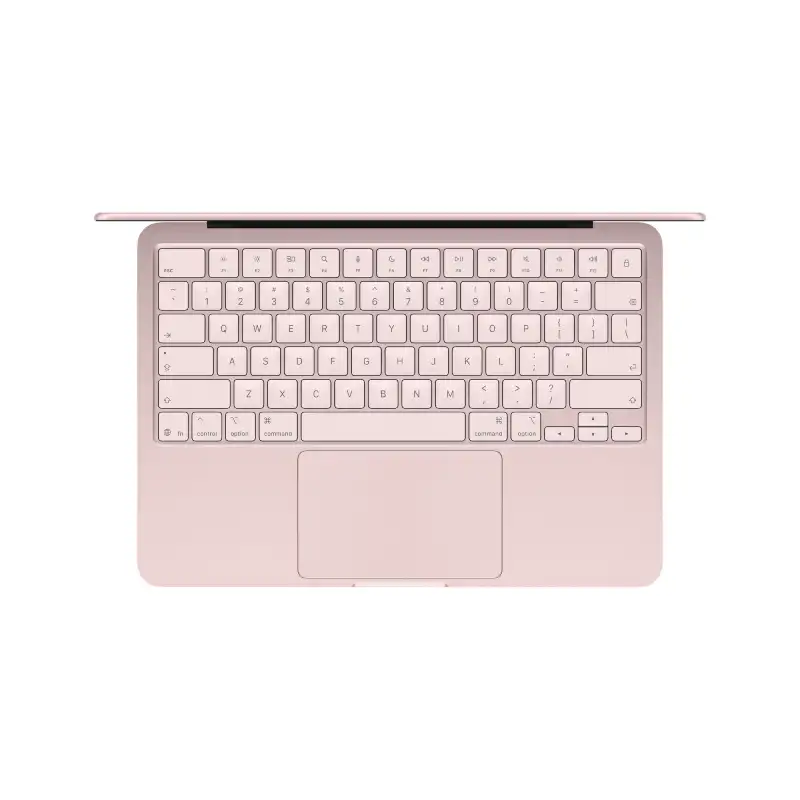
| Keyboard | Full-size Magic Keyboard |
| Pointing Device | Multi-touch trackpad |
| Webcam | 1080p FaceTime HD camera |
| Design & Build | |
| Dimensions (W × D × H) | 29.75 x 20.64 x 1.27 cm |
| Weight | 1.23 kg |
| Colour | Blush |
| Battery & Power | |
| Battery Life | Up to 16 hours video streaming, up to 11 hours wireless web (36.5Wh) |
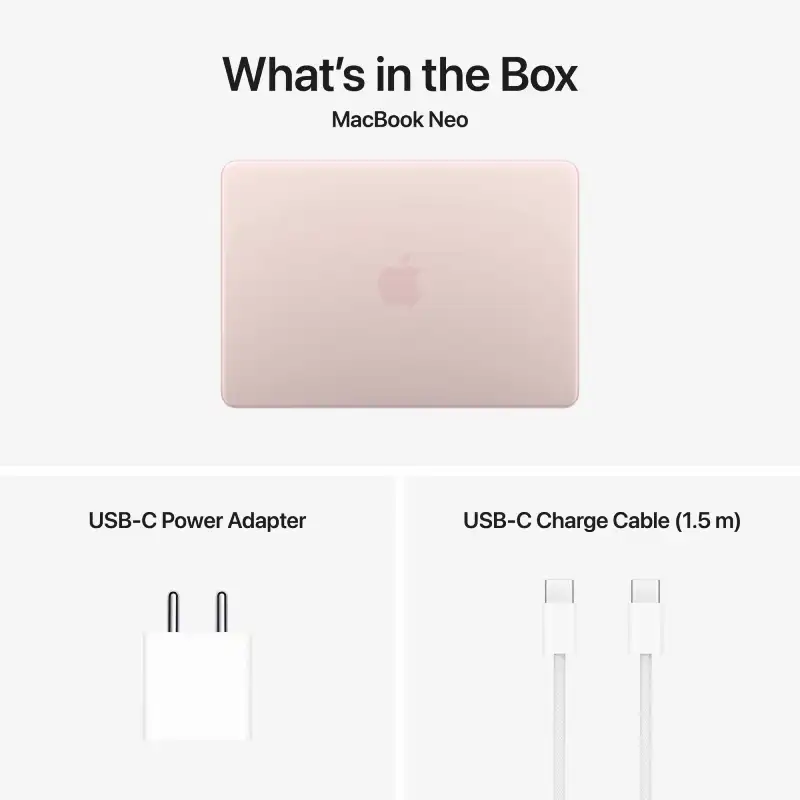
| Power Adapter | 20W USB-C Power Adapter included (USB-C charging) |
| Software & Extras | |
| Operating System | macOS |
| Included Software | Free iWork Suite (Pages, Numbers, Keynote), iMovie, GarageBand |
| Series | MacBook Neo |
| In the Box | MacBook Neo, 20W USB-C Power Adapter, USB-C Charge Cable (1.5 m) |
| Recommended Usage | Students, everyday browsing and learning |
| Warranty | 1-year Apple India limited warranty |
| Imported By | Apple India Private Limited, 19th Floor, Concorde Tower C, UB City, No. 24 Vittal Mallya Road, Bangalore – 560001 |
| Customer Support | 000800 040 1966 |
| Support | support.apple.com/en-in |
Related products: most affordable MacBook, MacBook Neo line, Apple India limited warranty.
Product details last updated:
| Laptop Series | MacBook Neo |
|---|---|
| Processor Brand | Apple |
| Laptop Processor | Apple A18 Pro 6-core CPU, 5-core GPU |
| Laptop Graphics | Apple A18 Pro 5-core GPU |
| Laptop RAM | 8GB |
| Laptop Storage | 256GB SSD |
| Laptop Screen Sizes | 13-inch |
| Laptop Touch Screen | NO |
| Color | Blush |
Frequently Asked Questions
Is the Apple MacBook Neo 13-inch A18 Pro suitable for graphic design and video editing?
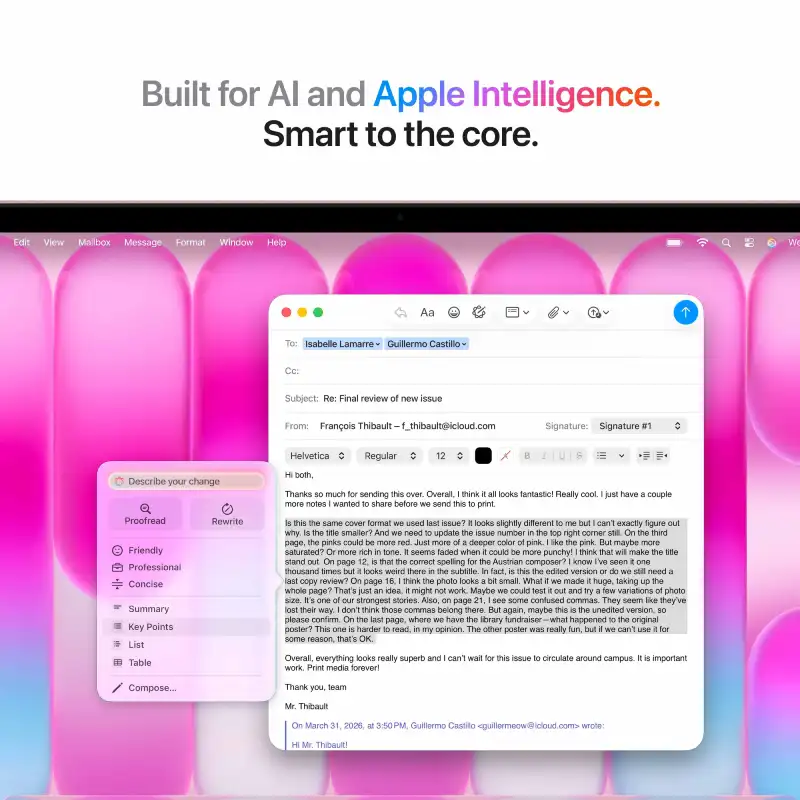
Yes, the Apple MacBook Neo 13-inch A18 Pro is powerful enough for creative tasks like graphic design and light video editing. It features a 6-core CPU, a 5-core GPU with ray tracing, and a 16-core Neural Engine, complemented by a Liquid Retina display for accurate color.
What is the expected battery life for the Apple MacBook Neo 13-inch A18 Pro?
The Apple MacBook Neo 13-inch A18 Pro offers up to 16 hours of battery life on a single charge. It conveniently charges via USB-C, and a 20W adapter is included for easy power-ups.
How do the 8GB RAM and 256GB SSD perform on this MacBook Neo?
The 8GB of unified memory on this MacBook Neo provides fast performance for everyday tasks and multitasking. Its 256GB SSD ensures quick boot times and rapid app loading, contributing to a smooth and efficient user experience.
Where can I purchase the Apple MacBook Neo 13-inch A18 Pro in Bangalore?
You can find the Apple MacBook Neo 13-inch A18 Pro at YourShoppy, which is described as the best laptop store in Bangalore. It is currently available at ₹79,900.00 and ready for purchase.
Does the Apple MacBook Neo 13-inch A18 Pro come with a warranty?
Yes, the Apple MacBook Neo 13-inch A18 Pro includes a 1-year Apple India Warranty. This warranty provides peace of mind for your purchase.
Is the Blush color of the Apple MacBook Neo 13-inch A18 Pro subtle or vibrant?
The Blush color of the Apple MacBook Neo 13-inch A18 Pro is a stylish and sophisticated shade. It offers a subtle yet distinct aesthetic that stands out elegantly without being overly bright.
Can I connect external monitors and accessories to the Apple MacBook Neo 13-inch A18 Pro?
Yes, you can connect external monitors and other accessories to the Apple MacBook Neo 13-inch A18 Pro. It is equipped with two versatile USB-C ports and a standard 3.5mm headphone jack.
I am a student looking for a lightweight laptop with long battery life for my daily lectures, what do you recommend?
The Apple MacBook Neo 13-inch is ideal for students, weighing just 1.23 kg with up to 16 hours of battery life and an efficient Apple A18 Pro chip.
I need a portable laptop for everyday tasks that weighs very little and has a high-quality screen, what should I buy?
The Apple MacBook Neo 13-inch features a 33.02 cm Liquid Retina display and weighs 1.23 kg, making it a highly portable choice for everyday tasks.
What is a reliable laptop under 80,000 that offers great battery life for a student who is constantly on the move?
The Apple MacBook Neo 13-inch is a reliable choice for students, offering 8GB of unified memory and up to 16 hours of battery life for on-the-go use.
Related on YourShoppy:
Related products
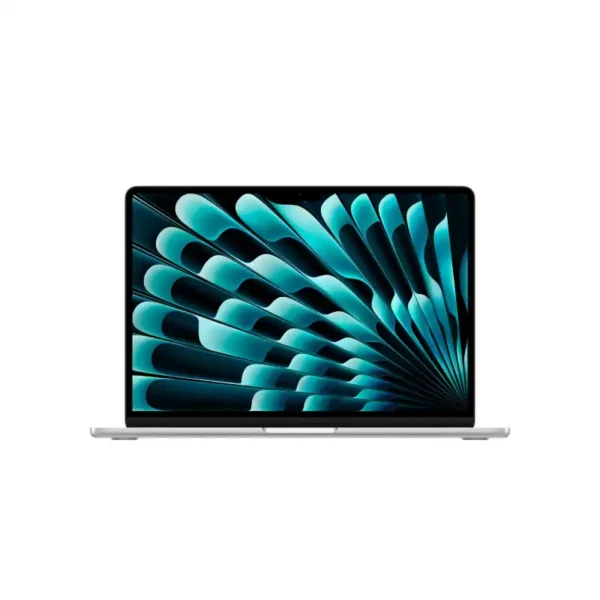

Apple MacBook Air 13-inch M5 10-core CPU 10-core GPU 16GB RAM 1TB SSD Silver-MDH84HN/A
- Apple M5 Chip — 10-Core CPU + 10-Core GPU with Ray Tracing
- 16-Core Neural Engine (NPU) + GPU Neural Accelerators — Apple Intelligence Ready
- 16GB Unified Memory (153GB/s Bandwidth)
- 1TB SSD
- 13.6" Liquid Retina (2560×1664) IPS, 224 PPI, 500 nits, 1 Billion Colours, P3, True Tone
- Up to 18 Hrs Battery + Fast Charge (MagSafe 3)
- MagSafe 3 + 2× Thunderbolt 4 + 3.5mm Jack + Touch ID + 12MP Center Stage Camera
- macOS + Apple Intelligence + Free iWork Suite (Pages, Numbers, Keynote)
- Silver
- 1-Year Apple India Warranty
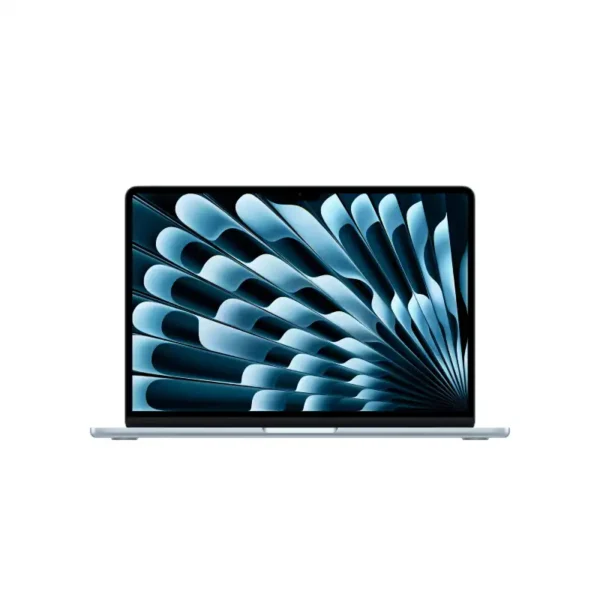
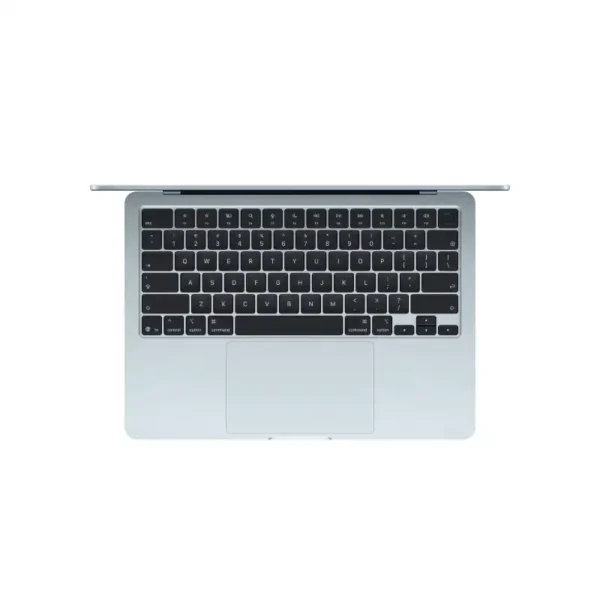
Apple MacBook Air 13-inch M5 10-core CPU 10-core GPU 16GB RAM 1TB SSD Sky Blue-MDHJ4HN/A
- Apple M5 Chip — 10-Core CPU + 10-Core GPU with Ray Tracing
- 16-Core Neural Engine (NPU) + GPU Neural Accelerators — Apple Intelligence Ready
- 16GB Unified Memory (153GB/s Bandwidth)
- 1TB SSD
- 13.6" Liquid Retina (2560×1664) IPS, 224 PPI, 500 nits, 1 Billion Colours, P3, True Tone
- Up to 18 Hrs Battery + Fast Charge (MagSafe 3)
- MagSafe 3 + 2× Thunderbolt 4 + 3.5mm Jack + Touch ID + 12MP Center Stage Camera
- macOS + Apple Intelligence + Free iWork Suite (Pages, Numbers, Keynote)
- Sky Blue
- 1-Year Apple India Warranty
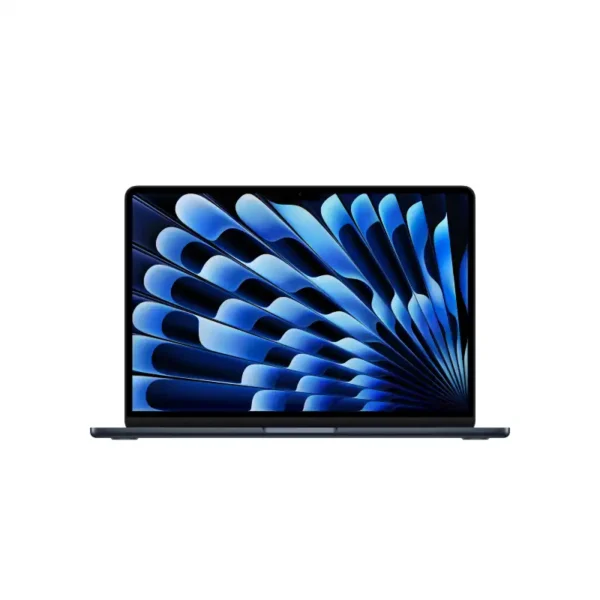
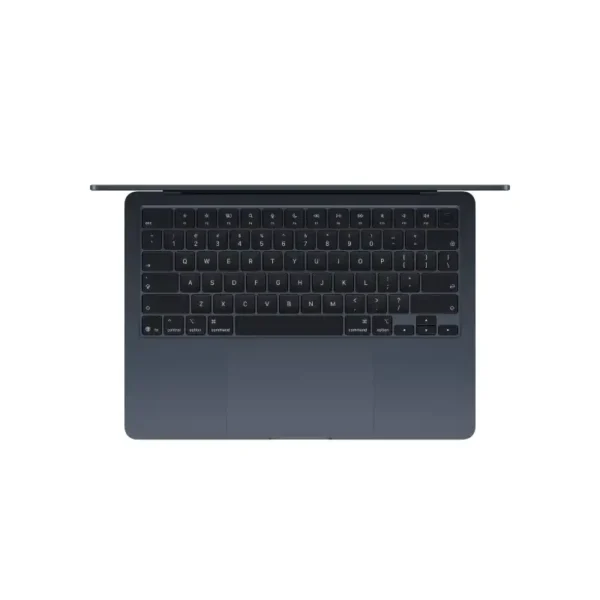
Apple MacBook Air 13-inch M5 10-core CPU 10-core GPU 24GB RAM 1TB SSD Midnight-MDHG4HN/A
- Apple M5 Chip — 10-Core CPU + 10-Core GPU with Ray Tracing
- 16-Core Neural Engine (NPU) + GPU Neural Accelerators — Apple Intelligence Ready
- 24GB Unified Memory (153GB/s Bandwidth)
- 1TB SSD
- 13.6" Liquid Retina (2560×1664) IPS, 224 PPI, 500 nits, 1 Billion Colours, P3, True Tone
- Up to 18 Hrs Battery + Fast Charge (MagSafe 3)
- MagSafe 3 + 2× Thunderbolt 4 + 3.5mm Jack + Touch ID + 12MP Center Stage Camera
- macOS + Apple Intelligence + Free iWork Suite (Pages, Numbers, Keynote)
- Midnight
- 1-Year Apple India Warranty

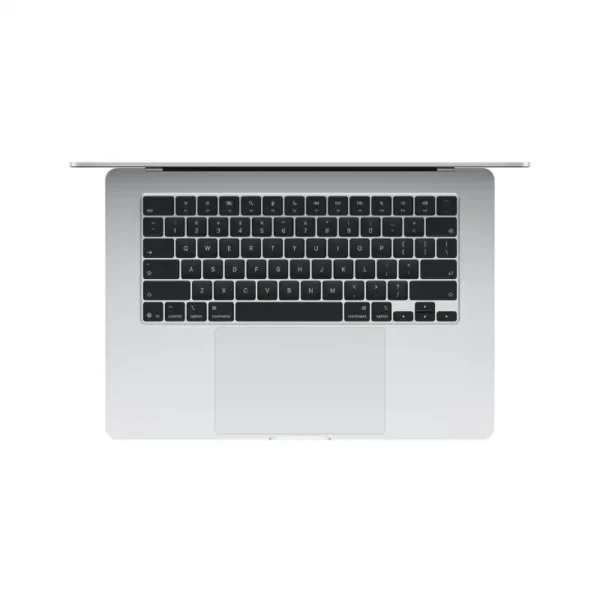
Apple MacBook Air 15-inch M5 (10-core CPU, 10-core GPU) – 16GB/512GB SSD – Silver – MDV94HN/A
- Apple M5 Chip — 10-Core CPU + 10-Core GPU with Ray Tracing
- 16-Core Neural Engine (NPU) + GPU Neural Accelerators — Apple Intelligence Ready
- 16GB Unified Memory (153GB/s Bandwidth)
- 512GB SSD
- 15.3" Liquid Retina (2880×1864) IPS, 224 PPI, 500 nits, 1 Billion Colours, P3, True Tone
- Up to 18 Hrs Battery + Fast Charge (MagSafe 3)
- MagSafe 3 + 2× Thunderbolt 4 + 3.5mm Jack + Touch ID + 12MP Center Stage Camera
- macOS + Apple Intelligence + Free iWork Suite (Pages, Numbers, Keynote)
- Silver
- 1-Year Apple India Warranty
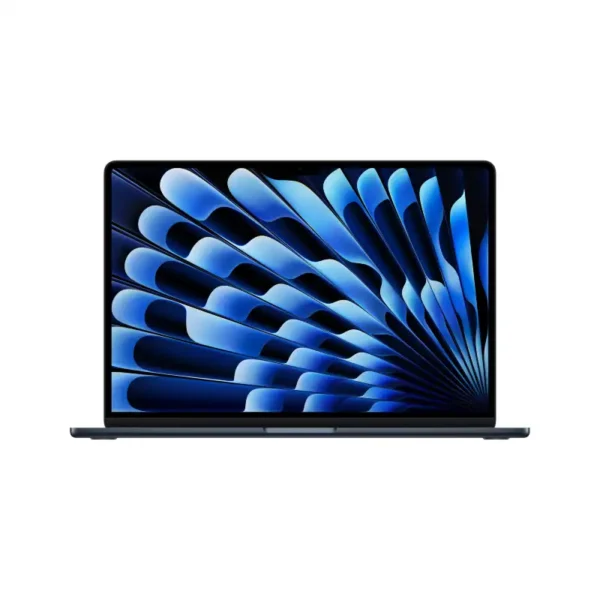
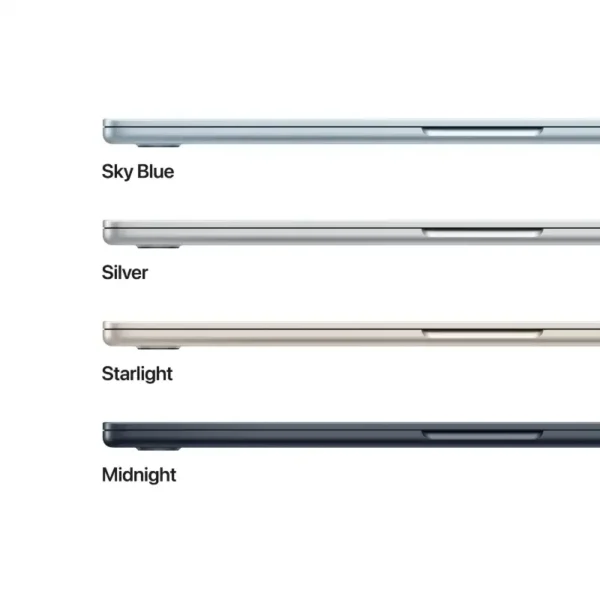
Apple MacBook Air 15-inch M5 10-core CPU 10-core GPU 16GB RAM 1TB SSD Midnight-MDVK4HN/A
- Apple M5 Chip — 10-Core CPU + 10-Core GPU with Ray Tracing
- 16-Core Neural Engine (NPU) + GPU Neural Accelerators — Apple Intelligence Ready
- 16GB Unified Memory (153GB/s Bandwidth)
- 1TB SSD
- 15.3" Liquid Retina (2880×1864) IPS, 224 PPI, 500 nits, 1 Billion Colours, P3, True Tone
- Up to 18 Hrs Battery + Fast Charge (MagSafe 3)
- MagSafe 3 + 2× Thunderbolt 4 + 3.5mm Jack + Touch ID + 12MP Center Stage Camera
- macOS + Apple Intelligence + Free iWork Suite (Pages, Numbers, Keynote)
- Midnight
- 1-Year Apple India Warranty
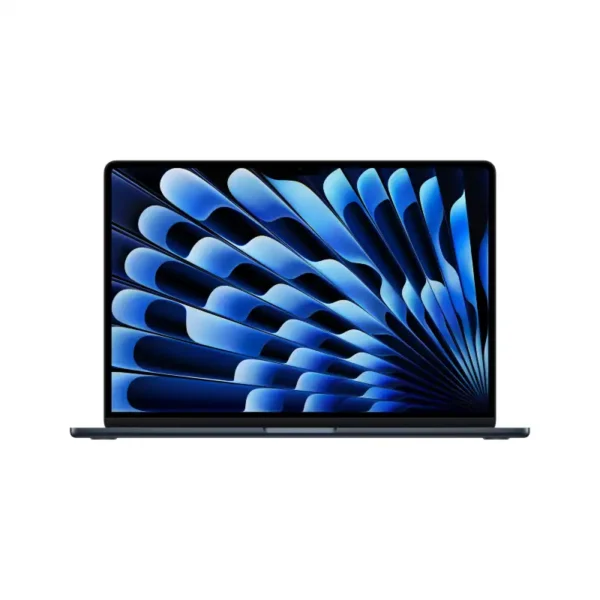
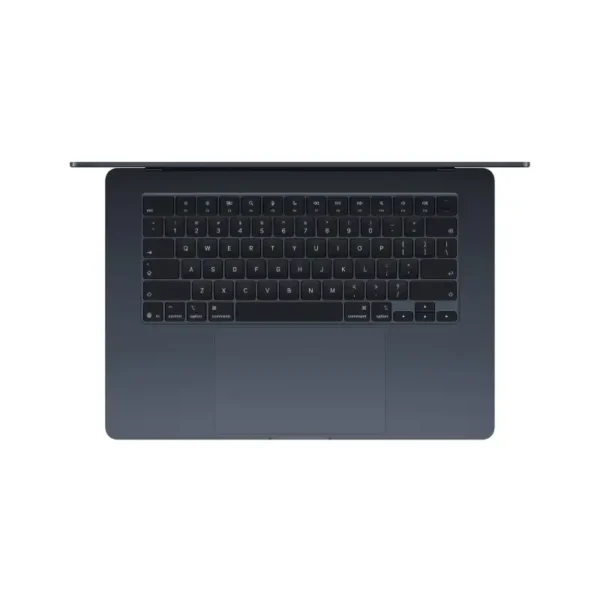
Apple MacBook Air 15-inch M5 10-core CPU 10-core GPU 24GB RAM 1TB SSD Midnight-MDVN4HN/A
- Apple M5 Chip — 10-Core CPU + 10-Core GPU with Ray Tracing
- 16-Core Neural Engine (NPU) + GPU Neural Accelerators — Apple Intelligence Ready
- 24GB Unified Memory (153GB/s Bandwidth)
- 1TB SSD
- 15.3" Liquid Retina (2880×1864) IPS, 224 PPI, 500 nits, 1 Billion Colours, P3, True Tone
- Up to 18 Hrs Battery + Fast Charge (MagSafe 3)
- MagSafe 3 + 2× Thunderbolt 4 + 3.5mm Jack + Touch ID + 12MP Center Stage Camera
- macOS + Apple Intelligence + Free iWork Suite (Pages, Numbers, Keynote)
- Midnight
- 1-Year Apple India Warranty
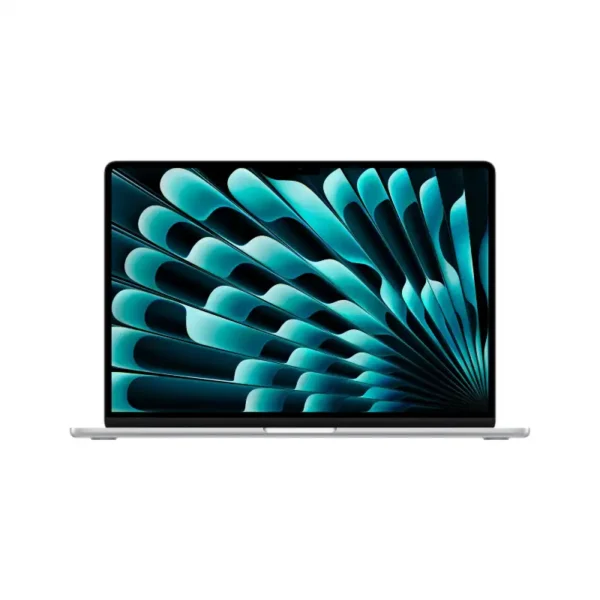
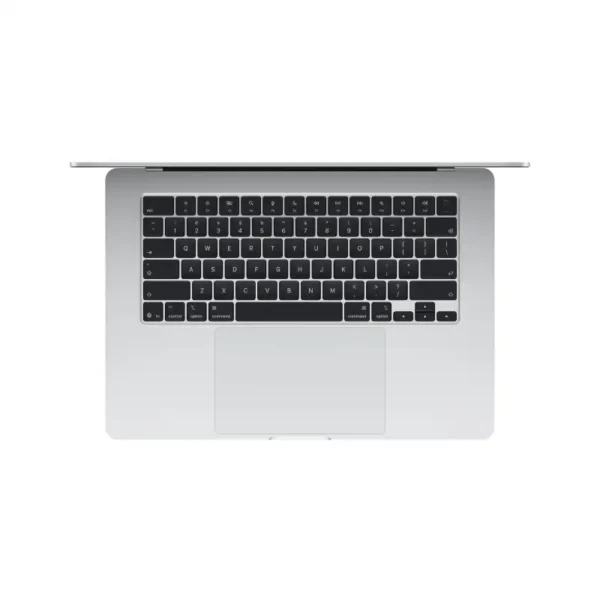
Apple MacBook Air 15-inch M5 24GB RAM 1TB SSD Silver-MDVC4HN/A
- Apple M5 Chip — 10-Core CPU + 10-Core GPU with Ray Tracing
- 16-Core Neural Engine (NPU) + GPU Neural Accelerators — Apple Intelligence Ready
- 24GB Unified Memory (153GB/s Bandwidth)
- 1TB SSD
- 15.3" Liquid Retina (2880×1864) IPS, 224 PPI, 500 nits, 1 Billion Colours, P3, True Tone
- Up to 18 Hrs Battery + Fast Charge (MagSafe 3)
- MagSafe 3 + 2× Thunderbolt 4 + 3.5mm Jack + Touch ID + 12MP Center Stage Camera
- macOS + Apple Intelligence + Free iWork Suite (Pages, Numbers, Keynote)
- Silver
- 1-Year Apple India Warranty
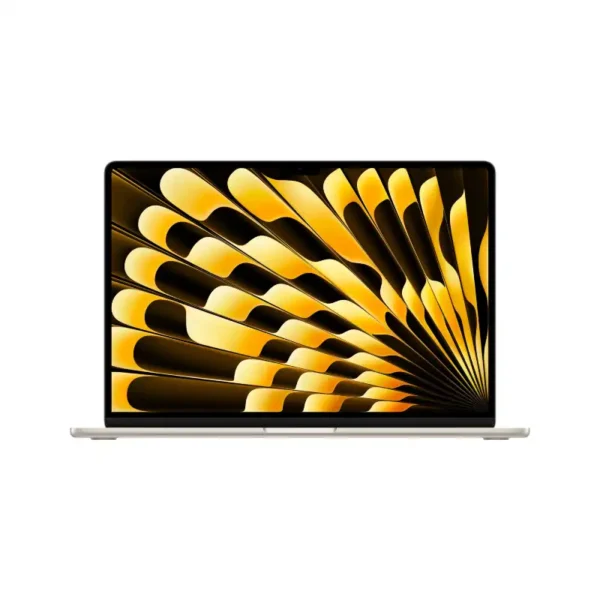
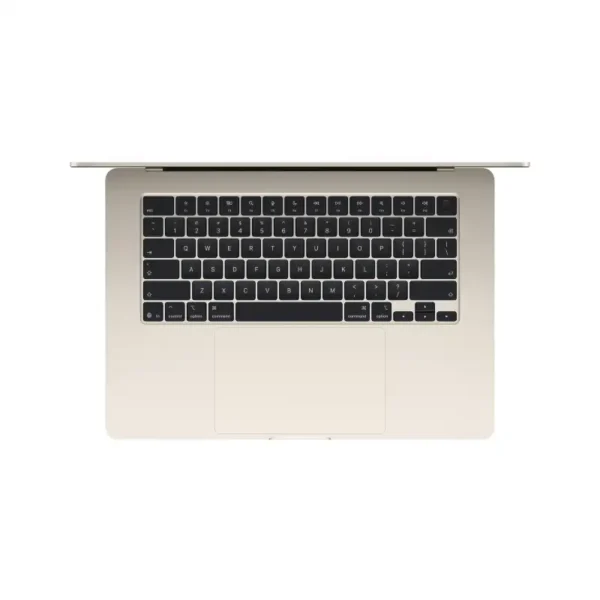
Apple MacBook Air 15-inch M5 24GB RAM 1TB SSD Starlight-MDVF4HN/A
- Apple M5 Chip — 10-Core CPU + 10-Core GPU with Ray Tracing
- 16-Core Neural Engine (NPU) + GPU Neural Accelerators — Apple Intelligence Ready
- 24GB Unified Memory (153GB/s Bandwidth)
- 1TB SSD
- 15.3" Liquid Retina (2880×1864) IPS, 224 PPI, 500 nits, 1 Billion Colours, P3, True Tone
- Up to 18 Hrs Battery + Fast Charge (MagSafe 3)
- MagSafe 3 + 2× Thunderbolt 4 + 3.5mm Jack + Touch ID + 12MP Center Stage Camera
- macOS + Apple Intelligence + Free iWork Suite (Pages, Numbers, Keynote)
- Starlight
- 1-Year Apple India Warranty