
Laptops
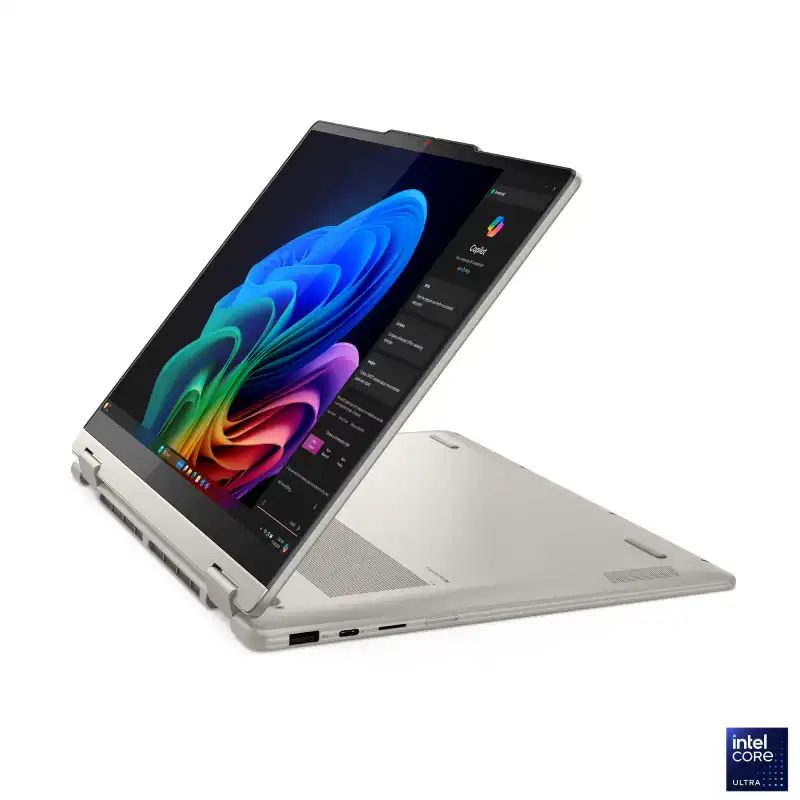

Lenovo Yoga 7 2-in-1 14-inch Convertible Laptop, Intel Core Ultra, 16GB RAM, 512GB SSD
- Intel Core™ Ultra 7 256V (8C / 8T, up to 4.8GHz)
- 14" WUXGA (1920x1200) OLED 600nits (peak) / 400nits (typical) Glossy / Anti-fingerprint, 100% DCI-P3, 60Hz, Dolby Vision®, TÜV Low Blue Light, DisplayHDR™ True Black 500, Glass, Touch
- 16GB Soldered LPDDR5X-8533, MoP Memory
- 1TB SSD M.2 2242 PCIe® 4.0x4 NVMe®
- Integrated Intel® Arc™ Graphics 140V
- Windows 11 Home + Microsoft Office Home 2024
- Seashell
- 1-Year Premium Care (Onsite) Warranty
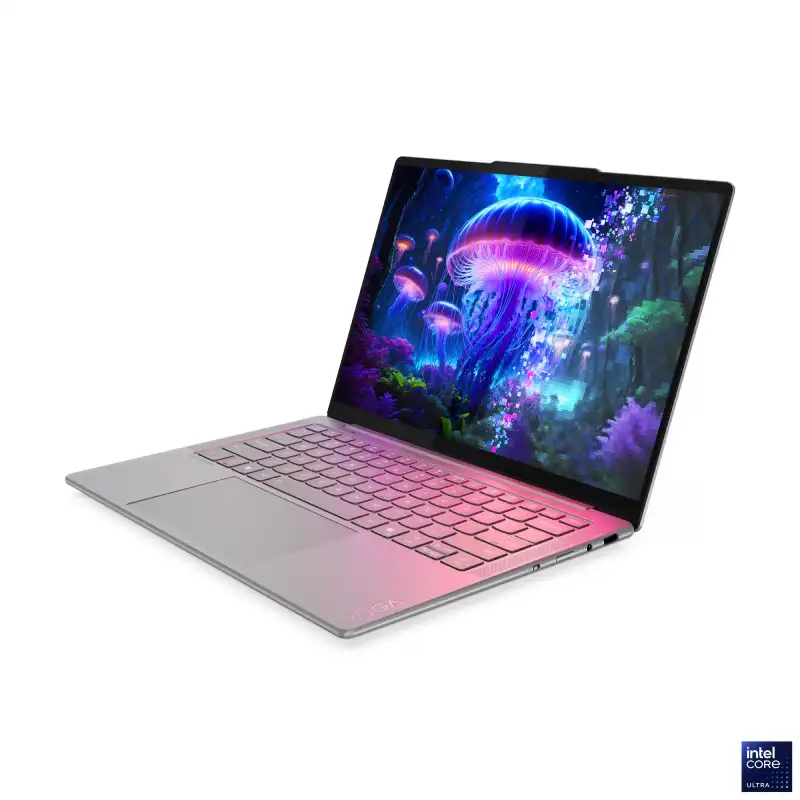
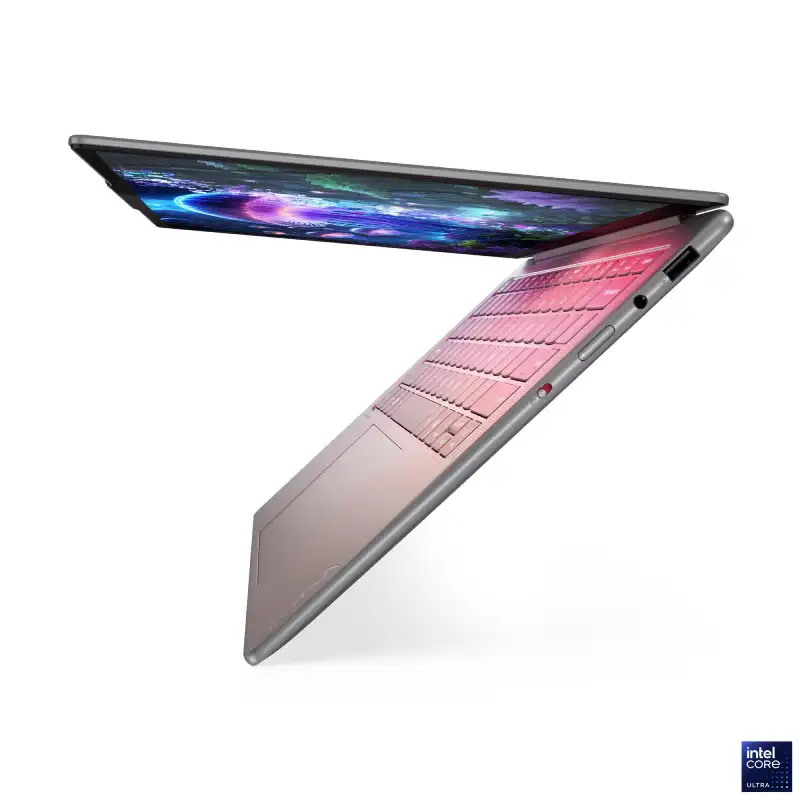
Lenovo Yoga Slim 7 14ILL10 83JX001LIN
- Intel Core™ Ultra 5 228V (8C / 8T, up to 4.5GHz)
- 14" WUXGA (1920x1200) OLED 600nits (peak) / 400nits (typical) Glossy, 100% DCI-P3, 60Hz, Eyesafe®, Dolby Vision®, Flicker Free, DisplayHDR™ True Black 500, X-Rite®
- 32GB Soldered LPDDR5X-8533, MoP Memory
- 1TB SSD M.2 2242 PCIe® 4.0x4 NVMe®
- Integrated Intel® Arc™ Graphics 130V
- Windows 11 Home + Microsoft Office Home 2024
- Luna Grey
- 1-Year Premium Care (Onsite) Warranty
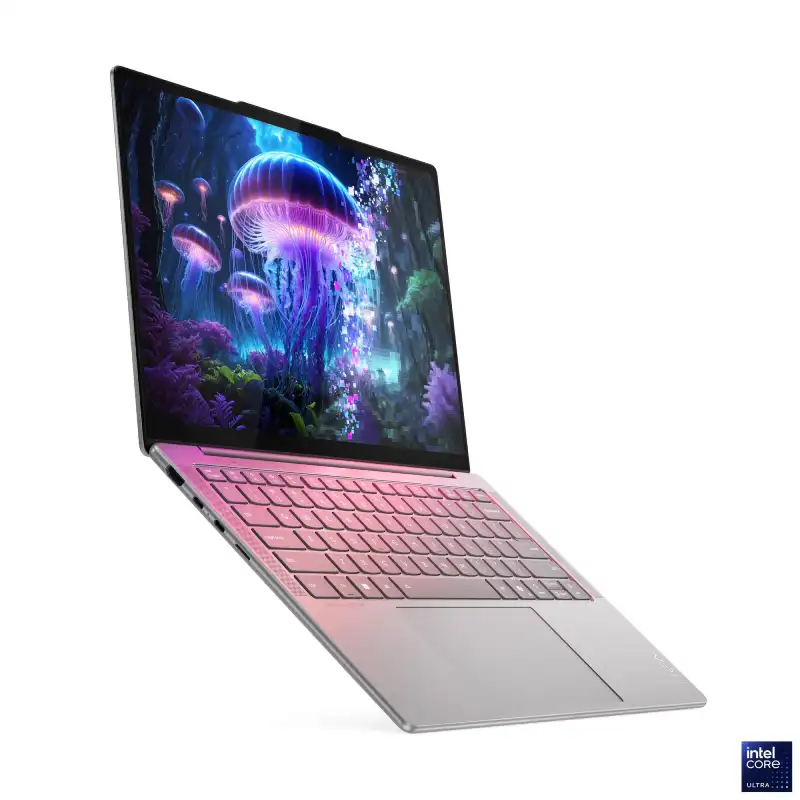
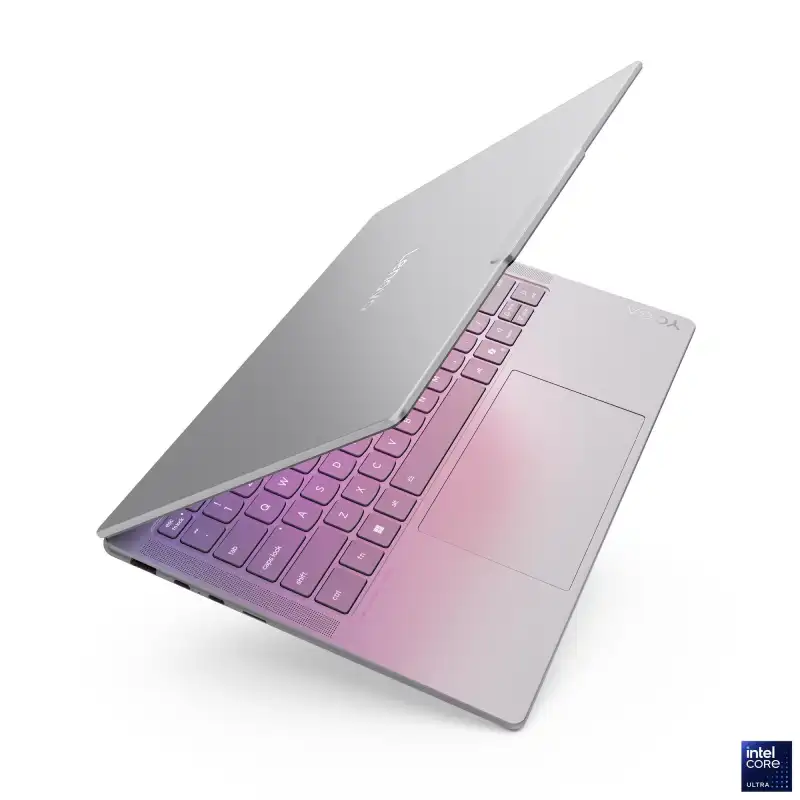
Lenovo Yoga Slim 7 14ILL10 83JX001MIN
- Intel Core™ Ultra 7 258V (8C / 8T, up to 4.8GHz)
- 14" WUXGA (1920x1200) OLED 600nits (peak) / 400nits (typical) Glossy, 100% DCI-P3, 60Hz, Eyesafe®, Dolby Vision®, Flicker Free, DisplayHDR™ True Black 500, X-Rite®
- 32GB Soldered LPDDR5X-8533, MoP Memory
- 1TB SSD M.2 2242 PCIe® 4.0x4 NVMe®
- Integrated Intel® Arc™ Graphics 140V
- Windows 11 Home + Microsoft Office Home 2024
- Luna Grey
- 1-Year Premium Care (Onsite) Warranty
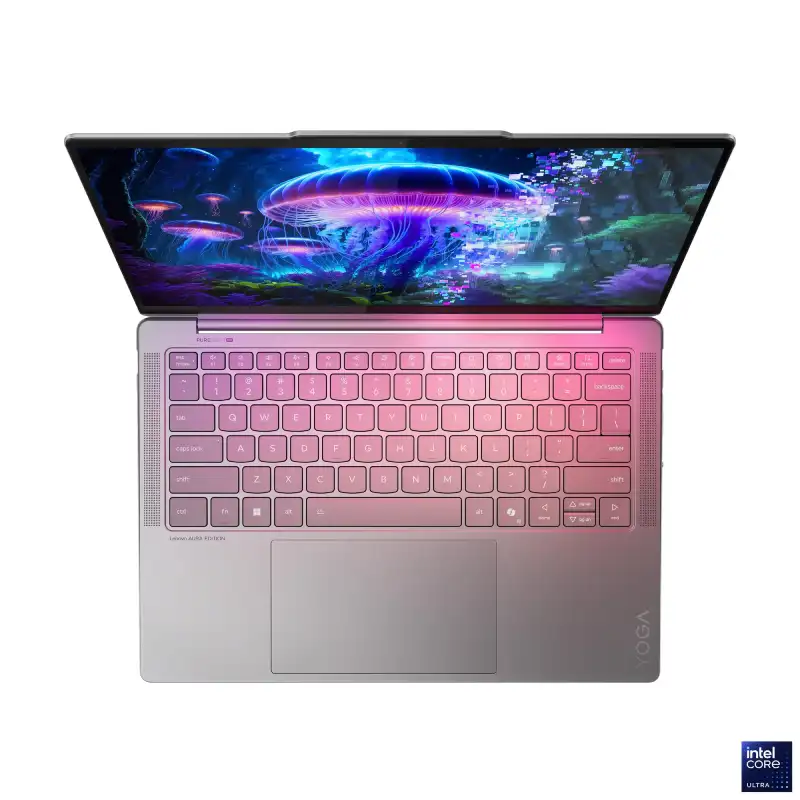
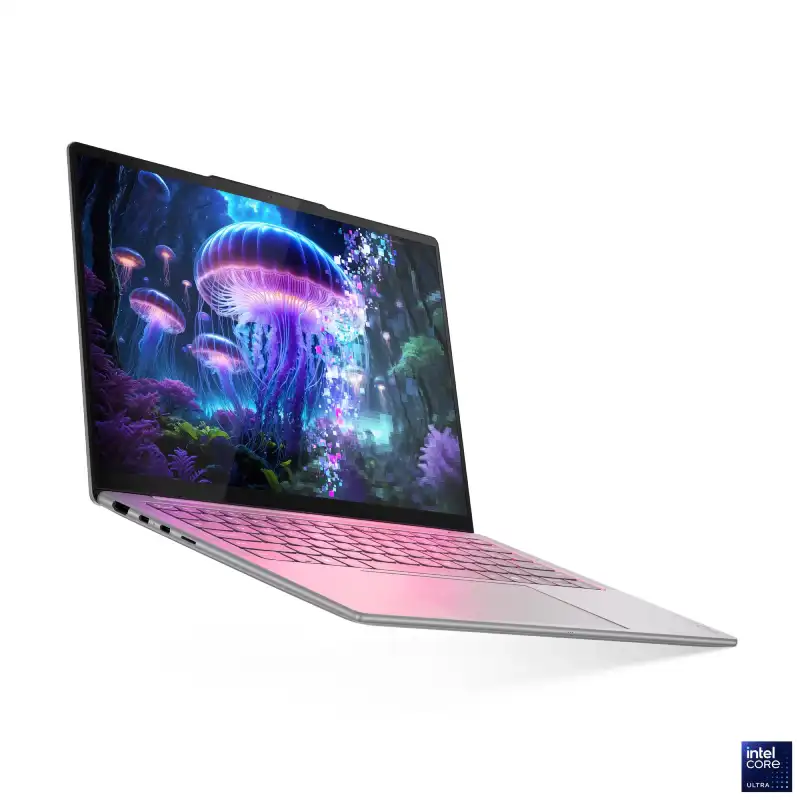
Lenovo Yoga Slim 7 14ILL10 83JX005FIN
- Intel Core™ Ultra 5 226V (8C / 8T, up to 4.5GHz)
- 14" WUXGA (1920x1200) OLED 600nits (peak) / 400nits (typical) Glossy, 100% DCI-P3, 60Hz, Eyesafe®, Dolby Vision®, Flicker Free, DisplayHDR™ True Black 500, X-Rite®
- 16GB Soldered LPDDR5X-8533, MoP Memory
- 1TB SSD M.2 2242 PCIe® 4.0x4 NVMe®
- Integrated Intel® Arc™ Graphics 130V
- Windows 11 Home + Microsoft Office Home 2024
- Luna Grey
- 1-Year Premium Care (Onsite) Warranty
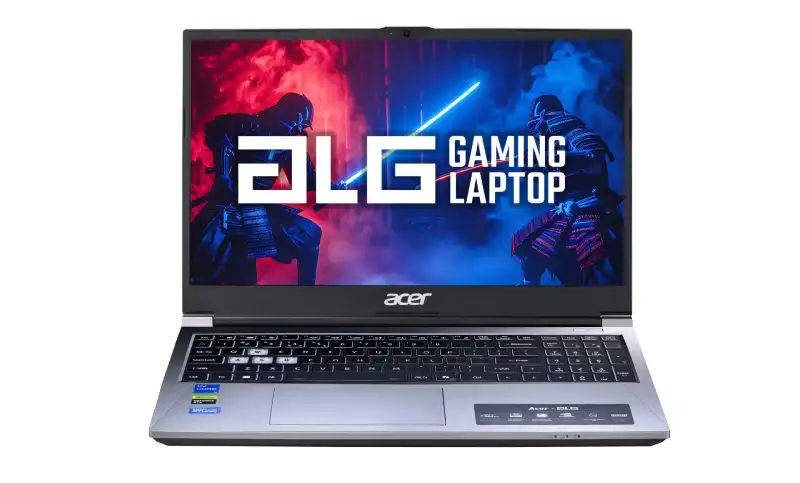
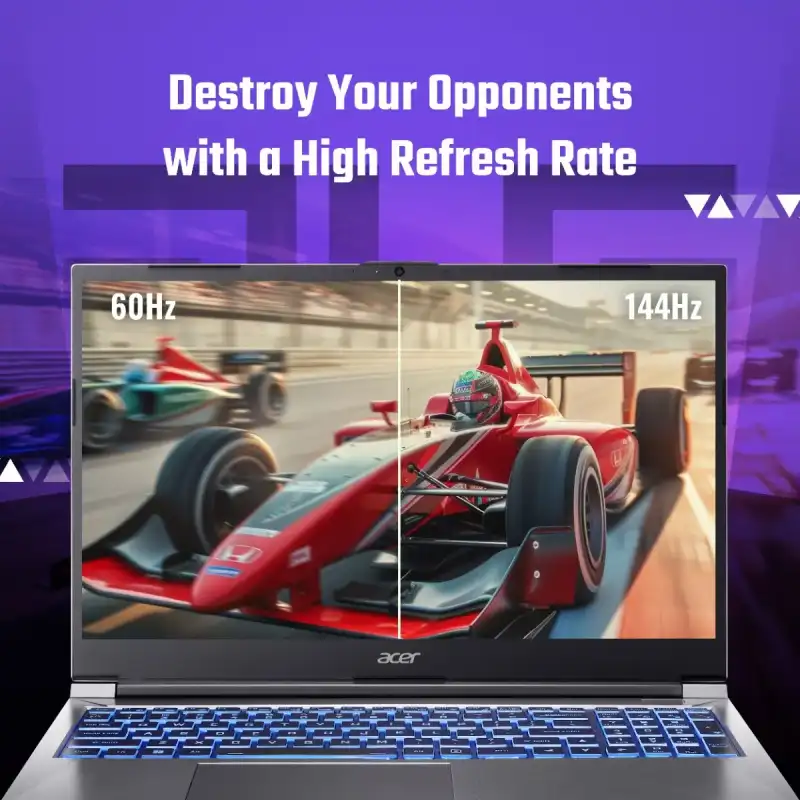
Acer ALG Gaming Laptop 15.6″ Core 5-210H RTX 3050 144Hz (AL15G-53)
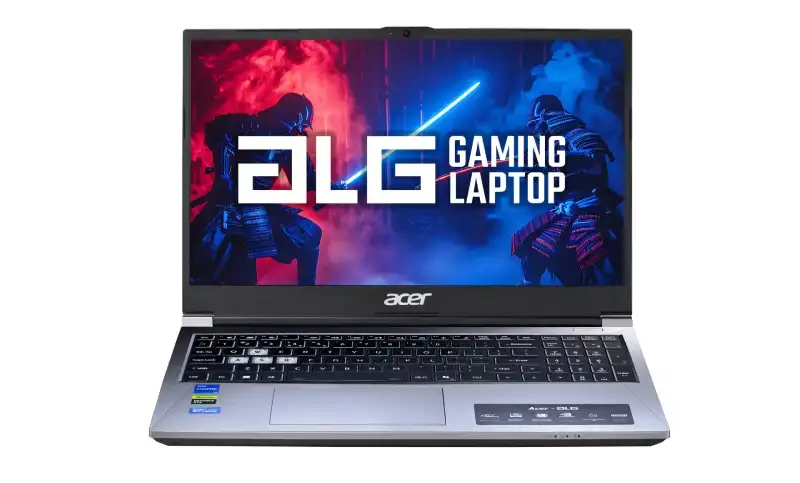
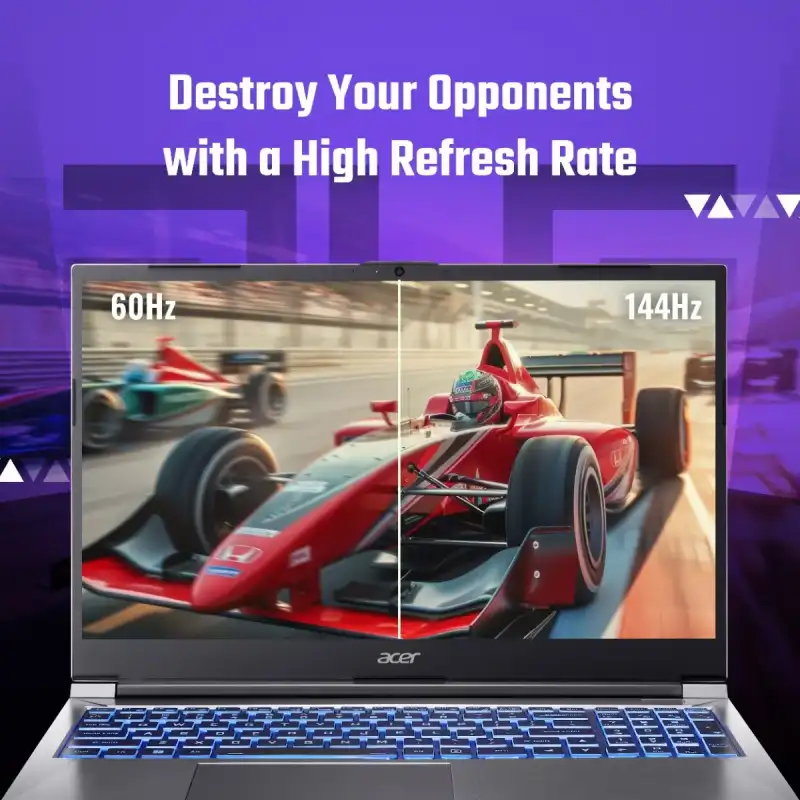
Acer ALG Gaming Laptop 15.6″ Core 5-210H RTX 3050 144Hz (AL15G-53)
- Intel Core™ 5-210H
- 15.6" FHD (1920 × 1080) IPS SlimBezel, 144Hz, 45% NTSC
- NVIDIA® GeForce® RTX™ 3050 (6 GB GDDR6)
- 16 GB DDR4 SODIMM (upgradable up to 64 GB, 2 slots)
- 512 GB PCIe Gen4 NVMe SSD (dual M.2, expandable to 2 TB)
- Windows 11 Home + MS Office
- Multi-color RGB backlit keyboard with numeric pad
- 1-Year Warranty
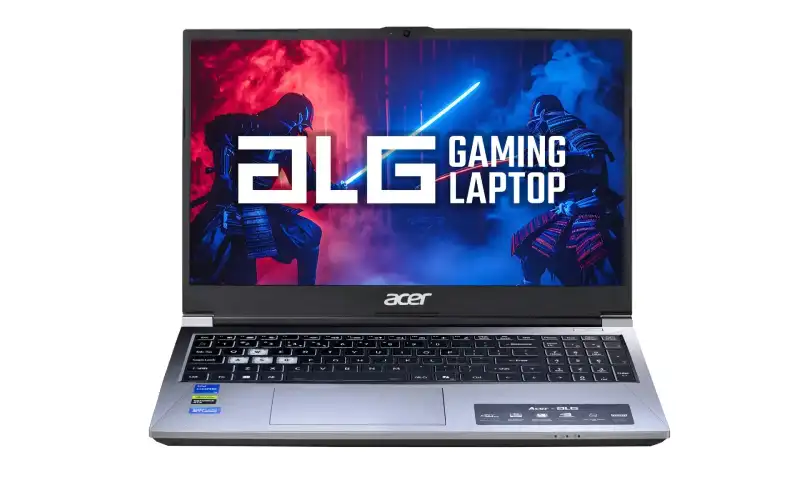
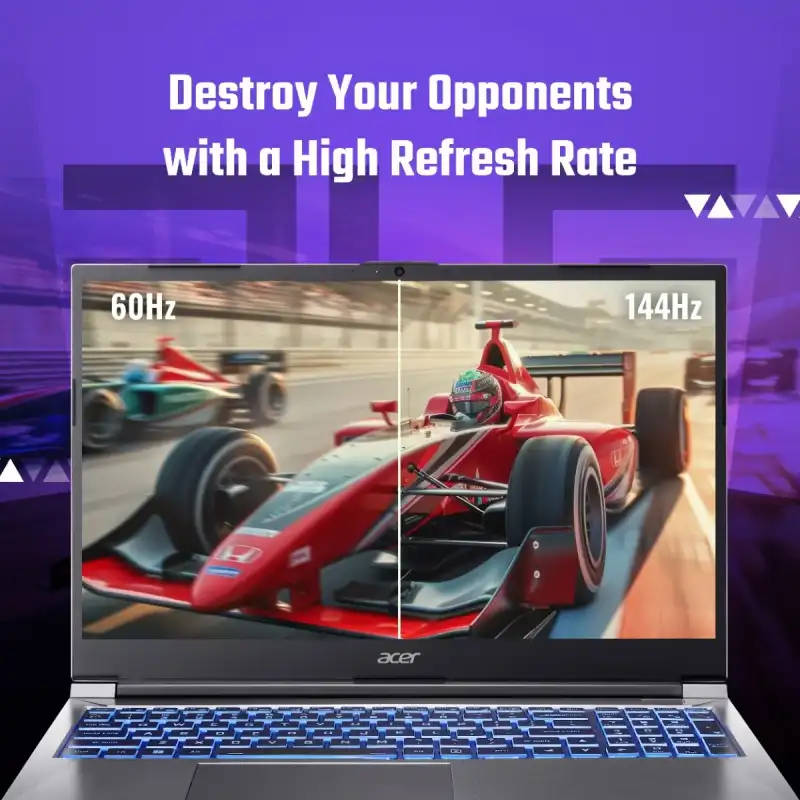
Acer ALG Gaming Laptop 15.6″ Core 5-210H RTX 3050 4GB 144Hz (AL15G-53)
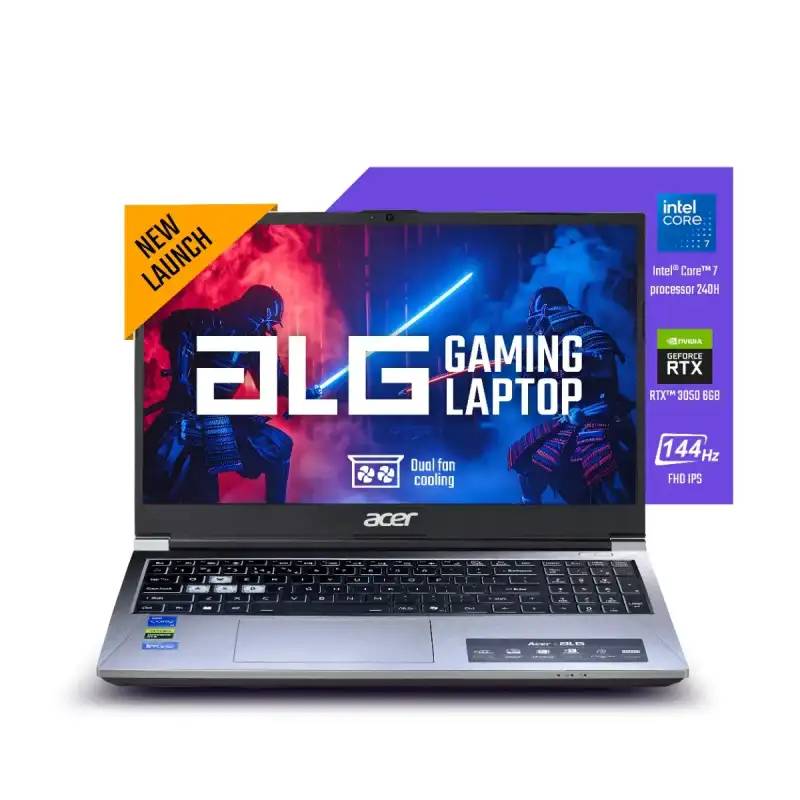
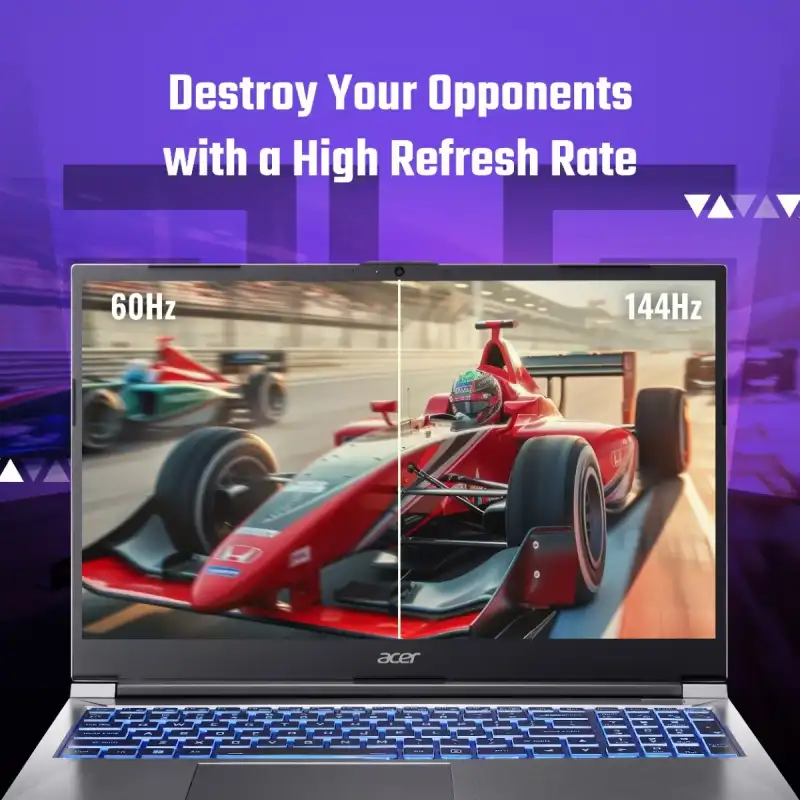
Acer ALG Gaming Laptop 15.6″ Core 7-240H RTX 3050 144Hz (AL15G-53)
- Intel Core™ 7-240H (2.5GHz base, up to 5.2GHz)
- 15.6" FHD (1920 × 1080) IPS SlimBezel, 144Hz, 45% NTSC
- NVIDIA® GeForce® RTX™ 3050 (6 GB GDDR6)
- 16 GB DDR4 SODIMM (upgradable up to 64 GB, 2 slots)
- 512 GB PCIe Gen4 NVMe SSD (dual M.2, expandable to 2 TB)
- Windows 11 Home + MS Office
- Multi-color RGB backlit keyboard with numeric pad
- 1-Year Warranty
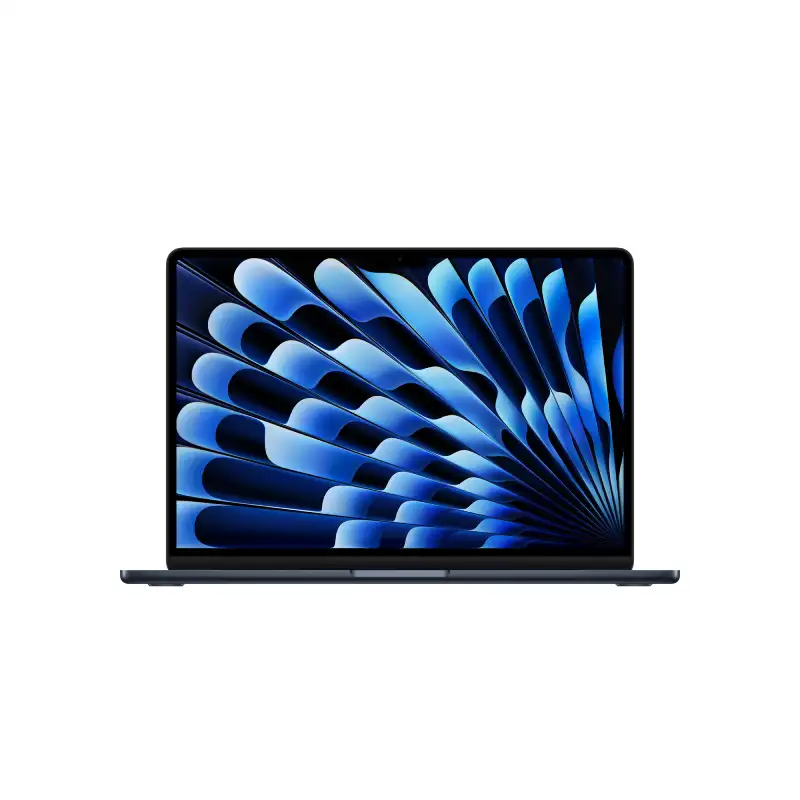
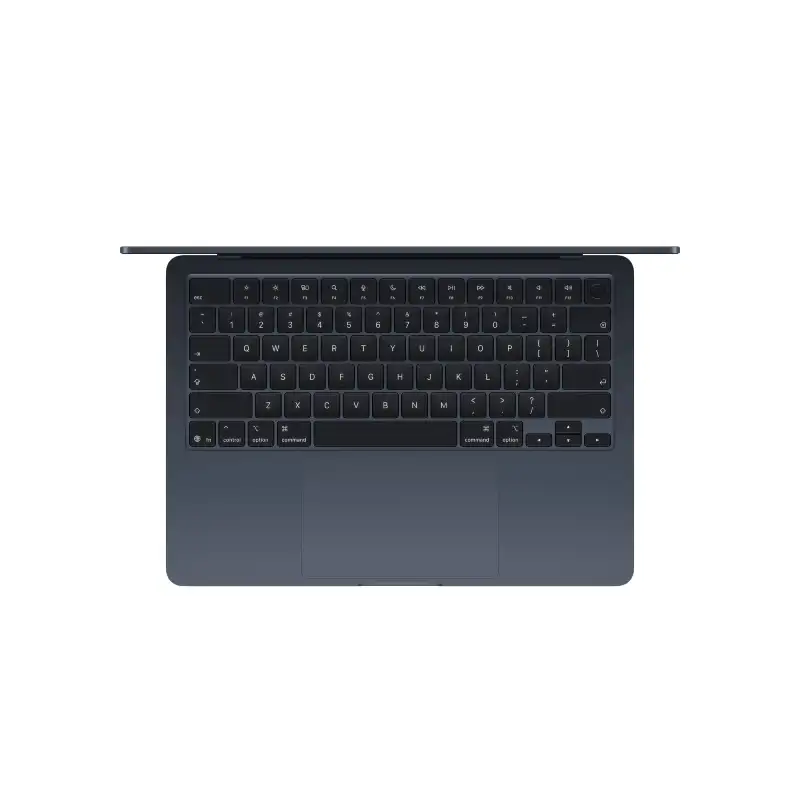
Apple MacBook Air 13-inch M5 10-core CPU 10-core GPU 16GB RAM 1TB SSD Midnight-MDHF4HN/A
- Apple M5 Chip — 10-Core CPU + 10-Core GPU with Ray Tracing
- 16-Core Neural Engine (NPU) + GPU Neural Accelerators — Apple Intelligence Ready
- 16GB Unified Memory (153GB/s Bandwidth)
- 1TB SSD
- 13.6" Liquid Retina (2560×1664) IPS, 224 PPI, 500 nits, 1 Billion Colours, P3, True Tone
- Up to 18 Hrs Battery + Fast Charge (MagSafe 3)
- MagSafe 3 + 2× Thunderbolt 4 + 3.5mm Jack + Touch ID + 12MP Center Stage Camera
- macOS + Apple Intelligence + Free iWork Suite (Pages, Numbers, Keynote)
- Midnight
- 1-Year Apple India Warranty
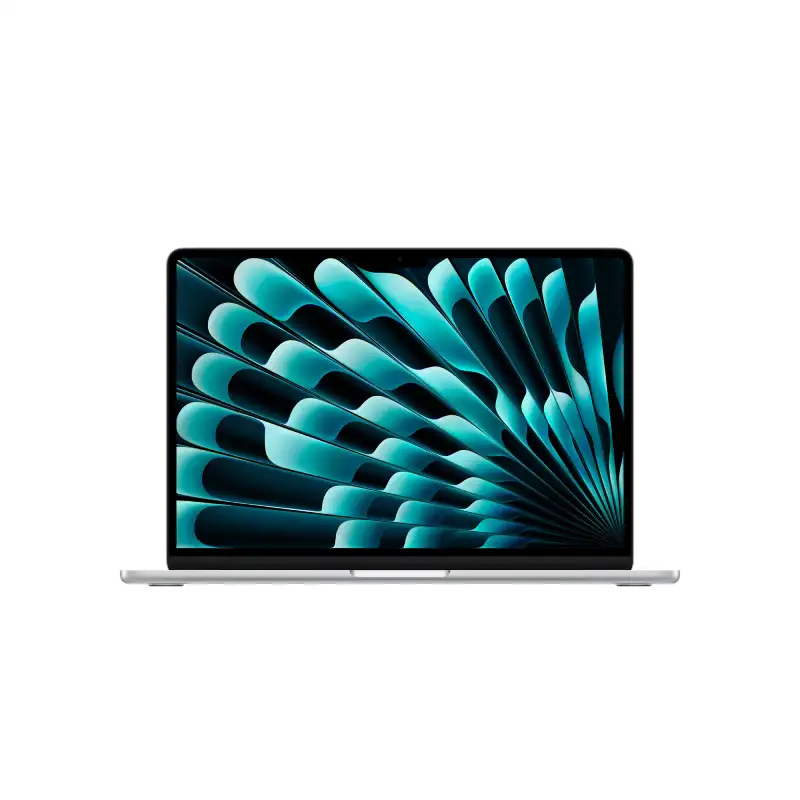
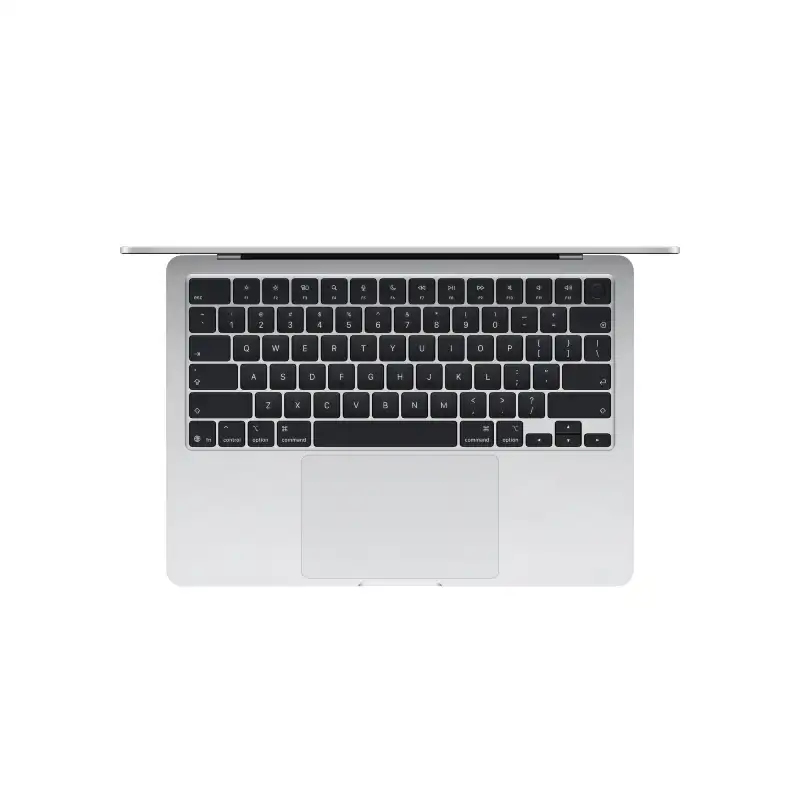
Apple MacBook Air 13-inch M5 10-core CPU 10-core GPU 16GB RAM 1TB SSD Silver-MDH84HN/A
- Apple M5 Chip — 10-Core CPU + 10-Core GPU with Ray Tracing
- 16-Core Neural Engine (NPU) + GPU Neural Accelerators — Apple Intelligence Ready
- 16GB Unified Memory (153GB/s Bandwidth)
- 1TB SSD
- 13.6" Liquid Retina (2560×1664) IPS, 224 PPI, 500 nits, 1 Billion Colours, P3, True Tone
- Up to 18 Hrs Battery + Fast Charge (MagSafe 3)
- MagSafe 3 + 2× Thunderbolt 4 + 3.5mm Jack + Touch ID + 12MP Center Stage Camera
- macOS + Apple Intelligence + Free iWork Suite (Pages, Numbers, Keynote)
- Silver
- 1-Year Apple India Warranty
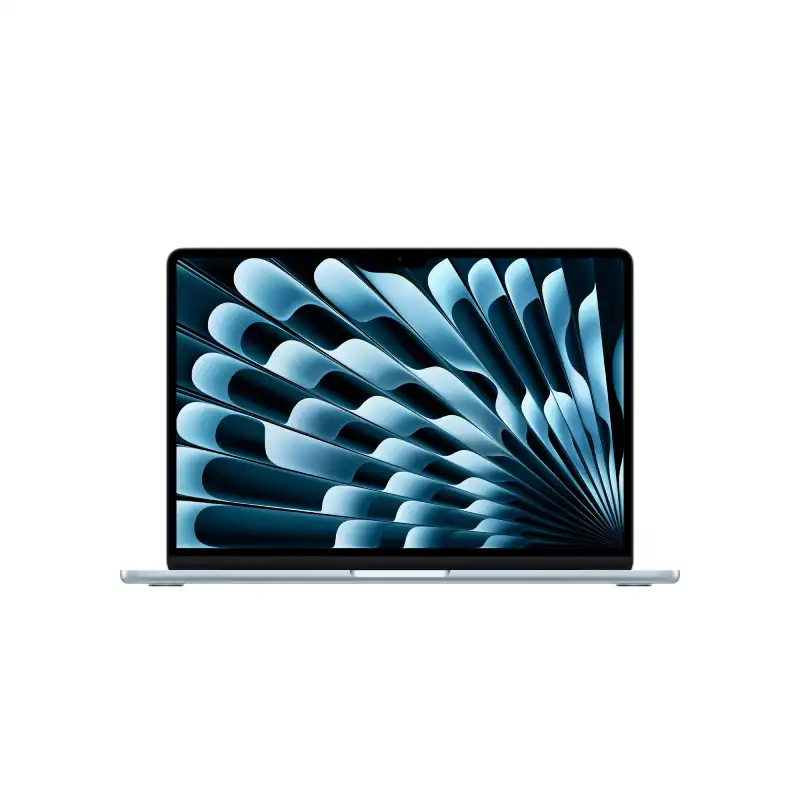
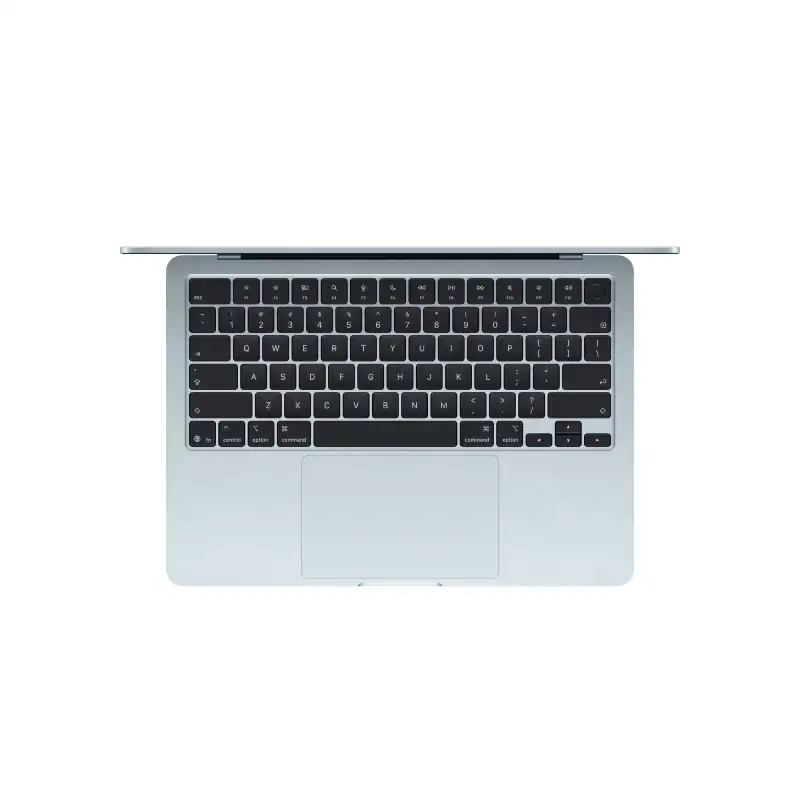
Apple MacBook Air 13-inch M5 10-core CPU 10-core GPU 16GB RAM 1TB SSD Sky Blue-MDHJ4HN/A
- Apple M5 Chip — 10-Core CPU + 10-Core GPU with Ray Tracing
- 16-Core Neural Engine (NPU) + GPU Neural Accelerators — Apple Intelligence Ready
- 16GB Unified Memory (153GB/s Bandwidth)
- 1TB SSD
- 13.6" Liquid Retina (2560×1664) IPS, 224 PPI, 500 nits, 1 Billion Colours, P3, True Tone
- Up to 18 Hrs Battery + Fast Charge (MagSafe 3)
- MagSafe 3 + 2× Thunderbolt 4 + 3.5mm Jack + Touch ID + 12MP Center Stage Camera
- macOS + Apple Intelligence + Free iWork Suite (Pages, Numbers, Keynote)
- Sky Blue
- 1-Year Apple India Warranty
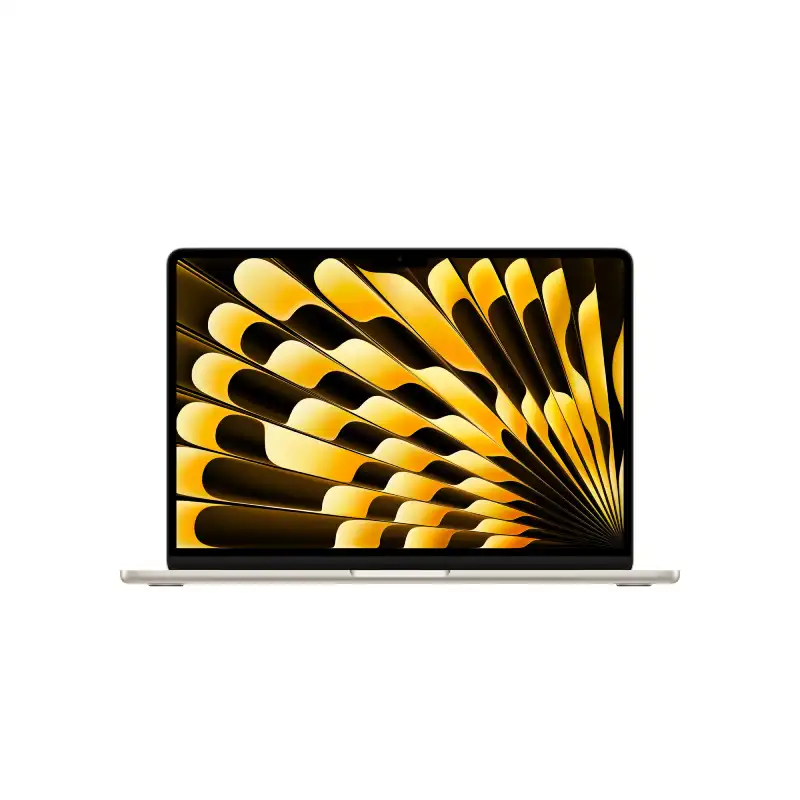
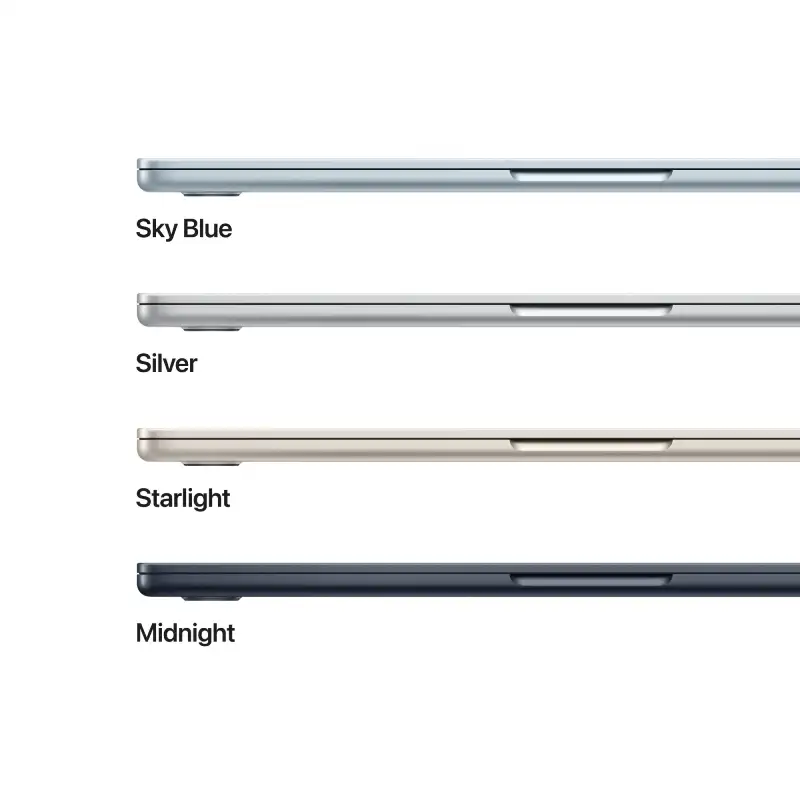
Apple MacBook Air 13-inch M5 10-core CPU 10-core GPU 16GB RAM 1TB SSD Starlight-MDHC4HN/A
- Apple M5 Chip — 10-Core CPU + 10-Core GPU with Ray Tracing
- 16-Core Neural Engine (NPU) + GPU Neural Accelerators — Apple Intelligence Ready
- 16GB Unified Memory (153GB/s Bandwidth)
- 1TB SSD
- 13.6" Liquid Retina (2560×1664) IPS, 224 PPI, 500 nits, 1 Billion Colours, P3, True Tone
- Up to 18 Hrs Battery + Fast Charge (MagSafe 3)
- MagSafe 3 + 2× Thunderbolt 4 + 3.5mm Jack + Touch ID + 12MP Center Stage Camera
- macOS + Apple Intelligence + Free iWork Suite (Pages, Numbers, Keynote)
- Starlight
- 1-Year Apple India Warranty
Frequently Asked Questions
Are all laptops at YourShoppy 100% genuine with full manufacturer warranty?
Yes. YourShoppy is an authorized dealer for ASUS, HP and Lenovo, and a trusted partner for Dell, MSI and Acer. Every laptop sold ships sealed in its original box with the manufacturer's standard 1-year warranty (extendable to 2 or 3 years on most models). You get a GST invoice with every purchase, which is required for warranty claims, insurance and corporate input credit.
How do I choose the right laptop for my needs?
Start with use case → budget → specs. For students and everyday work, an Intel Core i5 / Ryzen 5 with 16GB RAM and 512GB SSD around ₹50,000–₹65,000 is the sweet spot. For gaming or video editing, look at Ryzen 7 / Core i7 with RTX 4050 or higher, starting around ₹75,000. For business and travel, ultrabooks like the Zenbook, ThinkPad X1 or XPS 13 are ideal. Walk into our Koramangala store or WhatsApp us your use case — we'll shortlist 3 options in your budget within minutes.
How much RAM, storage and what processor should I buy in 2026?
For a laptop you'll keep 5+ years: minimum 16GB RAM (don't buy 8GB in 2026), 512GB NVMe SSD (avoid HDD entirely), and a current-generation processor — Intel Core Ultra 5/7, AMD Ryzen AI 5/7, or Apple M3/M4. For gaming or creative work, step up to 32GB RAM, 1TB SSD and a dedicated GPU (RTX 4050 or higher). Always check the processor generation, not just the family — a newer i5 often beats an older i7.
Do you offer same-day delivery in Bangalore?
Yes. We provide free same-day delivery to Koramangala, HSR Layout, BTM Layout, Indiranagar, Jayanagar, JP Nagar and Ejipura for orders confirmed before 2 PM. For Whitefield, Electronic City, Marathahalli, Bellandur, Sarjapur and other Bangalore localities, delivery is free and typically completed within 1 business day. Doorstep delivery is contact-less and you can inspect the sealed box before paying.
Do you provide a GST invoice for business or corporate purchases?
Yes. Every YourShoppy invoice is a proper GST tax invoice with your company's GSTIN, so you can claim input tax credit (up to 18%) on your laptop purchase. Just share your GSTIN and registered business name at checkout or before the in-store bill. We also support B2B bulk orders for IT companies, startups, schools and corporates across Bangalore — contact us for volume pricing on 5+ units.