


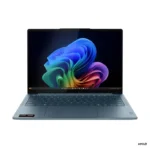
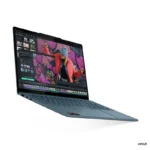
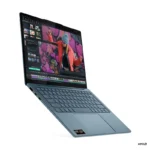
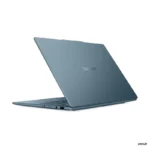
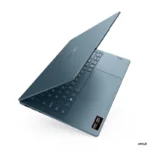

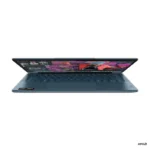
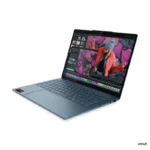
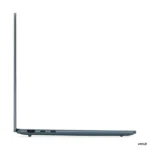


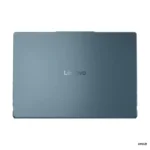


Lenovo Yoga Slim 7 14AKP10 83JY005YIN
Original price was: ₹145,990.00.₹115,990.00Current price is: ₹115,990.00.
LENOVO Offers
- AMD Ryzen™ AI 7 350 (8C / 16T, up to 5.0GHz)
- 14″ WUXGA (1920×1200) OLED 600nits (peak) / 400nits (typical) Glossy, 100% DCI-P3, 60Hz, Eyesafe®, Dolby Vision®, Flicker Free, DisplayHDR™ True Black 500, X-Rite®
- 32GB Soldered LPDDR5-6400
- 1TB SSD M.2 2242 PCIe® 4.0×4 NVMe®
- Integrated AMD Radeon™ 860M Graphics
- Windows 11 Home + Microsoft Office Home 2024
- Tidal Teal
- 1-Year Premium Care (Onsite) Warranty
Out of stock
Email when stock available
We build the right tech for you
Bangalore's trusted tech store since 2010
- Lifetime in-store technical supportWalk in any time — no AMC, no fees. In-store service only.
- Authorised dealerSealed box, full manufacturer warranty, GST invoice
- Free same-day delivery across Bangalore
- Price matchFind it cheaper at any authorised seller and we'll match it
- No-Cost EMI & Cash on Delivery
- Free laptop bagWith every laptop — no minimum spend
Yoga Slim 7 14AKP10 — 83JY005YIN
The Yoga Slim 7 14AKP10 (83JY005YIN) is a premium thin-and-light laptop built for creativity and all-day productivity. Powered by the AMD Ryzen™ AI 7 350, 32GB Soldered LPDDR5-6400, 1TB SSD M.2 2242 PCIe® 4.0×4 NVMe®, it delivers responsive performance for work, study, and content creation. The 14″ WUXGA (1920×1200) OLED 600nits (peak) / 400nits (typical) Glossy, 100% DCI-P3, 60Hz, Eyesafe®, Dolby Vision®, Flicker Free, DisplayHDR™ True Black 500, X-Rite® display brings vivid clarity to everything on screen.
Technical Specifications
| Performance | |
| Processor | AMD Ryzen™ AI 7 350 (8C / 16T, 2.0 / 5.0GHz, 8MB L2 / 16MB L3) |
| AI PC Category | Copilot+ PC |
| NPU | Integrated AMD Ryzen™ AI, up to 50 TOPS |
| Graphics | Integrated AMD Radeon™ 860M Graphics |
| Chipset | AMD SoC Platform |
| Memory | 32GB Soldered LPDDR5-6400 |
| Memory Slots | Memory soldered to systemboard, no slots, dual-channel |
| Max Memory | 32GB soldered memory, not upgradable |
| Storage | 1TB SSD M.2 2242 PCIe® 4.0×4 NVMe® |
| Storage Slot | One M.2 2242 PCIe® 4.0 x4 slot |
| Max Storage Support | One drive, up to 1TB M.2 2242 SSD |
| Card Reader | No Card Reader |
| Audio Chip | High Definition (HD) Audio, Realtek® ALC3306 codec |
| Speakers | 4 stereo speakers, 2W x2 (woofers), 2W x2 (tweeters), optimized with Dolby Atmos®, Amplifier (AMP) |
| Microphone | 4x, Array |
| Camera | FHD 1080p + IR with E-shutter |
| Battery | 70Wh |
| Power Adapter | 65W USB-C® Slim (2-pin, Wall-mount) |
| Display & Design | |
| Display | 14″ WUXGA (1920×1200) OLED 600nits (peak) / 400nits (typical) Glossy, 100% DCI-P3, 60Hz, Eyesafe®, Dolby Vision®, Flicker Free, DisplayHDR™ True Black 500, X-Rite® |
| Touchscreen | None |
| Screen-to-Body Ratio | 90% AAR (active area ratio) |
| Color Calibration | X-Rite® Factory Color Calibration |
| Pen | Pen Not Supported |
| Keyboard | Backlit, English |
| Touchpad | Buttonless glass surface multi-touch touchpad, supports Precision TouchPad (PTP), 80 x 135 mm (3.15 x 5.31 inches) |
| Dimensions (WxDxH) | 312 x 219.3 x 13.9 mm (12.28 x 8.63 x 0.55 inches) |
| Weight | Starting at 1.19 kg (2.62 lbs) |
| Case Color | Tidal Teal |
| Case Material | Aluminium (Top), Aluminium (Bottom) |
| Surface Treatment | Aluminium Stamping (Anodized with Sandblasting) |
| Software | |
| Operating System | Windows® 11 Home Single Language, English |
| Bundled Software | Office Home 2024 + Lenovo® AI Now |
| Connectivity & Ports | |
| WLAN + Bluetooth | Wi-Fi® 7, 802.11be 2×2 + BT5.4 |
| WWAN | WWAN Not Supported |
| Ethernet | No Onboard Ethernet |
| Standard Ports | 1x USB-A (USB 5Gbps), Always On, 2x USB-C® (USB4® 40Gbps), with USB PD 45-65W and DisplayPort™ 2.1, 1x HDMI® 2.1, up to 4K/60Hz, 1x Headphone / microphone combo jack (3.5mm) |
| Docking |
|
| Security & Privacy | |
| Security Chip | Firmware TPM 2.0 Enabled |
| Fingerprint Reader | No Fingerprint Reader |
| Other Security | E-shutter, IR camera for Windows® Hello (facial recognition) |
| Service | |
| Base Warranty | 1-year, Courier or Carry-in |
| Included Upgrade | 1Y Accidental Damage Protection Add On, 1Y Premium Care with Onsite upgrade from 1Y Depot/CCI |
| Accessories | |
| Bundled Accessories | None |
| Certifications | |
| Green Certifications | Carbon Neutral Certified, ENERGY STAR® 9.0, EPEAT™ Gold Registered, ErP Lot 6/26, RoHS compliant |
| Mil-Spec Test | MIL-STD-810H military test passed (21 test items) |
| Other Certifications | Eyesafe® Certified 2.0, TÜV Rheinland® Flicker Free, TÜV Rheinland® Low Blue Light (Hardware Solution) |
| Product Information | |
| Machine Type | 83JY |
| Importer Details | |
| Importer | Lenovo India Pvt. Ltd. |
| Address | Ferns Icon, Level-2, Doddenakundi, Marathahalli, Outer Ring Road, Bangalore 560037 |
| Helpline | 1800-419-7555 |
| Support Email | support@lenovo.com |
| Laptop Series | Lenovo Yoga Slim 7 |
|---|---|
| Processor Brand | AMD Ryzen™ |
| Laptop Processor | AMD Ryzen™ AI 7 350 |
| Laptop RAM | 32GB LPDDR5 |
| Laptop Storage | 1TB SSD |
| Laptop Graphics | AMD Radeon™ 860M |
| Software | Windows 11 Home |
| Laptop Screen Sizes | 14″ WUXGA-OLED-60Hz |
| Laptop Touch Screen | NO |
Lenovo Laptops & ThinkPad - Authorized Dealer Bangalore
Welcome to Bangalore's premier Lenovo destination. Yourshoppy is an authorized Lenovo dealer in Koramangala. We offer the complete ThinkPad, IdeaPad, and Legion range. Moreover, our prices are significantly lower than Amazon and Flipkart. Additionally, free accessories come with every purchase.Why Choose Us for Lenovo Products?
✅ Authorized Lenovo Partner – Genuine products with full warranty ✅ Unbeatable Prices – 20-30% lower than online stores ✅ Corporate Deals – Special bulk pricing for businesses ✅ Free Premium Bundle – Accessories worth ₹1000+ included ✅ Expert Guidance – Professional computing advice ✅ Immediate Stock – Same-day delivery available ✅ Extended Warranties – Additional protection optionsLenovo Business Laptops
ThinkPad Professional Series
ThinkPad represents business laptop excellence. These machines are legendary for durability. Furthermore, military-grade build quality ensures longevity. The keyboards are industry-leading. Moreover, enterprise security features protect data. Consequently, professionals worldwide trust ThinkPad.ThinkPad models include T-Series for mainstream business use. Meanwhile, X-Series offers ultra-portable options. Additionally, P-Series provides workstation power. Each series serves specific professional needs.ThinkBook Modern Business
ThinkBook targets modern professionals and SMBs. These laptops balance style with functionality. Moreover, pricing is more accessible. Performance remains excellent for business tasks. Therefore, small businesses prefer ThinkBook value.Lenovo Consumer Laptops
IdeaPad Versatile Series
IdeaPad laptops suit everyday computing needs. Students find them perfect for studies. Moreover, home users appreciate their versatility. These machines handle multimedia excellently. In addition, prices are highly competitive. Consequently, IdeaPad is extremely popular.Yoga Convertible Laptops
Yoga laptops offer 2-in-1 flexibility. The 360-degree hinges enable multiple modes. Furthermore, touchscreens support pen input. Creative professionals love this versatility. Additionally, premium build quality impresses users. Therefore, Yoga suits creative workflows.Lenovo Gaming Laptops
Legion Gaming Series
Legion laptops are purpose-built for gaming. Powerful NVIDIA or AMD graphics drive performance. Moreover, high refresh rate displays ensure smoothness. Advanced thermal management prevents throttling. Additionally, RGB lighting adds atmosphere. Consequently, gamers choose Legion for serious play.Legion models range from entry to extreme performance. Meanwhile, customizable TrueStrike keyboards enhance control. Furthermore, Coldfront cooling systems maintain temperatures. Each feature targets competitive gaming needs.Lenovo Desktop Computers
ThinkCentre Business Desktops
ThinkCentre desktops serve corporate environments excellently. They offer reliability and security. Moreover, various form factors suit different spaces. Tower, small form factor, and tiny options exist. Therefore, offices find perfect fits.IdeaCentre Home Desktops
IdeaCentre systems target home and multimedia use. All-in-One models save desk space. Additionally, tower options provide upgradeability. Gaming variants handle entertainment needs. Consequently, homes benefit from IdeaCentre versatility.ThinkStation Workstations
ThinkStation serves professional workloads. CAD, 3D modeling, and rendering run smoothly. Furthermore, ISV certifications ensure software compatibility. These systems handle demanding computational tasks. Therefore, professionals trust ThinkStation reliability.Lenovo Chromebook Options
Chromebooks provide fast, secure computing. They're ideal for education and basic needs. Moreover, cloud-based operation ensures safety. Boot times are extremely quick. In addition, management is simple for schools. Therefore, educational institutions prefer Chromebooks.Comprehensive Lenovo Repairs
Our Koramangala service center specializes in Lenovo repairs. Expert technicians handle all models professionally. Furthermore, genuine spare parts ensure quality.Lenovo Repair Services:
- ThinkPad screen and hinge repairs - Motherboard diagnostics and replacement - Battery and charging port fixes - Genuine ThinkPad keyboard replacements - RAM and SSD performance upgrades - BIOS recovery and system restoration - Water damage repair services - Corporate AMC service contractsOriginal Lenovo Parts & Accessories
We maintain extensive Lenovo parts inventory. Docking stations are always in stock. Moreover, chargers and batteries are available. Keyboards, including ThinkPad models, are ready. Additionally, monitors and peripherals are stocked. Consequently, repairs complete quickly.Why Our Lenovo Prices Win
Online marketplaces add significant markups. Retail stores charge overhead costs. In contrast, we're authorized direct dealers. Therefore, wholesale pricing benefits customers. Moreover, bulk corporate discounts are available.Your Price Advantages:
💼 B2B Pricing – Special corporate bulk rates 🎯 Price Match – We beat any competitor 📞 Expert Consultation – Personalized recommendations 🚀 Fast Delivery – Same-day across Bangalore 🔧 Free Setup – Complete installation includedVisit Our Koramangala Location
📍 Address: Yourshoppy , Koramangala, Bangalore 📞 Call/WhatsApp: +91 9739221133 🕒 Hours: 10:30 AM - 9:30 PM (7 Days) 💻 Website: yourshoppy.comGet Your Best Quote Today
Requesting your Lenovo quote is effortless. First, contact us via phone or WhatsApp. Next, share your specific requirements. Then, receive an instant competitive quote. Finally, compare with any other seller. We guarantee the lowest Bangalore price!Bangalore-Wide Delivery Network
We deliver throughout Bangalore metro quickly. Same-day service covers most areas. Additionally, free installation accompanies all purchases.Service Areas: Koramangala | HSR Layout | BTM Layout | Indiranagar | Whitefield | Electronic City | Marathahalli | Bellandur | Sarjapur | Bommanahalli | JP NagarDon't Overpay - Call Today!
Stop paying Amazon and Flipkart premiums. Instead, enjoy direct dealer wholesale pricing. Moreover, get free premium accessories included. Call 9739221133 now for your exclusive Lenovo quote!Frequently Asked Questions
How long does the battery typically last on the Lenovo Yoga Slim 7 14AKP10?
The Lenovo Yoga Slim 7 14AKP10 is designed for portability and efficiency, making it suitable for a full day of work or study on the go. Specific battery life will vary based on individual usage patterns and settings.
Is the Lenovo Yoga Slim 7 14AKP10 suitable for playing modern video games?
The Lenovo Yoga Slim 7 14AKP10 offers solid performance for everyday tasks and some lighter gaming thanks to its AMD Radeon 680M graphics and AMD Ryzen AI 7 350 processor. For demanding AAA titles, a dedicated gaming laptop would be a better choice.
What warranty coverage is provided for the Lenovo Yoga Slim 7 14AKP10?
The Lenovo Yoga Slim 7 14AKP10 includes a 1-year warranty, which can be serviced via courier or carry-in. For precise warranty details, it is recommended to consult YourShoppy.
What makes the Lenovo Yoga Slim 7 14AKP10 stand out among 14-inch laptops?
The Lenovo Yoga Slim 7 14AKP10 distinguishes itself with a vibrant 14-inch WUXGA OLED display, 32GB of RAM, and the capable AMD Ryzen AI 7 350 processor, positioning it as a premium option for productivity and creative tasks.
Can the RAM or SSD be upgraded on the Lenovo Yoga Slim 7 14AKP10?
The 32GB of LPDDR5 RAM on the Lenovo Yoga Slim 7 14AKP10 is soldered and cannot be upgraded. However, the 1TB SSD is an M.2 2242 PCIe 4.0x4 NVMe drive, which generally allows for storage capacity expansion.
I need a thin and light laptop for creative work with a high-quality OLED display that stays under 125,000.
The Lenovo Yoga Slim 7 14AKP10 features a 14" WUXGA OLED display with 100% DCI-P3 color accuracy and 600nits peak brightness, making it suitable for creative work.
Which laptop is best for a student who needs 32GB of RAM and a long-lasting battery for all-day productivity?
The Lenovo Yoga Slim 7 14AKP10 is ideal for students as it includes 32GB of LPDDR5-6400 RAM and a 70Wh battery for all-day productivity.
I am looking for a powerful AI-ready laptop with a great screen for content creation and media consumption.
The Lenovo Yoga Slim 7 14AKP10 is a Copilot+ PC powered by the AMD Ryzen AI 7 350 processor and features a vibrant OLED display, perfect for AI tasks and media consumption.
Can you recommend a portable laptop with a sharp display and enough memory for heavy multitasking and professional creative tasks?
The Lenovo Yoga Slim 7 14AKP10 offers 32GB of soldered memory and a 1TB PCIe 4.0 SSD, providing the performance needed for heavy multitasking and professional creative tasks.
I need a reliable laptop for my office work that features a high-resolution screen and excellent speakers for video conferencing.
The Lenovo Yoga Slim 7 14AKP10 includes a 14" WUXGA OLED display and four stereo speakers with Dolby Atmos, ensuring high-quality visuals and audio for office video conferencing.
Related products

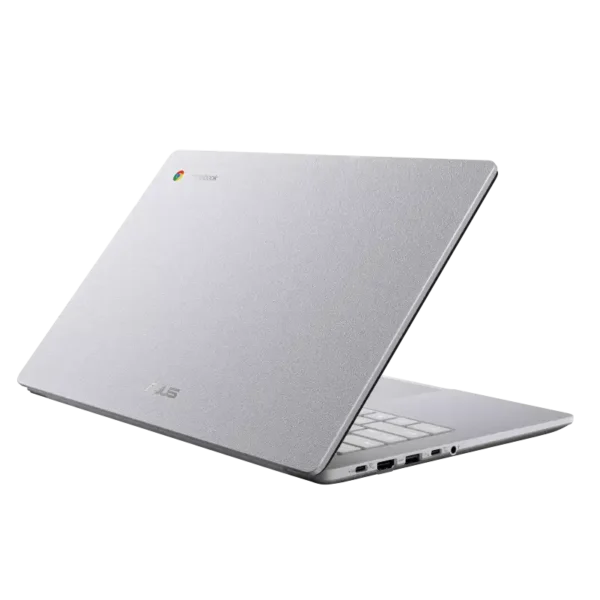
Asus B1403CVAB-S60009X ExpertBook B1 14″ Core i7-13620H Business Laptop
- Intel® Core™ i7-13620H Processor (10 Cores / 16 Threads (6P + 4E), Up to 4.9 GHz)
- Intel® UHD Graphics (Integrated)
- 14" FHD (1920 × 1080) IPS Anti-Glare Display
- 16GB DDR5 RAM | 512GB PCIe® 4.0 NVMe™ SSD
- Windows 11 Pro
- FHD (1080p) Camera + Privacy Shutter
- Wi-Fi 6E + Bluetooth 5.3 + Gigabit LAN + HDMI
- 42Wh Battery, USB-C 65W | Backlit Keyboard + NumberPad
- MIL-STD-810H + TPM 2.0 — Misty Grey
- 1-Year Warranty
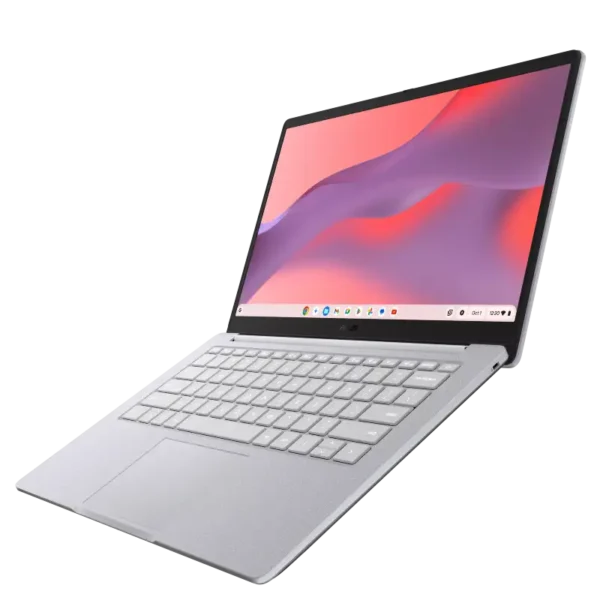
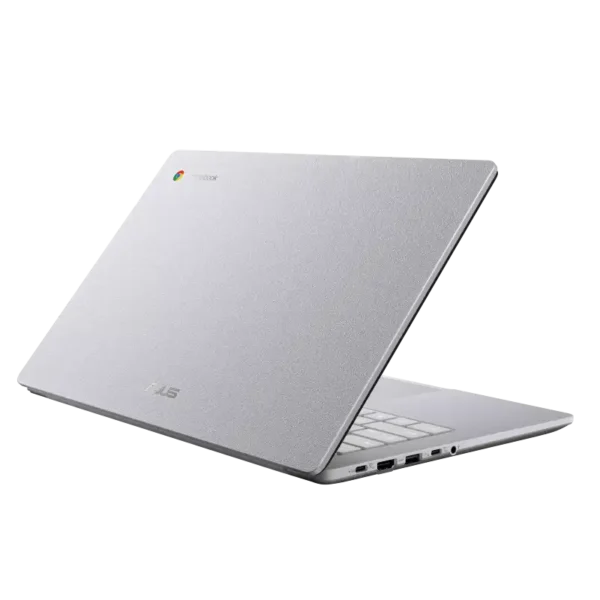
Asus B1403CVAB-S61315 ExpertBook B1 14″ Core i7-13620H Business Laptop
- Intel® Core™ i7-13620H Processor (10 Cores / 16 Threads (6P + 4E), Up to 4.9 GHz)
- Intel® UHD Graphics (Integrated)
- 14" FHD (1920 × 1080) IPS Anti-Glare Display
- 16GB DDR5 RAM | 512GB PCIe® 4.0 NVMe™ SSD
- FreeDOS (no OS)
- FHD (1080p) Camera + Privacy Shutter
- Wi-Fi 6E + Bluetooth 5.3 + Gigabit LAN + HDMI
- 42Wh Battery, USB-C 65W | Backlit Keyboard + NumberPad
- MIL-STD-810H + TPM 2.0 — Misty Grey
- 1-Year Warranty
![ASUS ExpertBook B1 B1503CVAB-S76018 close-up of premium [Brand] finish.](https://yourshoppy.com/wp-content/uploads/2026/01/ASUS-ExpertBook-B1-B1503CVAB-S76018-7-600x600.webp)
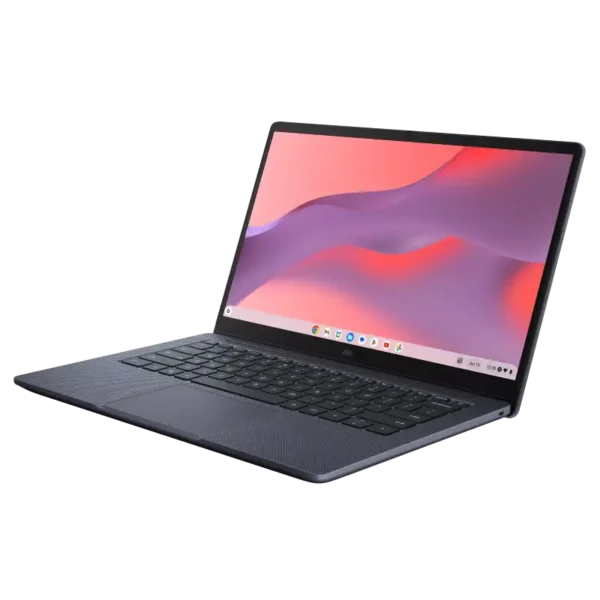
Asus B1503CVAB-S76018 ExpertBook B1 15.6″ Core 5 120U Business Laptop
- Intel® Core™ 5 120U Processor (10 Cores / 12 Threads (2P + 8E), Up to 5.0 GHz)
- Intel® Graphics (Integrated)
- 15.6" FHD (1920 × 1080) IPS Anti-Glare Display
- 8GB DDR5 RAM | 512GB PCIe® 4.0 NVMe™ SSD
- FreeDOS (no OS)
- FHD (1080p) Camera + Privacy Shutter + Fingerprint
- Wi-Fi 6E + Bluetooth 5.3 + Gigabit LAN + HDMI
- 42Wh Battery, USB-C 65W | Backlit Keyboard with Numeric Keypad
- MIL-STD-810H + TPM 2.0 — Gentle Grey
- 1-Year Warranty
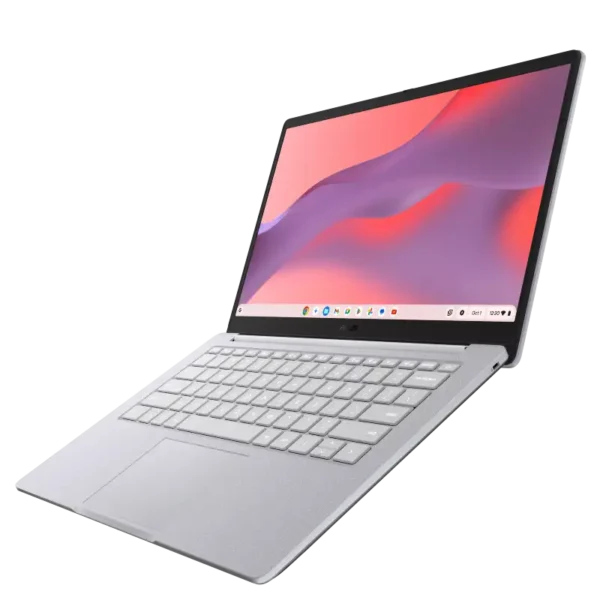
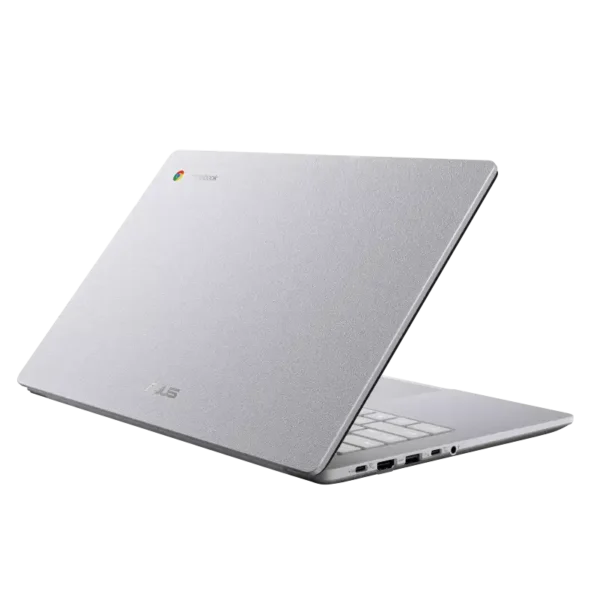

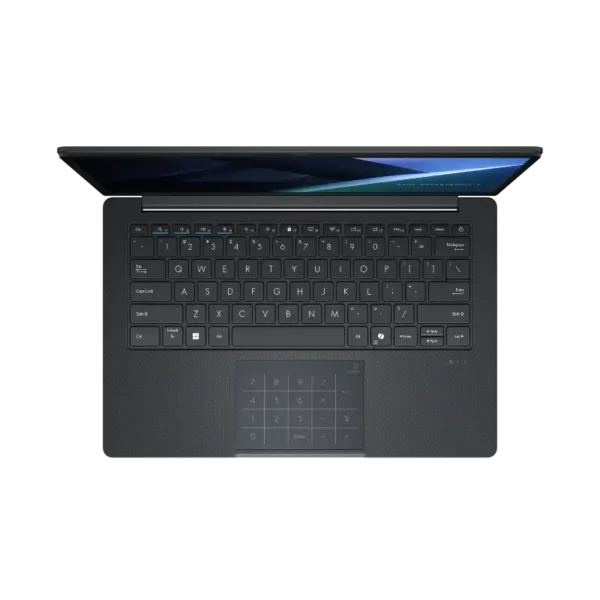
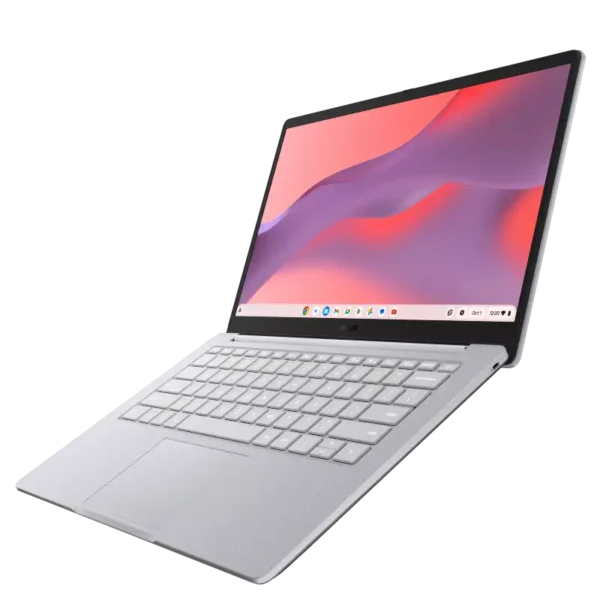
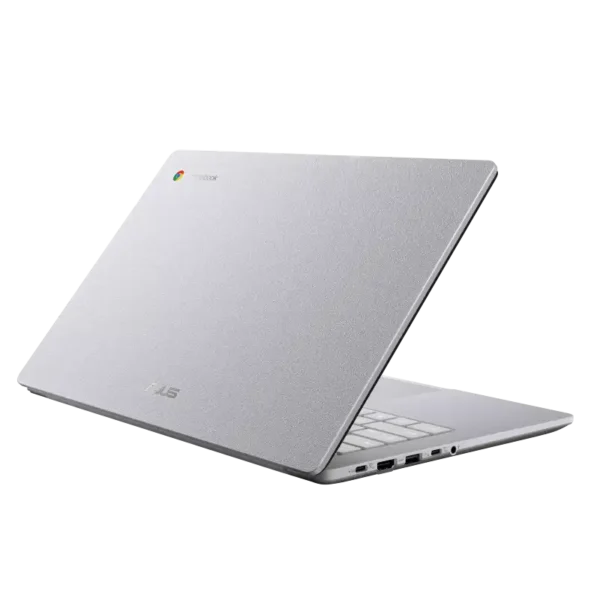
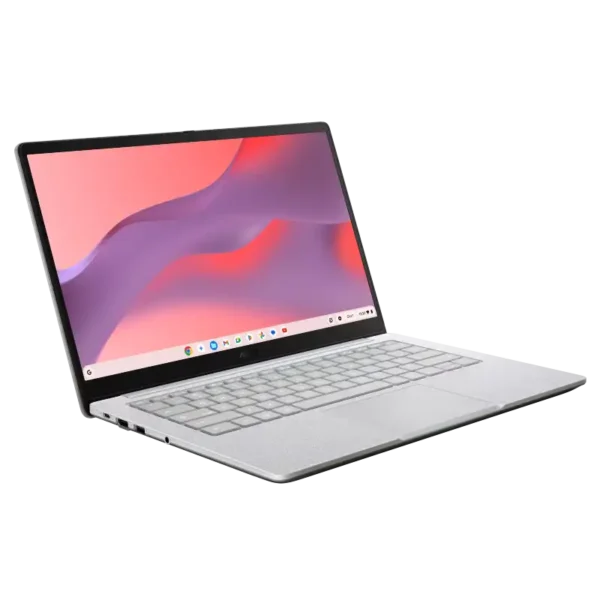
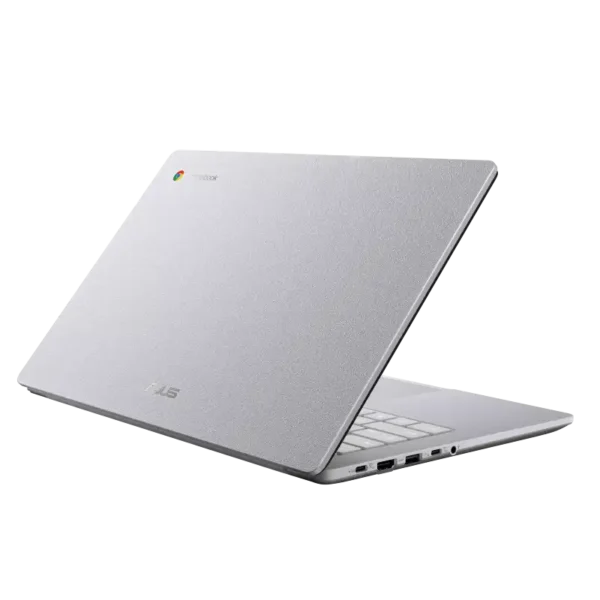
Asus P3405CVA-LY0016 ExpertBook P3 14″ Core i7-13620H Business Laptop
- Intel® Core™ i7-13620H Processor (10 Cores / 16 Threads, up to 4.9 GHz)
- Intel® UHD Graphics (Integrated)
- 14" WUXGA (1920 × 1200) IPS 300nits Anti-Glare Display
- 16GB DDR5 RAM | 512GB PCIe® 4.0 NVMe™ SSD
- FreeDOS (no OS)
- FHD Camera + IR (Windows Hello) + Fingerprint + Backlit Keyboard
- Wi-Fi 6 (802.11ax) + Bluetooth 5.4 | 63WHr | Type-C 65W
- MIL-STD-810H Full-Metal Body — Misty Grey
- 1-Year Warranty
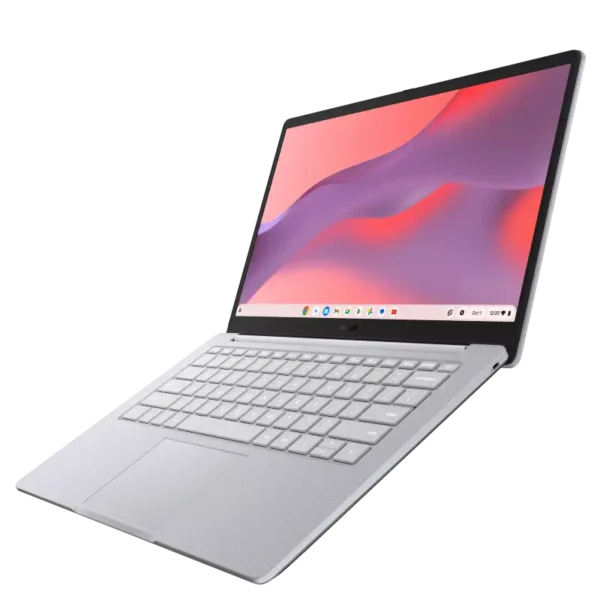
Asus P3405CVA-LY0018X ExpertBook P3 14″ Core i5-13420H Business Laptop
- Intel® Core™ i5-13420H Processor (8 Cores / 12 Threads, up to 4.6 GHz)
- Intel® UHD Graphics (Integrated)
- 14" WUXGA (1920 × 1200) IPS 300nits Anti-Glare Display
- 16GB DDR5 RAM | 512GB PCIe® 4.0 NVMe™ SSD
- Windows 11 Pro
- FHD Camera + IR (Windows Hello) + Fingerprint + Backlit Keyboard
- Wi-Fi 6 (802.11ax) + Bluetooth 5.4 | 50WHr | Type-C 65W
- MIL-STD-810H Full-Metal Body — Misty Grey
- 1-Year Warranty