
HP monitors
HP monitors are HP’s office, docking, 4K, touch and OMEN gaming screens. YourShoppy, an authorised HP dealer in 1st Block Koramangala, lists 26 HP monitors, from a 19.5-inch office screen to the 37.5-inch curved Series 7 Pro ultrawide, plus the 4K E27k G5, the E24t G5 touch and the 280Hz OMEN 27qs G2.
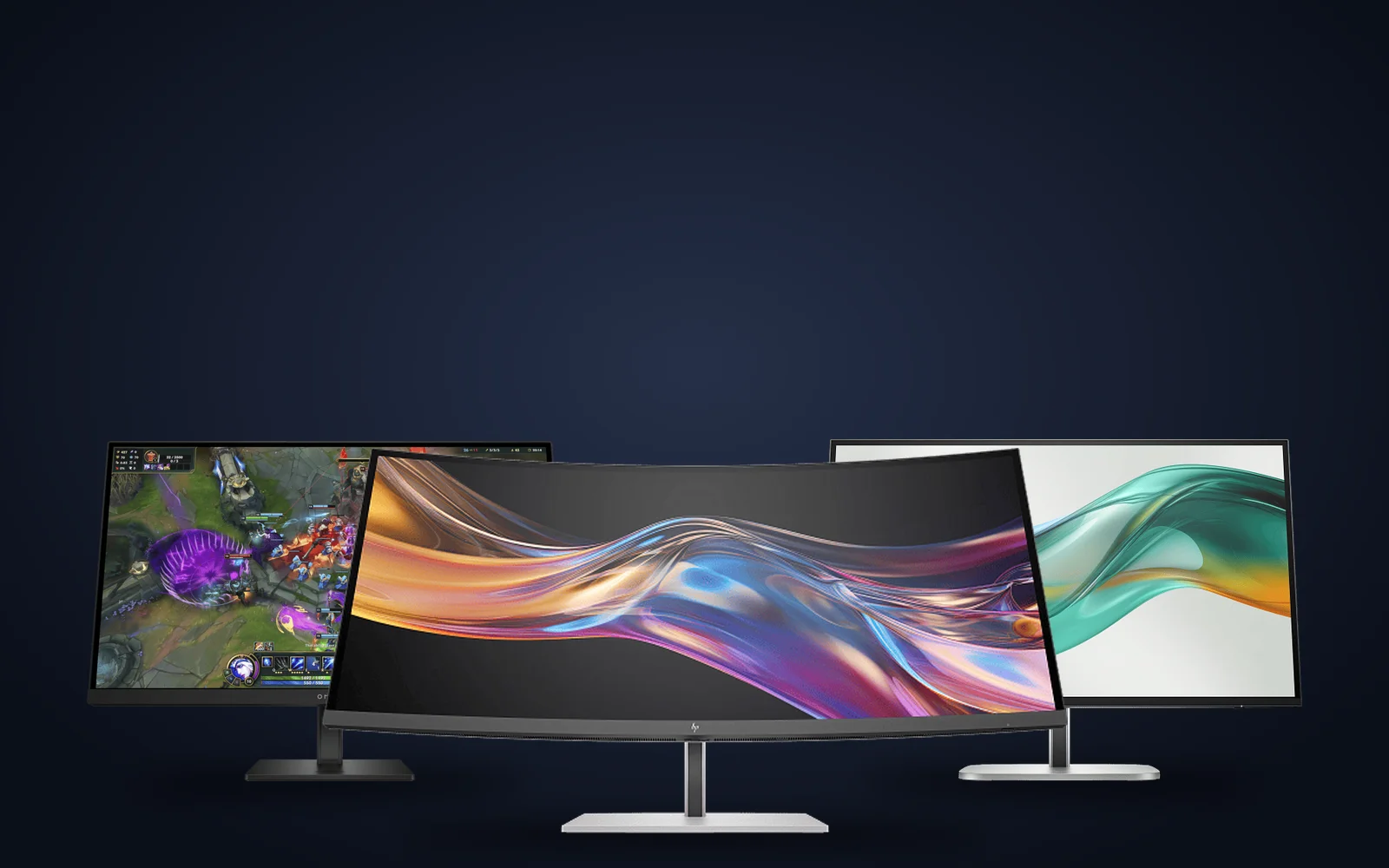
For a standard office desk, an HP Series 3 Pro or P G5 monitor in 22 to 27 inches is enough. If you plug a laptop in every morning, pick a USB-C model like the Series 5 Pro 527pu or E27k G5, which charge the laptop and carry video, USB and Ethernet over one cable. WhatsApp 97392 21133 or 98869 19198 for today’s stock, a GST invoice and same-day delivery in Bangalore if you order by 2 PM.
HP monitors in stock in Bangalore
Use the filter to narrow HP monitors by size, panel, refresh rate and resolution. Every listing shows the HP part number, ports and stand, and the in-stock models can be delivered across Bangalore the same day if you order by 2 PM. Out-of-stock models are marked, so WhatsApp us and we’ll check when they’re back.


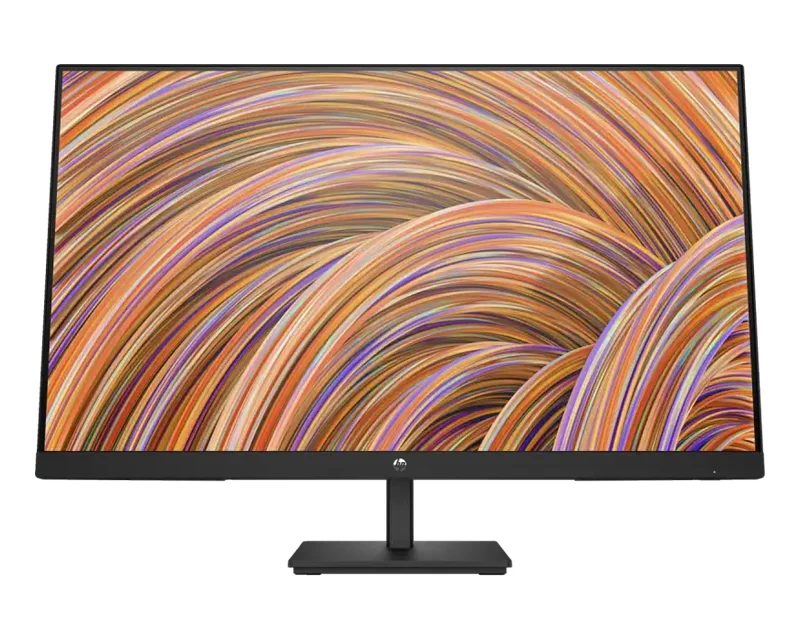
HP V27i G5 FHD Monitor 65P65AA | YourShoppy
- 27" FHD (1920 x 1080) IPS Panel, 75 Hz Refresh Rate
- 250 nits Brightness, 1000:1 Contrast Ratio
- 5ms GtG (with overdrive) Response Time
- TÜV Low Blue Light + TÜV Flicker-Free Certified
- AMD FreeSync™ + Anti-Glare coating
- 99% sRGB Colour Gamut | 178° Ultra-Wide Viewing Angles
- 1 × HDMI 1.4; 1 × DisplayPort™ 1.2; 1 × VGA
- 3-Year Warranty
Pick your HP monitor series
HP sorts its monitors by job. Series 3 Pro, P G5 and V G5 are the everyday office screens. Series 5 Pro adds a fully adjustable stand and, on the 527pu, USB-C docking. The E-series G5 covers 4K and touch, Series 7 Pro is the ultrawide for people who want two screens in one, and OMEN is HP’s gaming range. Here is what each one is for.
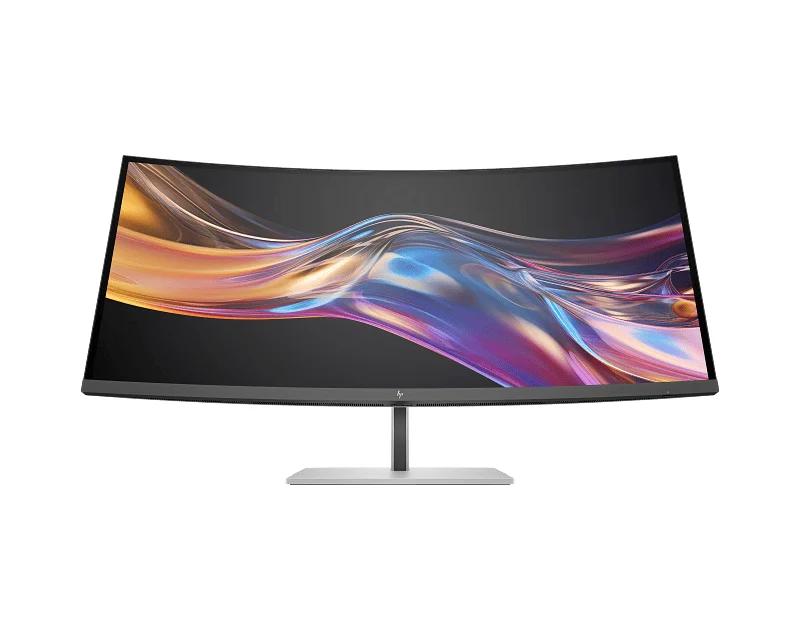
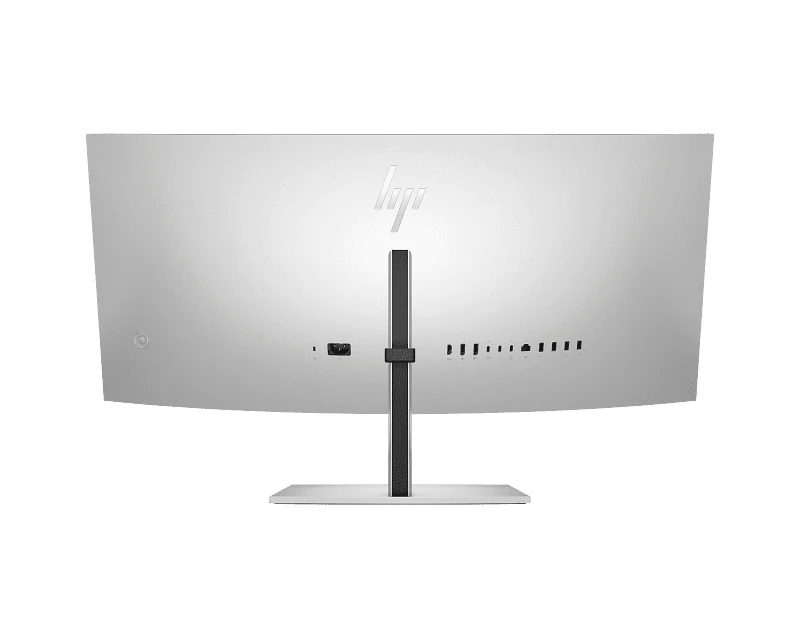
Series 7 Pro 738pu
A 37.5-inch curved ultrawide that works as a laptop dock over Thunderbolt 4.
- 3840 x 1600 IPS Black panel, 2300R curve
- Thunderbolt 4 with up to 100W charging
- Ethernet, 5 USB-A, 4 x 3W speakers
For finance, coding and anyone running two windows side by side.
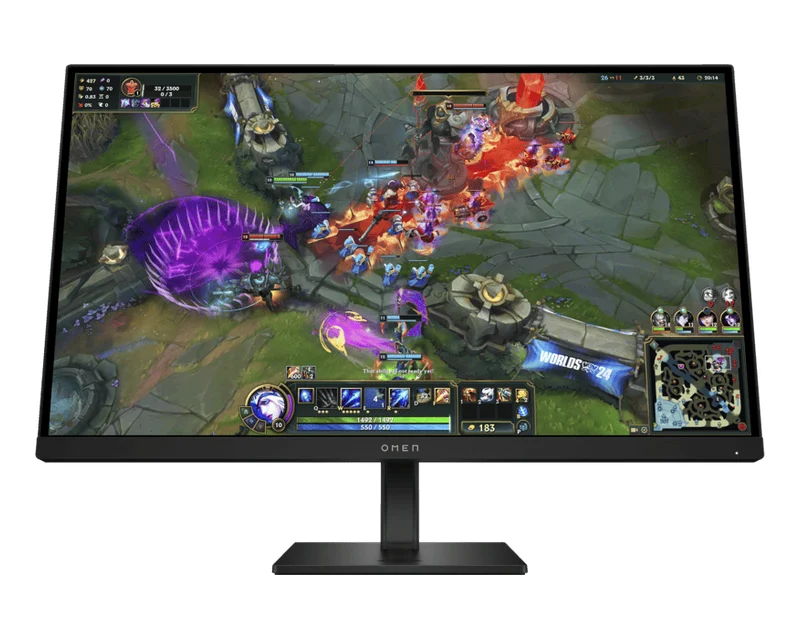
OMEN 27qs G2
HP’s 27-inch QHD gaming monitor with a 280Hz IPS Black panel.
- 2560 x 1440 at 280Hz, 1ms MPRT
- VESA DisplayHDR 400, G-SYNC Compatible
- 2 HDMI 2.0 and DisplayPort 1.4
For PC gamers. Two HDMI ports also suit a console.
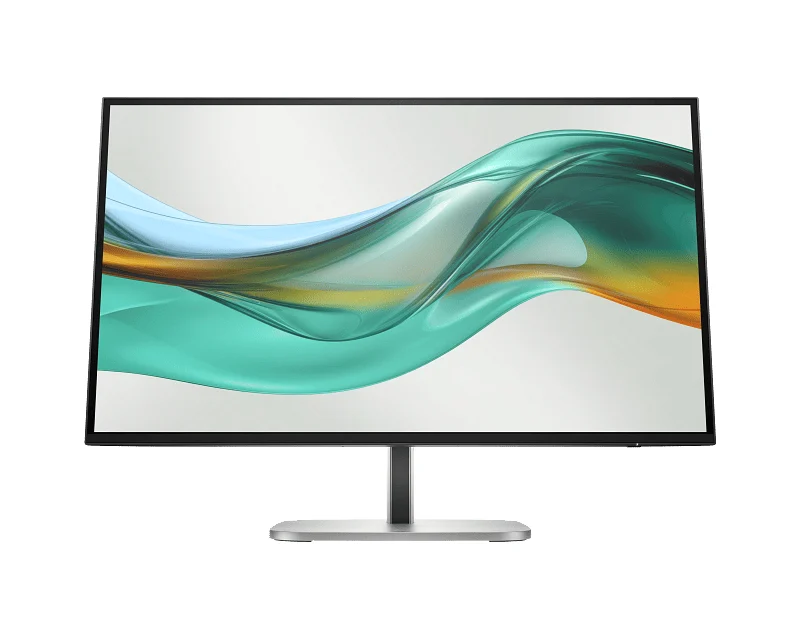
Series 5 Pro 527pu
A 27-inch QHD office monitor that charges and connects your laptop over USB-C.
- QHD at 100Hz, 100% sRGB
- USB-C with up to 100W charging, Ethernet
- DisplayPort out to daisy-chain a second screen
For hybrid desks where people plug in a laptop each day.
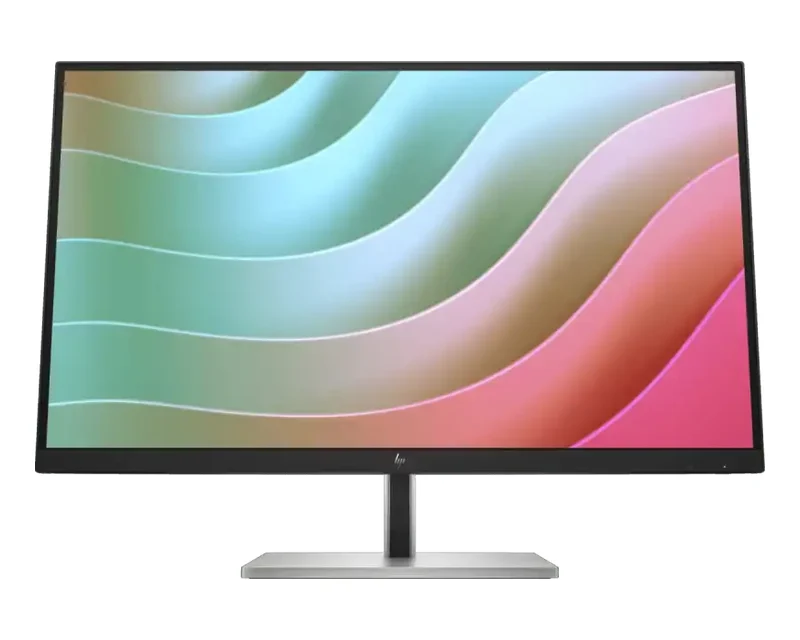
E27k G5
A 27-inch 4K monitor with USB-C docking for sharp text and photos.
- 3840 x 2160 IPS at 60Hz
- USB-C with up to 65W charging, Ethernet
- Height, tilt, swivel and pivot stand
For design reviews, photos and dense spreadsheets.
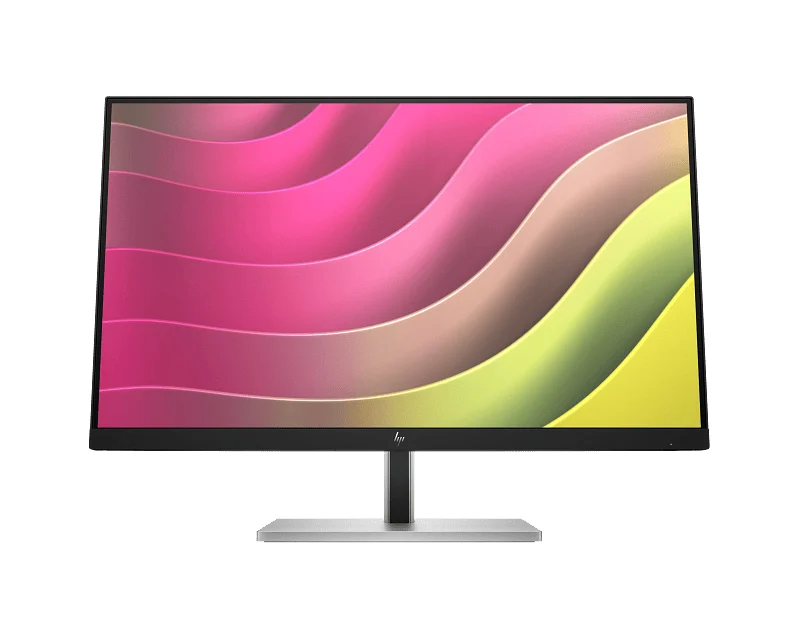
E24t G5 touch
A 23.8-inch FHD monitor with a 10-point touchscreen.
- In-cell touch, up to 10 points
- FHD IPS at 75Hz
- Four USB-A ports, 150mm height adjust
For front desks, kiosks and touch apps.
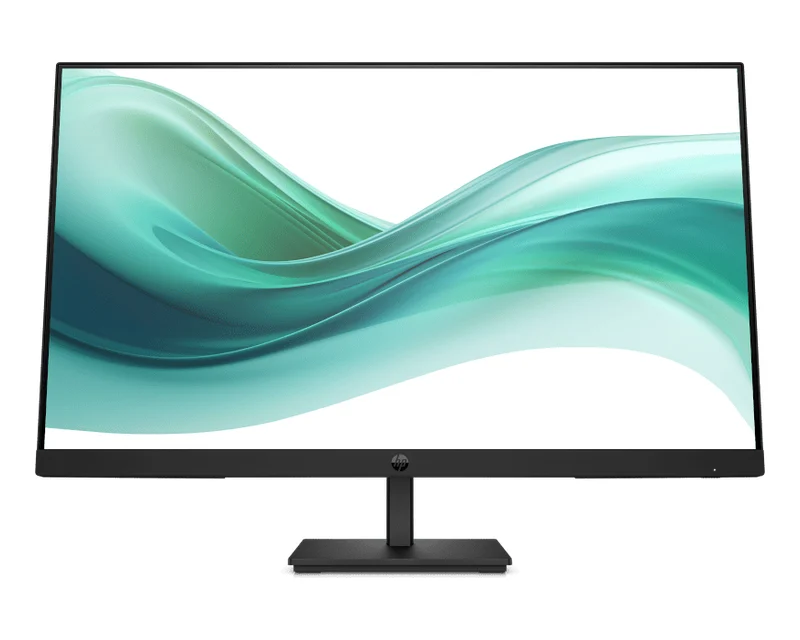
Series 3 Pro
HP’s everyday office monitors in 21.5, 23.8 and 27 inches.
- FHD at 100Hz on most models
- HP Eye Ease low blue light filter
- HDMI, DisplayPort and VGA on most models
For office rows, home study and dual-monitor setups.
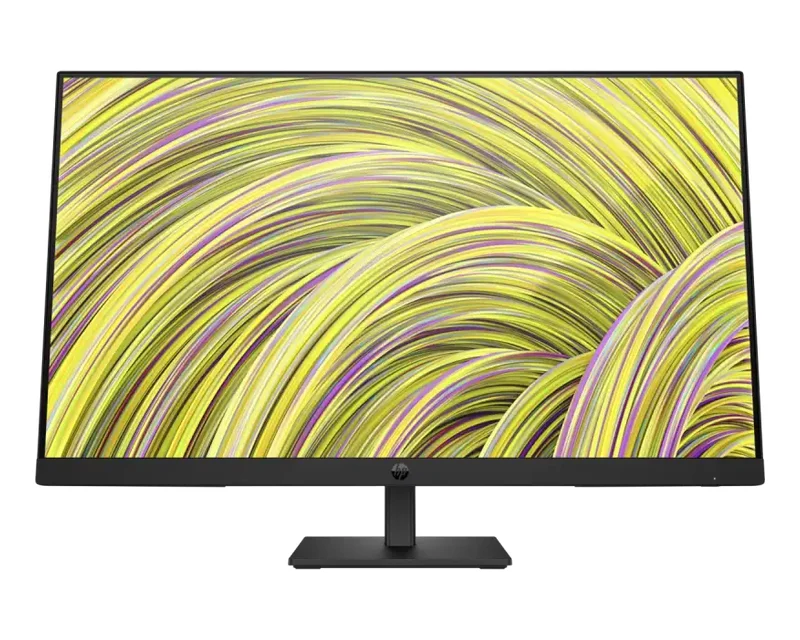
P G5 series
HP’s G5 office line: P22h, P24h, P27h, P27 and P22vb.
- FHD at 75Hz, IPS on most models
- P27h adds a 100mm height-adjust stand
- HDMI, DisplayPort and VGA
For offices matching screens they already own.
V G5 and M22f
Low-cost HP screens for home and first monitors: V22v, V24v, V27i and M22f.
- FHD at 75Hz
- AMD FreeSync on the V27i and M22f
- HDMI and VGA inputs
For students, home offices and basic setups.
Which HP monitor should you buy?
Choose an HP monitor by what you connect to it and how long you sit in front of it. A 24-inch FHD Series 3 Pro covers email, Tally and browsing. Laptop users save cables with a USB-C Series 5 Pro or E27k. Designers and photo editors get more detail from the 4K E27k, and gamers should go straight to the 280Hz OMEN 27qs G2.
| You use it for | Go for | Why |
|---|---|---|
| Office work, billing, browsing | Series 3 Pro or P G5, 22 to 27 inch | FHD IPS, simple HDMI or DisplayPort hookup |
| Laptop at a hot desk | Series 5 Pro 527pu | One USB-C cable for charging, video and Ethernet |
| Photos, design, sharp text | E27k G5 4K | 3840 x 2160 on 27 inches, 65W USB-C |
| Two windows side by side | Series 7 Pro 738pu | 37.5-inch 3840 x 1600 curved ultrawide |
| Front desk or kiosk | E24t G5 touch | 10-point touch on 23.8 inches |
| PC or console gaming | OMEN 27qs G2 | QHD at 280Hz, two HDMI 2.0 ports |
| Lowest cost first monitor | V22v G5, M22f or P204v | Small FHD or HD+ screens with HDMI and VGA |
HP USB-C and Thunderbolt docking monitors
A docking monitor replaces the laptop charger and a separate dock. On the HP Series 5 Pro 527pu one USB-C cable carries up to 100W of charging, video, USB and Gigabit Ethernet, and its DisplayPort out runs a second screen. The Series 7 Pro 738pu does the same over Thunderbolt 4, and the E27k G5 gives up to 65W over USB-C. Check your laptop’s USB-C port supports DisplayPort Alt Mode before you buy.
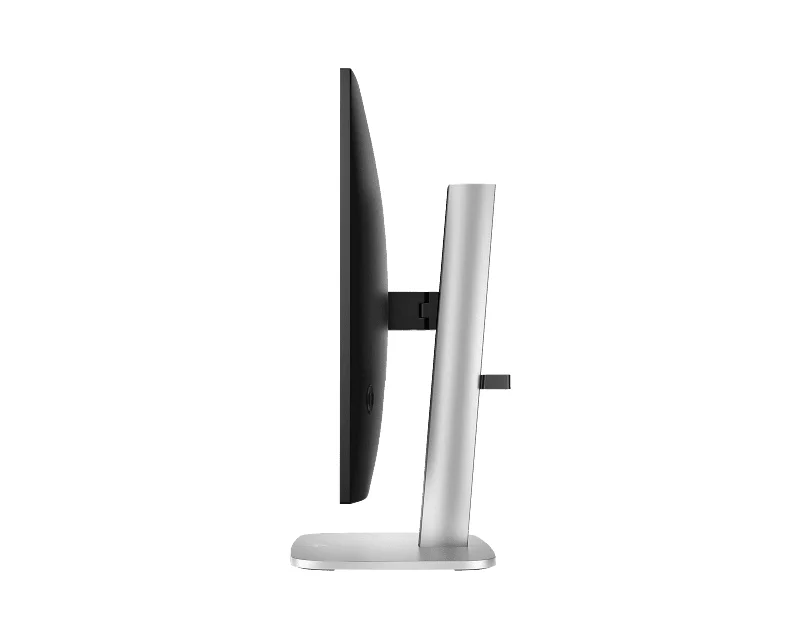
HP monitor specs side by side
This table compares the main HP monitor lines we list, using HP’s published specs for each model. Refresh rates are the maximum each panel supports. Models in a line differ in size and ports, so check the product page for the exact HP part number before you order, or WhatsApp us and we’ll confirm it for you.
| Model | Size | Resolution | Refresh | Best feature |
|---|---|---|---|---|
| Series 7 Pro 738pu | 37.5″ curved | 3840 x 1600 | 60Hz | Thunderbolt 4, 100W charging |
| OMEN 27qs G2 | 27″ | 2560 x 1440 | 280Hz | IPS Black, DisplayHDR 400 |
| Series 5 Pro 527pu | 27″ | 2560 x 1440 | 100Hz | USB-C 100W, Ethernet, daisy chain |
| E27k G5 | 27″ | 3840 x 2160 | 60Hz | 4K with 65W USB-C |
| Series 5 Pro 524pf / 524pn | 23.8″ / 24″ | 1920 x 1080 / 1920 x 1200 | 100Hz | 150mm height-adjust stand |
| E24t G5 | 23.8″ | 1920 x 1080 | 75Hz | 10-point touch |
| Series 3 Pro | 21.5″ to 27″ | 1920 x 1080 | 100Hz | HP Eye Ease filter |
| P G5 | 21.5″ to 27″ | 1920 x 1080 | 60 to 75Hz | Office line, P27h height adjust |
| V G5 and M22f | 21.5″ to 27″ | 1920 x 1080 | 75Hz | Low-cost home screens |
| P204v | 19.5″ | 1600 x 900 | 60Hz | Compact, HDMI and VGA |
Good to know before you buy
A few HP monitor details are easy to miss on a spec sheet. Check these four points before you order so the screen works with your PC, laptop and desk on day one.
- USB-C needs the right laptop port. Charging and video over one cable only work if your laptop’s USB-C port supports DisplayPort Alt Mode or Thunderbolt.
- VGA models suit older PCs. Series 3 Pro, P G5, V G5, M22f and P204v keep a VGA input, but Series 3 Pro runs at 60Hz over VGA.
- Stands differ. Series 3 Pro, V G5 and M22f tilt only. Series 5 Pro, E-series and P27h G5 add height adjust. The M22f has no VESA mount.
- Gaming at 280Hz needs DisplayPort. The OMEN 27qs G2 reaches 280Hz over DisplayPort.
Setting up desks for your team?
Tell us the size, how many screens and what laptops or desktops they’ll connect to. We’ll suggest the right HP monitor, send a GST quote and deliver in Bangalore the same day if you order by 2 PM.
Why buy HP monitors from YourShoppy in Bangalore
YourShoppy is an authorised HP dealer in 1st Block Koramangala, selling in Bangalore since 2010. You get India-model HP monitors with HP’s warranty, a GST invoice that businesses can use for input tax credit, and same-day delivery across the city if you order by 2 PM.
- Authorised HP dealer with India-model HP monitors.
- Same-day delivery in Bangalore if you order by 2 PM, or pick up from the store.
- No-cost EMI on select cards and Bajaj Finserv. See our EMI page.
- Bulk orders for offices and schools. See our bulk purchase page.
Need a PC to go with it? See HP desktops, HP business desktops, HP Z workstations or HP ProBook laptops. Comparing brands? See Dell monitors, Lenovo monitors and ASUS monitors.
Address: YourShoppy, 339, 1st Floor, 1st Main Cross, next to Essar Petrol Bunk, 1st Block Koramangala, Bengaluru 560034
Hours: Monday to Sunday, 10:30 AM to 9 PM
Phone: 97392 21133 · 98869 19198 · 080 4141 0072
WhatsApp: 97392 21133 or 98869 19198
Common questions
These are the questions Bangalore buyers ask us most about HP monitors, from USB-C charging and 4K to gaming refresh rates, touch screens and where to buy.
Where can I buy HP monitors in Bangalore?
At YourShoppy, 339, 1st Floor, 1st Main Cross, 1st Block Koramangala. We’re an authorised HP dealer with same-day delivery in Bangalore if you order by 2 PM, and a GST invoice. WhatsApp 97392 21133 or 98869 19198.
Which HP monitor can charge my laptop?
The HP Series 5 Pro 527pu gives up to 100W over USB-C, the Series 7 Pro 738pu up to 100W over Thunderbolt 4, and the E27k G5 up to 65W over USB-C. Your laptop’s USB-C port must support video for this to work.
Is the HP OMEN 27qs G2 good for gaming?
Yes. It is a 27-inch QHD IPS Black monitor that runs at up to 280Hz with 1ms MPRT response, VESA DisplayHDR 400 and NVIDIA G-SYNC Compatible support.
Does HP make a 4K monitor?
Yes. The HP E27k G5 is a 27-inch 4K UHD (3840 x 2160) IPS monitor with USB-C docking, up to 65W charging and Gigabit Ethernet.
Does HP have a touch screen monitor?
Yes. The HP E24t G5 is a 23.8-inch FHD monitor with an in-cell touchscreen that takes up to 10 touch points.
What is the difference between HP Series 3 Pro and Series 5 Pro?
Series 3 Pro is HP’s everyday office monitor with a tilt stand. Series 5 Pro adds a 150mm height-adjust stand with swivel and pivot, 100% sRGB colour on most models and, on the 527pu, USB-C docking.
Can I connect two HP monitors to one laptop?
Yes. On the Series 5 Pro 527pu and Series 7 Pro 738pu you can daisy-chain a second monitor from the monitor’s DisplayPort or Thunderbolt out, if your laptop supports it.