
Laptops
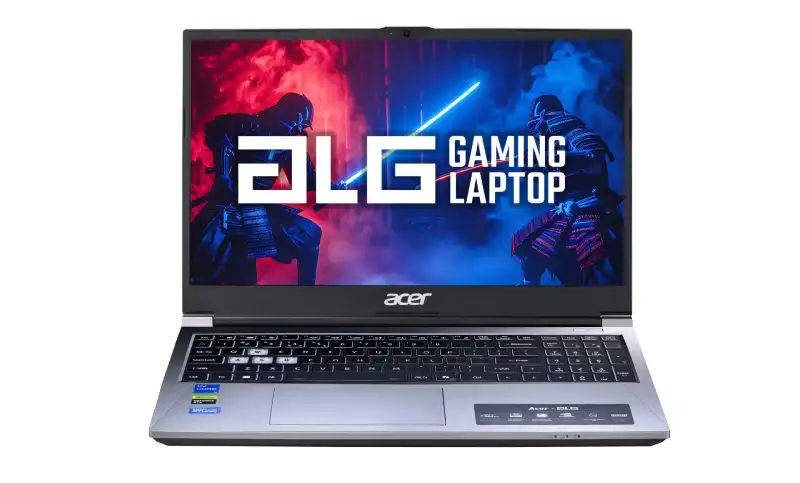
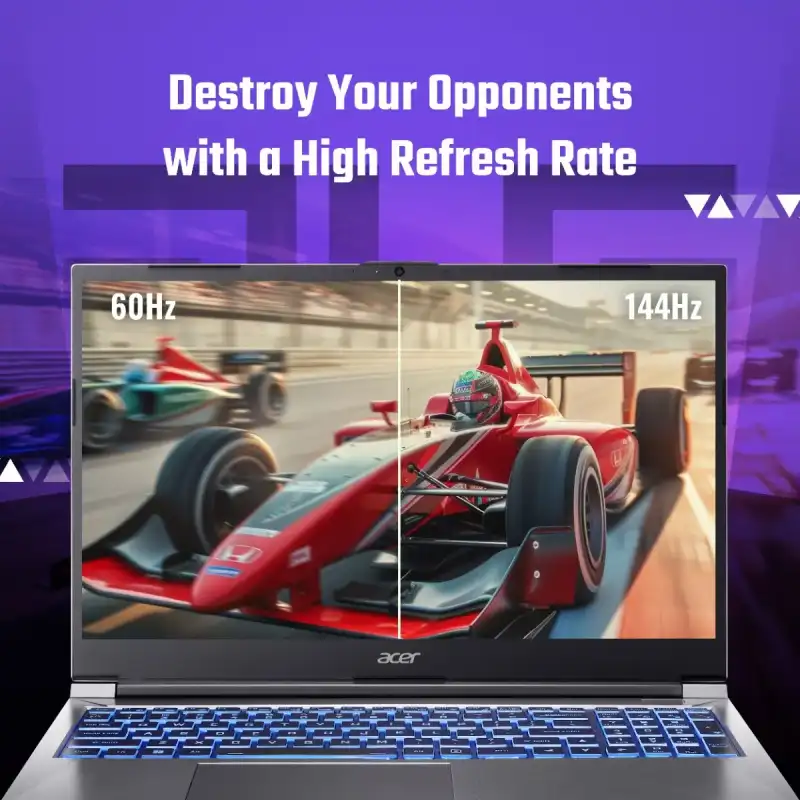
Acer ALG Gaming Laptop 15.6″ Core 5-210H RTX 3050 144Hz (AL15G-53)
- Intel Core™ 5-210H
- 15.6" FHD (1920 × 1080) IPS SlimBezel, 144Hz, 45% NTSC
- NVIDIA® GeForce® RTX™ 3050 (6 GB GDDR6)
- 16 GB DDR4 SODIMM (upgradable up to 64 GB, 2 slots)
- 512 GB PCIe Gen4 NVMe SSD (dual M.2, expandable to 2 TB)
- Windows 11 Home
- Multi-color RGB backlit keyboard with numeric pad
- 1-Year Warranty
💠Why Buy From Us?
🛡️ Zero-Risk Buying: 100% Genuine, Brand-Authorized stock with GST Invoices for easy tax savings.
💰 Price Found it cheaper?: We’ll match the prices of Amazon,Flipkart and Local Store.
⚡ Bangalore Express: Free same-day delivery in Bangalore—faster than any "Prime" service.
🤝 Real Support: No bots. Call us at 9739221133 or visit our Koramangala store for expert advice and hands-on setup.
🎯Brand-Specific Offers:Cashback,No Cost EMI ,Warranty Extensions Call us at 9739221133
💳 No-Cost EMI: Get it with Bajaj Finserv or Credit Cards.
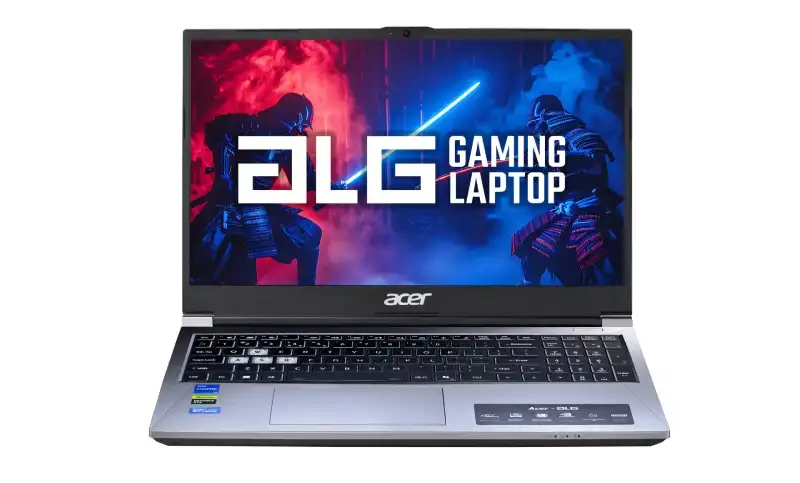
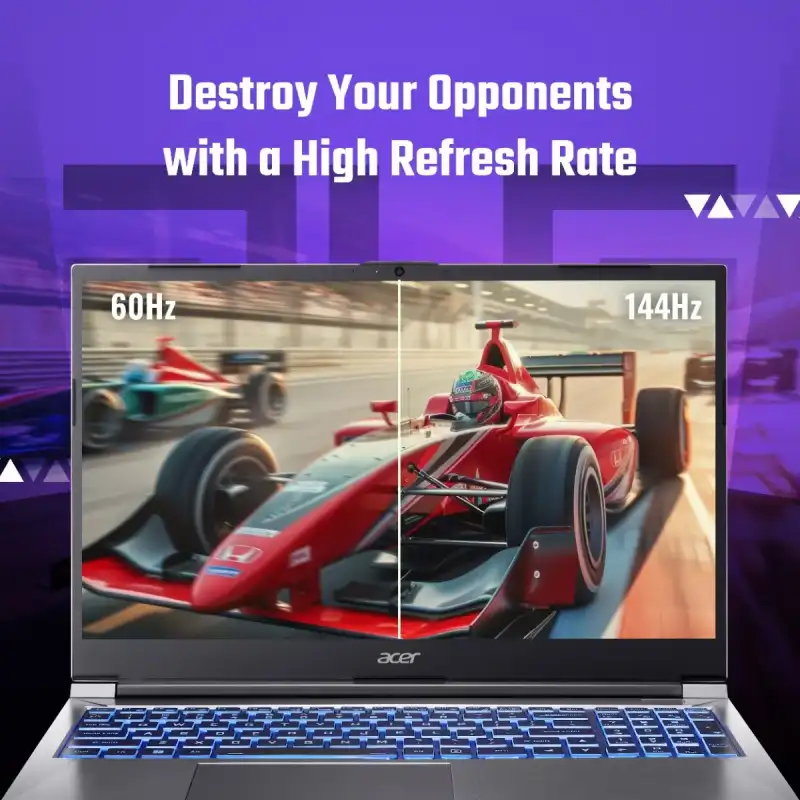
Acer ALG Gaming Laptop 15.6″ Core 5-210H RTX 3050 144Hz (AL15G-53)
- Intel Core™ 5-210H
- 15.6" FHD (1920 × 1080) IPS SlimBezel, 144Hz, 45% NTSC
- NVIDIA® GeForce® RTX™ 3050 (6 GB GDDR6)
- 16 GB DDR4 SODIMM (upgradable up to 64 GB, 2 slots)
- 512 GB PCIe Gen4 NVMe SSD (dual M.2, expandable to 2 TB)
- Windows 11 Home + MS Office
- Multi-color RGB backlit keyboard with numeric pad
- 1-Year Warranty
💠Why Buy From Us?
🛡️ Zero-Risk Buying: 100% Genuine, Brand-Authorized stock with GST Invoices for easy tax savings.
💰 Price Found it cheaper?: We’ll match the prices of Amazon,Flipkart and Local Store.
⚡ Bangalore Express: Free same-day delivery in Bangalore—faster than any "Prime" service.
🤝 Real Support: No bots. Call us at 9739221133 or visit our Koramangala store for expert advice and hands-on setup.
🎯Brand-Specific Offers:Cashback,No Cost EMI ,Warranty Extensions Call us at 9739221133
💳 No-Cost EMI: Get it with Bajaj Finserv or Credit Cards.
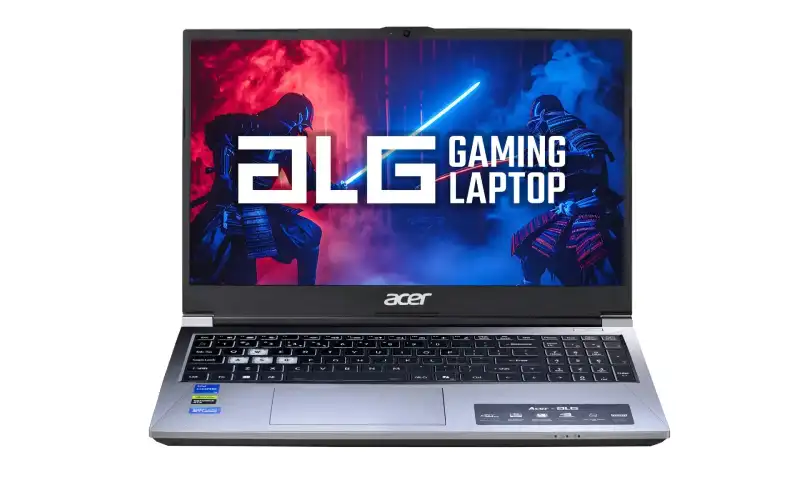
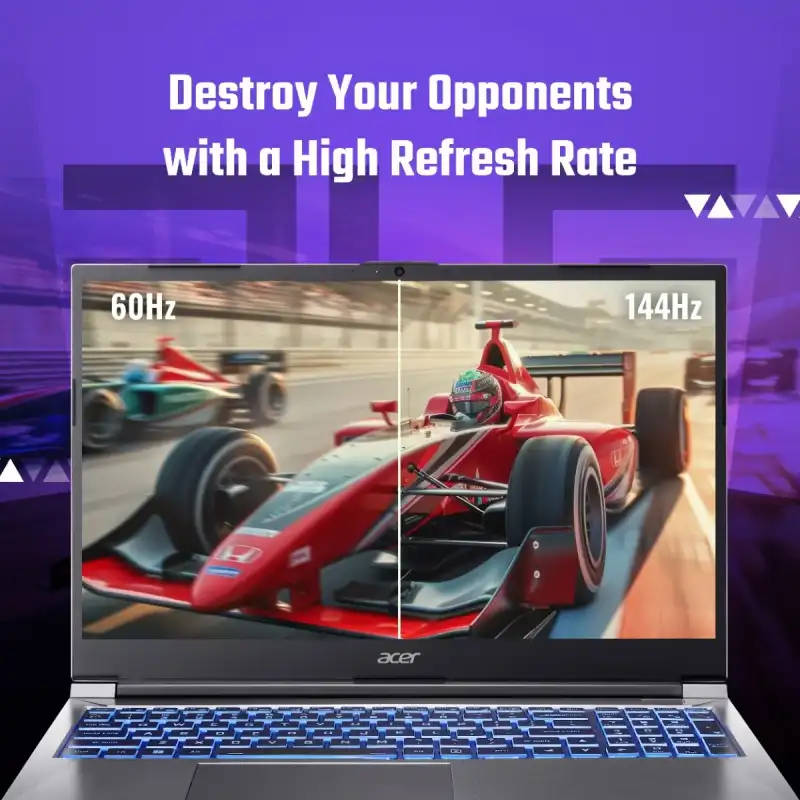
Acer ALG Gaming Laptop 15.6″ Core 5-210H RTX 3050 4GB 144Hz (AL15G-53)
- Intel Core™ 5-210H (2.2GHz base, up to 4.8GHz)
- 15.6" FHD (1920 × 1080) IPS Slim Bezel, 144Hz
- NVIDIA® GeForce® RTX™ 3050 (4 GB GDDR6)
- 16 GB DDR4 RAM (expandable up to 64 GB)
- 512 GB PCIe Gen4 NVMe SSD (expandable to 2 TB)
- Windows 11 Home
- Multi-color illuminated keyboard with numeric pad, 1.99 kg
- 1-Year Warranty
💠Why Buy From Us?
🛡️ Zero-Risk Buying: 100% Genuine, Brand-Authorized stock with GST Invoices for easy tax savings.
💰 Price Found it cheaper?: We’ll match the prices of Amazon,Flipkart and Local Store.
⚡ Bangalore Express: Free same-day delivery in Bangalore—faster than any "Prime" service.
🤝 Real Support: No bots. Call us at 9739221133 or visit our Koramangala store for expert advice and hands-on setup.
🎯Brand-Specific Offers:Cashback,No Cost EMI ,Warranty Extensions Call us at 9739221133
💳 No-Cost EMI: Get it with Bajaj Finserv or Credit Cards.
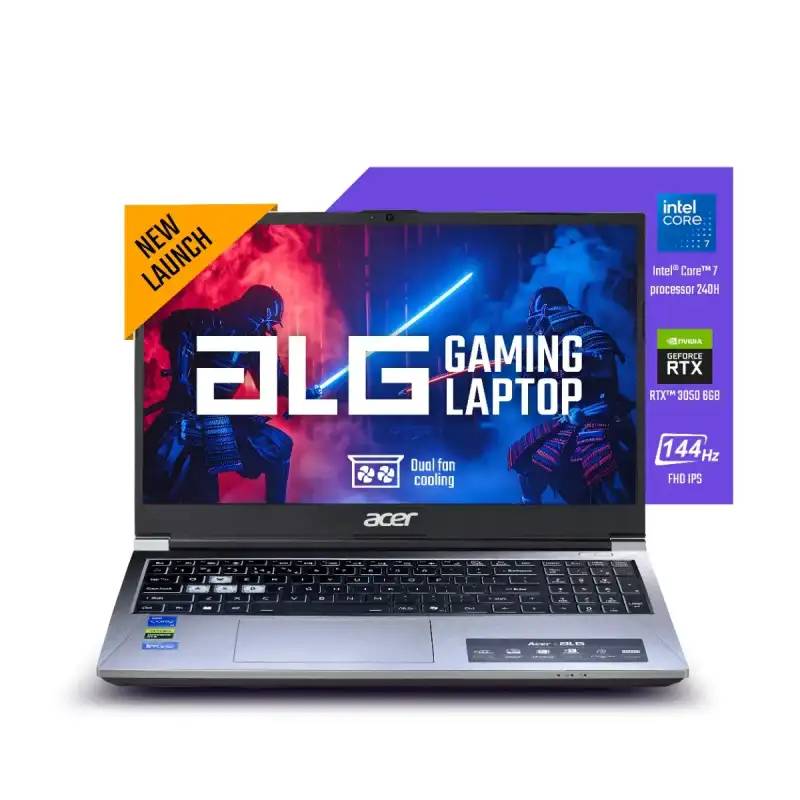
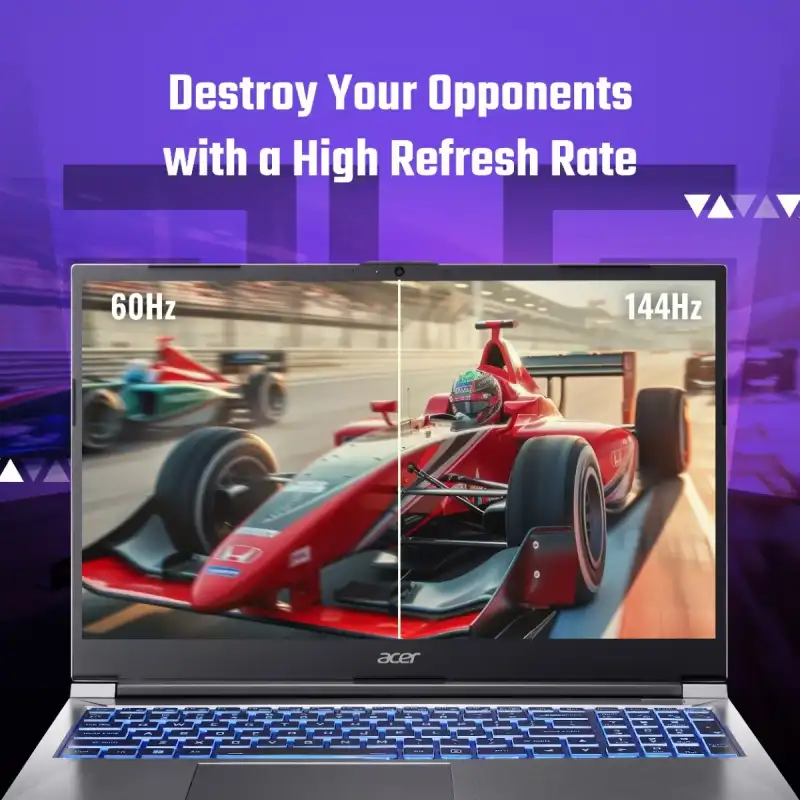
Acer ALG Gaming Laptop 15.6″ Core 7-240H RTX 3050 144Hz (AL15G-53)
- Intel Core™ 7-240H (2.5GHz base, up to 5.2GHz)
- 15.6" FHD (1920 × 1080) IPS SlimBezel, 144Hz, 45% NTSC
- NVIDIA® GeForce® RTX™ 3050 (6 GB GDDR6)
- 16 GB DDR4 SODIMM (upgradable up to 64 GB, 2 slots)
- 512 GB PCIe Gen4 NVMe SSD (dual M.2, expandable to 2 TB)
- Windows 11 Home + MS Office
- Multi-color RGB backlit keyboard with numeric pad
- 1-Year Warranty
💠Why Buy From Us?
🛡️ Zero-Risk Buying: 100% Genuine, Brand-Authorized stock with GST Invoices for easy tax savings.
💰 Price Found it cheaper?: We’ll match the prices of Amazon,Flipkart and Local Store.
⚡ Bangalore Express: Free same-day delivery in Bangalore—faster than any "Prime" service.
🤝 Real Support: No bots. Call us at 9739221133 or visit our Koramangala store for expert advice and hands-on setup.
🎯Brand-Specific Offers:Cashback,No Cost EMI ,Warranty Extensions Call us at 9739221133
💳 No-Cost EMI: Get it with Bajaj Finserv or Credit Cards.
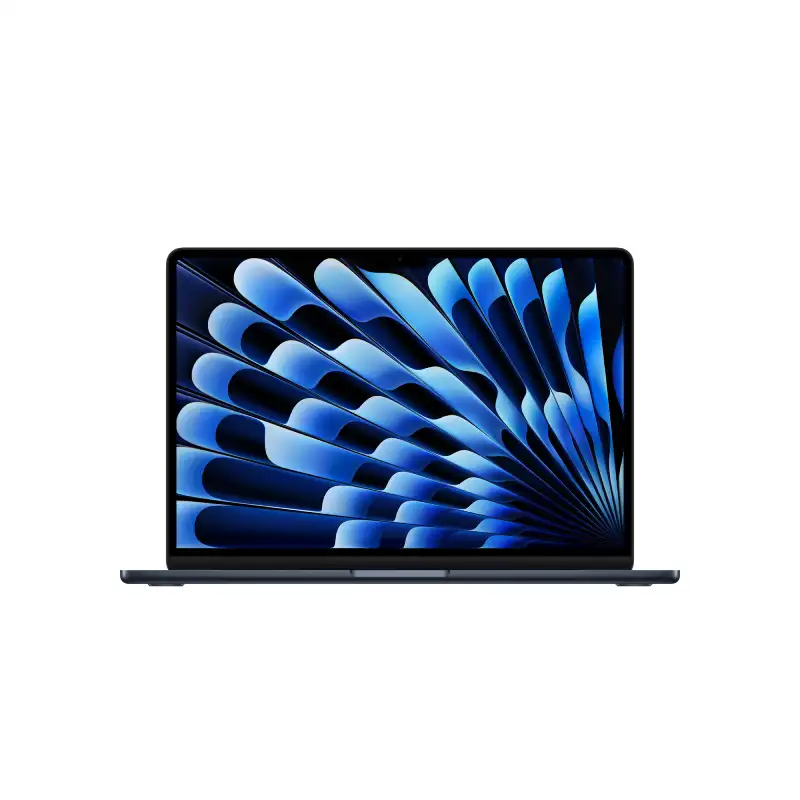
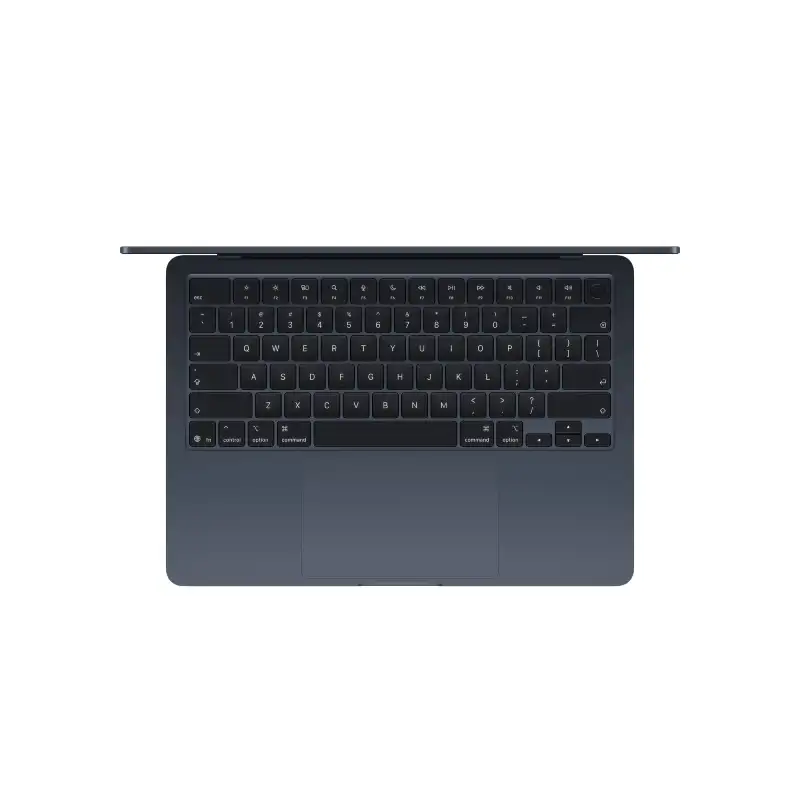
Apple MacBook Air 13-inch M5 10-core CPU 10-core GPU 16GB RAM 1TB SSD Midnight
- Apple M5 Chip — 10-Core CPU + 10-Core GPU with Ray Tracing
- 16-Core Neural Engine (NPU) + GPU Neural Accelerators — Apple Intelligence Ready
- 16GB Unified Memory (153GB/s Bandwidth)
- 1TB SSD
- 13.6" Liquid Retina (2560×1664) IPS, 224 PPI, 500 nits, 1 Billion Colours, P3, True Tone
- Up to 18 Hrs Battery + Fast Charge (MagSafe 3)
- MagSafe 3 + 2× Thunderbolt 4 + 3.5mm Jack + Touch ID + 12MP Center Stage Camera
- macOS + Apple Intelligence + Free iWork Suite (Pages, Numbers, Keynote)
- Midnight
- 1-Year Apple India Warranty
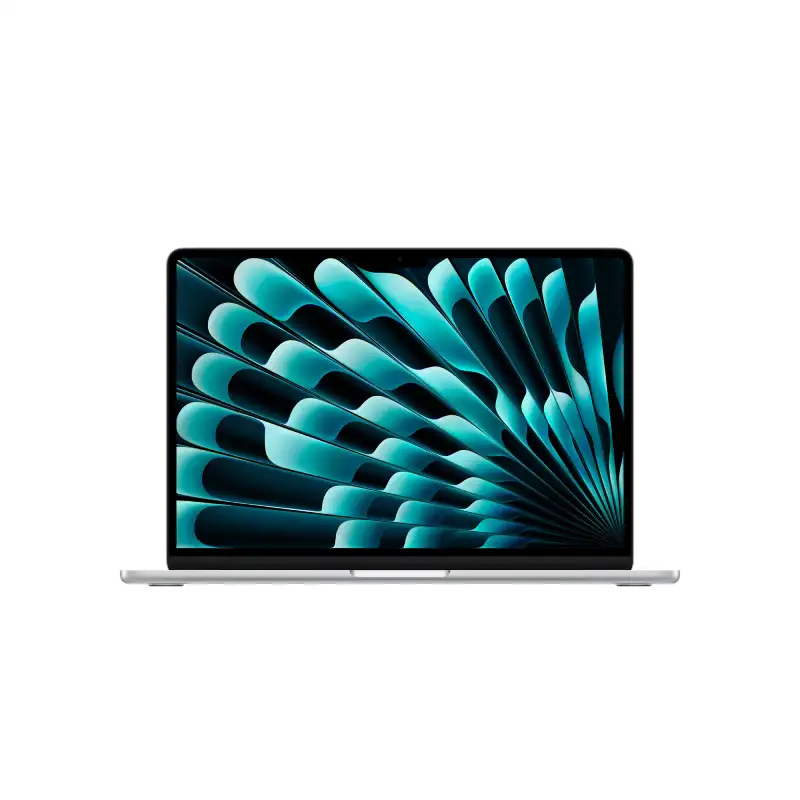
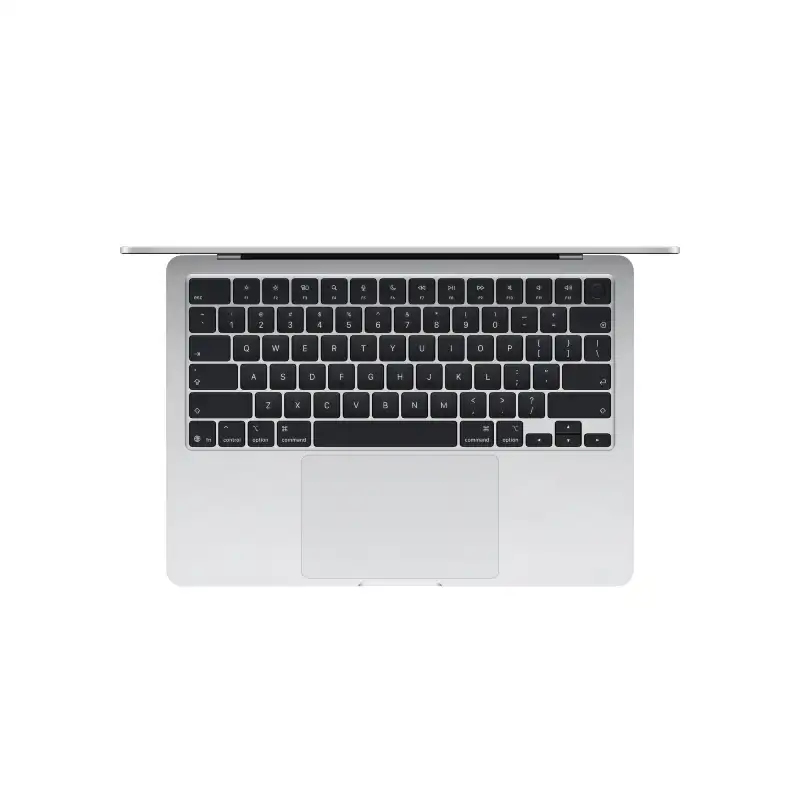
Apple MacBook Air 13-inch M5 10-core CPU 10-core GPU 16GB RAM 1TB SSD Silver
- Apple M5 Chip — 10-Core CPU + 10-Core GPU with Ray Tracing
- 16-Core Neural Engine (NPU) + GPU Neural Accelerators — Apple Intelligence Ready
- 16GB Unified Memory (153GB/s Bandwidth)
- 1TB SSD
- 13.6" Liquid Retina (2560×1664) IPS, 224 PPI, 500 nits, 1 Billion Colours, P3, True Tone
- Up to 18 Hrs Battery + Fast Charge (MagSafe 3)
- MagSafe 3 + 2× Thunderbolt 4 + 3.5mm Jack + Touch ID + 12MP Center Stage Camera
- macOS + Apple Intelligence + Free iWork Suite (Pages, Numbers, Keynote)
- Silver
- 1-Year Apple India Warranty
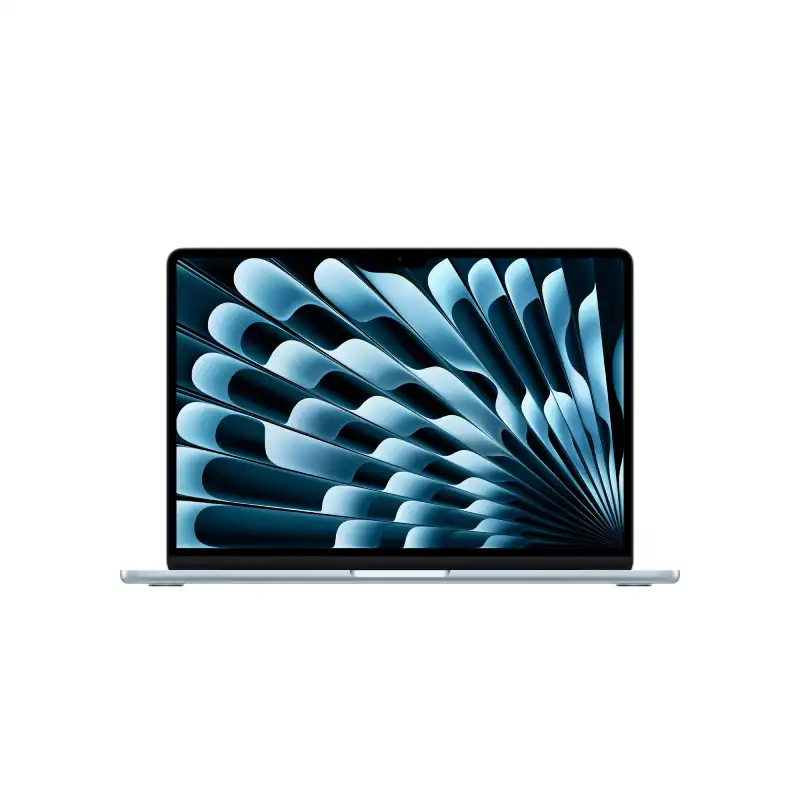
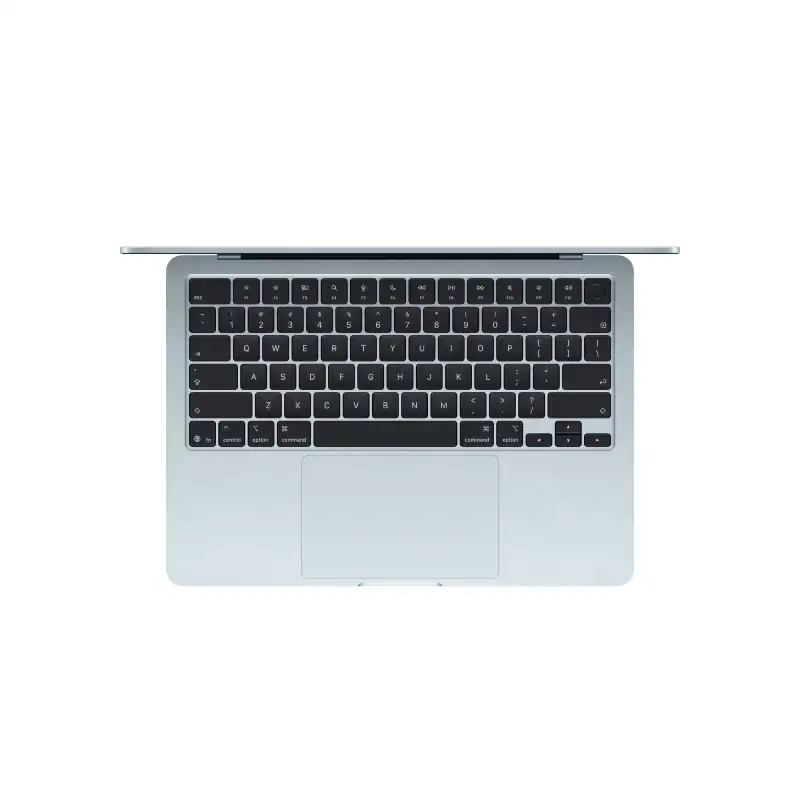
Apple MacBook Air 13-inch M5 10-core CPU 10-core GPU 16GB RAM 1TB SSD Sky Blue
- Apple M5 Chip — 10-Core CPU + 10-Core GPU with Ray Tracing
- 16-Core Neural Engine (NPU) + GPU Neural Accelerators — Apple Intelligence Ready
- 16GB Unified Memory (153GB/s Bandwidth)
- 1TB SSD
- 13.6" Liquid Retina (2560×1664) IPS, 224 PPI, 500 nits, 1 Billion Colours, P3, True Tone
- Up to 18 Hrs Battery + Fast Charge (MagSafe 3)
- MagSafe 3 + 2× Thunderbolt 4 + 3.5mm Jack + Touch ID + 12MP Center Stage Camera
- macOS + Apple Intelligence + Free iWork Suite (Pages, Numbers, Keynote)
- Sky Blue
- 1-Year Apple India Warranty
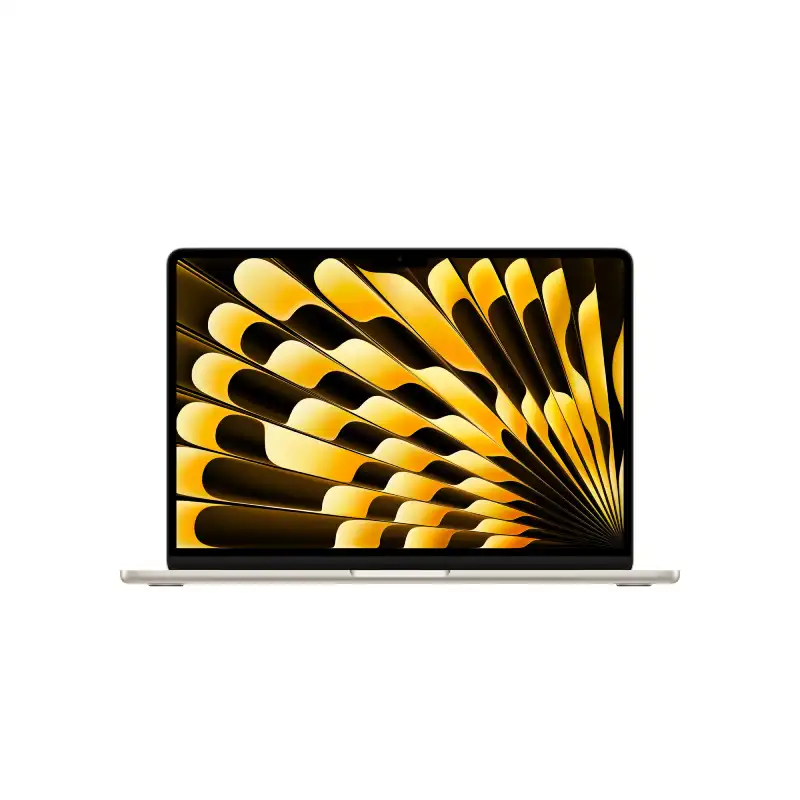
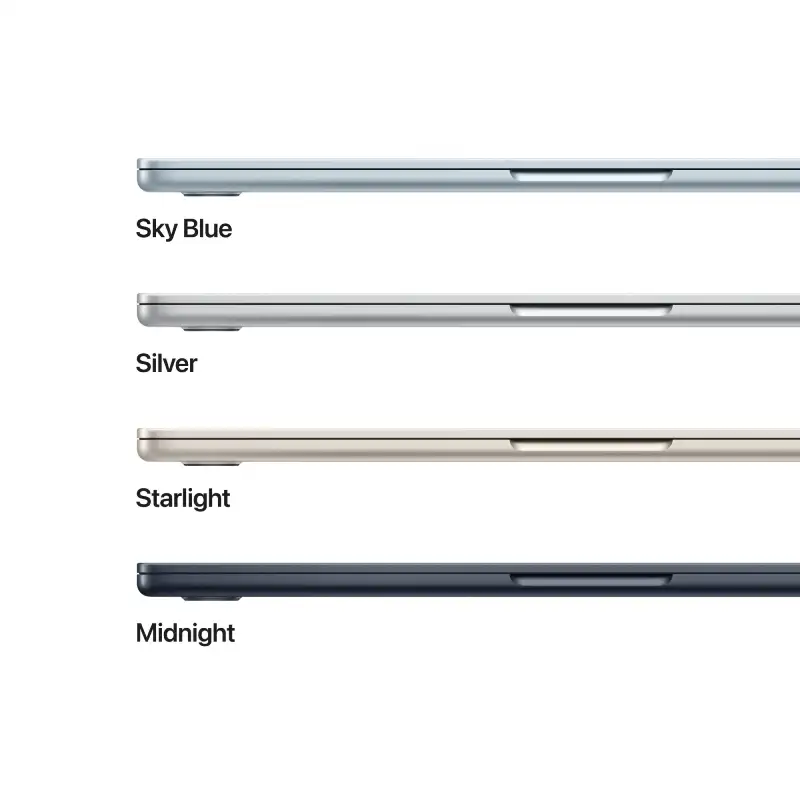
Apple MacBook Air 13-inch M5 10-core CPU 10-core GPU 16GB RAM 1TB SSD Starlight
- Apple M5 Chip — 10-Core CPU + 10-Core GPU with Ray Tracing
- 16-Core Neural Engine (NPU) + GPU Neural Accelerators — Apple Intelligence Ready
- 16GB Unified Memory (153GB/s Bandwidth)
- 1TB SSD
- 13.6" Liquid Retina (2560×1664) IPS, 224 PPI, 500 nits, 1 Billion Colours, P3, True Tone
- Up to 18 Hrs Battery + Fast Charge (MagSafe 3)
- MagSafe 3 + 2× Thunderbolt 4 + 3.5mm Jack + Touch ID + 12MP Center Stage Camera
- macOS + Apple Intelligence + Free iWork Suite (Pages, Numbers, Keynote)
- Starlight
- 1-Year Apple India Warranty
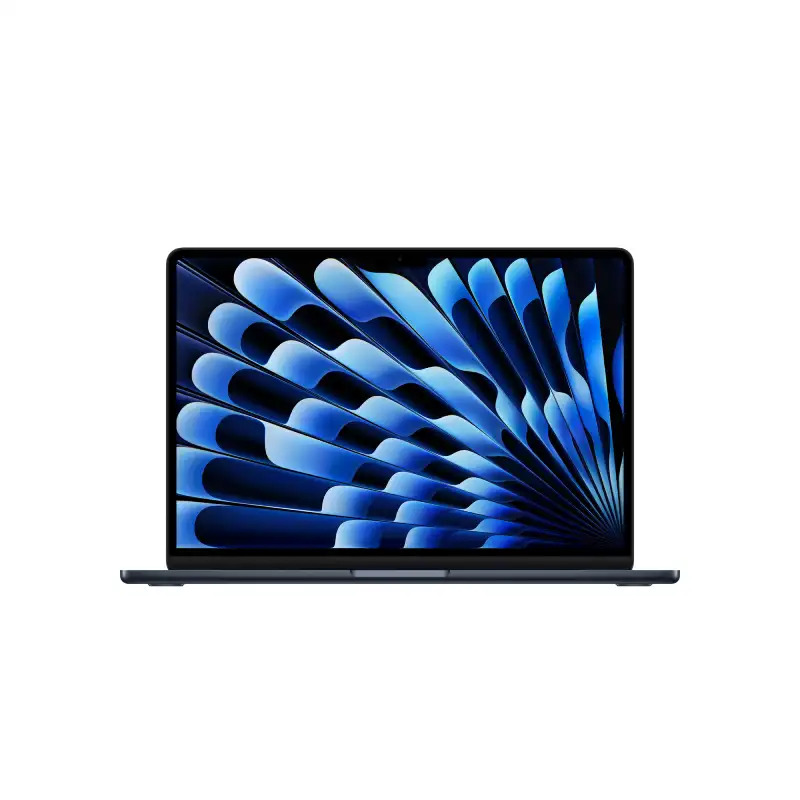
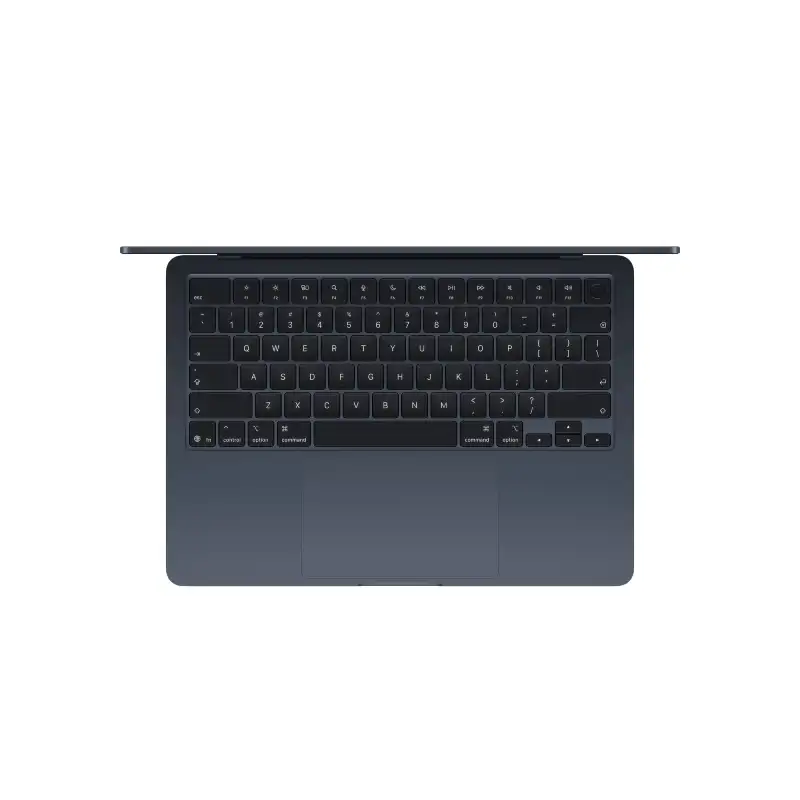
Apple MacBook Air 13-inch M5 10-core CPU 10-core GPU 24GB RAM 1TB SSD Midnight
- Apple M5 Chip — 10-Core CPU + 10-Core GPU with Ray Tracing
- 16-Core Neural Engine (NPU) + GPU Neural Accelerators — Apple Intelligence Ready
- 24GB Unified Memory (153GB/s Bandwidth)
- 1TB SSD
- 13.6" Liquid Retina (2560×1664) IPS, 224 PPI, 500 nits, 1 Billion Colours, P3, True Tone
- Up to 18 Hrs Battery + Fast Charge (MagSafe 3)
- MagSafe 3 + 2× Thunderbolt 4 + 3.5mm Jack + Touch ID + 12MP Center Stage Camera
- macOS + Apple Intelligence + Free iWork Suite (Pages, Numbers, Keynote)
- Midnight
- 1-Year Apple India Warranty
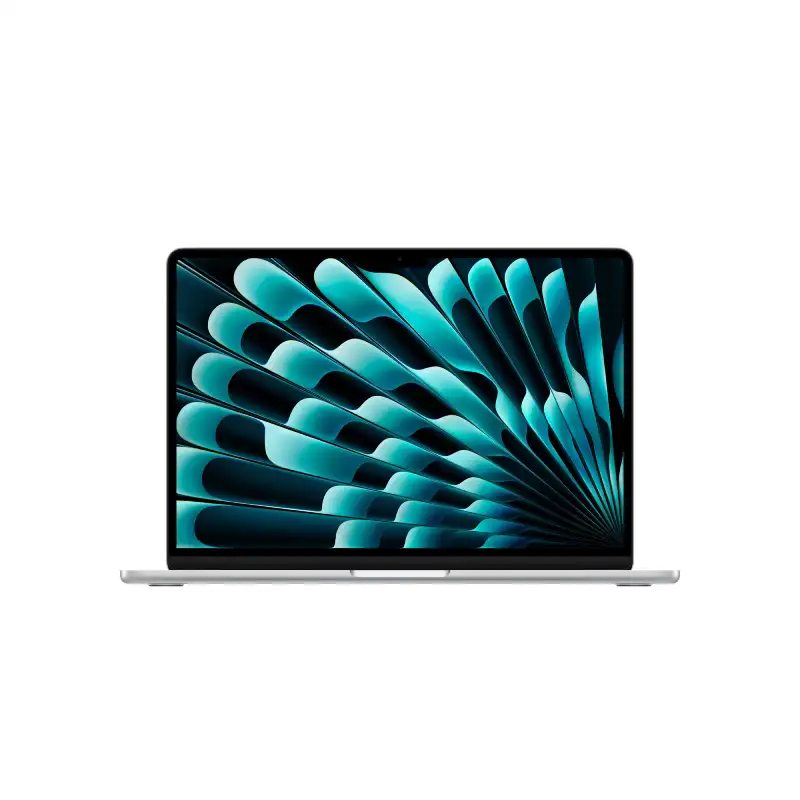
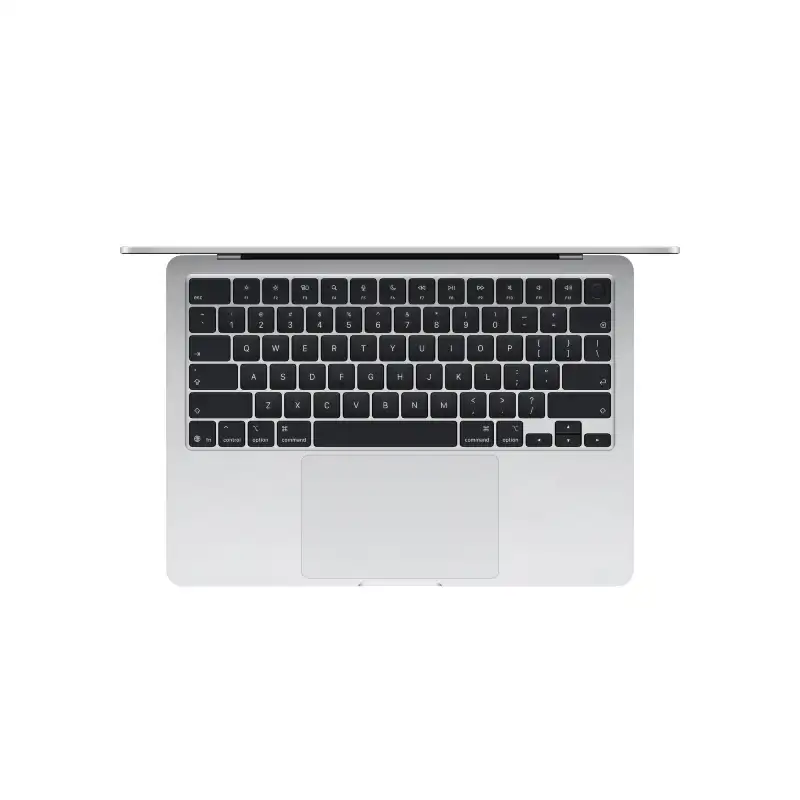
Apple MacBook Air 13-inch M5 10-core CPU 10-core GPU 24GB RAM 1TB SSD Silver
- Apple M5 Chip — 10-Core CPU + 10-Core GPU with Ray Tracing
- 16-Core Neural Engine (NPU) + GPU Neural Accelerators — Apple Intelligence Ready
- 24GB Unified Memory (153GB/s Bandwidth)
- 1TB SSD
- 13.6" Liquid Retina (2560×1664) IPS, 224 PPI, 500 nits, 1 Billion Colours, P3, True Tone
- Up to 18 Hrs Battery + Fast Charge (MagSafe 3)
- MagSafe 3 + 2× Thunderbolt 4 + 3.5mm Jack + Touch ID + 12MP Center Stage Camera
- macOS + Apple Intelligence + Free iWork Suite (Pages, Numbers, Keynote)
- Silver
- 1-Year Apple India Warranty
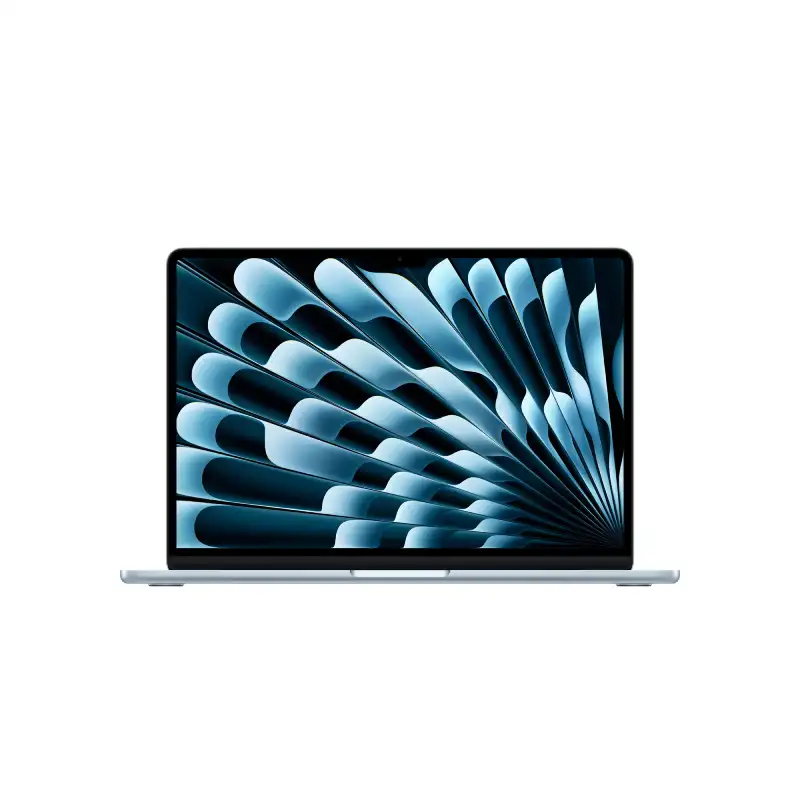
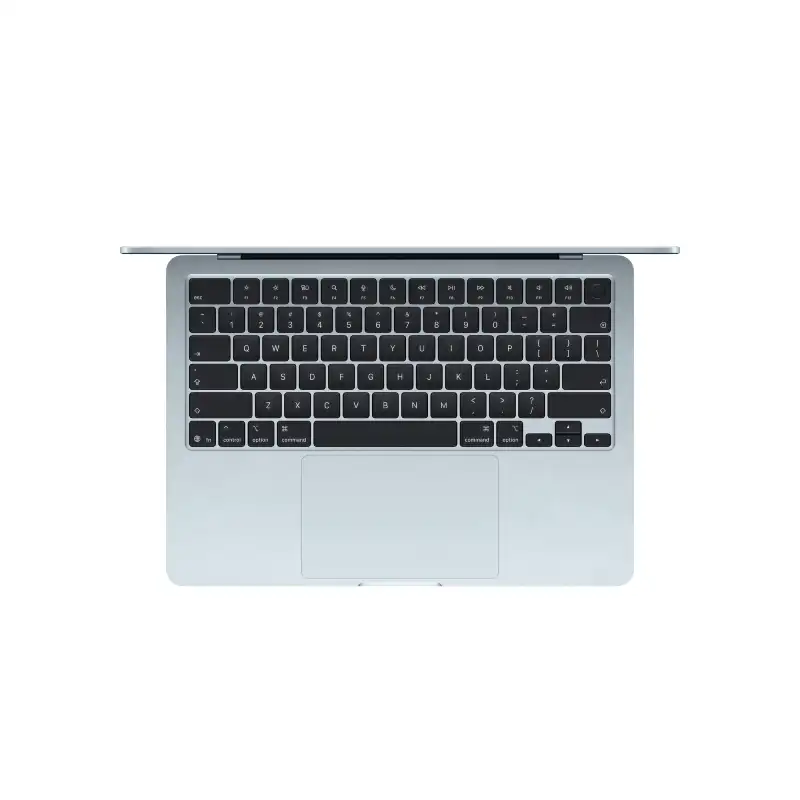
Apple MacBook Air 13-inch M5 10-core CPU 10-core GPU 24GB RAM 1TB SSD Sky Blue
- Apple M5 Chip — 10-Core CPU + 10-Core GPU with Ray Tracing
- 16-Core Neural Engine (NPU) + GPU Neural Accelerators — Apple Intelligence Ready
- 24GB Unified Memory (153GB/s Bandwidth)
- 1TB SSD
- 13.6" Liquid Retina (2560×1664) IPS, 224 PPI, 500 nits, 1 Billion Colours, P3, True Tone
- Up to 18 Hrs Battery + Fast Charge (MagSafe 3)
- MagSafe 3 + 2× Thunderbolt 4 + 3.5mm Jack + Touch ID + 12MP Center Stage Camera
- macOS + Apple Intelligence + Free iWork Suite (Pages, Numbers, Keynote)
- Sky Blue
- 1-Year Apple India Warranty
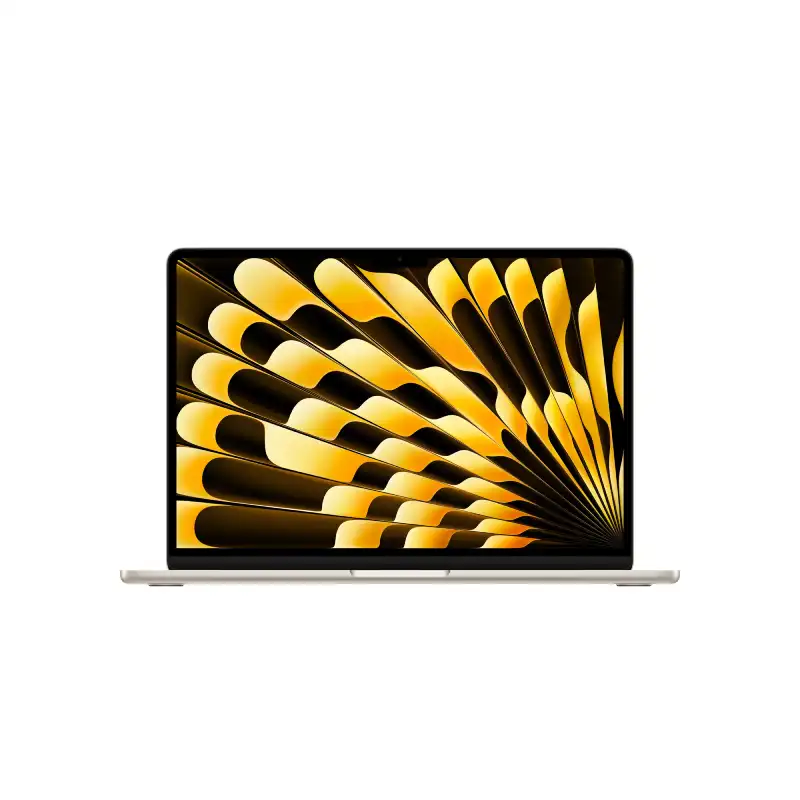
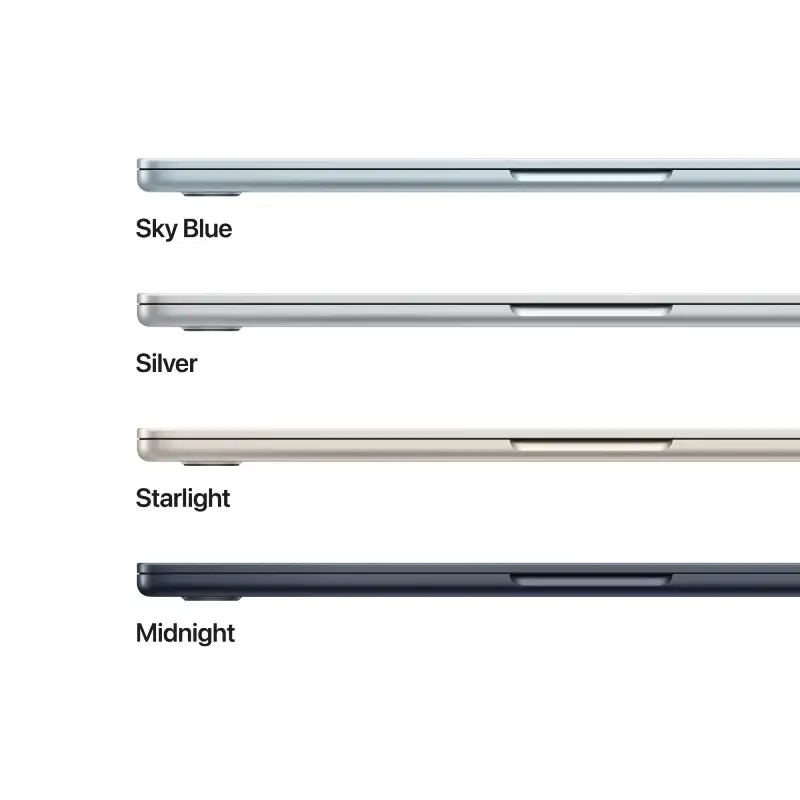
Apple MacBook Air 13-inch M5 10-core CPU 10-core GPU 24GB RAM 1TB SSD Starlight
- Apple M5 Chip — 10-Core CPU + 10-Core GPU with Ray Tracing
- 16-Core Neural Engine (NPU) + GPU Neural Accelerators — Apple Intelligence Ready
- 24GB Unified Memory (153GB/s Bandwidth)
- 1TB SSD
- 13.6" Liquid Retina (2560×1664) IPS, 224 PPI, 500 nits, 1 Billion Colours, P3, True Tone
- Up to 18 Hrs Battery + Fast Charge (MagSafe 3)
- MagSafe 3 + 2× Thunderbolt 4 + 3.5mm Jack + Touch ID + 12MP Center Stage Camera
- macOS + Apple Intelligence + Free iWork Suite (Pages, Numbers, Keynote)
- Starlight
- 1-Year Apple India Warranty
Frequently Asked Questions
Are all laptops at YourShoppy 100% genuine with full manufacturer warranty?
Yes. YourShoppy is an authorized dealer for ASUS, HP and Lenovo, and a trusted partner for Dell, MSI and Acer. Every laptop sold ships sealed in its original box with the manufacturer's standard 1-year warranty (extendable to 2 or 3 years on most models). You get a GST invoice with every purchase, which is required for warranty claims, insurance and corporate input credit.
How do I choose the right laptop for my needs?
Start with use case → budget → specs. For students and everyday work, an Intel Core i5 / Ryzen 5 with 16GB RAM and 512GB SSD around ₹50,000–₹65,000 is the sweet spot. For gaming or video editing, look at Ryzen 7 / Core i7 with RTX 4050 or higher, starting around ₹75,000. For business and travel, ultrabooks like the Zenbook, ThinkPad X1 or XPS 13 are ideal. Walk into our Koramangala store or WhatsApp us your use case — we'll shortlist 3 options in your budget within minutes.
How much RAM, storage and what processor should I buy in 2026?
For a laptop you'll keep 5+ years: minimum 16GB RAM (don't buy 8GB in 2026), 512GB NVMe SSD (avoid HDD entirely), and a current-generation processor — Intel Core Ultra 5/7, AMD Ryzen AI 5/7, or Apple M3/M4. For gaming or creative work, step up to 32GB RAM, 1TB SSD and a dedicated GPU (RTX 4050 or higher). Always check the processor generation, not just the family — a newer i5 often beats an older i7.
Do you offer same-day delivery in Bangalore?
Yes. We provide free same-day delivery to Koramangala, HSR Layout, BTM Layout, Indiranagar, Jayanagar, JP Nagar and Ejipura for orders confirmed before 2 PM. For Whitefield, Electronic City, Marathahalli, Bellandur, Sarjapur and other Bangalore localities, delivery is free and typically completed within 1 business day. Doorstep delivery is contact-less and you can inspect the sealed box before paying.
Do you provide a GST invoice for business or corporate purchases?
Yes. Every YourShoppy invoice is a proper GST tax invoice with your company's GSTIN, so you can claim input tax credit (up to 18%) on your laptop purchase. Just share your GSTIN and registered business name at checkout or before the in-store bill. We also support B2B bulk orders for IT companies, startups, schools and corporates across Bangalore — contact us for volume pricing on 5+ units.