
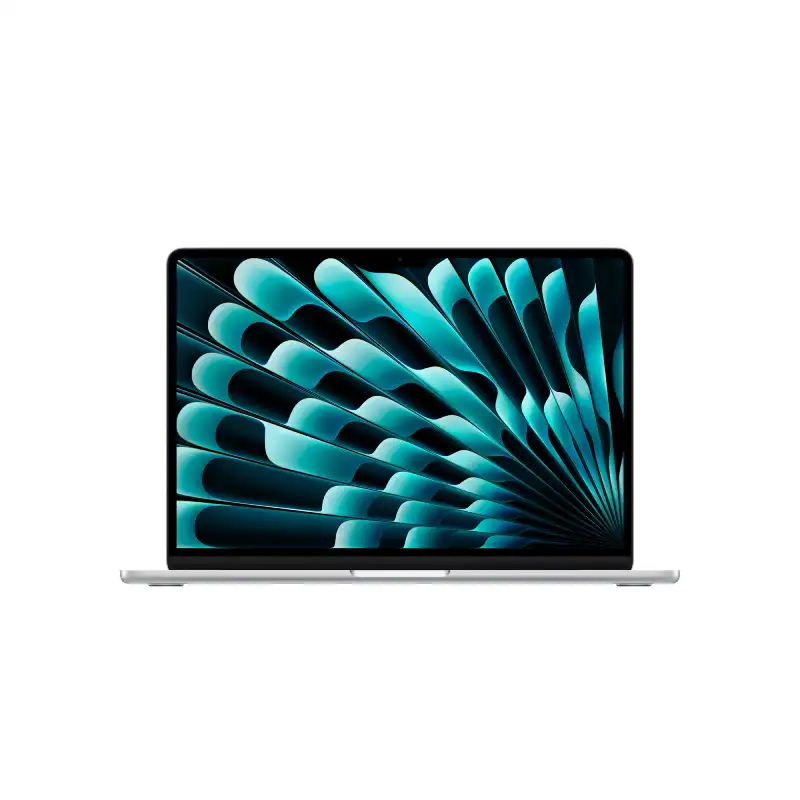
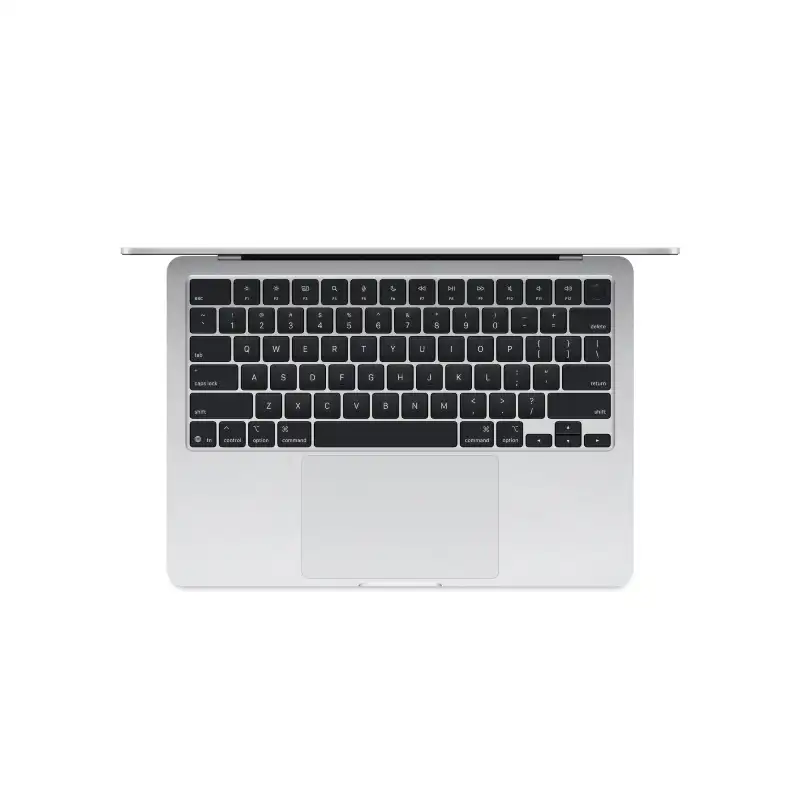




Apple MacBook Air 13-inch M4 10-core CPU 8-core GPU 16GB RAM 256GB SSD Silver-MW0W3HN/A
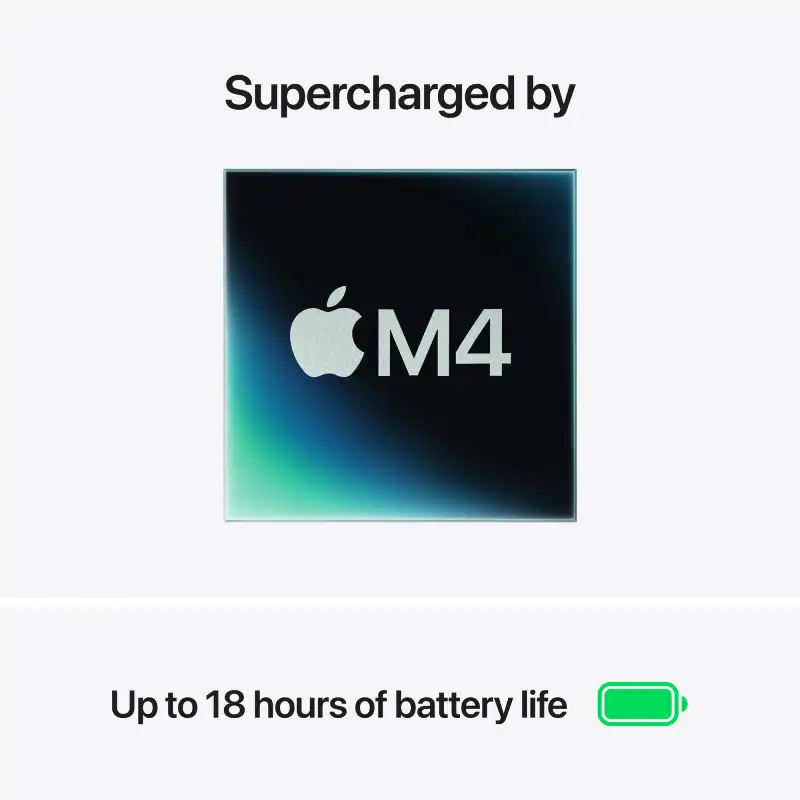
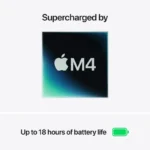
- Apple M4 Chip — 10-Core CPU + 8-Core GPU with Ray Tracing
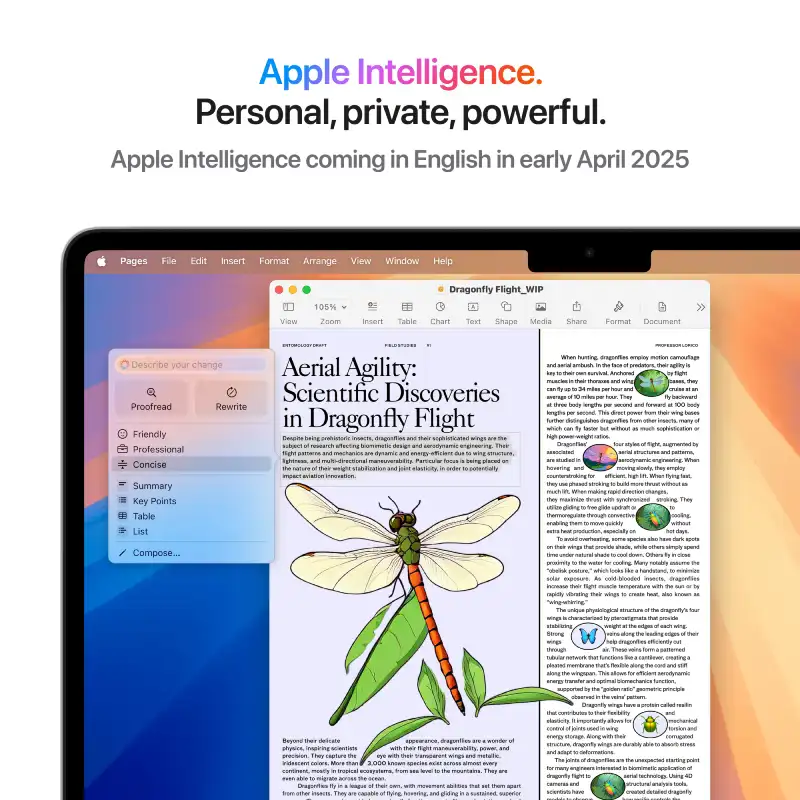
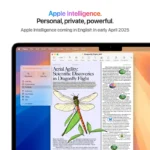
- 16-Core Neural Engine (NPU) — Apple Intelligence Ready
- 16GB Unified Memory (120GB/s Bandwidth)
- 256GB SSD
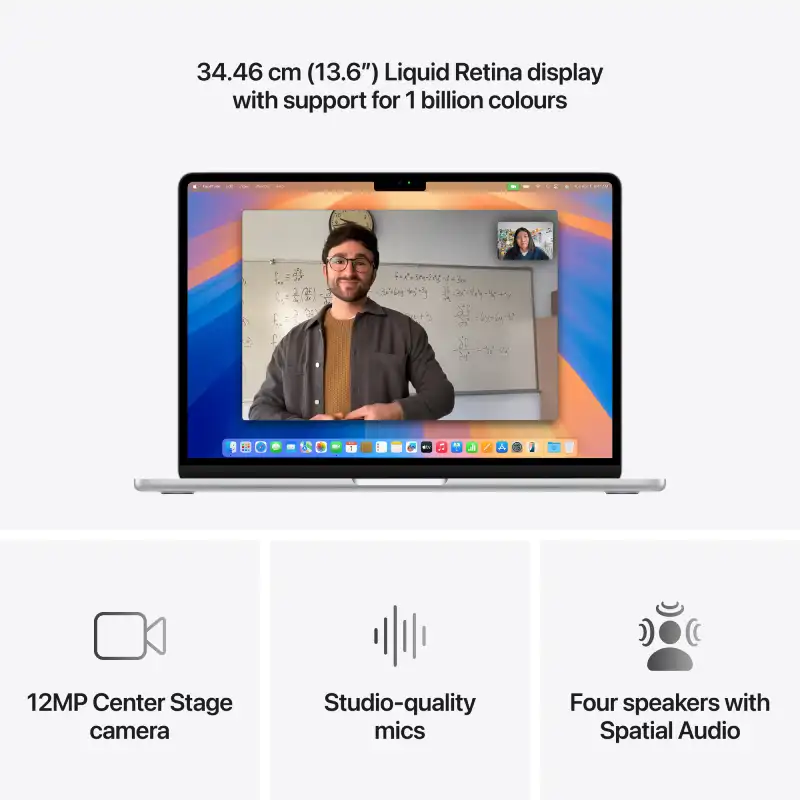
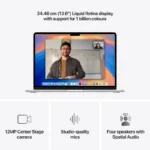
- 13.6″ Liquid Retina (2560×1664) IPS, 224 PPI, 500 nits, 1 Billion Colours, P3, True Tone
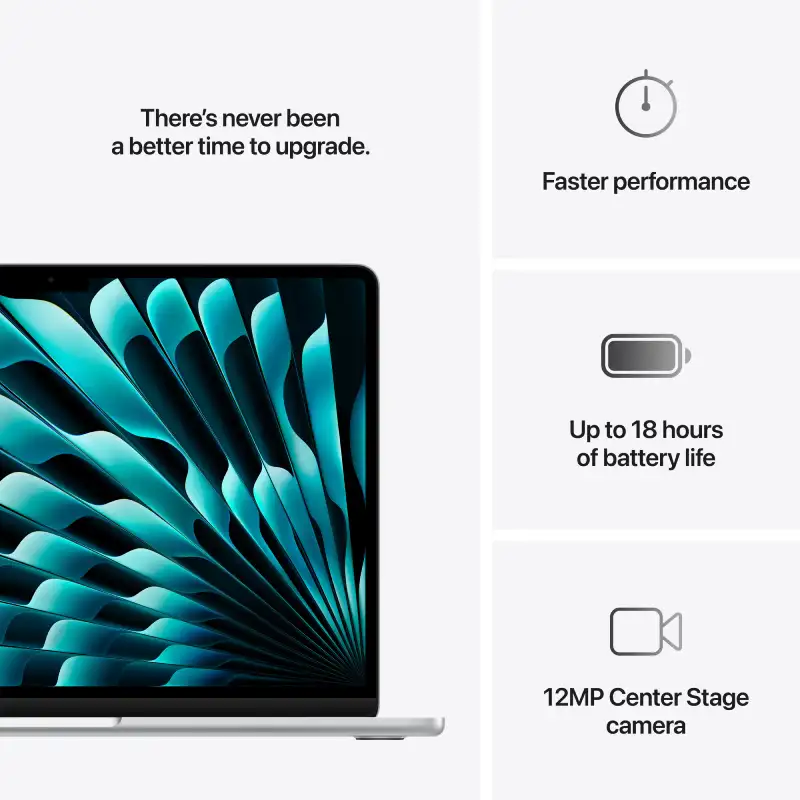
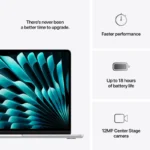
- Up to 18 Hrs Battery + Fast Charge (MagSafe 3)
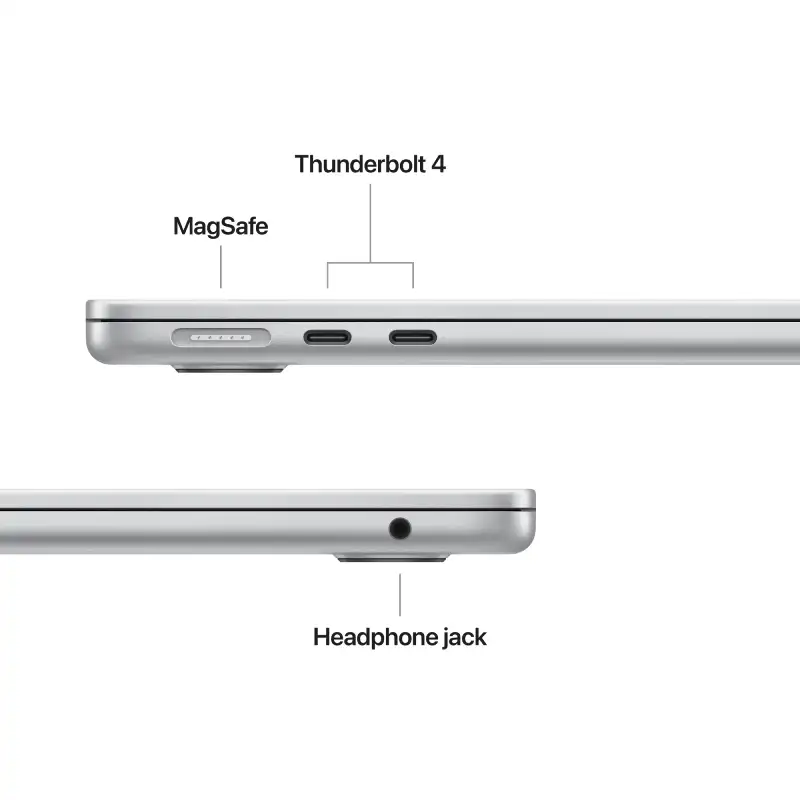
- MagSafe 3 + 2× Thunderbolt 4 + 3.5mm Jack + Touch ID + 12MP Center Stage Camera
- macOS + Apple Intelligence + Free iWork Suite (Pages, Numbers, Keynote)
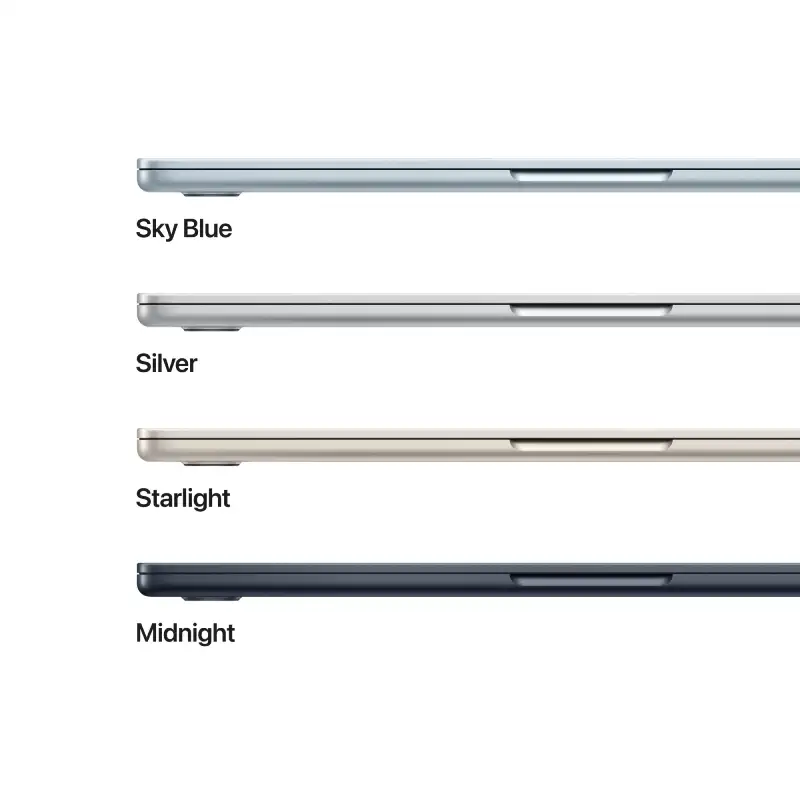
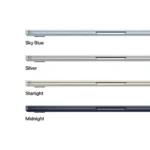
- Silver
- 1-Year Apple India Warranty
We build the right tech for you
Bangalore's trusted tech store since 2010
- Lifetime in-store technical supportWalk in any time — no AMC, no fees. In-store service only.
- Authorised dealerSealed box, full manufacturer warranty, GST invoice
- Free same-day delivery across Bangalore
- Price matchFind it cheaper at any authorised seller and we'll match it
- No-Cost EMI & Cash on Delivery
- Free laptop bagWith every laptop — no minimum spend
The apple macbook air 13 inch m4 — see the full specifications, key features, and pricing details below.
Apple MacBook Air 13-inch M4 (10-core CPU, 8-core GPU) – 16GB/256GB SSD – Silver (MW0W3HN/A)
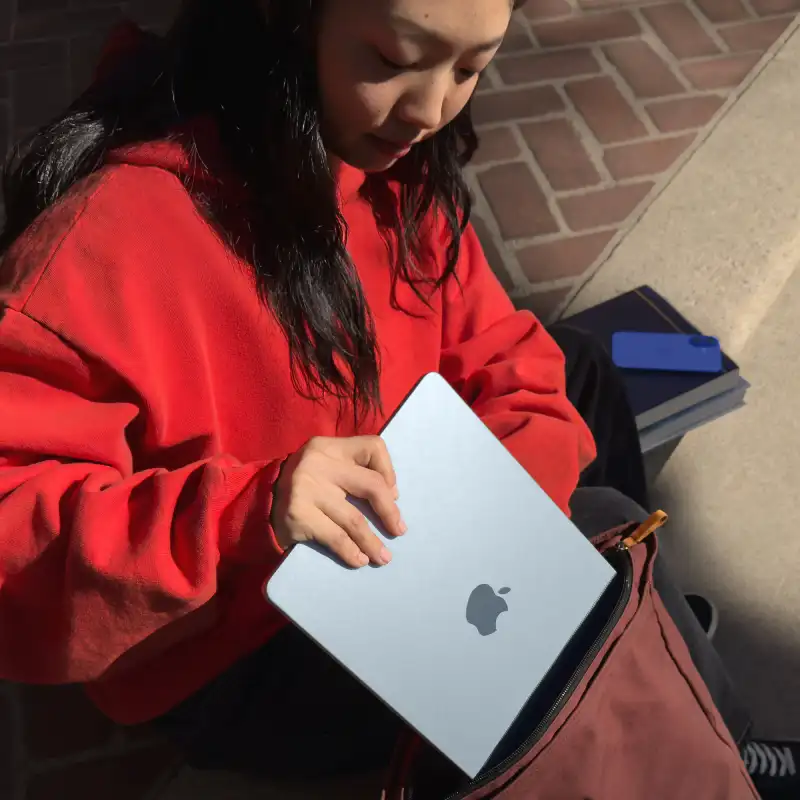
The Apple MacBook Air 13.6-inch M4 (MW0W3HN/A) in Silver is built for students, professionals and everyday creators. Powered by the Apple M4 chip with 16GB unified memory and a 256GB SSD, it delivers up to 18 hours of battery life in a 1.24 kg aluminium design. Part of the MacBook Air line.
Technical Specifications
| Processor | |
| Chip | Apple M4 chip (10-core CPU) |
| Neural Engine (NPU) | 16-core Neural Engine — Apple Intelligence ready |
| Display | |
| Display | 34.46 cm (13.6″) diagonal Liquid Retina, LED-backlit IPS, 2560 x 1664 at 224 PPI, 500 nits |
| Colour Support | 1 billion colours, Wide colour (P3), True Tone technology |
| Graphics | |
| Graphics | Apple M4 8-core GPU with hardware-accelerated ray tracing (integrated) |
| Memory & Storage | |
| RAM | 16GB unified memory |
| Memory Bandwidth | 120GB/s (determined by chip) |
| Upgradeability | Unified memory — not user-upgradeable |
| Storage | 256GB SSD |
| Connectivity & Ports | |
| Wireless | Wi-Fi 6E (802.11ax), Bluetooth 5.3 |
| Ports | MagSafe 3 charging port; 2 Thunderbolt 4 (USB-C) ports (charging, DisplayPort, up to 40Gbps); 3.5 mm headphone jack |
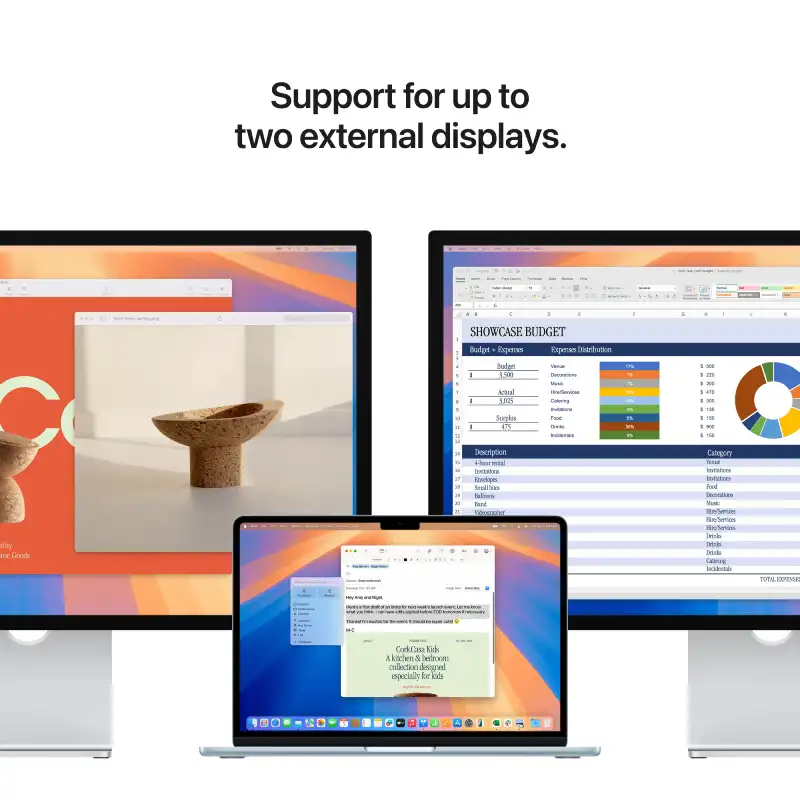
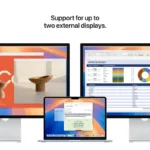
| External Display | Up to two external displays, up to 6K at 60Hz |
| Audio | |
| Speakers/Audio | Four-speaker sound system, Spatial Audio with Dolby Atmos, three-mic array with directional beamforming |
| Keyboard, Pointing & Webcam | |
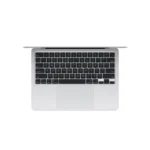
| Keyboard | Backlit Magic Keyboard with Touch ID and ambient light sensor |
| Pointing Device | Force Touch trackpad with Multi-Touch gesture support |
| Webcam | 12MP Center Stage camera with Desk View, 1080p HD video recording |
| Design & Build | |
| Dimensions (W × D × H) | 30.41 x 21.5 x 1.13 cm |
| Weight | 1.24 kg |
| Colour | Silver |
| Battery & Power | |
| Battery Life | Up to 18 hours video streaming, up to 15 hours wireless web (53.8Wh) |
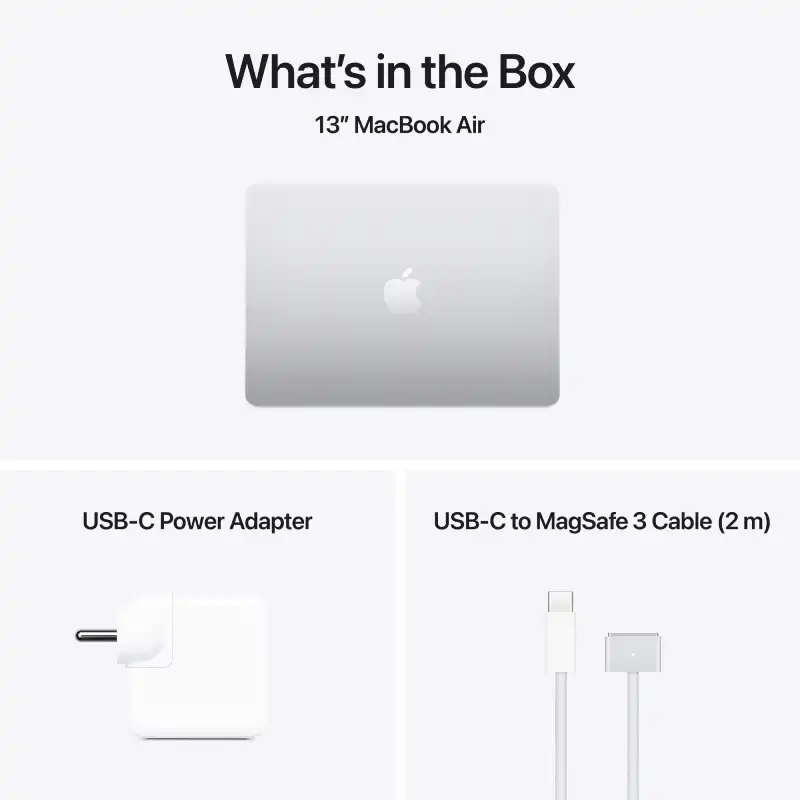
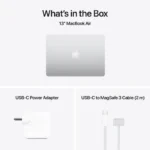
| Power Adapter | 30W USB-C Power Adapter included; fast-charge capable with 70W or higher |
| Software & Extras | |
| Operating System | macOS with Apple Intelligence |
| Included Software | Free iWork Suite (Pages, Numbers, Keynote), iMovie, GarageBand |
| Series | MacBook Air |
| In the Box | MacBook Air, 30W USB-C Power Adapter, USB-C to MagSafe 3 Cable (2 m) |
| Recommended Usage | Students, professionals, everyday creators |
| Warranty | 1-year Apple India limited warranty |
| Imported By | Apple India Private Limited, 19th Floor, Concorde Tower C, UB City, No. 24 Vittal Mallya Road, Bangalore – 560001 |
| Customer Support | 000800 040 1966 |
| Support | support.apple.com/en-in |
Related products: MacBook Air line, Apple M4 chip, students, professionals, everyday creators.
| Laptop Series | MacBook Air |
|---|---|
| Processor Brand | Apple |
| Laptop Processor | Apple M4 10-core CPU, 8-core GPU |
| Laptop Graphics | Apple M4 8-core GPU |
| Laptop RAM | 16GB |
| Laptop Storage | 256GB SSD |
| Laptop Screen Sizes | 13-inch |
| Laptop Touch Screen | NO |
| Color | Silver |
Frequently Asked Questions
Is the Apple MacBook Air 13-inch M4 good for everyday tasks like browsing and streaming?
Yes, the Apple MacBook Air 13-inch M4 is excellent for everyday tasks like browsing and streaming. Its 10-core CPU and 8-core GPU, powered by the M4 chip, ensure incredibly smooth performance. With 16GB of RAM, you will experience fast app launches and seamless multitasking for all your daily digital activities.
What kind of warranty does the Apple MacBook Air 13-inch M4 come with?
The Apple MacBook Air 13-inch M4 includes a 1-Year Apple India Warranty. This warranty covers manufacturing defects and provides support for your new device, ensuring peace of mind for your purchase.
How does the 16GB RAM and 256GB SSD on this MacBook Air M4 perform for creative work?
The 16GB of unified memory and 256GB SSD on this MacBook Air M4 offer good performance for many creative tasks. While 256GB is a solid starting point, extensive video editing or large photo libraries might benefit from external storage. The M4 chip itself excels at graphics performance for creative applications.
Can I get the Apple MacBook Air 13-inch M4 in Bangalore right now?
Yes, the Apple MacBook Air 13-inch M4 is currently available at YourShoppy, a leading laptop store in Bangalore. You can check the live stock status and current pricing directly on their website for immediate purchase.
Is the 13-inch screen size on this MacBook Air M4 suitable for long work sessions?
The 13.6-inch Liquid Retina display on this MacBook Air M4 is very suitable for long work sessions. Its high resolution and True Tone technology provide a clear and vibrant viewing experience, designed to reduce eye strain during extended periods of use.
What's the battery life like on the Apple MacBook Air 13-inch M4?
You can expect up to 18 hours of battery life on the Apple MacBook Air 13-inch M4. This extended battery performance is ideal for a full day of productivity or entertainment without needing to recharge, and it supports fast charging via MagSafe 3.
How does the Apple M4 chip in this MacBook Air compare to older Apple chips?
The Apple M4 chip in this MacBook Air represents a significant advancement over older Apple chips. It features a 10-core CPU and 8-core GPU, alongside a 16-core Neural Engine, delivering enhanced performance, improved power efficiency, and readiness for advanced features like Ray Tracing and Apple Intelligence.
I need a lightweight laptop for university that has an 18-hour battery life and costs under 100,000.
The Apple MacBook Air 13-inch M4 features a 10-core CPU and 16GB of RAM, offering up to 18 hours of battery life in a 1.24 kg design.
I am a student looking for a reliable machine with 16GB of RAM that can handle heavy multitasking throughout the day.
The Apple MacBook Air 13-inch M4 is equipped with 16GB of unified memory and a 10-core CPU, making it well-suited for multitasking.
Which laptop should I buy for everyday office work that is easy to carry, has a high-quality display, and includes a long-lasting battery?
The Apple MacBook Air 13-inch M4 is highly portable at 1.24 kg and features a 13.6-inch Liquid Retina display with 500 nits of brightness and an 18-hour battery.
Related products
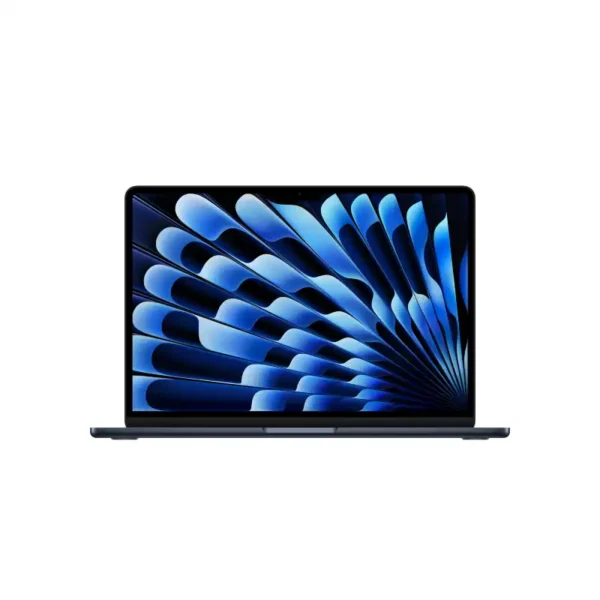
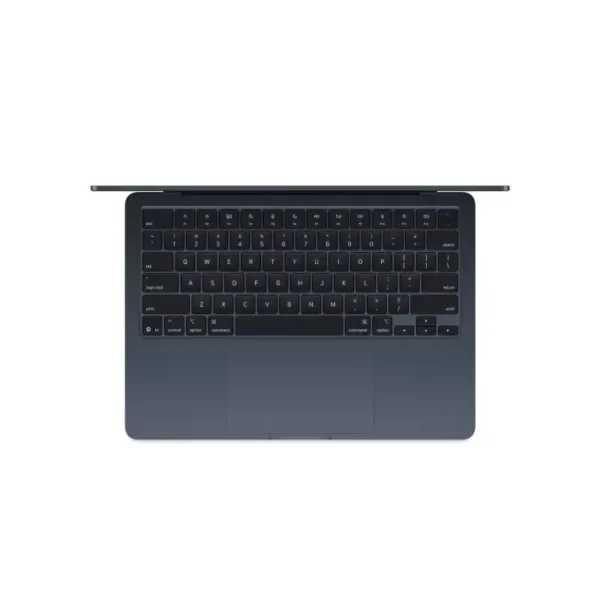
Apple MacBook Air 13-inch M4 (10-core CPU, 10-core GPU) – 16GB/512GB SSD – Midnight – MW133HN/A
- Apple M4 Chip — 10-Core CPU + 10-Core GPU with Ray Tracing
- 16-Core Neural Engine (NPU) — Apple Intelligence Ready
- 16GB Unified Memory (120GB/s Bandwidth)
- 512GB SSD
- 13.6" Liquid Retina (2560×1664) IPS, 224 PPI, 500 nits, 1 Billion Colours, P3, True Tone
- Up to 18 Hrs Battery + Fast Charge (MagSafe 3)
- MagSafe 3 + 2× Thunderbolt 4 + 3.5mm Jack + Touch ID + 12MP Center Stage Camera
- macOS + Apple Intelligence + Free iWork Suite (Pages, Numbers, Keynote)
- Midnight
- 1-Year Apple India Warranty
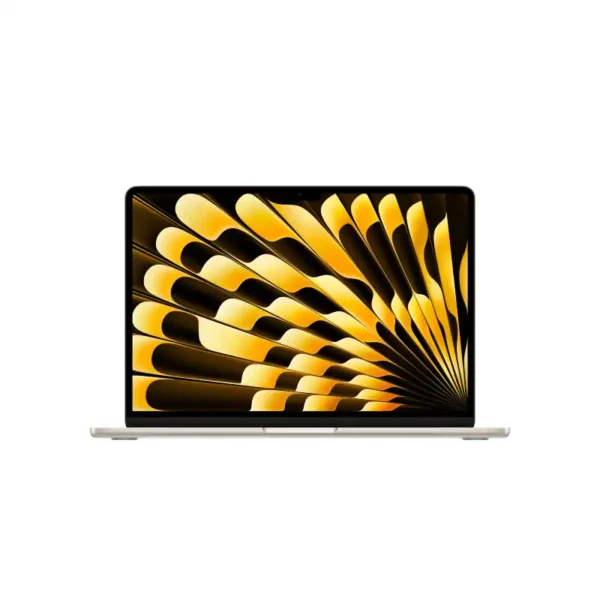
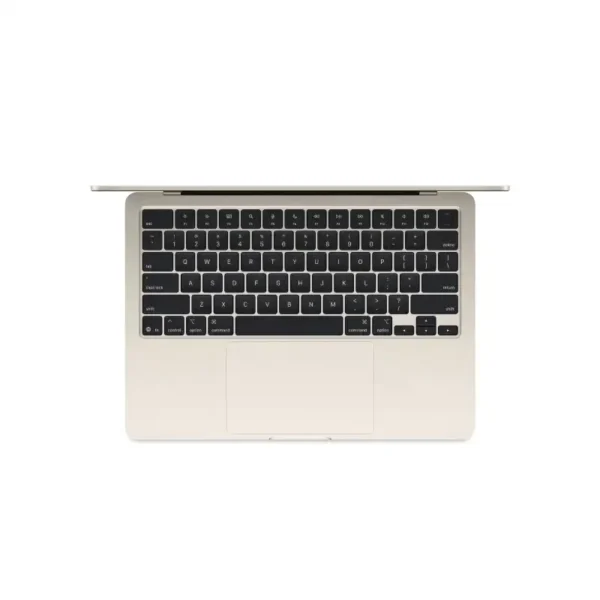
Apple MacBook Air 13-inch M4 10-core CPU 10-core GPU 16GB RAM 512GB SSD Starlight-MW103HN/A
- Apple M4 Chip — 10-Core CPU + 10-Core GPU with Ray Tracing
- 16-Core Neural Engine (NPU) — Apple Intelligence Ready
- 16GB Unified Memory (120GB/s Bandwidth)
- 512GB SSD
- 13.6" Liquid Retina (2560×1664) IPS, 224 PPI, 500 nits, 1 Billion Colours, P3, True Tone
- Up to 18 Hrs Battery + Fast Charge (MagSafe 3)
- MagSafe 3 + 2× Thunderbolt 4 + 3.5mm Jack + Touch ID + 12MP Center Stage Camera
- macOS + Apple Intelligence + Free iWork Suite (Pages, Numbers, Keynote)
- Starlight
- 1-Year Apple India Warranty
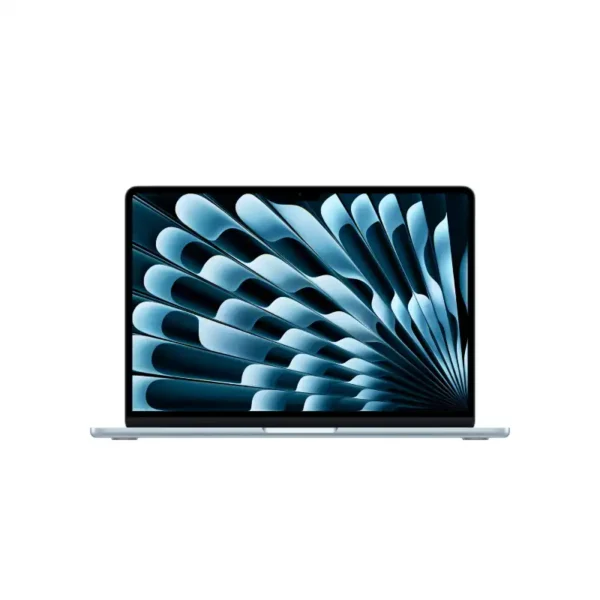
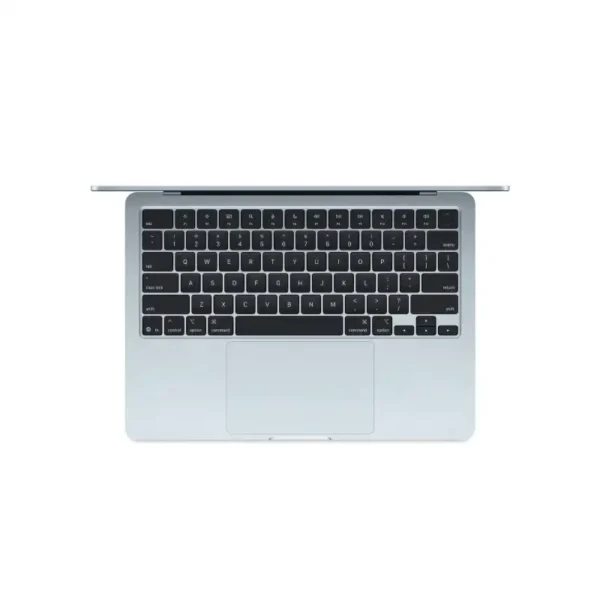
Apple MacBook Air 13-inch M4 10-core CPU 8-core GPU 16GB RAM 256GB SSD Sky Blue-MC6T4HN/A
- Apple M4 Chip — 10-Core CPU + 8-Core GPU with Ray Tracing
- 16-Core Neural Engine (NPU) — Apple Intelligence Ready
- 16GB Unified Memory (120GB/s Bandwidth)
- 256GB SSD
- 13.6" Liquid Retina (2560×1664) IPS, 224 PPI, 500 nits, 1 Billion Colours, P3, True Tone
- Up to 18 Hrs Battery + Fast Charge (MagSafe 3)
- MagSafe 3 + 2× Thunderbolt 4 + 3.5mm Jack + Touch ID + 12MP Center Stage Camera
- macOS + Apple Intelligence + Free iWork Suite (Pages, Numbers, Keynote)
- Sky Blue
- 1-Year Apple India Warranty
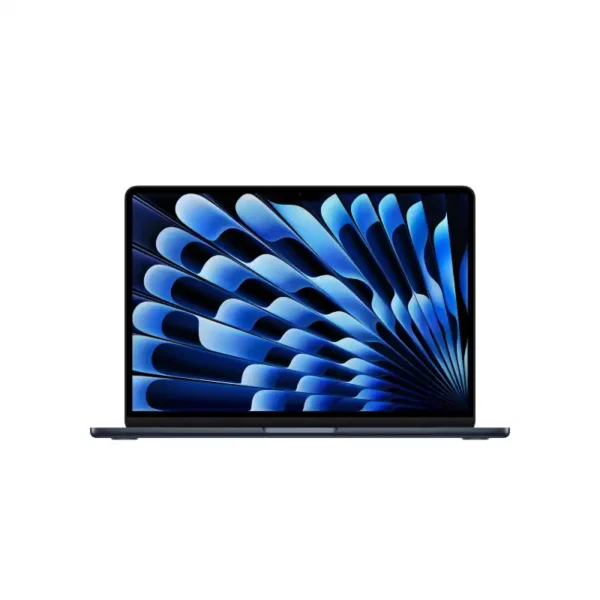
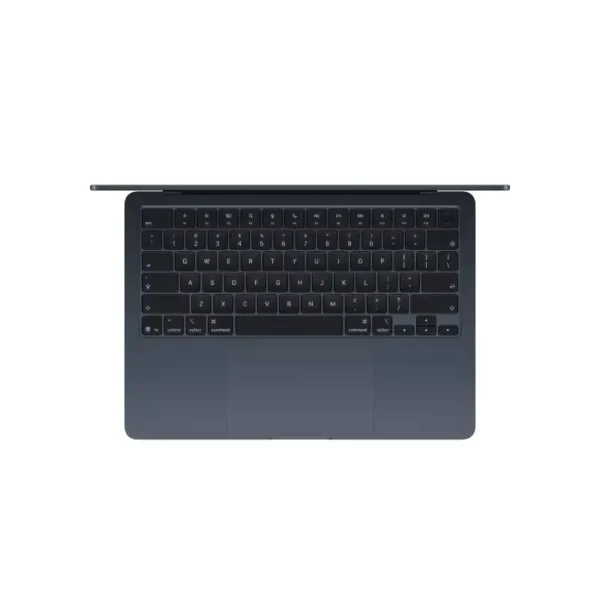
Apple MacBook Air 13-inch M5 10-core CPU 10-core GPU 16GB RAM 1TB SSD Midnight-MDHF4HN/A
- Apple M5 Chip — 10-Core CPU + 10-Core GPU with Ray Tracing
- 16-Core Neural Engine (NPU) + GPU Neural Accelerators — Apple Intelligence Ready
- 16GB Unified Memory (153GB/s Bandwidth)
- 1TB SSD
- 13.6" Liquid Retina (2560×1664) IPS, 224 PPI, 500 nits, 1 Billion Colours, P3, True Tone
- Up to 18 Hrs Battery + Fast Charge (MagSafe 3)
- MagSafe 3 + 2× Thunderbolt 4 + 3.5mm Jack + Touch ID + 12MP Center Stage Camera
- macOS + Apple Intelligence + Free iWork Suite (Pages, Numbers, Keynote)
- Midnight
- 1-Year Apple India Warranty
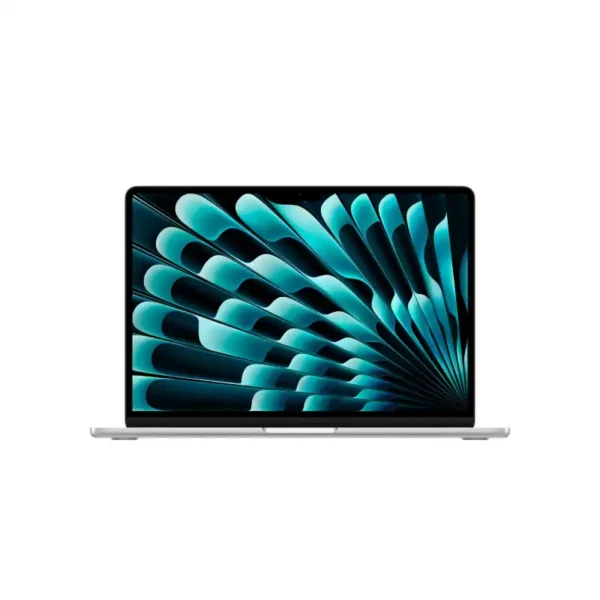

Apple MacBook Air 13-inch M5 10-core CPU 10-core GPU 16GB RAM 1TB SSD Silver-MDH84HN/A
- Apple M5 Chip — 10-Core CPU + 10-Core GPU with Ray Tracing
- 16-Core Neural Engine (NPU) + GPU Neural Accelerators — Apple Intelligence Ready
- 16GB Unified Memory (153GB/s Bandwidth)
- 1TB SSD
- 13.6" Liquid Retina (2560×1664) IPS, 224 PPI, 500 nits, 1 Billion Colours, P3, True Tone
- Up to 18 Hrs Battery + Fast Charge (MagSafe 3)
- MagSafe 3 + 2× Thunderbolt 4 + 3.5mm Jack + Touch ID + 12MP Center Stage Camera
- macOS + Apple Intelligence + Free iWork Suite (Pages, Numbers, Keynote)
- Silver
- 1-Year Apple India Warranty
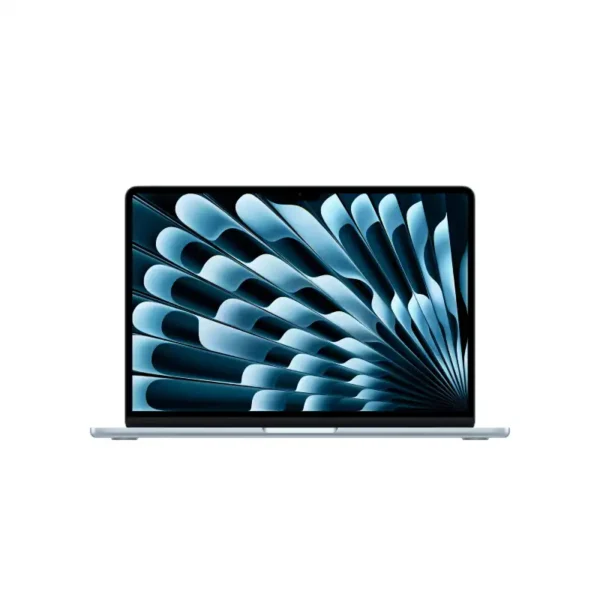
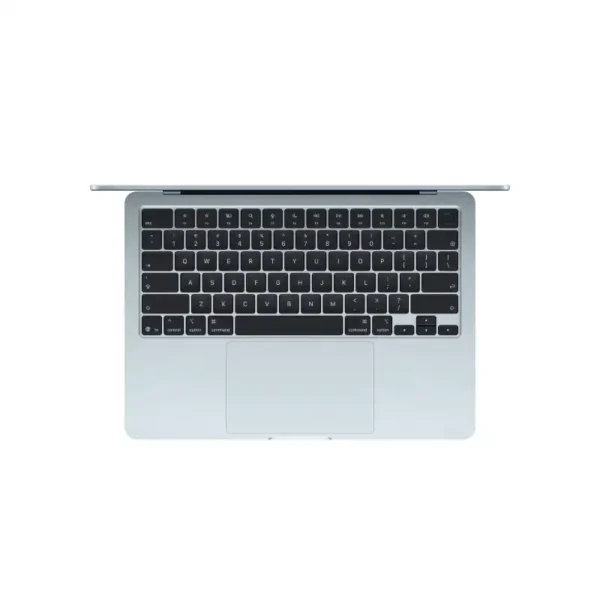
Apple MacBook Air 13-inch M5 10-core CPU 10-core GPU 16GB RAM 1TB SSD Sky Blue-MDHJ4HN/A
- Apple M5 Chip — 10-Core CPU + 10-Core GPU with Ray Tracing
- 16-Core Neural Engine (NPU) + GPU Neural Accelerators — Apple Intelligence Ready
- 16GB Unified Memory (153GB/s Bandwidth)
- 1TB SSD
- 13.6" Liquid Retina (2560×1664) IPS, 224 PPI, 500 nits, 1 Billion Colours, P3, True Tone
- Up to 18 Hrs Battery + Fast Charge (MagSafe 3)
- MagSafe 3 + 2× Thunderbolt 4 + 3.5mm Jack + Touch ID + 12MP Center Stage Camera
- macOS + Apple Intelligence + Free iWork Suite (Pages, Numbers, Keynote)
- Sky Blue
- 1-Year Apple India Warranty
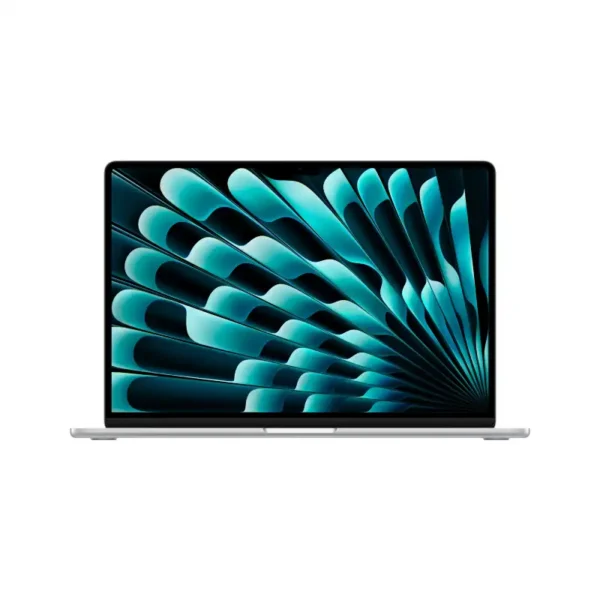
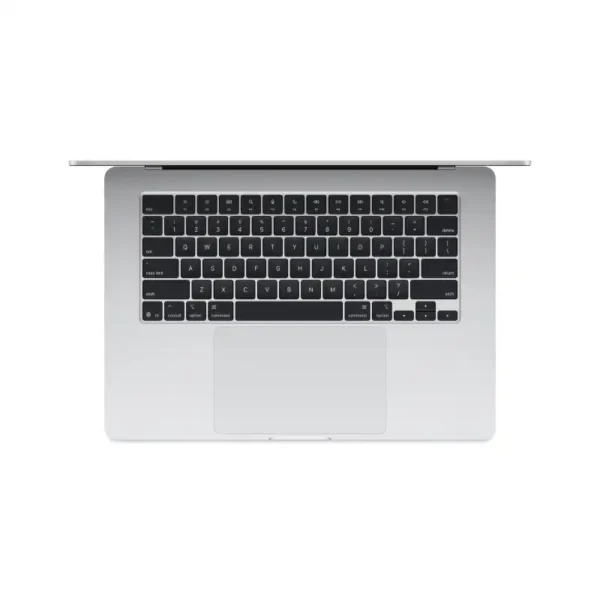
Apple MacBook Air 15-inch M4 (10-core CPU, 10-core GPU) – 16GB/256GB SSD – Silver – MW1G3HN/A
- Apple M4 Chip — 10-Core CPU + 10-Core GPU with Ray Tracing
- 16-Core Neural Engine (NPU) — Apple Intelligence Ready
- 16GB Unified Memory (120GB/s Bandwidth)
- 256GB SSD
- 15.3" Liquid Retina (2880×1864) IPS, 224 PPI, 500 nits, 1 Billion Colours, P3, True Tone
- Up to 18 Hrs Battery + Fast Charge (MagSafe 3)
- MagSafe 3 + 2× Thunderbolt 4 + 3.5mm Jack + Touch ID + 12MP Center Stage Camera
- macOS + Apple Intelligence + Free iWork Suite (Pages, Numbers, Keynote)
- Silver
- 1-Year Apple India Warranty

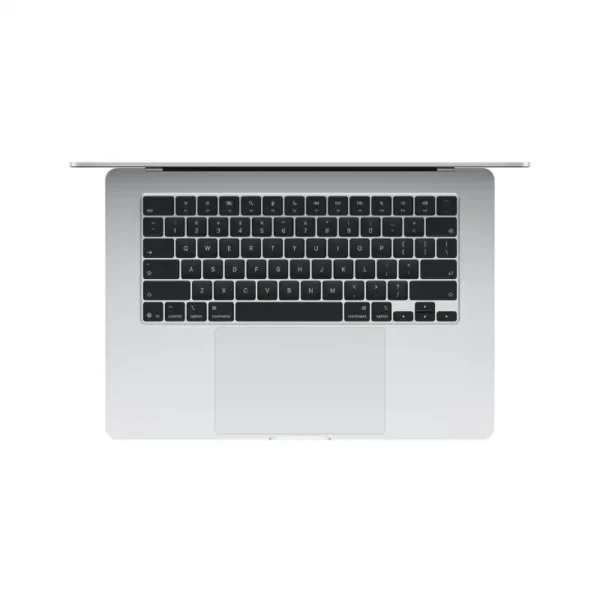
Apple MacBook Air 15-inch M5 (10-core CPU, 10-core GPU) – 16GB/512GB SSD – Silver – MDV94HN/A
- Apple M5 Chip — 10-Core CPU + 10-Core GPU with Ray Tracing
- 16-Core Neural Engine (NPU) + GPU Neural Accelerators — Apple Intelligence Ready
- 16GB Unified Memory (153GB/s Bandwidth)
- 512GB SSD
- 15.3" Liquid Retina (2880×1864) IPS, 224 PPI, 500 nits, 1 Billion Colours, P3, True Tone
- Up to 18 Hrs Battery + Fast Charge (MagSafe 3)
- MagSafe 3 + 2× Thunderbolt 4 + 3.5mm Jack + Touch ID + 12MP Center Stage Camera
- macOS + Apple Intelligence + Free iWork Suite (Pages, Numbers, Keynote)
- Silver
- 1-Year Apple India Warranty