
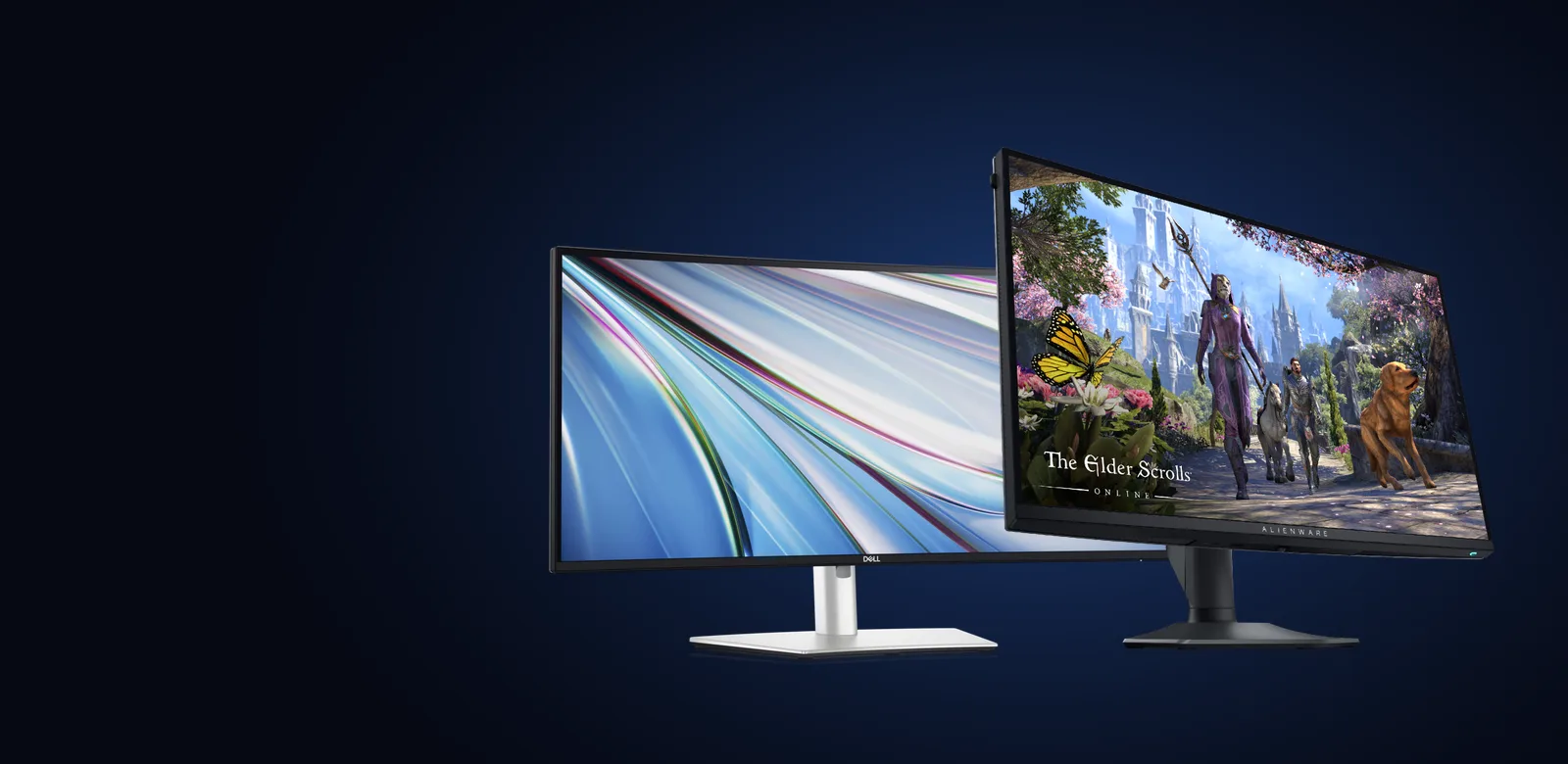
Dell Monitors
Dell monitors in Bangalore at YourShoppy cover every desk, from a 20-inch office screen to a 52-inch UltraSharp. We list around 80 Dell and Alienware models: QD-OLED gaming monitors up to 360Hz, UltraSharp displays with Thunderbolt and USB-C hubs, Dell Pro monitors for offices, and budget Dell screens for home and study.
Filter by size, resolution, refresh rate or series below. Not sure which one fits? WhatsApp 97392 21133 or 98869 19198 with your laptop or PC and what you’ll use the screen for.
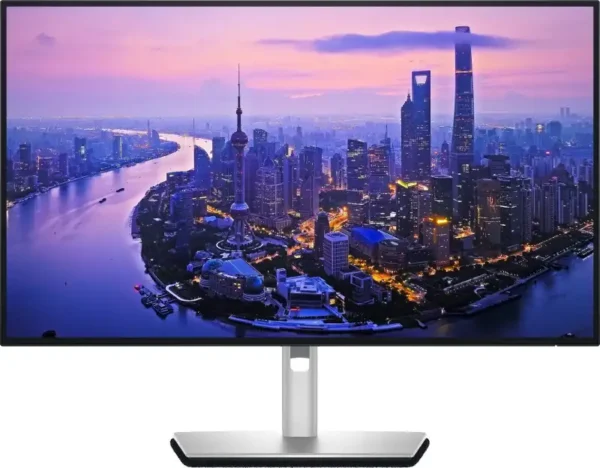
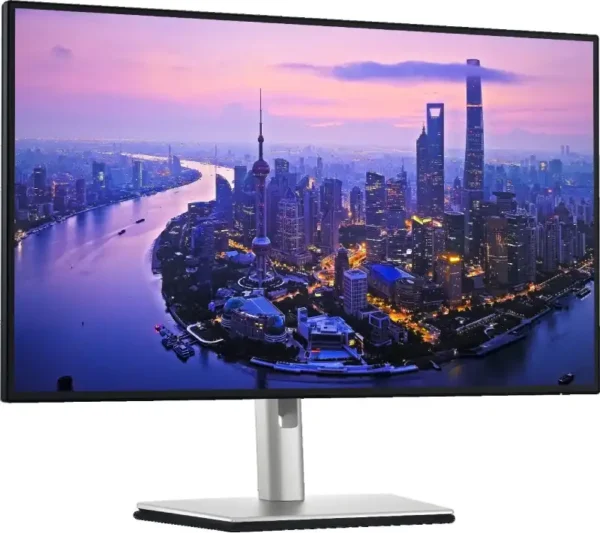
Dell UltraSharp 27 4K Thunderbolt Hub Monitor, U2725QE
- 27" 4K UHD (3840 × 2160) IPS Black Panel, 120 Hz Refresh Rate
- 450 cd/m² Brightness, 3,000:1 Contrast Ratio, 5 ms / 8 ms (GtG) Response Time
- VESA DisplayHDR 600
- Dell Eye Comfort Technology, Ambient Light Sensor, Anti-Glare 3H
- 99% DCI-P3 / 100% sRGB Colour Gamut | 178° / 178° Wide Viewing Angles
- Thunderbolt 4 Hub (140 W EPR), DisplayPort 1.4, HDMI, 2.5GbE Ethernet, KVM
- Tilt / Swivel / Height / Pivot Adjustable, VESA 100 × 100 mm
- 3-Year Advanced Exchange & Premium Panel Exchange Warranty
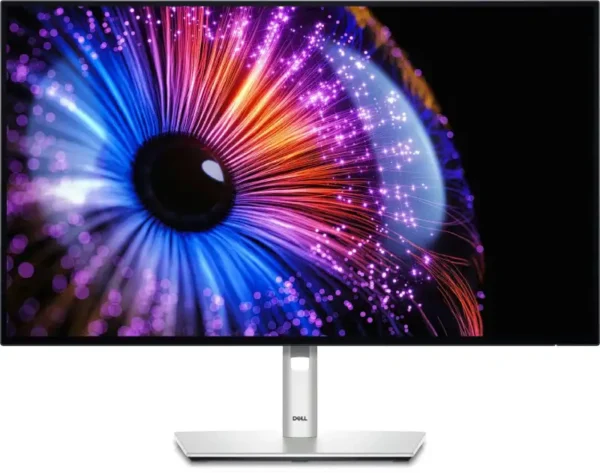
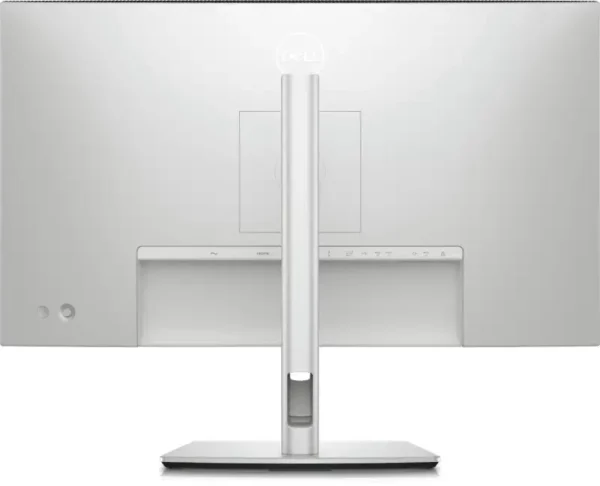
Dell UltraSharp 27 Thunderbolt Hub Monitor – U2724DE
- 27" QHD (2560 × 1440) IPS Black Panel, 120 Hz Refresh Rate
- 350 cd/m² Brightness, 2,000:1 Contrast Ratio, 8 ms / 5 ms (GtG) Response Time
- Dell Eye Comfort, Ambient Light Sensor, TÜV 5-Star Eye Comfort, Anti-Glare 3H
- 100% sRGB / 98% DCI-P3 Colour Gamut | 178° / 178° Wide Viewing Angles
- Thunderbolt 4 Hub (90 W PD), DisplayPort 1.4, HDMI, 2.5GbE Ethernet, KVM
- Tilt / Swivel / Height / Pivot Adjustable, VESA 100 × 100 mm
- 3-Year Advanced Exchange & Premium Panel Exchange Warranty
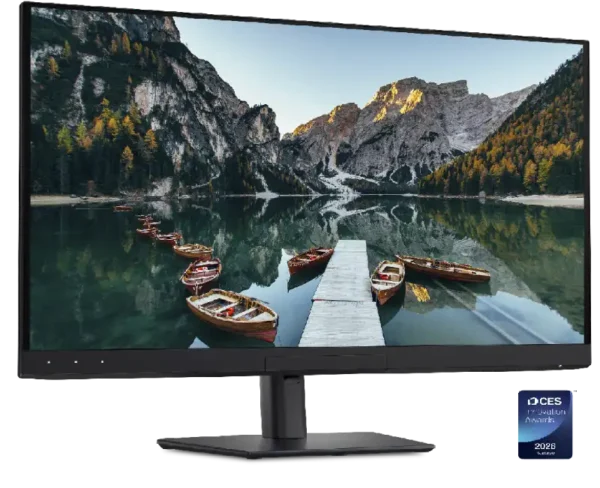
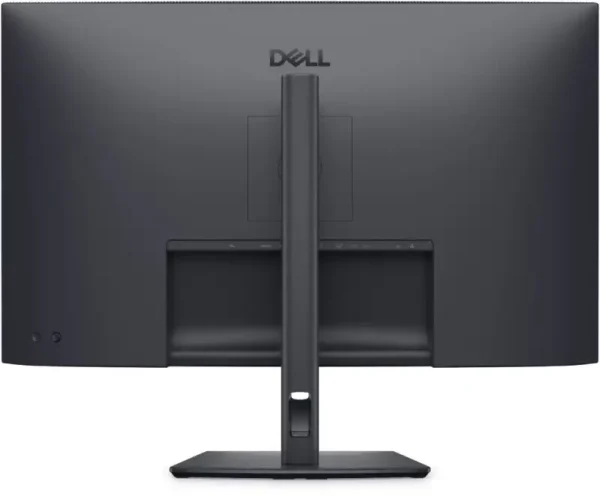
Dell UltraSharp 32 4K QD-OLED Monitor, U3226Q
- 31.5" 4K UHD (3840 × 2160) QD-OLED Panel, 120 Hz Refresh Rate
- 300 cd/m² Brightness (1000 cd/m² peak), 1,500,000:1 Contrast Ratio, 0.03 ms (GtG) Response Time
- VESA DisplayHDR True Black 500, Dolby Vision, VRR
- Dell Eye Comfort (TÜV 4-Star), Flicker-free, Anti-Glare Low Reflectance
- 99% DCI-P3 / 100% sRGB / 94% Adobe RGB Colour Gamut | 178° / 178° Wide Viewing Angles
- 2 × HDMI 2.1, DisplayPort 1.4, Thunderbolt 4 Hub (140 W EPR), 2.5GbE Ethernet, KVM
- Tilt / Swivel / Height / Pivot Adjustable, Built-in Colorimeter, VESA 100 × 100 mm
- 3-Year Advanced Exchange & Premium Panel Exchange Warranty (includes OLED burn-in coverage)


Dell UltraSharp 32 6K Monitor, U3224KB, 31.5-inch Display
- 31.5" 6K (6144 × 3456) IPS Black Panel at 60 Hz
- 450 cd/m² Brightness, 2,000:1 Contrast Ratio, 5 ms / 8 ms (GtG) Response Time
- VESA DisplayHDR 600
- Anti-Glare 3H Hard Coating
- 99% DCI-P3 / 100% sRGB Colour Gamut | 178° / 178° Wide Viewing Angles
- HDMI, Mini DisplayPort 2.1, Thunderbolt 4 Hub (140 W EPR), 2.5GbE Ethernet, KVM
- 8 MP Webcam, Dual Microphone Array, Stereo 14 W Speakers
- Tilt / Swivel / Height / Pivot Adjustable, VESA 100 × 100 mm
- 3-Year Advanced Exchange & Premium Panel Exchange Warranty
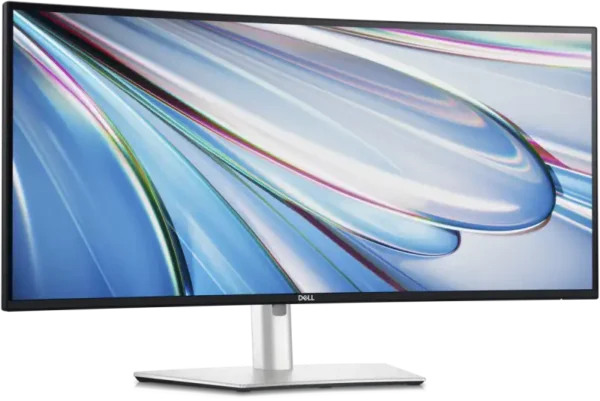
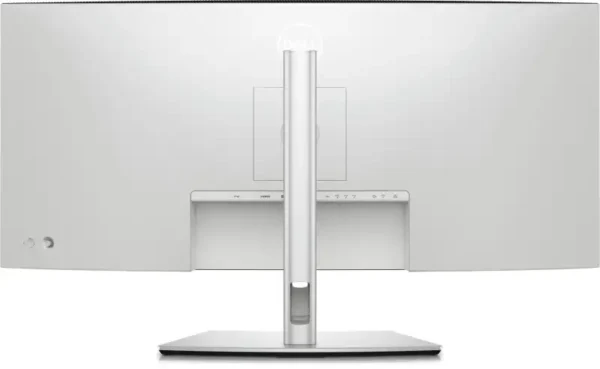
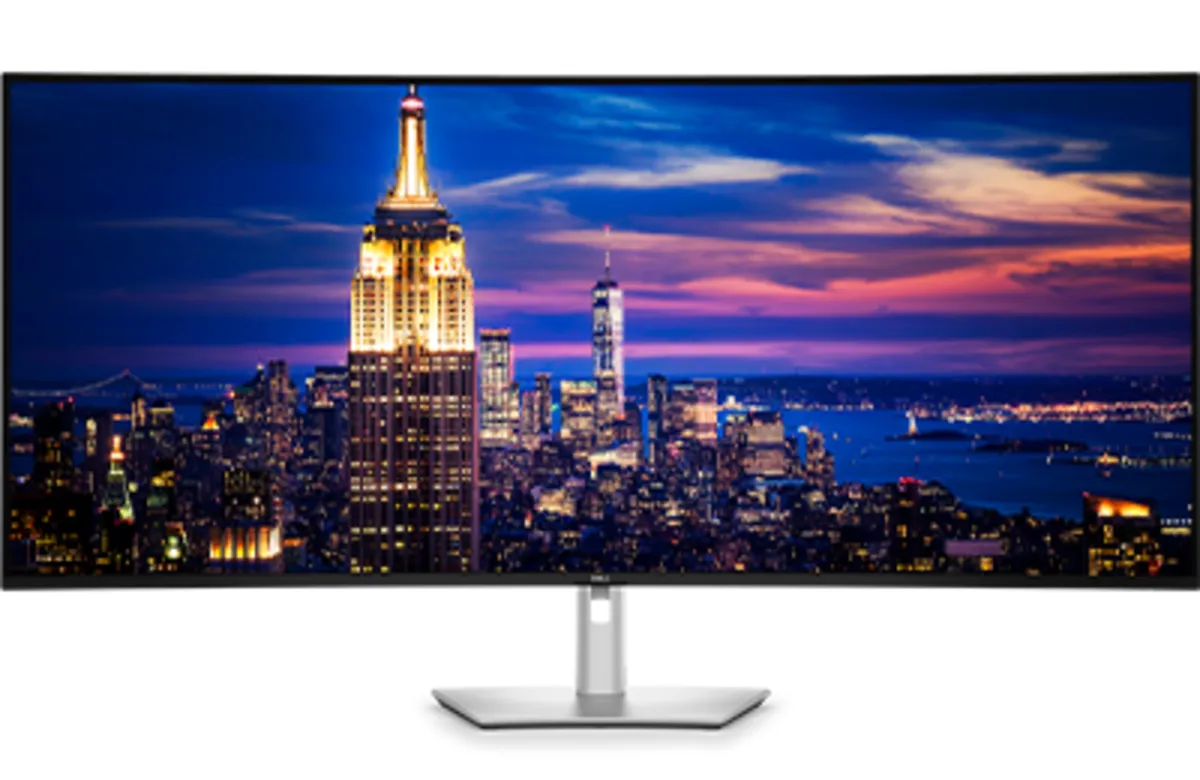
Dell UltraSharp 34 Curved Thunderbolt Hub Monitor, U3425WE
- 34.14" WQHD (3440 × 1440) Curved IPS Black Panel, 120 Hz Refresh Rate, 1900R Curvature
- 300 cd/m² Brightness, 2,000:1 Contrast Ratio, 8 ms / 5 ms (GtG) Response Time
- Dell Eye Comfort, Ambient Light Sensor, TÜV 5-Star Eye Comfort, Anti-Glare 3H
- 100% sRGB / 98% DCI-P3 Colour Gamut | 178° / 178° Wide Viewing Angles
- Thunderbolt 4 Hub (90 W PD), HDMI, DisplayPort 1.4, 2.5GbE Ethernet, KVM
- Tilt / Swivel / Height Adjustable, Dual 5 W Speakers, VESA 100 × 100 mm
- 3-Year Advanced Exchange & Premium Panel Exchange Warranty
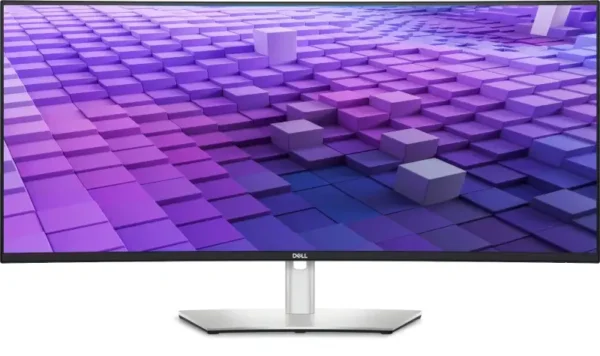
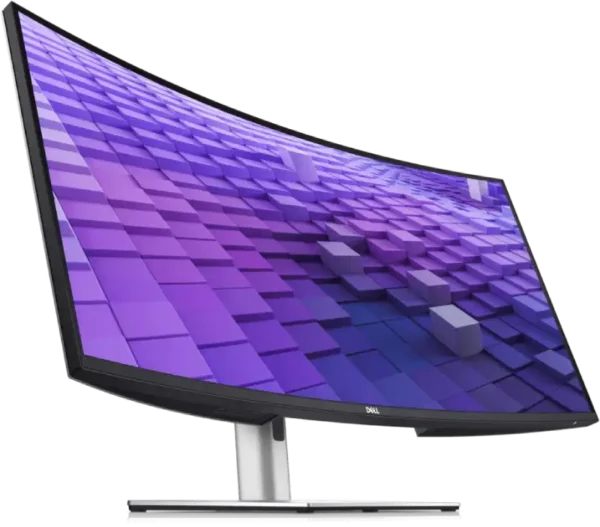
Dell UltraSharp 38 Curved USB-C Hub Monitor – U3824DW
- 37.52" WQHD+ (3840 × 1600) Curved IPS Black Panel at 60 Hz, 2300R Curvature
- 300 cd/m² Brightness, 2,000:1 Contrast Ratio, 8 ms / 5 ms (GtG) Response Time
- Anti-Glare 3H Hardness
- 100% sRGB / 98% DCI-P3 Colour Gamut | 178° / 178° Wide Viewing Angles
- USB-C Hub (90 W PD), 2 × HDMI, DisplayPort 1.4, 2.5GbE Ethernet, KVM
- Tilt / Swivel / Height Adjustable, Dual 9 W Speakers, VESA 100 × 100 mm
- 3-Year Advanced Exchange & Premium Panel Exchange Warranty

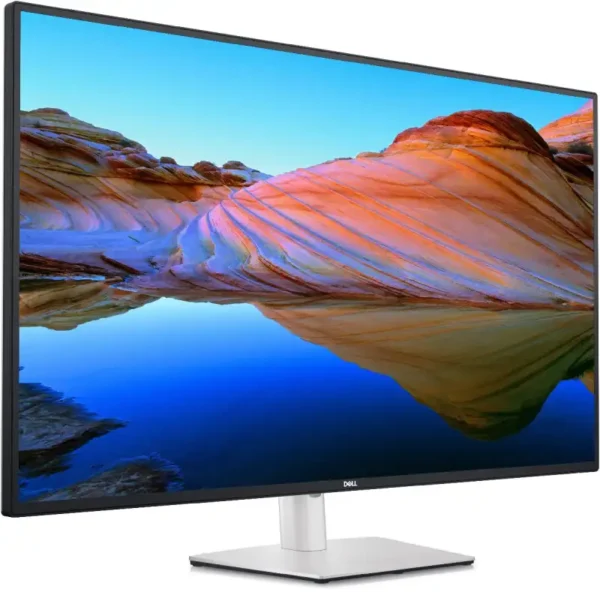
Dell UltraSharp 43 4K USB-C Hub Monitor, U4323QE
- 42.51" 4K UHD (3840 × 2160) IPS Panel at 60 Hz
- 350 cd/m² Brightness, 1,000:1 Contrast Ratio, 8 ms / 5 ms (GtG) Response Time
- Dell ComfortView Plus, Anti-Glare 2H Hardness
- 95% sRGB Colour Gamut | 178° / 178° Wide Viewing Angles
- USB-C Hub (90 W PD), 2 × DisplayPort 1.4, 2 × HDMI 2.1, Ethernet, KVM (up to 4 sources)
- Tilt / Swivel / Height Adjustable, Dual 8 W Speakers, VESA 100 × 100 / 200 × 200 mm
- 3-Year Advanced Exchange & Premium Panel Exchange Warranty
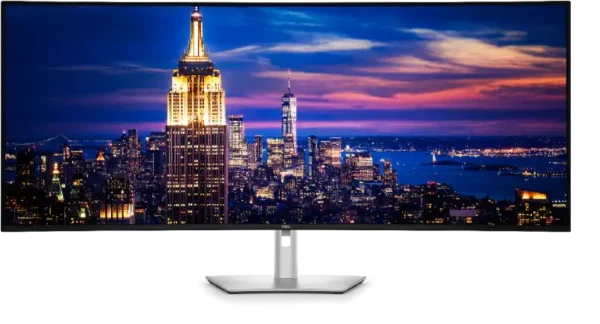
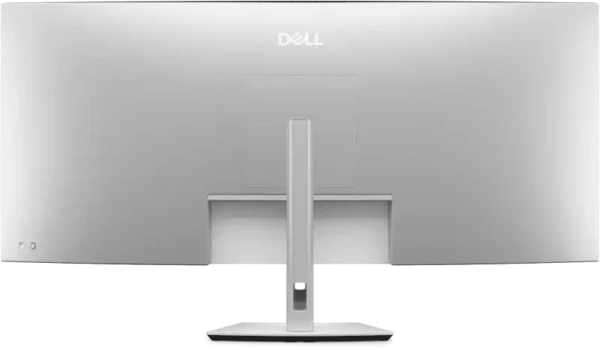
Dell UltraSharp 52 Thunderbolt Hub Monitor, U5226KW
- 51.5" 6K (6144 × 2560) Curved IPS Black Panel, 120 Hz Refresh Rate, 4200R Curvature
- 400 cd/m² Brightness, 2,000:1 Contrast Ratio, 5 ms / 8 ms (GtG) Response Time, VRR
- Dell Eye Comfort Technology (TÜV 5-Star), Ambient Light Sensor, Flicker-free, Anti-Glare Low Reflectance 3H
- 99% DCI-P3 / 100% sRGB Colour Gamut, Delta E < 1.5 | 178° / 178° Wide Viewing Angles
- 2 × HDMI 2.1, 2 × DisplayPort 1.4, Thunderbolt 4 Hub (140 W EPR), 2.5GbE Ethernet, KVM
- Tilt / Swivel / Slant / Height Adjustable, Dual 9 W Speakers, VESA 100 × 100 mm
- 3-Year Advanced Exchange & Premium Panel Exchange Warranty
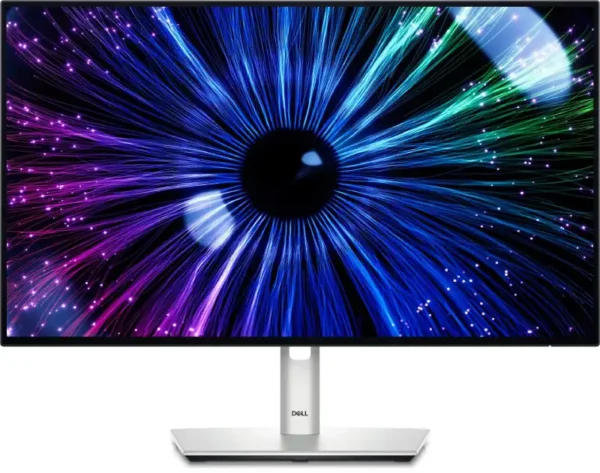
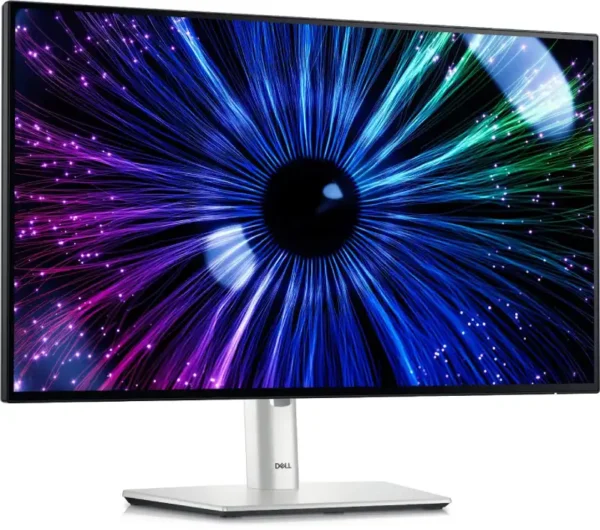
Dell UltraSharp U2424H 24″ 120Hz Monitor | YourShoppy.com
- 23.8" Full HD (1920 × 1080) IPS Panel, 120 Hz Refresh Rate
- 250 cd/m² Brightness, 1,000:1 Contrast Ratio, 5 ms (Fast) Response Time
- Low Blue Light, Flicker-Free, Anti-Glare, TÜV 4-Star Eye Comfort, Ambient Light Sensor
- 100% sRGB / 100% BT.709 / 85% DCI-P3, Delta E < 2 | 178° / 178° Wide Viewing Angles
- HDMI, DisplayPort 1.4 (in/out MST), USB-C upstream (data), 3 × USB-A, USB-C (15W), Audio line-out
- Tilt / Swivel / Height / Pivot Adjustable, VESA 100 × 100 mm
- 3-Year Warranty
Which Dell monitor series is for you?
Pick the Dell series by what the screen is for. Alienware is Dell’s gaming range, with QD-OLED, 4K and ultrawide models. UltraSharp is for colour work and big desks, going up to 6K. The Dell Plus S series covers home, study and casual gaming, Dell Pro P series suits office desks and IT teams, and the SE and E screens are budget everyday monitors. We list around 80 Dell and Alienware models across these families.
Dell splits its screens into clear families. Here’s what each one is for and the models we carry.
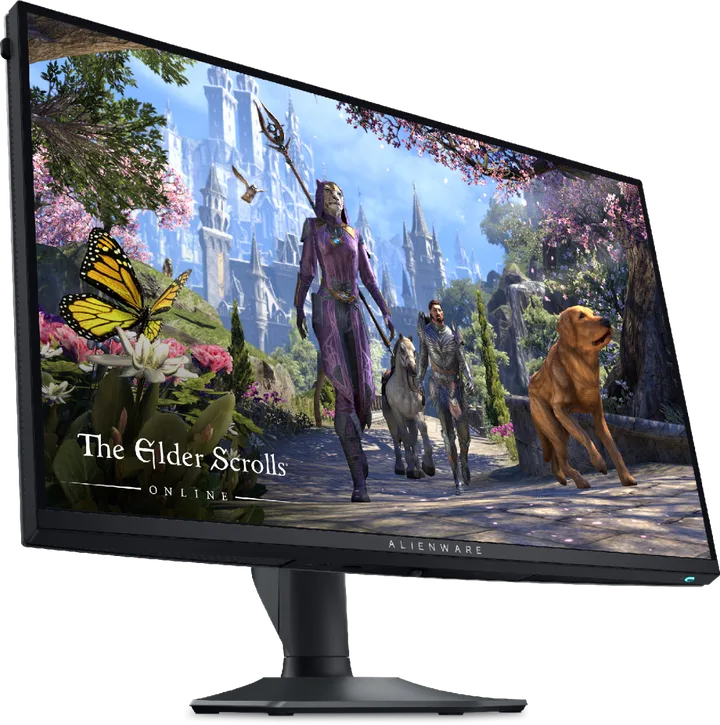
Alienware
- QD-OLED: AW2725DF 360Hz, AW2725D 280Hz, AW2726DM 240Hz
- 4K: AW3225QF 240Hz, AW2725Q, AW2725QF dual resolution
- Ultrawide: AW3426DW 280Hz, AW3425DW, AW3821DW
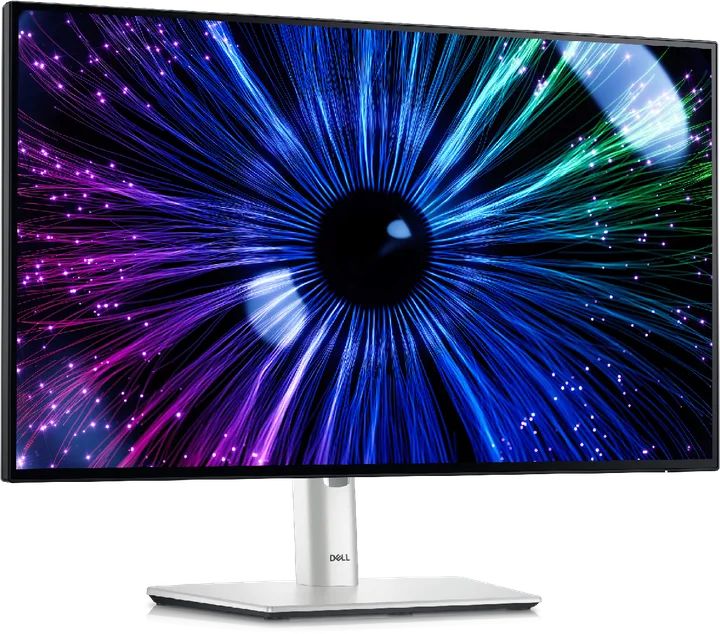
UltraSharp
- U2424H, U2424HE, U2724DE at 120Hz
- 4K and 6K: U2725QE, U3226Q QD-OLED, U3224KB
- Large: U3425WE curved, U3824DW, U4323QE, U5226KW
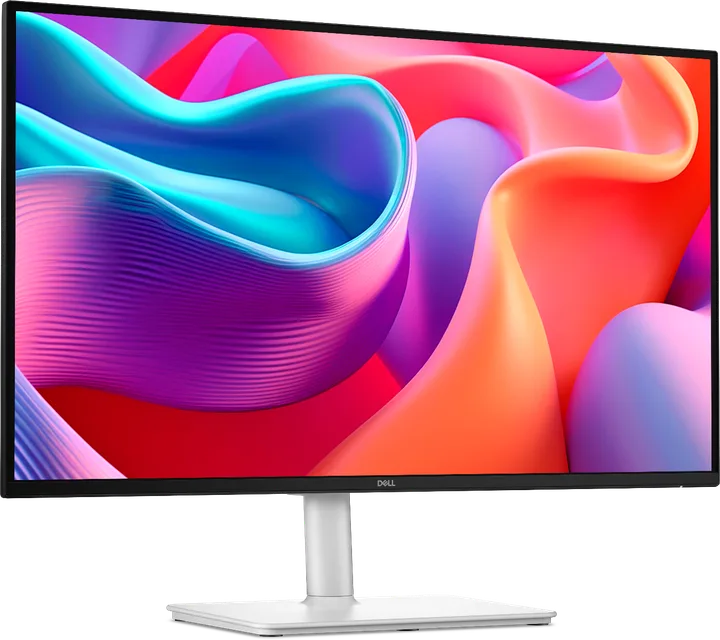
Dell Plus (S series)
- S2725QS and S2725QC 27″ 4K, S2725DC QHD USB-C
- S3225QC 32″ 4K QD-OLED curved
- S3425DW 34″ curved ultrawide
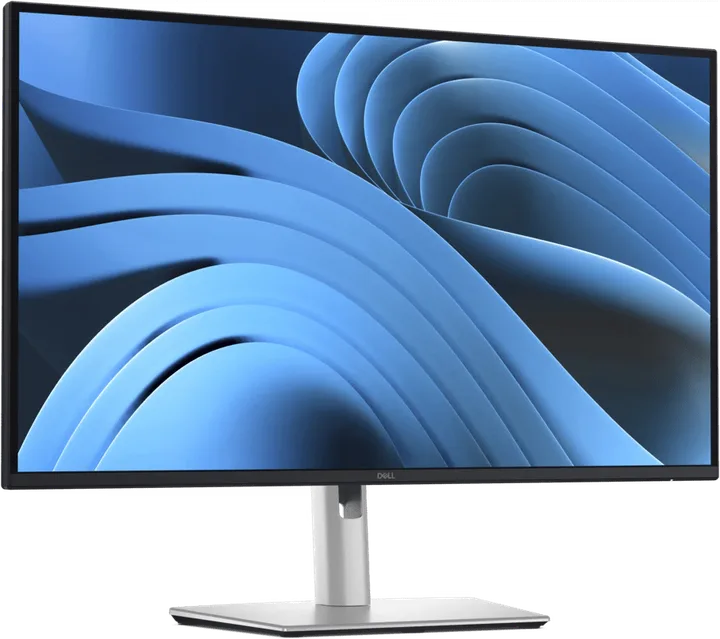
Dell Pro (P series)
- P2425H, P2725H, P2425D QHD, P2725QE 4K
- USB-C hub models: P2425E, P2725DE, P3425WE
- Video calls: P2424HEB, P3424WEB. Touch: P2424HT
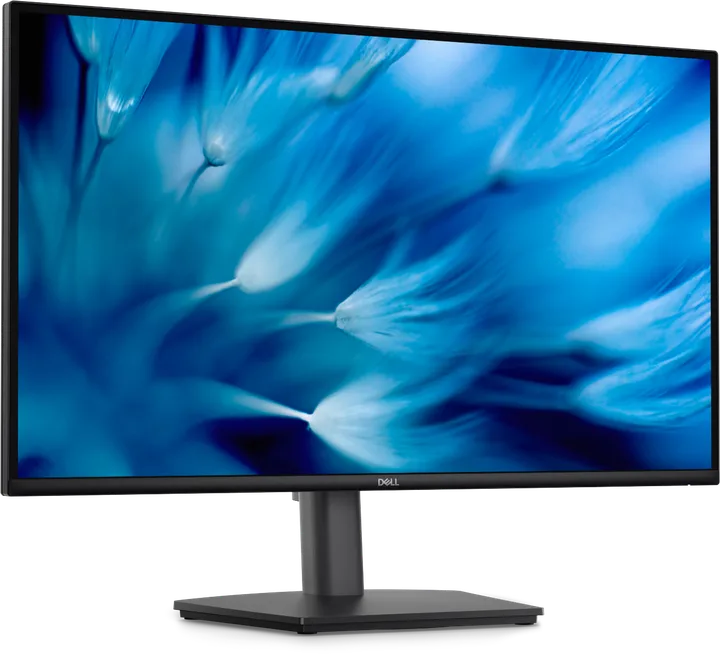
Dell and Dell Pro (SE and E)
- 20″ to 27″ Full HD at 100Hz, like SE2225HM, E2225H, E2725H
- Budget gaming: SE2426HG and SE2726HG at 240Hz
- QHD: E2726DS, SE2726D, and the 34″ SE3426DW
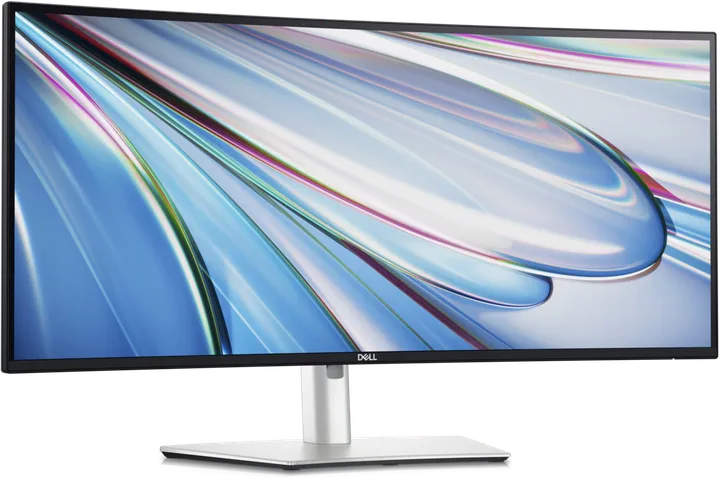
Portable and large format
- P1425 14″ portable, runs off USB-C
- P5525QC 55″ 4K for meeting rooms
- P7524QT 75″ 4K interactive touch
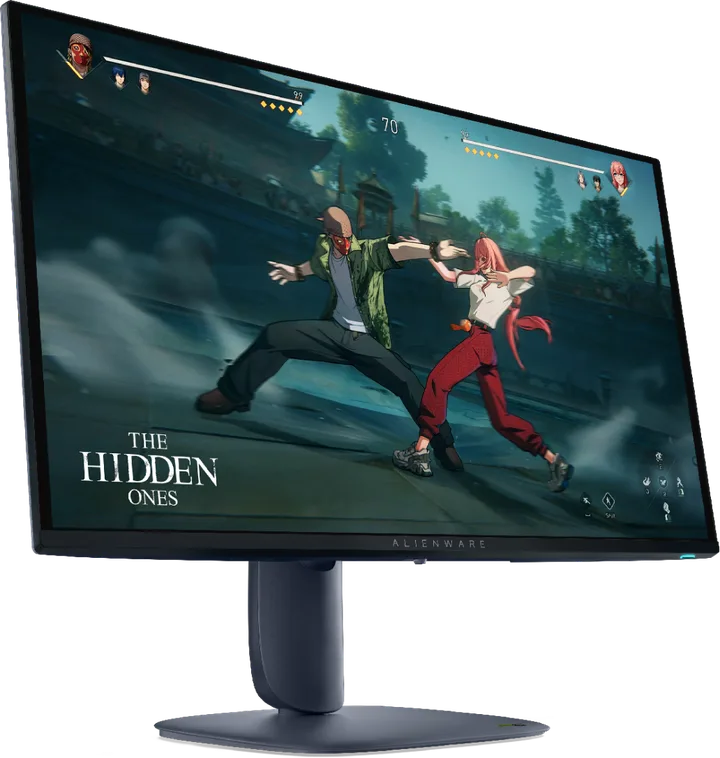
Alienware QD-OLED for serious gaming
- Up to 360Hz on QHD and 240Hz on 4K
- Wide colour for HDR games and films
- Ultrawide 34″ AW3426DW at 280Hz for racing and flight sims
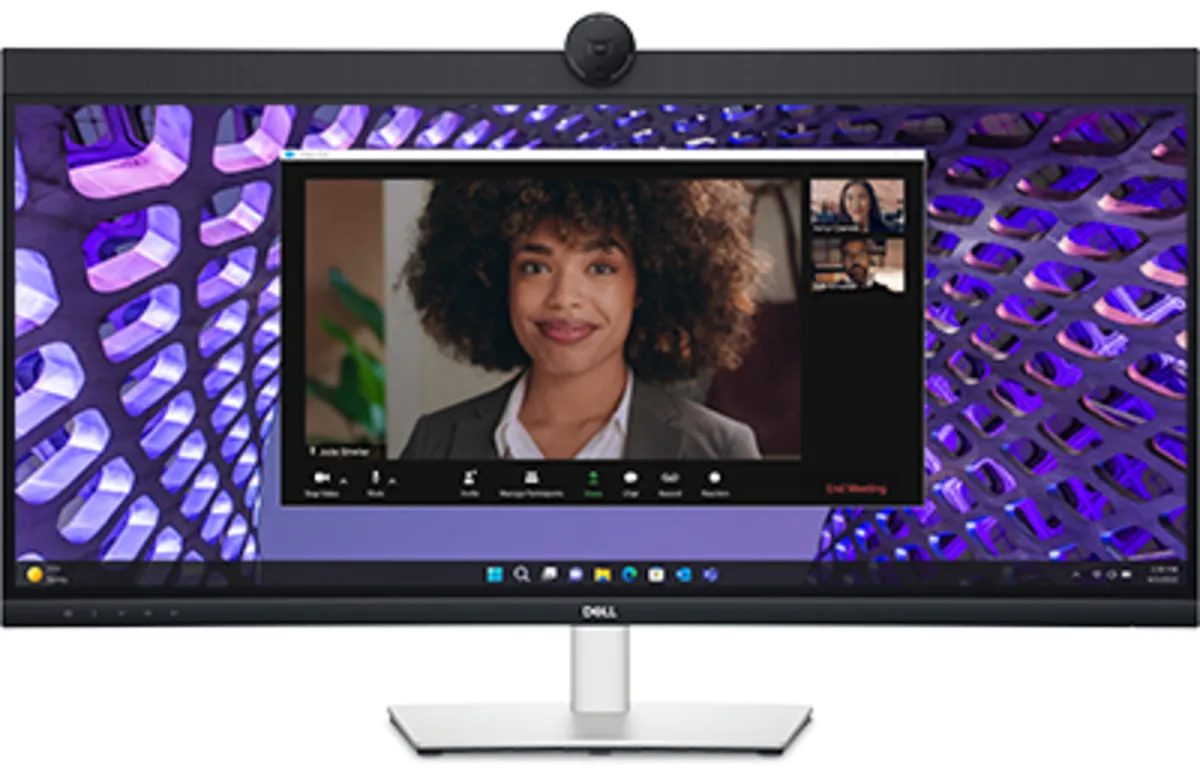
Pick by use
For competitive shooters, look at the 360Hz Alienware AW2725DF, or the 240Hz SE2426HG if you’re on a budget. Single-player games and films look best on a 32-inch 4K QD-OLED like the AW3225QF or S3225QC. Photo and design work suits the UltraSharp U2725QE, U3226Q or U3224KB. If you plug a laptop in at an office desk, a USB-C model like the P2425E carries picture, power and USB on one cable.
| What you’ll do | Look at | Why |
|---|---|---|
| Competitive shooters, esports | Alienware AW2725DF, SE2426HG | 360Hz QD-OLED, or 240Hz on a budget |
| Single-player games and films | Alienware AW3225QF, Dell S3225QC | 32″ 4K QD-OLED with deep blacks |
| Photo, video and design | UltraSharp U2725QE, U3226Q, U3224KB | 4K to 6K with accurate colour |
| Laptop at an office desk | Dell Pro P2425E, P2725DE, U2424HE | One USB-C cable for picture, power and USB |
| Video calls all day | Dell Pro P2424HEB, P3424WEB | Built-in webcam, mic and speakers |
| Home, study, billing counter | SE2225HM, E2225H, SE2426H | Full HD, low price, easy on the eyes |
Size and resolution quick guide
The right resolution depends on the screen size. At 22 to 24 inches, Full HD is sharp enough for offices, billing counters and study tables. At 27 inches, choose QHD or 4K, because Full HD looks soft at normal desk distance. A 32-inch screen is best at 4K for both work and films. A 34 to 38-inch ultrawide can replace two monitors, as long as your desk is deep enough to hold it.
Good to know before you buy
Before you buy a Dell monitor, check USB-C charging wattage, the cable for high refresh rates, QD-OLED care and mounting. Send us your laptop model and we’ll confirm a USB-C hub monitor charges it at full speed. For 144Hz and above, use DisplayPort or HDMI 2.1. On QD-OLED, use a dark wallpaper and let the panel refresh run. Most Dell monitors take a VESA 100 mount, and we confirm yours before you buy an arm.
Not sure which Dell monitor to buy?
Tell us your laptop or PC, graphics card and what you’ll use the screen for. We’ll reply with two or three that fit.
Why buy Dell monitors in Bangalore from YourShoppy
You can buy Dell and Alienware monitors from our store in 1st Block Koramangala, open since 2010, with a GST invoice on every order. Order by 2 PM for same-day delivery in Bangalore, or pick up from the store. We supply offices, schools and co-working spaces in bulk, and no-cost EMI is available on select cards and Bajaj Finserv. WhatsApp 97392 21133 or 98869 19198 with your laptop or PC and what you’ll use the screen for.
- Laptop and monitor store in 1st Block Koramangala since 2010, with GST invoice.
- Same-day delivery in Bangalore if you order by 2 PM, or pick up from the store.
- Office and bulk orders for many desks. See our bulk purchase page.
- No-cost EMI on select cards and Bajaj Finserv. See our EMI page.
Pairing a screen with a new PC? See Dell Pro laptops and Dell desktops. Comparing brands? See ASUS monitors, Lenovo monitors and HP monitors.
Address: YourShoppy, 339, 1st Floor, 1st Main Cross, next to Essar Petrol Bunk, 1st Block Koramangala, Bengaluru 560034
Hours: Monday to Sunday, 10:30 AM to 9 PM
Phone: 97392 21133 · 98869 19198 · 080 4141 0072
WhatsApp: 97392 21133 or 98869 19198
Common questions
Where can I buy Dell monitors in Bangalore?
At YourShoppy, 339, 1st Floor, 1st Main Cross, 1st Block Koramangala. Same-day delivery in Bangalore if you order by 2 PM. WhatsApp 97392 21133 or 98869 19198.
What is the difference between Dell UltraSharp and Dell Pro monitors?
UltraSharp is Dell’s premium range, with better colour accuracy, higher resolutions up to 6K and Thunderbolt or USB-C hubs. Dell Pro monitors are built for offices, with height-adjustable stands, USB-C on many models and a lower price.
Which Dell monitor is best for gaming?
For esports, the Alienware AW2725DF with a 360Hz QD-OLED panel. For 4K games and films, the Alienware AW3225QF. On a budget, the Dell SE2426HG and SE2726HG run at 240Hz.
Can a Dell USB-C monitor charge my laptop?
Yes, USB-C hub models like the P2425E, P2725DE, U2424HE and U2724DE charge laptops over the same cable. Charging wattage varies by model, so send us your laptop model and we’ll confirm.
Is an OLED monitor good for office work?
It works, but if the screen shows the same windows and taskbar for many hours every day, an IPS monitor like an UltraSharp or Dell Pro is the safer choice. QD-OLED shines for games, films and mixed use.
Do you supply Dell monitors in bulk for offices?
Yes. We supply offices, schools and co-working spaces across Bangalore with GST invoice. Send the model and quantity on WhatsApp for a quote.
Do you deliver Dell monitors the same day?
Yes, within Bangalore if you order by 2 PM. You can also pick up from our Koramangala store.