
ASUS Monitors
ASUS monitors in Bangalore at YourShoppy cover gaming, colour work and everyday office use. We stock ROG Swift and ROG Strix OLED gaming monitors up to 540Hz, TUF Gaming screens for first gaming setups, ProArt displays for photo and video editing, Eye Care monitors for home and office, and ZenScreen portable monitors that run off a laptop’s USB-C port.
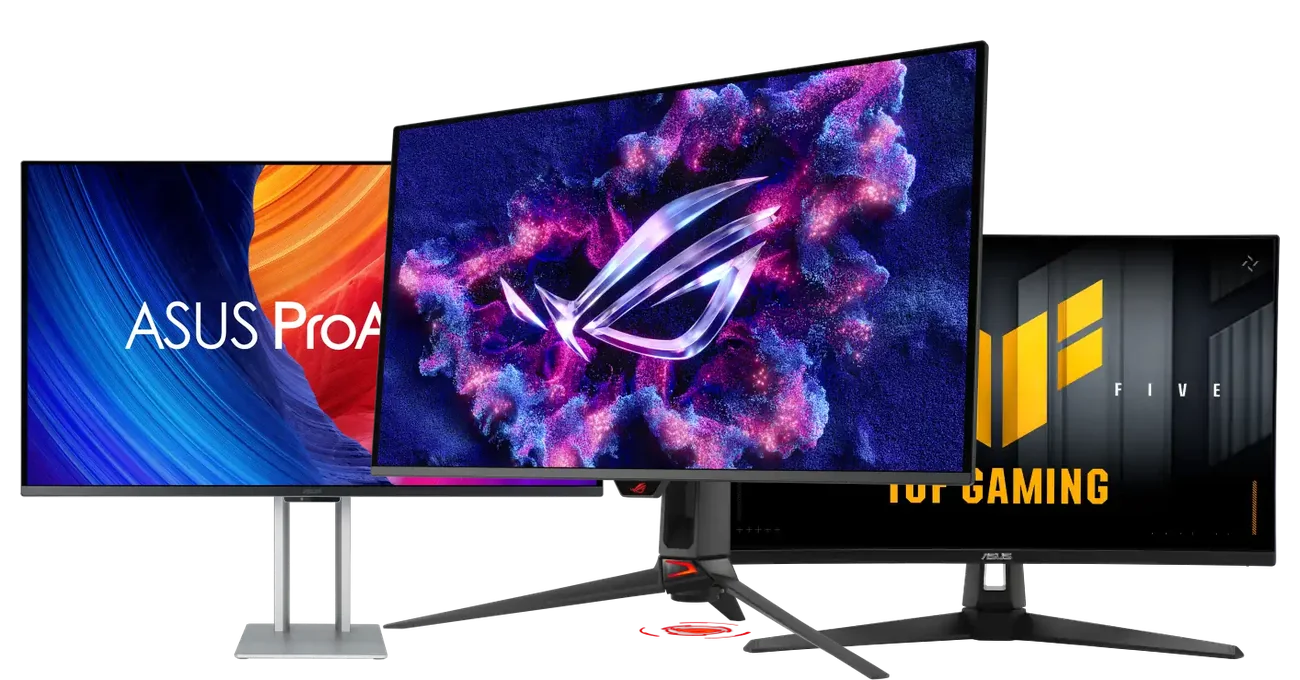
Around 40 ASUS monitors are listed below, from 21.5″ office screens to a 32″ 8K ProArt. Filter by series, or WhatsApp 97392 21133 or 98869 19198 and tell us what you’ll use it for. We’ll suggest two or three that fit.


ASUS ROG Strix XG32UCWMG 31.5″ 4K 480Hz OLED Gaming Monitor
- 32" 4K (3840×2160) TrueBlack Glossy™ WOLED Display
- Dual-Mode: 4K@240Hz or FHD@480Hz
- 0.03ms Response | 1.5M:1 Contrast | 1300 cd/m² Peak
- 99% DCI-P3 | True 10-bit | Delta E < 2
- DP 1.4 + HDMI 2.1 + USB-C 15W PD | USB Hub
- G-SYNC Compatible | FreeSync Premium Pro
- Neo Proximity Sensor | ASUS OLED Care Pro
- 3 Year Warranty


Asus ROG Strix XG32WCS
- 32" WQHD (2560×1440) Fast VA 1500R Curved Display
- 180Hz Refresh Rate | 1ms GTG | VESA DisplayHDR 400
- 125% sRGB | 90% DCI-P3
- DP 1.4 + HDMI + USB-C (DP Alt Mode + PD)
- FreeSync Premium | ELMB Sync | Variable Overdrive 2.0
- Gaming AI: Dynamic Crosshair & Shadow Boost
- Phone Holder | ¼" Tripod Socket | VESA Mount
- 3 Year Warranty
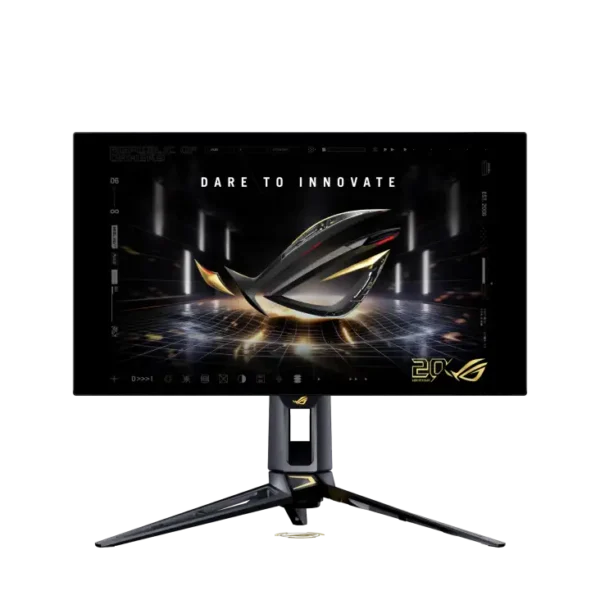
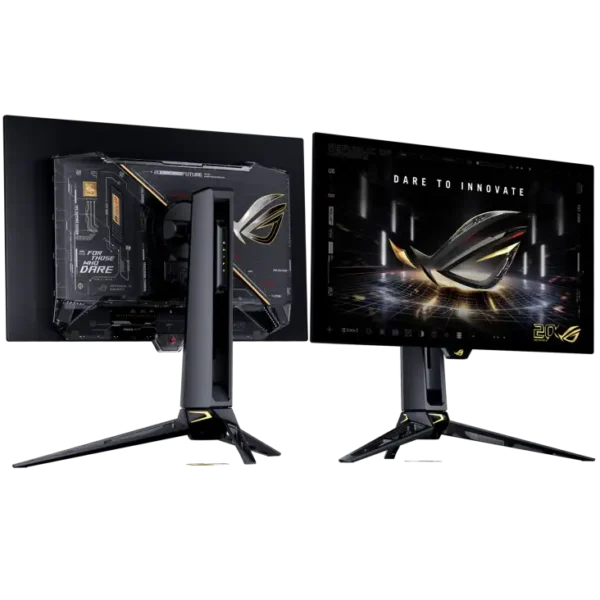
ASUS ROG Swift OLED PG27AQDM 26.5-inch QHD 240H PG27AQWP-G
- 26.5″ QHD (2560 × 1440) WOLED Display
- 540Hz Refresh Rate + Dual Mode (QHD 540Hz / FHD 720Hz)
- 0.02ms (GTG) Response Time | 1,500,000:1 Contrast
- 99.5% DCI-P3, 10-bit, ΔE<2 Factory Calibrated
- VESA DisplayHDR True Black 500 | HDR10 | 1500-nit Peak
- TrueBlack Glossy | DisplayPort 2.1 + 2× HDMI 2.1 + USB Hub
- FreeSync Premium Pro | G-Sync Compatible | ELMB
- Aura Sync | Ergonomic Stand (tilt/swivel/pivot/height)
- 3-Year Warranty
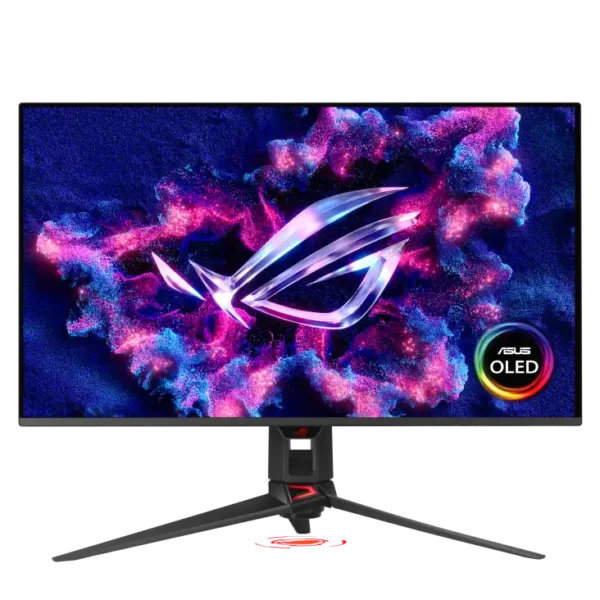
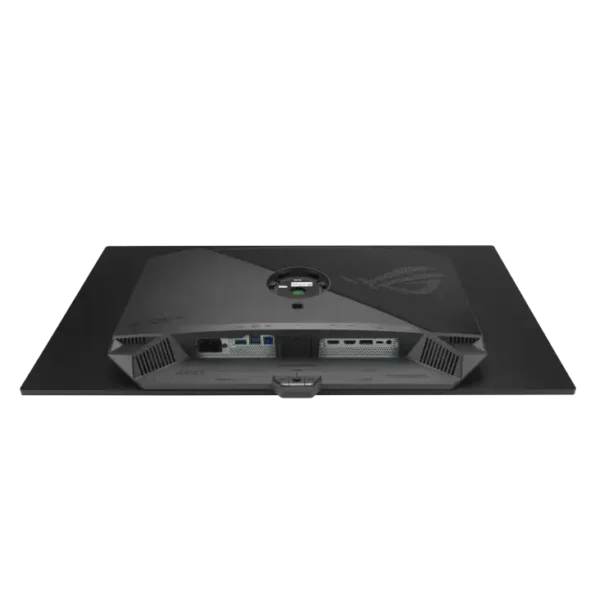
ASUS ROG Swift OLED PG32UCDM 31.5-inch 4K QD-OLE PG32UCDM3
- 31.5″ 4K UHD (3840 × 2160) QD-OLED Display
- 240Hz Refresh Rate | 0.03ms (GTG) Response Time
- 99% DCI-P3, 10-bit, ΔE<2 Factory Calibrated
- VESA DisplayHDR True Black 500 | HDR10 + Dolby Vision
- Anti-Reflection (BlackShield™) | 1,500,000:1 Contrast
- DisplayPort 2.1 + 2× HDMI 2.1 + USB-C (90W PD) + USB Hub | KVM
- Adaptive-Sync | FreeSync Premium Pro | G-Sync Compatible
- Aura Sync | Ergonomic Stand | VESA 100 × 100
- 3-Year Warranty


ASUS ROG Swift PG27AQDM 26.5″ QHD 240Hz OLED Gaming Monitor
- 27" QHD (2560×1440) OLED Anti-Glare Display
- 240Hz Refresh Rate | 0.03ms Response | 1.5M:1 Contrast
- 99% DCI-P3 | True 10-bit | 1000 nit Peak HDR
- 1× DP 1.4 + 2× HDMI 2.0 | USB Hub
- G-SYNC Compatible | AMD FreeSync Premium
- ASUS OLED Care | Pixel Cleaning | Screen Saver
- Full Ergonomic Stand: Tilt, Swivel, Pivot, Height
- 3 Year Warranty


ASUS ROG Swift PG32UCDM 4K QD-OLED Monitor | YourShoppy.com
- 32" 4K (3840×2160) QD-OLED Display
- 240Hz Refresh Rate | 0.03ms Response | 1.5M:1 Contrast
- 99% DCI-P3 | True 10-bit | Delta E < 2
- DP 1.4 + HDMI 2.1 + USB-C 90W PD | USB Hub + KVM
- DisplayHDR 400 True Black | AMD FreeSync Premium Pro
- Custom Heatsink with Graphene Film | ASUS OLED Care
- ¼" Tripod Socket | Full Ergonomic Stand
- 3 Year Warranty


ASUS TUF Gaming VA34VCPSR 34 WQHD Curved | YourShoppy.com
- 34" Ultra-Wide WQHD (3440×1440) VA 1500R Curved Display
- 100Hz Refresh Rate | 4ms GTG | HDR10
- 300 cd/m² | 3000:1 Contrast | 10-bit Colors
- USB-C 96W PD + DP 1.4 + HDMI 2.1 + RJ45
- 3× USB-A Hub | 2W×2 Speakers | Adaptive-Sync
- Full Ergonomic Stand: Tilt, Swivel, Height
- TÜV Flicker-free & Low Blue Light | EPEAT Gold
- 3 Year Warranty


Asus TUF Gaming VG279Q5R 27″ Full HD VG279Q5R | YourShoppy
- 27" Full HD (1920 × 1080) Fast IPS Panel, 200 Hz Refresh Rate
- 300 cd/m² Brightness, 1000:1 Contrast Ratio
- 1 ms (GtG) / 0.3 ms (min) Response Time, AMD FreeSync™ + ELMB
- HDR10
- ASUS Eye Care — Flicker-Free + Low Blue Light (TÜV Certified)
- 100% sRGB Colour Gamut | 178° Wide Viewing Angles
- 2 × HDMI 2.0, 1 × DisplayPort 1.4, 1 × Earphone Jack
- Built-in 2W × 2 Speakers
- Tilt Adjustable, VESA 75 × 75 mm
- 3-Year Warranty


ASUS TUF Gaming VG27AQ5A 27
- 27" QHD (2560×1440) Fast IPS Anti-Glare Display
- 210Hz Refresh Rate | 1ms GTG | HDR10
- 130% sRGB | 95% DCI-P3 | 10-bit | 300 cd/m²
- 1× DP 1.4 + 2× HDMI 2.0 | ELMB Sync | AMD FreeSync Premium
- VESA AdaptiveSync 210Hz Certified
- TÜV Flicker-free & Low Blue Light | GamePlus
- 2W×2 Speakers | VESA 100×100mm
- 3 Year Warranty
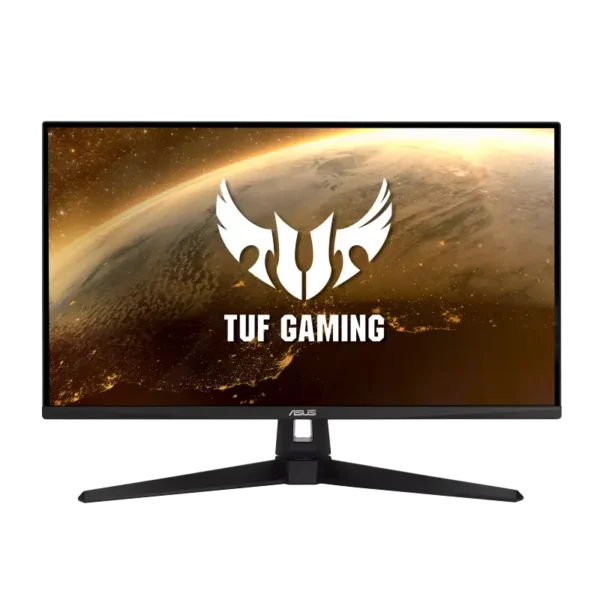
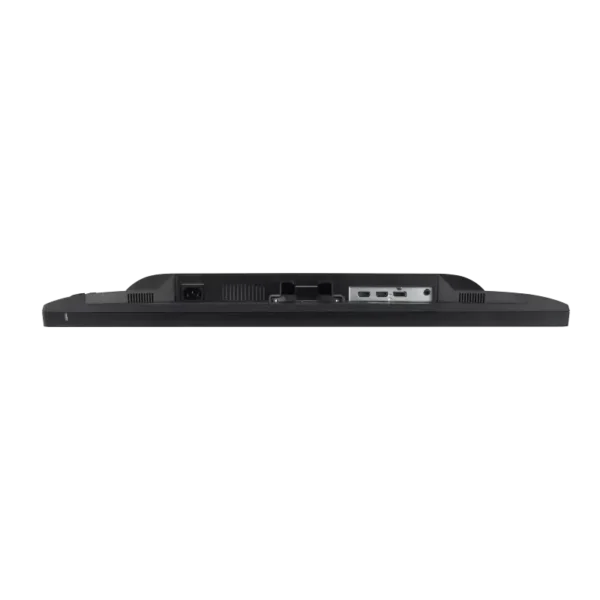
Asus TUF Gaming VG289Q1A 28″ 4K UHD IPS Gaming Monitor
- 28" 4K UHD (3840 × 2160) IPS Display, 60Hz
- 350 cd/m² Brightness, 1000:1 Contrast
- 5ms (GTG) Response, Adaptive-Sync (AMD FreeSync)
- ASUS Eye Care — TÜV Flicker-free & Low Blue Light
- 90% DCI-P3, 178°/178° Wide Viewing Angles
- DisplayPort 1.2, 2× HDMI 2.0, Earphone Jack
- Tilt & Swivel Stand, VESA 100×100, 2W×2 Speakers
- 3-Year Warranty


ASUS TUF Gaming VG34VQL3A | YourShoppy.com
- 34" Ultra-Wide WQHD (3440×1440) VA 1500R Curved Display
- 180Hz Refresh Rate | 1ms GTG | HDR10 | VESA DisplayHDR 400
- 400 cd/m² Brightness | 4000:1 Contrast | 125% sRGB
- 2× DP 1.4 + 2× HDMI 2.0 | USB Hub 3× USB-A
- AMD FreeSync Premium Pro | Adaptive-Sync
- Full Ergonomic Stand: Tilt, Swivel, Height
- 2W×2 Speakers | VESA 100×100mm
- 3 Year Warranty
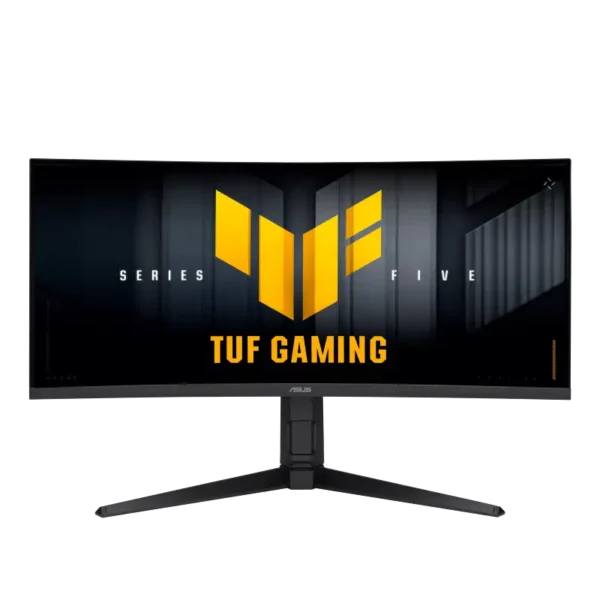
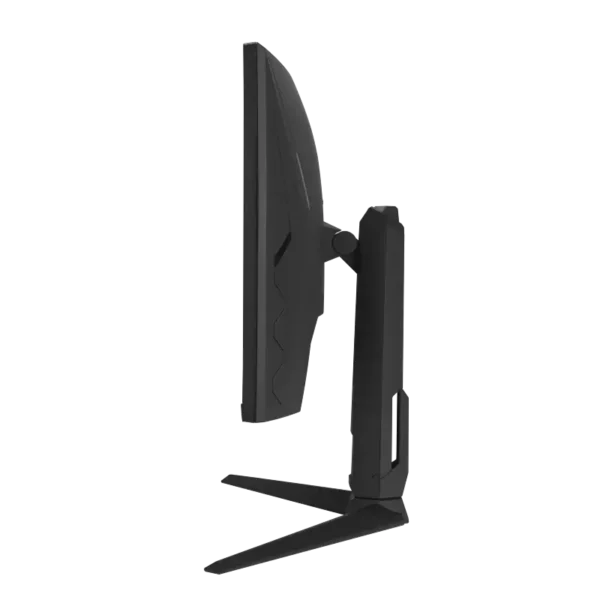
ASUS TUF Gaming VG34WQML5A 34
- 34″ UWQHD (3440 × 1440) 21:9 Ultrawide VA Panel
- 1500R Curved | 250Hz Refresh | 1ms GTG (0.5ms min)
- DisplayHDR 400 | HDR10 | 4000:1 | 10-bit 1.07B Colours
- 130% sRGB / 95% DCI-P3 | Anti-Glare | Flicker-Free
- AMD FreeSync™ Premium + Adaptive-Sync (VRR) + ELMB
- 2× DisplayPort 1.4 + 2× HDMI 2.1 + 3× USB 3.2 Hub
- Built-in 2W×2 Speakers | GamePlus, Shadow Boost, AI Assistant
- Full Ergonomic Stand (Tilt/Swivel/Height) + VESA 100×100
- 3-Year Warranty


Asus VP227HF 21.5″ FHD 100Hz IPS Monitor
- 21.45" Full HD (1920×1080) VA Anti-Glare Display
- 100Hz Refresh Rate | 1ms MPRT Response Time
- 99% sRGB | 1073.7M Colors (10-bit) | 4000:1 Contrast
- HDMI + VGA | Adaptive-Sync (VRR)
- TÜV Flicker-free & Low Blue Light Certified
- VESA 100×100mm | Kensington Lock
- 250 cd/m² Brightness | 0.78 kg without stand
- 3 Year Warranty


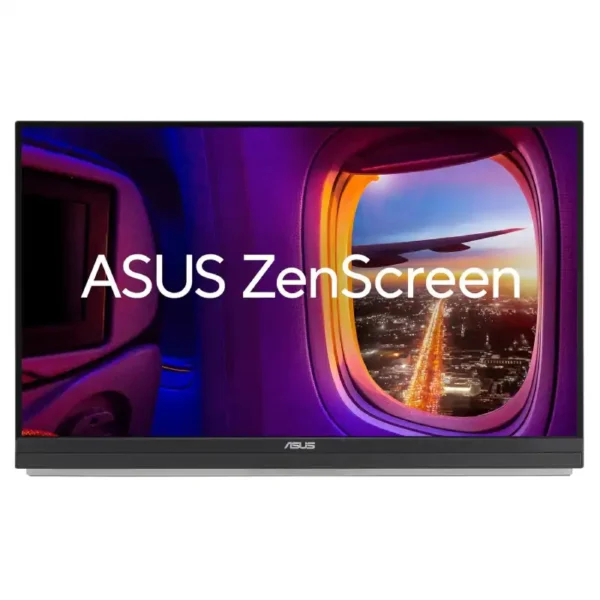

ASUS ZenScreen MB27ACF 27-inch QHD 100Hz USB-C Portable
- 27″ QHD (2560 × 1440) IPS Display
- 100Hz Refresh Rate | 5ms (GTG) | Adaptive-Sync
- 99% sRGB | 300 cd/m² | 1500:1 Contrast
- USB-C (DP Alt Mode) with 70W Power Delivery | HDMI 2.0
- Built-in 2.1-Channel Speakers + 1.5W Woofer
- C-Clamp Arm: Tilt / Swivel / Pivot / Height / Z-axis
- Anti-Glare | Flicker-Free | Low Blue Light (TÜV)
- VESA 75 × 75 | Kensington Lock
- 3-Year Warranty
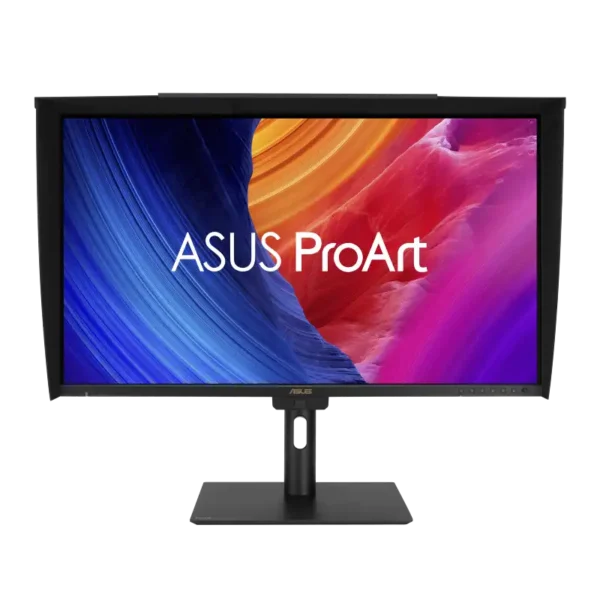
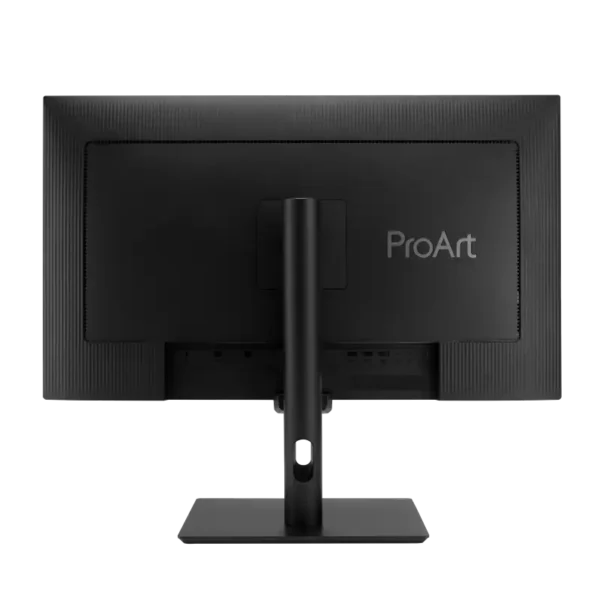
PA27UCGE ASUS ProArt 4K Monitor | YourShoppy.com
- 27" 4K UHD (3840×2160) IPS AGLR Display | 163 PPI
- 160Hz | 1ms GTG | 100% sRGB | 98% DCI-P3 | Delta E < 1
- 600 cd/m² Brightness | 1000:1 Contrast | DisplayHDR 600
- USB-C 96W PD + DP 1.4 + 2× HDMI 2.1 | USB Hub
- Built-in Colorimeter | Calman Ready | Mac Compliant
- Full Ergonomic Stand: Tilt, Swivel, Pivot, Height
- 2W×2 Speakers | Monitor Hood Included
- 3 Year Warranty
Which ASUS monitor series is for you?
ASUS monitors come in six families, and the right one depends on what you’ll do most. ROG Swift OLED is the top gaming range, with the 540Hz PG27AQWP for esports and the 4K 240Hz PG32UCDM. ROG Strix covers OLED and IPS gaming screens, and TUF Gaming gives you high refresh at a lower price. ProArt spans 15 models for photo, video and design, Eye Care suits home and office, and ZenScreen is the portable second screen.
ASUS splits its monitors into clear families. Here’s what each one is for and the models we have.
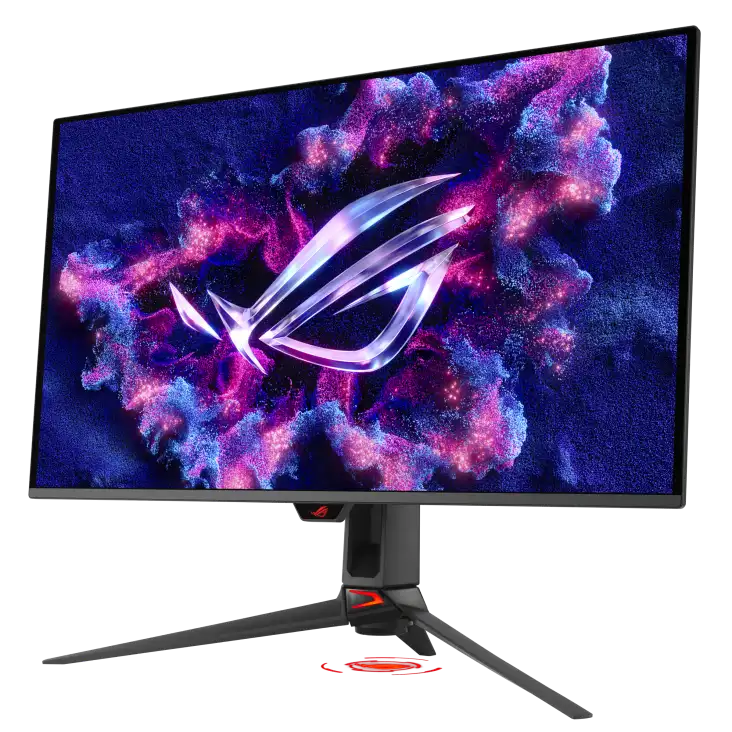
ROG Swift OLED
- PG32UCDM: 31.5″ 4K QD-OLED at 240Hz
- PG27AQDM: 26.5″ QHD OLED at 240Hz
- PG27AQWP: 26.5″ QHD OLED at 540Hz for esports
- Deep blacks and very fast pixel response, good for both games and films

ROG Strix
- OLED: XG32UCWMG 4K 480Hz, XG27ACDMS QHD 280Hz
- IPS: XG259QNS 380Hz, XG27ACMES 255Hz, XG27UCS 4K
- XG32WCS curved VA

TUF Gaming
- VG249Q5R 23.8″ 200Hz, VG27AQ5A 27″ QHD 210Hz
- VG289Q1A 28″ 4K
- 34″ ultrawides: VG34VQL3A, VG34WQML5A

ProArt
- 15 models, 23.8″ FHD up to 32″ 8K
- PA27JCV 5K, PA32QCV 6K, PA32UCDM QD-OLED
- PA16USV 16″ 4K portable

Eye Care and business
- VP227HF 21.5″ and VA259HGA 24.5″ for daily work
- VG258QR 165Hz for light gaming
- BE27ACGN 27″ QHD for offices

ZenScreen portable
- MB169CK 15.6″ and MB27ACF 27″ QHD, both over USB-C
- One cable for picture and power on laptops that support USB-C display output
- Handy for coders, traders and anyone who works from cafes or client offices
Pick by use
For esports, pick the ROG Swift PG27AQWP at 540Hz or the ROG Strix XG259QNS at 380Hz. Single-player gamers and film watchers get deep blacks on a 32-inch 4K OLED such as the PG32UCDM or XG32UCWMG. If it’s your first gaming setup, TUF Gaming VG27AQ5A and VG249Q5R give you 200Hz or more. Editors should look at ProArt PA279CRV, PA27JCV or PA32UCDM, and for office or study the flicker-free Eye Care VA259HGA and BE27ACGN handle long hours.
| What you’ll do | Look at | Why |
|---|---|---|
| Competitive shooters, esports | ROG Swift PG27AQWP, ROG Strix XG259QNS | 540Hz OLED or 380Hz IPS for the smoothest motion |
| Single-player games and films | ROG Swift PG32UCDM, ROG Strix XG32UCWMG | 32″ 4K OLED with deep blacks |
| First gaming setup | TUF Gaming VG27AQ5A, VG249Q5R | 200Hz or more without the OLED price |
| Photo and video editing | ProArt PA279CRV, PA27JCV, PA32UCDM | Colour-accurate 4K, 5K or OLED panels |
| Office, study, home | Eye Care VA259HGA, BE27ACGN | Flicker-free IPS for long hours |
| Laptop users on the move | ZenScreen MB169CK | Slips into a laptop bag, runs off USB-C |
Good to know before you buy
Before you buy an ASUS monitor, check your cable, your graphics card and your desk. Refresh rates of 240Hz and above need DisplayPort or HDMI 2.1, plus a card that can push those frames. OLED owners should use a dark wallpaper and let the panel care cycle run. ZenScreen needs a USB-C port with DP Alt Mode or Thunderbolt, and a 34-inch ultrawide needs a deep desk. Send us your laptop model or mount plans and we’ll check.
Comparing gaming lines? Read ROG Swift vs ROG Strix monitors. On a tight budget, see monitors under ₹15,000. Pairing a screen with a laptop? Browse ASUS gaming laptops in Bangalore.
Not sure which ASUS monitor to buy?
Tell us your PC or laptop, graphics card and what you’ll use the screen for. We’ll reply with options that fit.
Why buy ASUS monitors in Bangalore from YourShoppy
We’re an authorised ASUS dealer in 1st Block Koramangala, selling since 2010, and every monitor comes with a GST invoice. Around 40 ASUS monitors are listed on this page, from 21.5-inch office screens to the 32-inch 8K ProArt PA32KCX. Order by 2 PM for same-day delivery in Bangalore, or collect from the store. Offices buying several screens can use our bulk purchase page, and no-cost EMI is available on select cards and Bajaj Finserv.
- Authorised ASUS dealer in 1st Block Koramangala since 2010, with GST invoice.
- Same-day delivery in Bangalore if you order by 2 PM, or pick up from the store.
- Office and bulk orders for multiple screens. See our bulk purchase page.
- No-cost EMI on select cards and Bajaj Finserv. See our EMI page.
Address: YourShoppy, 339, 1st Floor, 1st Main Cross, next to Essar Petrol Bunk, 1st Block Koramangala, Bengaluru 560034
Hours: Monday to Sunday, 10:30 AM to 9 PM
Phone: 97392 21133 · 98869 19198 · 080 4141 0072
WhatsApp: 97392 21133 or 98869 19198
Common questions
Where can I buy ASUS monitors in Bangalore?
At YourShoppy, an authorised ASUS dealer at 339, 1st Floor, 1st Main Cross, 1st Block Koramangala. Same-day delivery in Bangalore if you order by 2 PM. WhatsApp 97392 21133 or 98869 19198.
What is the difference between ROG Swift and ROG Strix?
ROG Swift is ASUS’s top OLED gaming range, including the 540Hz PG27AQWP and the 4K 240Hz PG32UCDM. ROG Strix covers a wider spread, from IPS esports screens to 4K OLED, usually at a lower price than Swift.
Which ASUS monitor is best for photo and video editing?
Look at ProArt. The PA279CRV 4K and PA27JCV 5K suit most editors, and the PA32UCDM QD-OLED suits HDR video work. WhatsApp us your software and we’ll suggest one.
Is an OLED monitor good for office work?
It works, but if the screen shows the same windows and taskbar for many hours every day, an IPS monitor is the safer choice. OLED shines for games, films and mixed use.
Will a ZenScreen work with my laptop?
ZenScreen USB-C models need a laptop USB-C port that supports display output. Send us your laptop model and we’ll confirm before you buy.
Do you deliver ASUS monitors the same day?
Yes, within Bangalore if you order by 2 PM. You can also pick up from our Koramangala store.