
Laptops

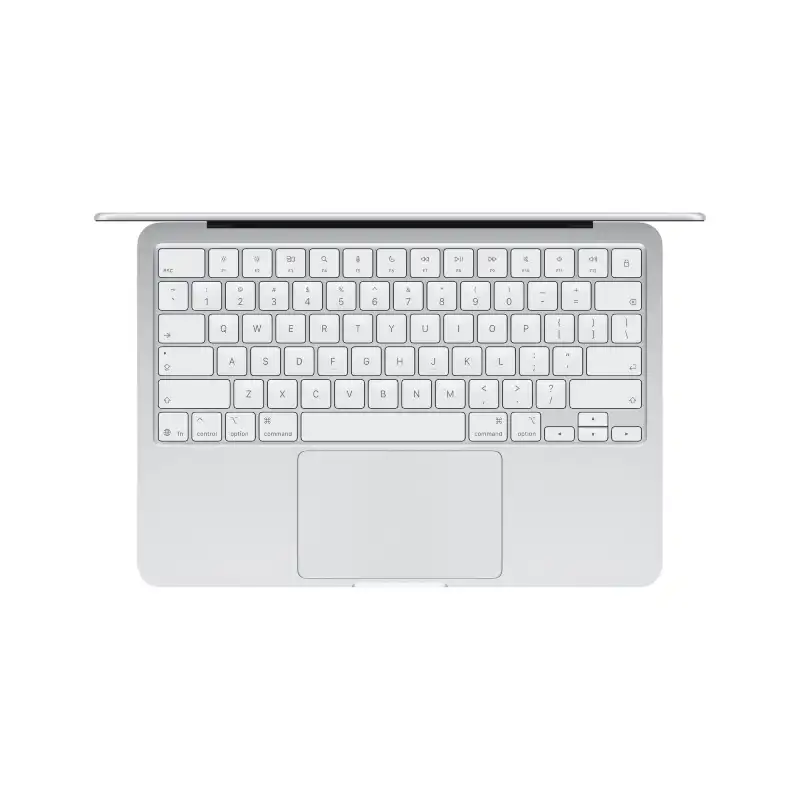
Apple MacBook Air 13-inch A18 Pro 8GB RAM 256GB SSD Silver
- Apple A18 Pro Chip — 6-Core CPU + 5-Core GPU with Ray Tracing
- 16-Core Neural Engine (NPU)
- 8GB Unified Memory (60GB/s Bandwidth)
- 256GB SSD
- 13.0" Liquid Retina (2408×1506) IPS, 219 PPI, 500 nits, 1 Billion Colours
- Up to 16 Hrs Battery (USB-C Charging, 20W Adapter Included)
- 2× USB-C Ports + 3.5mm Jack + 1080p FaceTime HD Camera
- macOS + Free iWork Suite (Pages, Numbers, Keynote)
- Silver
- 1-Year Apple India Warranty
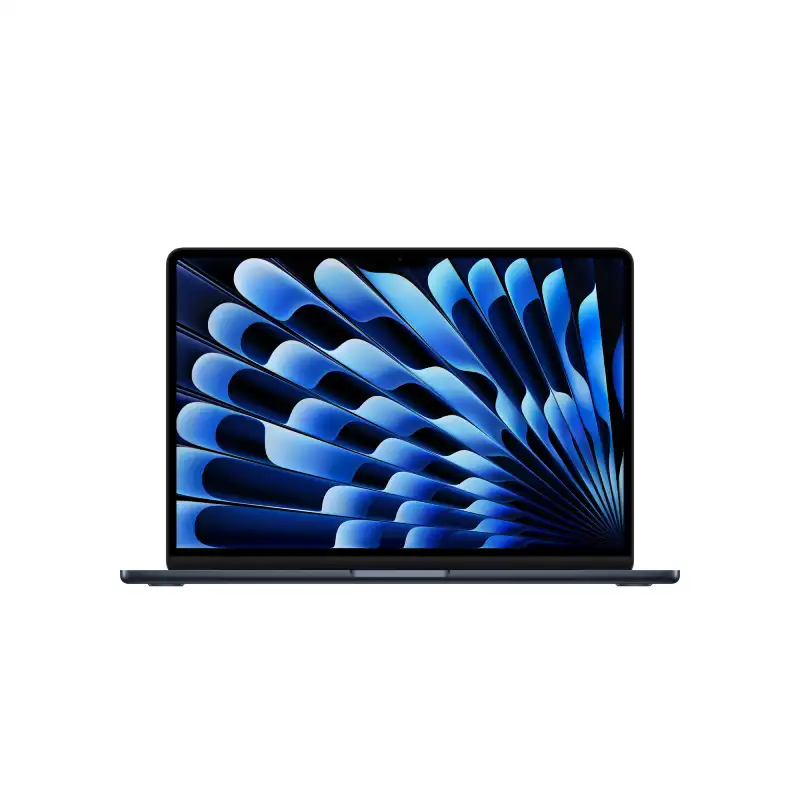
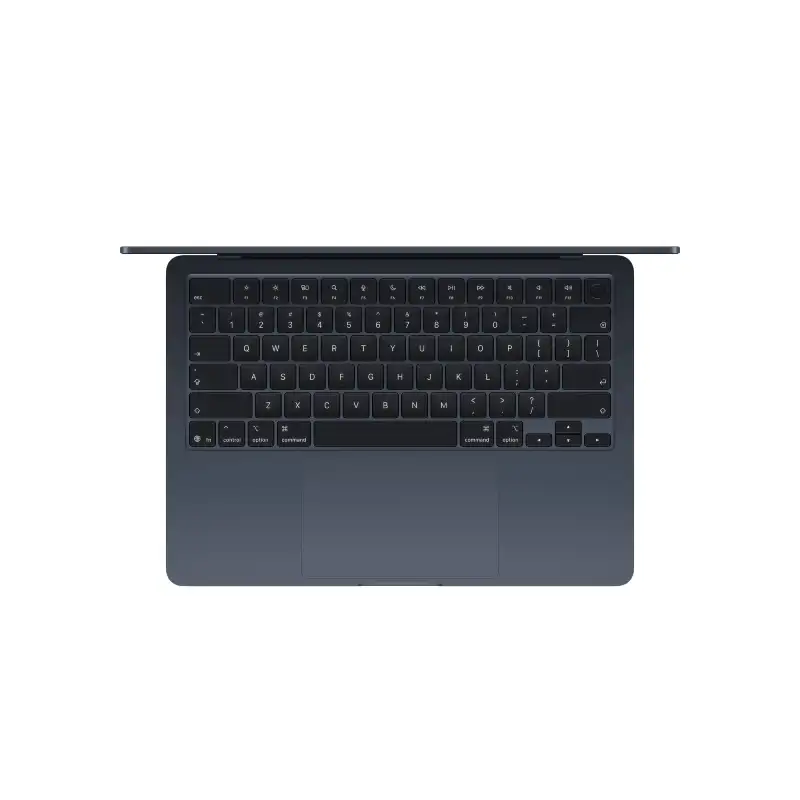
Apple MacBook Air 13-inch M5 10-core CPU 8-core GPU 16GB RAM 512GB SSD Midnight-MDHE4HN/A
- Apple M5 Chip — 10-Core CPU + 8-Core GPU with Ray Tracing
- 16-Core Neural Engine (NPU) + GPU Neural Accelerators — Apple Intelligence Ready
- 16GB Unified Memory (153GB/s Bandwidth)
- 512GB SSD
- 13.6" Liquid Retina (2560×1664) IPS, 224 PPI, 500 nits, 1 Billion Colours, P3, True Tone
- Up to 18 Hrs Battery + Fast Charge (MagSafe 3)
- MagSafe 3 + 2× Thunderbolt 4 + 3.5mm Jack + Touch ID + 12MP Center Stage Camera
- macOS + Apple Intelligence + Free iWork Suite (Pages, Numbers, Keynote)
- Midnight
- 1-Year Apple India Warranty

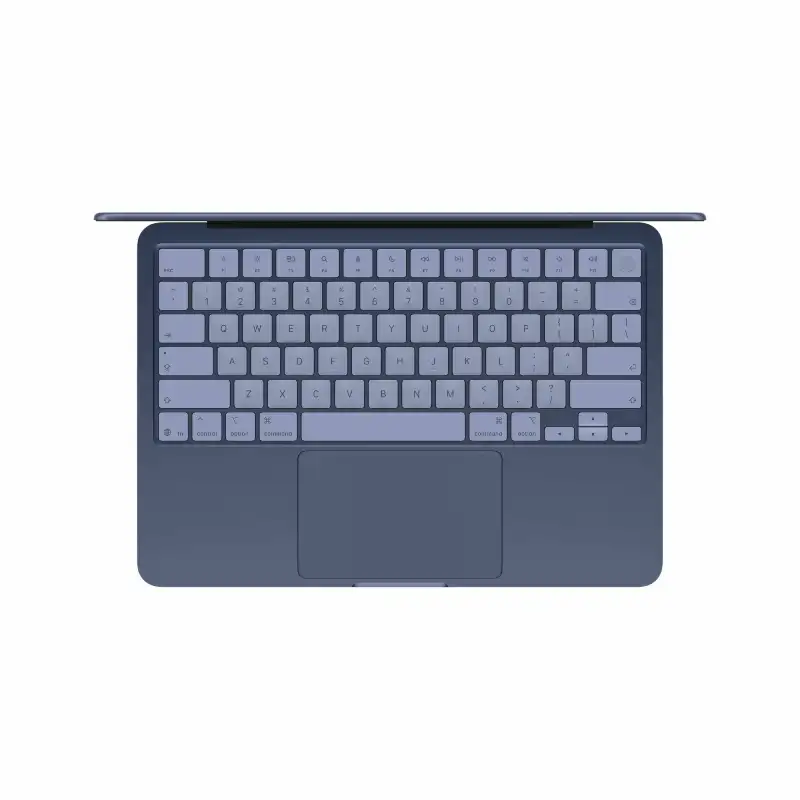
Apple MacBook Air 13-inch MHFG4HN/A, 8GB RAM, 512GB SSD
- Apple A18 Pro Chip — 6-Core CPU + 5-Core GPU with Ray Tracing
- 16-Core Neural Engine (NPU)
- 8GB Unified Memory (60GB/s Bandwidth)
- 512GB SSD
- 13.0" Liquid Retina (2408×1506) IPS, 219 PPI, 500 nits, 1 Billion Colours
- Up to 16 Hrs Battery (USB-C Charging, 20W Adapter Included)
- 2× USB-C Ports + 3.5mm Jack + Touch ID + 1080p FaceTime HD Camera
- macOS + Free iWork Suite (Pages, Numbers, Keynote)
- Indigo
- 1-Year Apple India Warranty

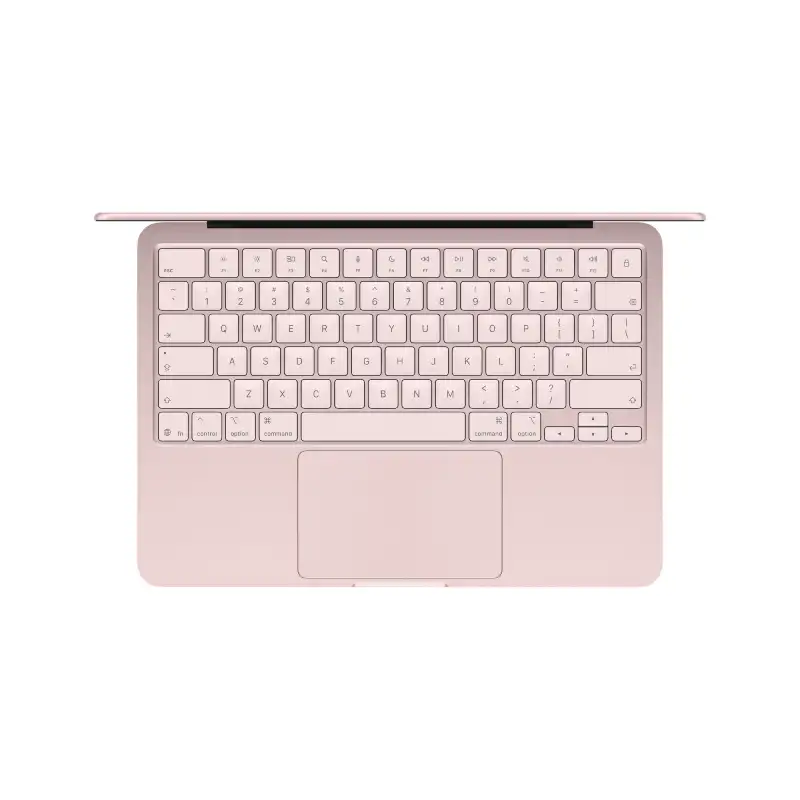
Apple MacBook Air 13-inch MHFH4HN/A, 8GB RAM, 256GB SSD
- Apple A18 Pro Chip — 6-Core CPU + 5-Core GPU with Ray Tracing
- 16-Core Neural Engine (NPU)
- 8GB Unified Memory (60GB/s Bandwidth)
- 256GB SSD
- 13.0" Liquid Retina (2408×1506) IPS, 219 PPI, 500 nits, 1 Billion Colours
- Up to 16 Hrs Battery (USB-C Charging, 20W Adapter Included)
- 2× USB-C Ports + 3.5mm Jack + 1080p FaceTime HD Camera
- macOS + Free iWork Suite (Pages, Numbers, Keynote)
- Blush
- 1-Year Apple India Warranty
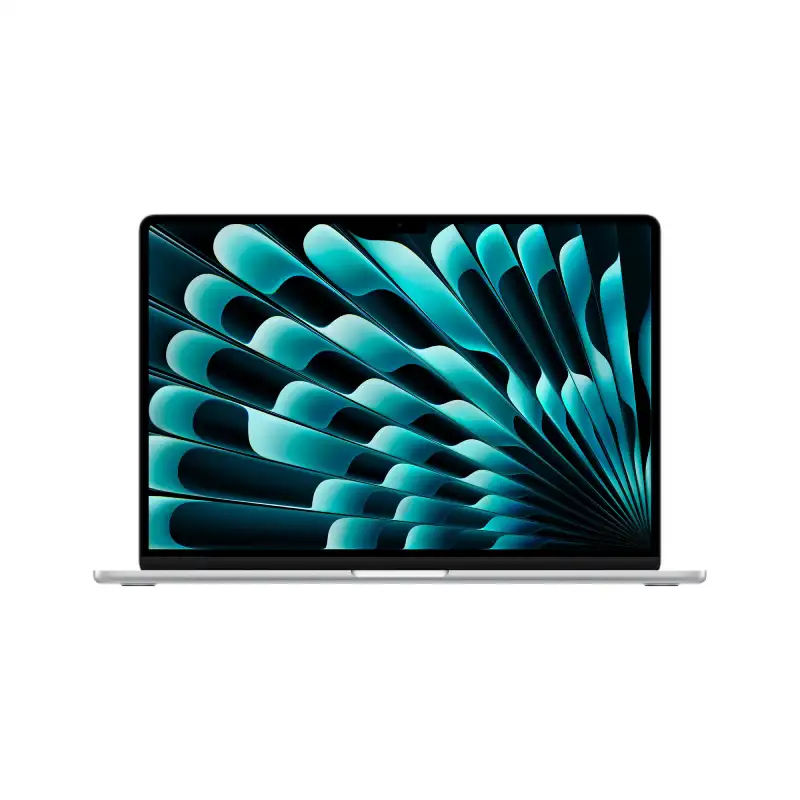
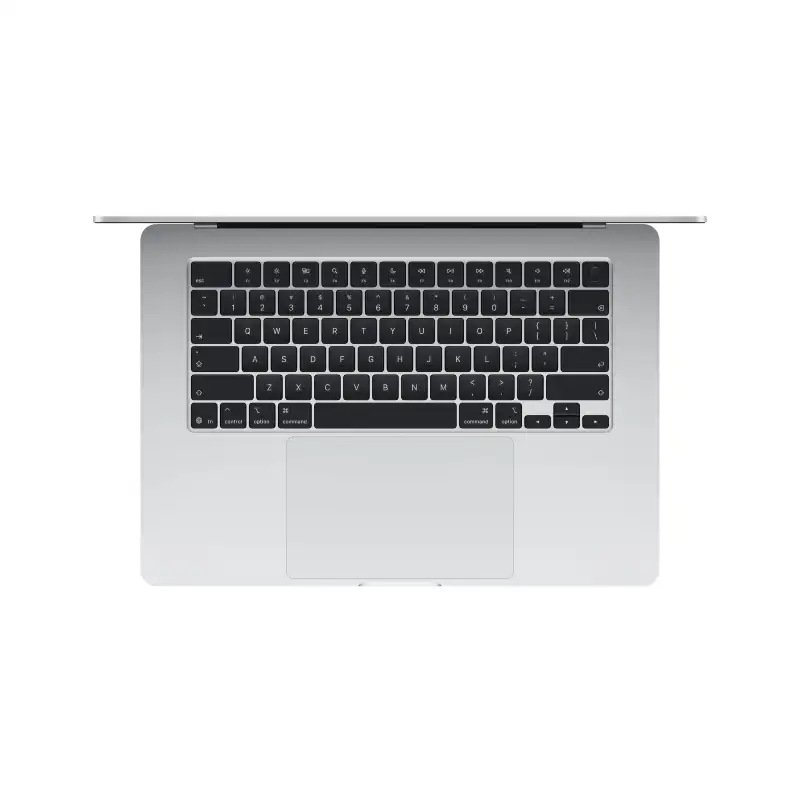
Apple MacBook Air 15-inch M5 (10-core CPU, 10-core GPU) – 16GB/512GB SSD – Silver – MDV94HN/A
- Apple M5 Chip — 10-Core CPU + 10-Core GPU with Ray Tracing
- 16-Core Neural Engine (NPU) + GPU Neural Accelerators — Apple Intelligence Ready
- 16GB Unified Memory (153GB/s Bandwidth)
- 512GB SSD
- 15.3" Liquid Retina (2880×1864) IPS, 224 PPI, 500 nits, 1 Billion Colours, P3, True Tone
- Up to 18 Hrs Battery + Fast Charge (MagSafe 3)
- MagSafe 3 + 2× Thunderbolt 4 + 3.5mm Jack + Touch ID + 12MP Center Stage Camera
- macOS + Apple Intelligence + Free iWork Suite (Pages, Numbers, Keynote)
- Silver
- 1-Year Apple India Warranty

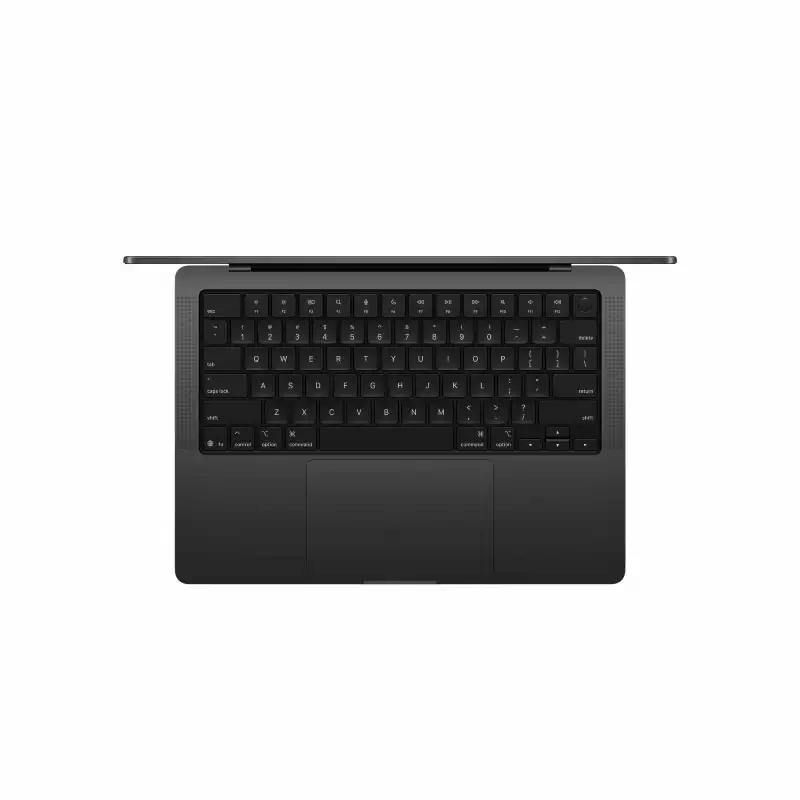
Apple MacBook Pro 14-inch M5 (10-core CPU, 10-core GPU) – 24GB/1TB SSD – Space Black – MDE34HN/A
- Apple M5 Chip — 10-Core CPU + 10-Core GPU with Ray Tracing
- 16-Core Neural Engine (NPU) + GPU Neural Accelerators — Apple Intelligence Ready
- 24GB Unified Memory (153GB/s Bandwidth)
- 1TB SSD
- 14.2" Liquid Retina XDR (3024×1964), 254 PPI, ProMotion 120Hz, 1000 nits (1600 nits HDR Peak), 1 Billion Colours, P3, True Tone
- Up to 24 Hrs Battery + Fast Charge (MagSafe 3)
- MagSafe 3 + 3× Thunderbolt 4 + HDMI + SDXC + 3.5mm Jack + Touch ID + 12MP Center Stage Camera
- macOS + Apple Intelligence + Free iWork Suite (Pages, Numbers, Keynote)
- Space Black
- 1-Year Apple India Warranty
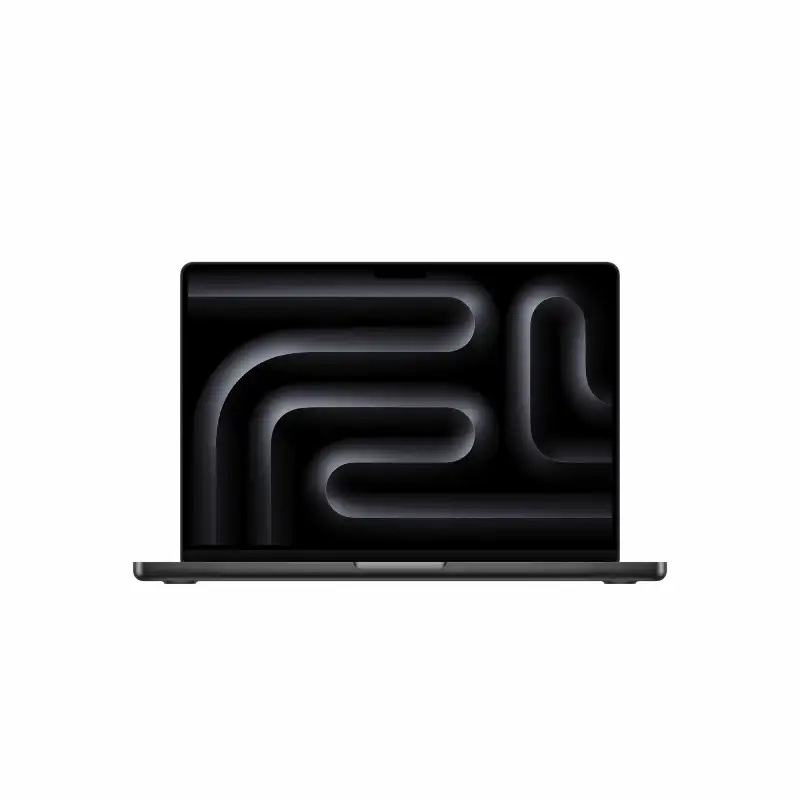
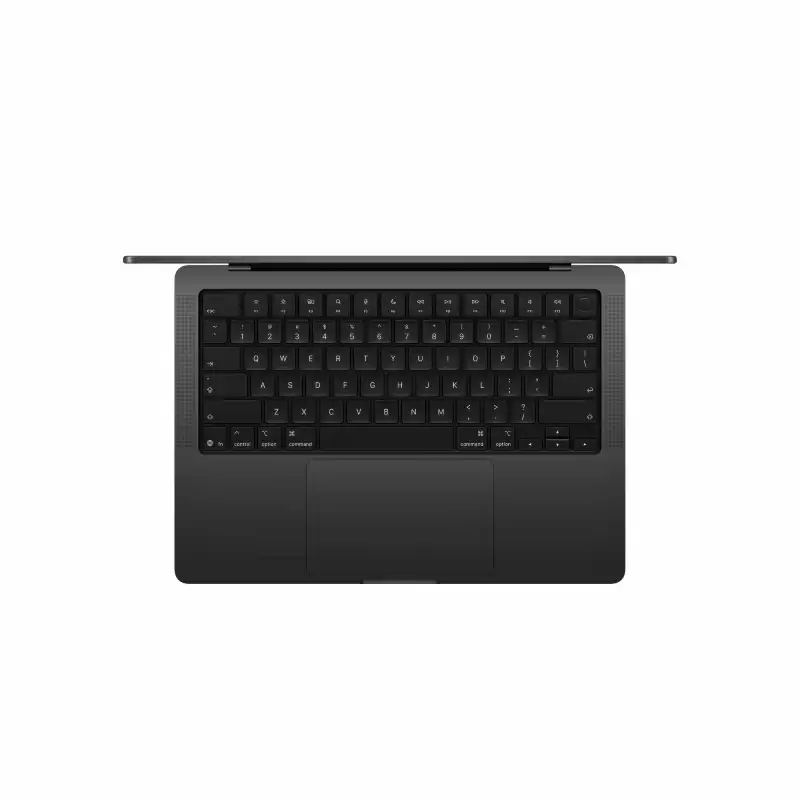
Apple MacBook Pro 14-inch M5 Pro (15-core CPU, 16-core GPU) – 24GB/2TB SSD – Space Black – MJLW4HN/A
- Apple M5 Pro Chip — 15-Core CPU + 16-Core GPU with Ray Tracing
- 16-Core Neural Engine (NPU) + GPU Neural Accelerators — Apple Intelligence Ready
- 24GB Unified Memory (307GB/s Bandwidth)
- 2TB SSD
- 14.2" Liquid Retina XDR (3024×1964), 254 PPI, ProMotion 120Hz, 1000 nits (1600 nits HDR Peak), 1 Billion Colours, P3, True Tone
- Up to 22 Hrs Battery + Fast Charge (MagSafe 3)
- MagSafe 3 + 3× Thunderbolt 5 + HDMI + SDXC + 3.5mm Jack + Touch ID + 12MP Center Stage Camera
- macOS + Apple Intelligence + Free iWork Suite (Pages, Numbers, Keynote)
- Space Black
- 1-Year Apple India Warranty
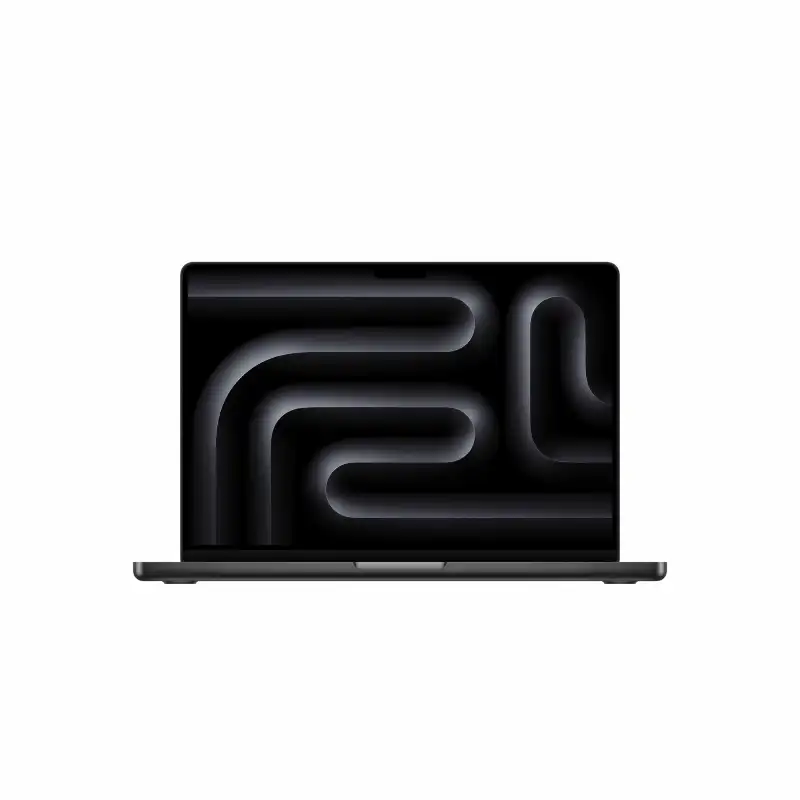
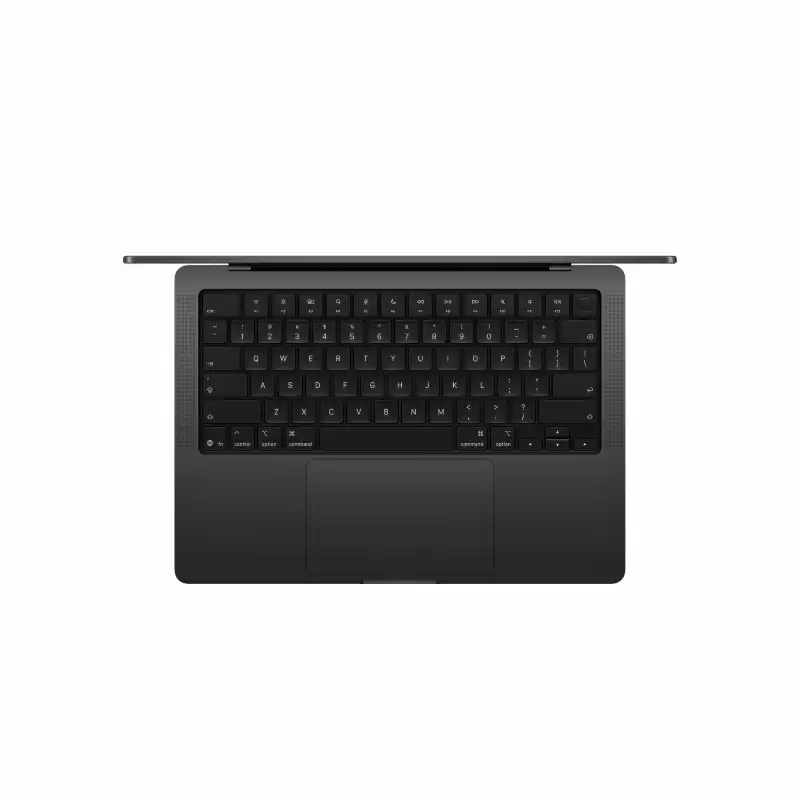
Apple MacBook Pro 14-inch M5 Pro (18-core CPU, 20-core GPU) – 24GB/2TB SSD – Space Black – MGDT4HN/A
- Apple M5 Pro Chip — 18-Core CPU + 20-Core GPU with Ray Tracing
- 16-Core Neural Engine (NPU) + GPU Neural Accelerators — Apple Intelligence Ready
- 24GB Unified Memory (307GB/s Bandwidth)
- 2TB SSD
- 14.2" Liquid Retina XDR (3024×1964), 254 PPI, ProMotion 120Hz, 1000 nits (1600 nits HDR Peak), 1 Billion Colours, P3, True Tone
- Up to 22 Hrs Battery + Fast Charge (MagSafe 3)
- MagSafe 3 + 3× Thunderbolt 5 + HDMI + SDXC + 3.5mm Jack + Touch ID + 12MP Center Stage Camera
- macOS + Apple Intelligence + Free iWork Suite (Pages, Numbers, Keynote)
- Space Black
- 1-Year Apple India Warranty
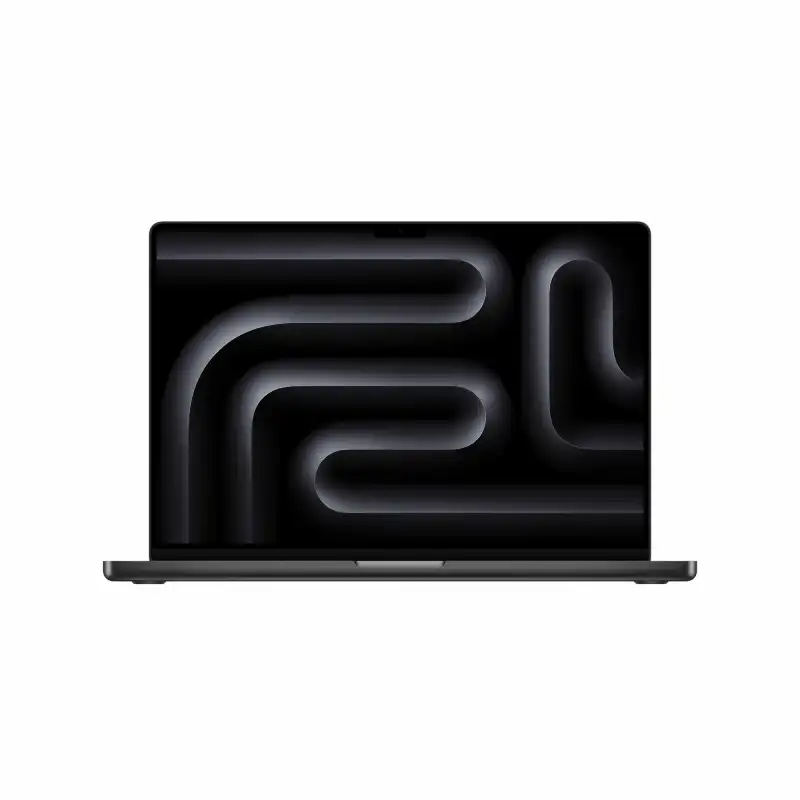
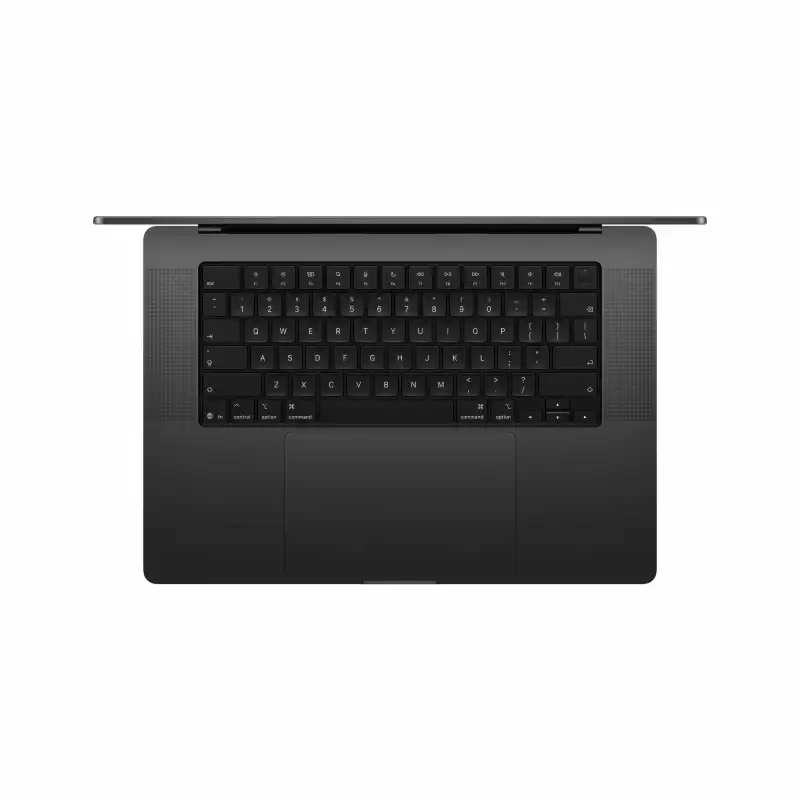
Apple MacBook Pro 16-inch M5 Pro (18-core CPU, 20-core GPU) – 24GB/1TB SSD – Space Black – MGEA4HN/A
- Apple M5 Pro Chip — 18-Core CPU + 20-Core GPU with Ray Tracing
- 16-Core Neural Engine (NPU) + GPU Neural Accelerators — Apple Intelligence Ready
- 24GB Unified Memory (307GB/s Bandwidth)
- 1TB SSD
- 16.2" Liquid Retina XDR (3456×2234), 254 PPI, ProMotion 120Hz, 1000 nits (1600 nits HDR Peak), 1 Billion Colours, P3, True Tone
- Up to 24 Hrs Battery + Fast Charge (MagSafe 3)
- MagSafe 3 + 3× Thunderbolt 5 + HDMI + SDXC + 3.5mm Jack + Touch ID + 12MP Center Stage Camera
- macOS + Apple Intelligence + Free iWork Suite (Pages, Numbers, Keynote)
- Space Black
- 1-Year Apple India Warranty
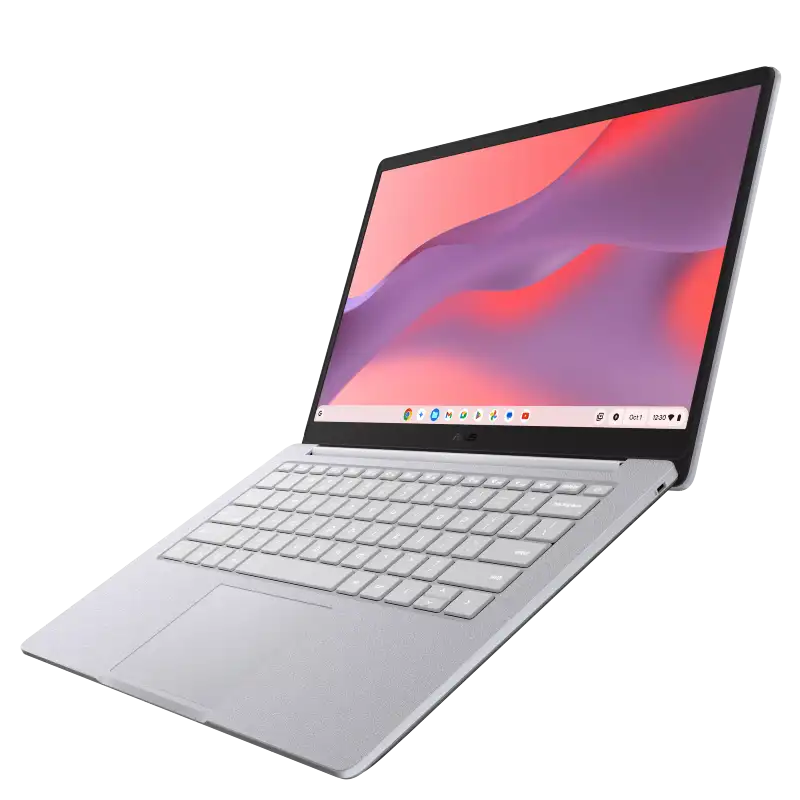
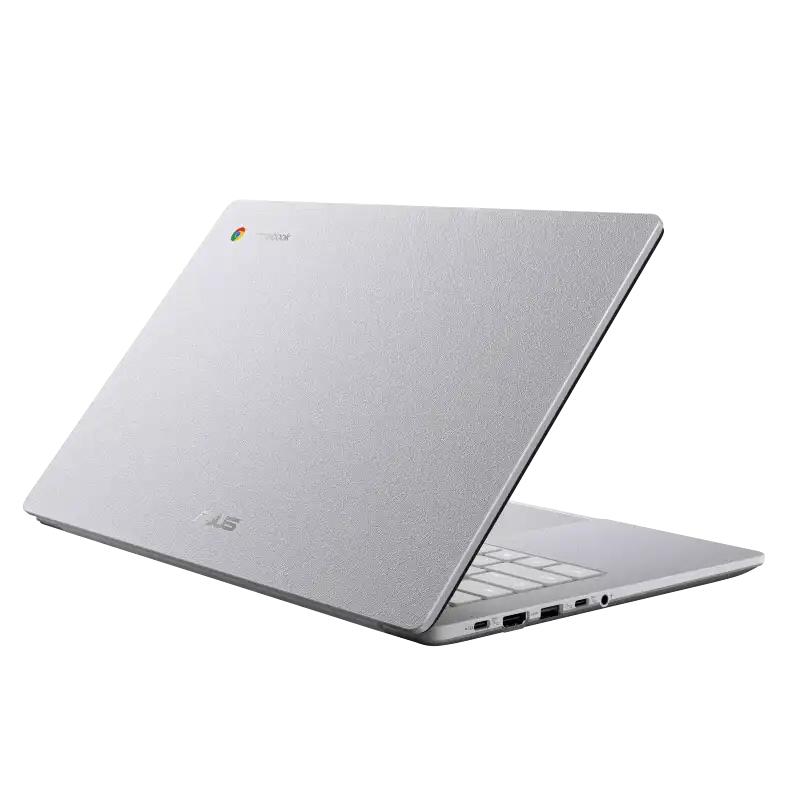
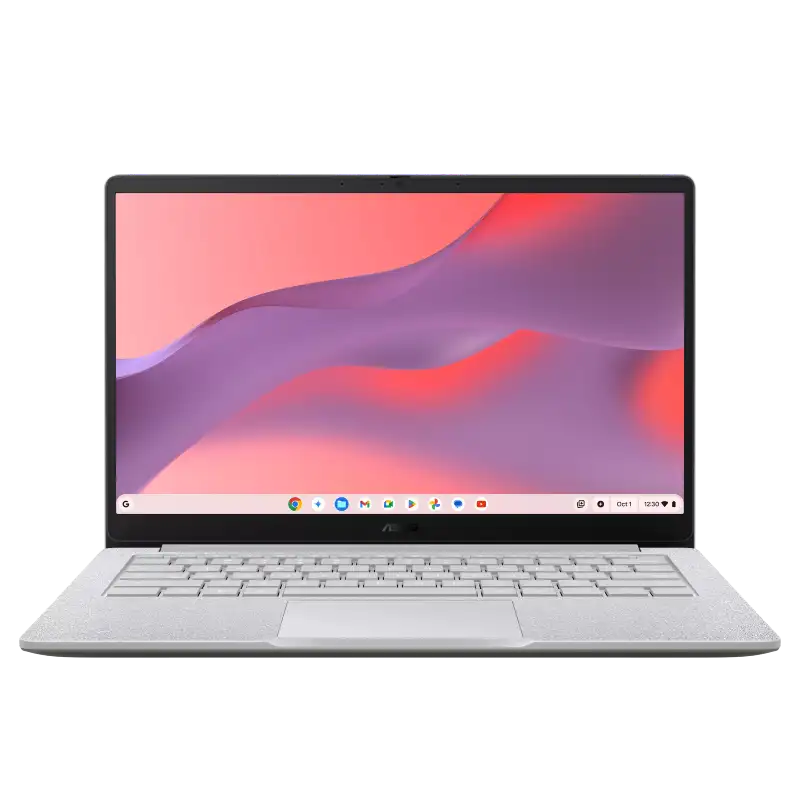
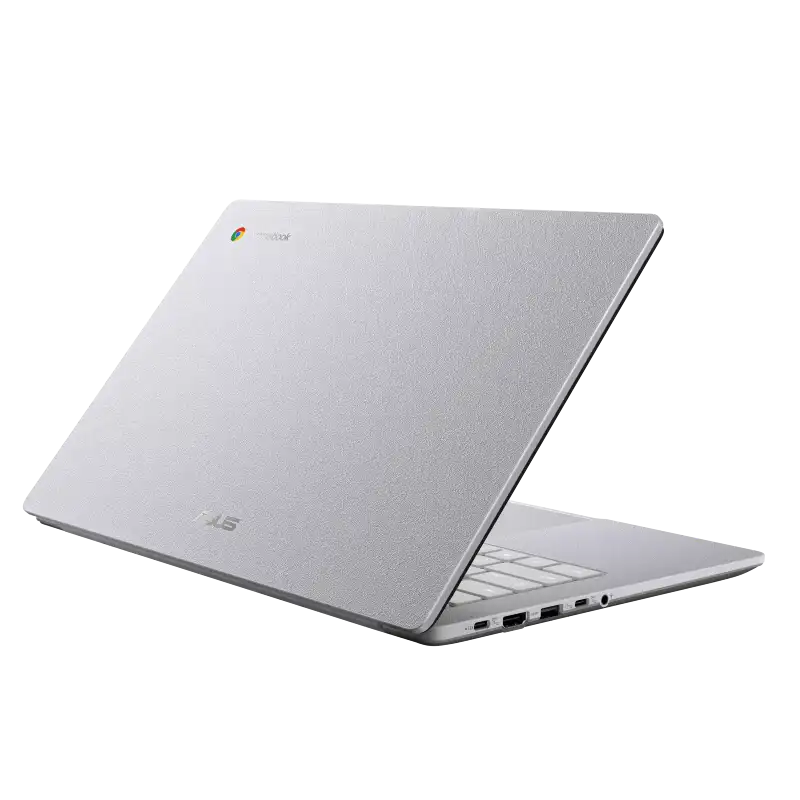
ASUS ExpertBook B1 B1403CVA B1403CVA-S60003
- Intel Core i3-1315U Processor (up to 4.5 GHz, 6C/8T)
- Intel® UHD Graphics
- 8GB DDR5 5200MHz
- 512GB M.2 2280 NVMeTM PCIe® 4.0 SSD
- 14" FHD (1920x1080) IPS, Anti-glare, 300nits%
- DOS
- Misty Grey
- 1Y+1Y Battery +1st Y LADP
💠Why Buy From Us?
🛡️ Zero-Risk Buying: 100% Genuine, Brand-Authorized stock with GST Invoices for easy tax savings.
💰 Price Found it cheaper?: We’ll match the prices of Amazon,Flipkart and Local Store.
⚡ Bangalore Express: Free same-day delivery in Bangalore—faster than any "Prime" service.
🤝 Real Support: No bots. Call us at 9739221133 or visit our Koramangala store for expert advice and hands-on setup.💵Exclusive Offers & Savings
📱Instant Savings: Save up to ₹5,000 instantly on UPI or NEFT payments!
💳 No-Cost EMI: Get it with Bajaj Finserv or Credit Cards.🎁Free Gift
🎒 Exclusive YourShoppy.com Bonus: we include a Premium Laptop Bag FREE with every laptop purchase!
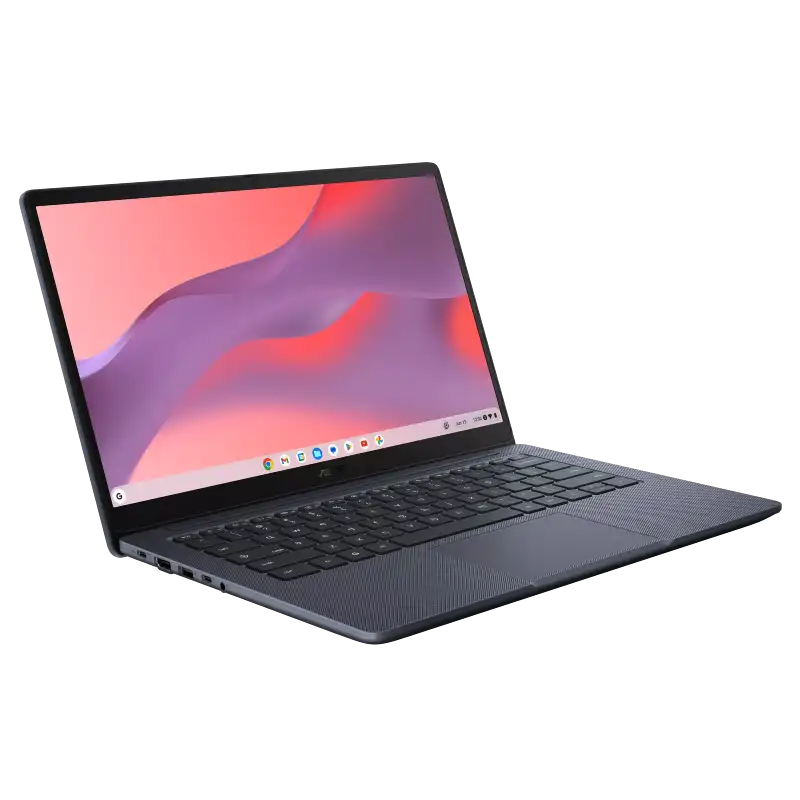
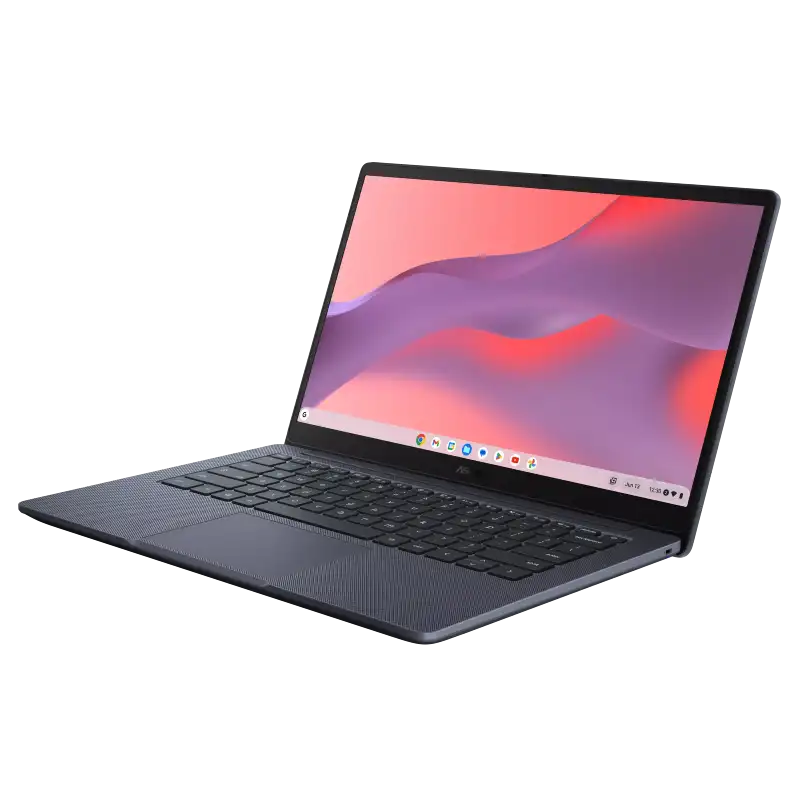
ASUS ExpertBook B1 B1403CVA B1403CVA-S60005X
- Intel Core i3-1315U Processor (up to 4.5 GHz, 6C/8T)
- Intel® UHD Graphics
- 16GB DDR5 5200MHz
- 512GB M.2 2280 NVMeTM PCIe® 4.0 SSD
- 14" FHD (1920x1080) IPS, Anti-glare, 300nits%
- DOS
- Misty Grey
- 1Y+1Y Battery +1st Y LADP
💠Why Buy From Us?
🛡️ Zero-Risk Buying: 100% Genuine, Brand-Authorized stock with GST Invoices for easy tax savings.
💰 Price Found it cheaper?: We’ll match the prices of Amazon,Flipkart and Local Store.
⚡ Bangalore Express: Free same-day delivery in Bangalore—faster than any "Prime" service.
🤝 Real Support: No bots. Call us at 9739221133 or visit our Koramangala store for expert advice and hands-on setup.💵Exclusive Offers & Savings
📱Instant Savings: Save up to ₹5,000 instantly on UPI or NEFT payments!
💳 No-Cost EMI: Get it with Bajaj Finserv or Credit Cards.🎁Free Gift
🎒 Exclusive YourShoppy.com Bonus: we include a Premium Laptop Bag FREE with every laptop purchase!
ASUS ExpertBook B1 B1403CVA B1403CVA-S60012
- Intel Core i3-1315U Processor (up to 4.5 GHz, 6C/8T)
- Intel® UHD Graphics
- 8GB DDR5 5200MHz
- 512GB M.2 2280 NVMeTM PCIe® 4.0 SSD
- 14" FHD (1920x1080) IPS, Anti-glare, 300nits%
- DOS
- Gentle Grey
- 1Y+1Y Battery +1st Y LADP
💠Why Buy From Us?
🛡️ Zero-Risk Buying: 100% Genuine, Brand-Authorized stock with GST Invoices for easy tax savings.
💰 Price Found it cheaper?: We’ll match the prices of Amazon,Flipkart and Local Store.
⚡ Bangalore Express: Free same-day delivery in Bangalore—faster than any "Prime" service.
🤝 Real Support: No bots. Call us at 9739221133 or visit our Koramangala store for expert advice and hands-on setup.💵Exclusive Offers & Savings
📱Instant Savings: Save up to ₹5,000 instantly on UPI or NEFT payments!
💳 No-Cost EMI: Get it with Bajaj Finserv or Credit Cards.🎁Free Gift
🎒 Exclusive YourShoppy.com Bonus: we include a Premium Laptop Bag FREE with every laptop purchase!
Frequently Asked Questions
Are all laptops at YourShoppy 100% genuine with full manufacturer warranty?
Yes. YourShoppy is an authorized dealer for ASUS, HP and Lenovo, and a trusted partner for Dell, MSI and Acer. Every laptop sold ships sealed in its original box with the manufacturer's standard 1-year warranty (extendable to 2 or 3 years on most models). You get a GST invoice with every purchase, which is required for warranty claims, insurance and corporate input credit.
How do I choose the right laptop for my needs?
Start with use case → budget → specs. For students and everyday work, an Intel Core i5 / Ryzen 5 with 16GB RAM and 512GB SSD around ₹50,000–₹65,000 is the sweet spot. For gaming or video editing, look at Ryzen 7 / Core i7 with RTX 4050 or higher, starting around ₹75,000. For business and travel, ultrabooks like the Zenbook, ThinkPad X1 or XPS 13 are ideal. Walk into our Koramangala store or WhatsApp us your use case — we'll shortlist 3 options in your budget within minutes.
How much RAM, storage and what processor should I buy in 2026?
For a laptop you'll keep 5+ years: minimum 16GB RAM (don't buy 8GB in 2026), 512GB NVMe SSD (avoid HDD entirely), and a current-generation processor — Intel Core Ultra 5/7, AMD Ryzen AI 5/7, or Apple M3/M4. For gaming or creative work, step up to 32GB RAM, 1TB SSD and a dedicated GPU (RTX 4050 or higher). Always check the processor generation, not just the family — a newer i5 often beats an older i7.
Do you offer same-day delivery in Bangalore?
Yes. We provide free same-day delivery to Koramangala, HSR Layout, BTM Layout, Indiranagar, Jayanagar, JP Nagar and Ejipura for orders confirmed before 2 PM. For Whitefield, Electronic City, Marathahalli, Bellandur, Sarjapur and other Bangalore localities, delivery is free and typically completed within 1 business day. Doorstep delivery is contact-less and you can inspect the sealed box before paying.
Do you provide a GST invoice for business or corporate purchases?
Yes. Every YourShoppy invoice is a proper GST tax invoice with your company's GSTIN, so you can claim input tax credit (up to 18%) on your laptop purchase. Just share your GSTIN and registered business name at checkout or before the in-store bill. We also support B2B bulk orders for IT companies, startups, schools and corporates across Bangalore — contact us for volume pricing on 5+ units.